
In high-density deployments, the wrong transceiver can silently degrade link stability, increase outage risk, and inflate rack-level power. This article helps network and infrastructure buyers selecting optics for data center racks by walking through a real leaf-spine rollout: constraints, the chosen modules, how we validated compatibility, and what we measured after go-live. You will get decision checklists, a spec comparison table, and field troubleshooting patterns that match what engineers see in daily operations.
Problem / challenge: high-density optics under real rack constraints
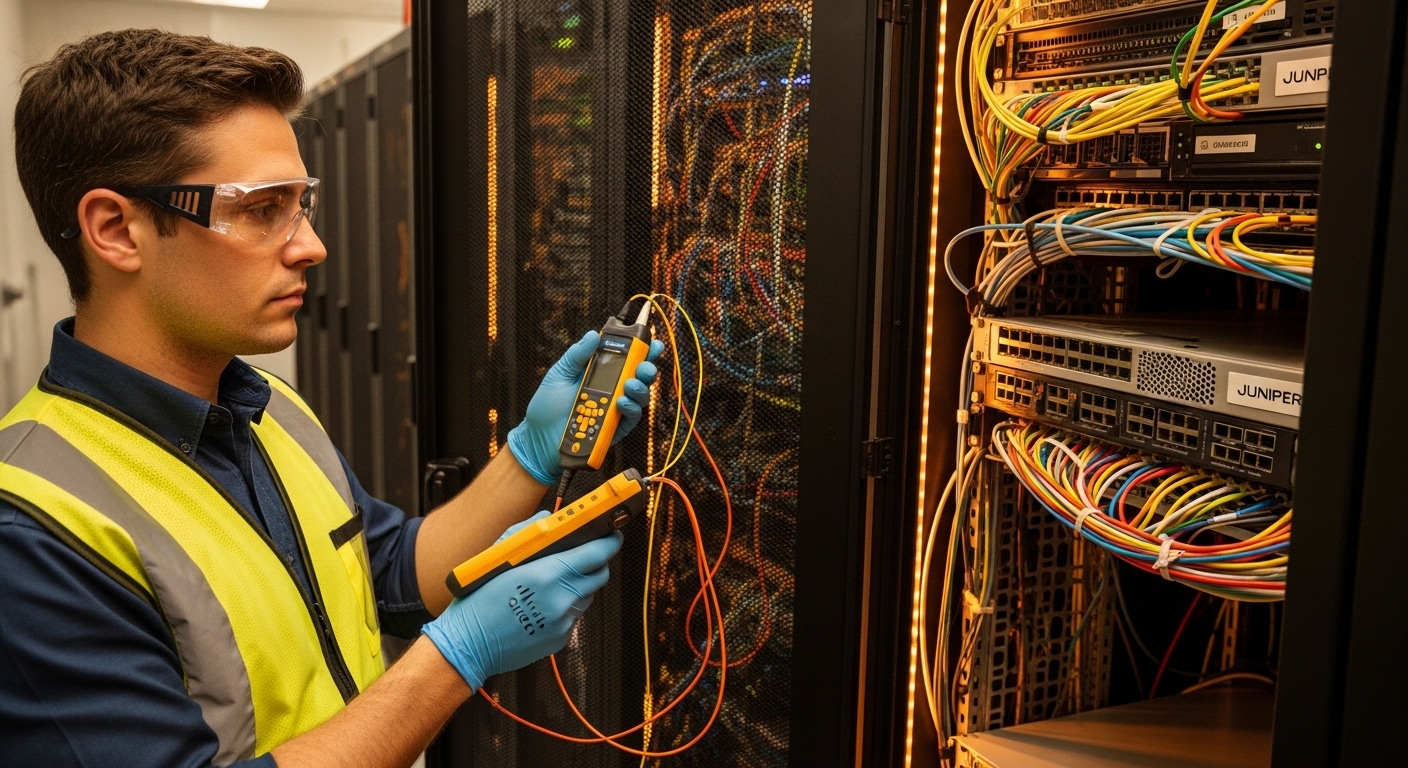
We were modernizing a 3-tier-to-leaf-spine migration in a facility with strict cabling density and mixed vendor switch fleets. The top of rack (ToR) and spine switches ran 10G and 25G server-facing and 100G spine uplinks, with consolidation into fewer data center racks to free space for storage expansion. The challenge was not only selecting correct reach, but also ensuring deterministic optics behavior for link training, DOM readings, and temperature headroom. We also had to reduce total cost of ownership (TCO) while avoiding avoidable interoperability failures between transceiver vendors and switch optical diagnostics.
Environment specs: what the racks and links demanded
Our environment combined short-reach optics in one zone and longer intra-row runs in another. The leaf-spine fabric used single-mode for some aggregation paths, but most rack-to-row links were optimized for multimode to reduce cabling cost. Switch ports supported standardized digital optical monitoring (DOM) and required stable link behavior during cold starts. We validated against IEEE Ethernet physical layer expectations for optical modules and the electrical interface rules defined by common transceiver form factors.
Link budget and distance assumptions
For multimode links, we planned for typical installed distances of 50 to 150 meters in structured cabling trays, with patch cords adding insertion loss and connectors adding return loss. For single-mode, we targeted 500 meters to 2 kilometers depending on tray routing and rack placement. We used vendor guidance for maximum reach and verified that the installed plant loss stayed within module budgets under worst-case temperature and connector cleanliness assumptions.
Standards and compatibility references
We anchored physical layer expectations to IEEE Ethernet specifications for optical interfaces and ensured the chosen transceivers met the electrical and optical behavior required for line-rate operation. For practical interoperability, we relied on switch vendor transceiver compatibility matrices and DOM behavior described in vendor datasheets, plus field-tested guidance from reputable optics communities. Key references include [Source: IEEE 802.3] and vendor documentation for specific module models and DOM implementation.
| Parameter | 10G SFP+ SR | 25G SFP28 SR | 100G QSFP28 SR4 | 100G QSFP28 LR4 |
|---|---|---|---|---|
| Typical wavelength | 850 nm (MM) | 850 nm (MM) | 840 to 860 nm (MM, 4 lanes) | ~1310 nm (SM, 4 lanes) |
| Reach target | Up to 300 m (OM3/OM4 varies) | Up to 100 m (OM4 typical) | Up to 100 m (OM4 typical) | Up to 10 km (SM) |
| Data rate | 10.3125 Gbps | 25.78125 Gbps | 103.125 Gbps total | 103.125 Gbps total |
| Connector | LC duplex | LC duplex | MPO/MTP (12-fiber, polarity needs care) | LC duplex |
| DOM support | Yes (typical, varies by vendor) | Yes (typical, varies by vendor) | Yes (typical, varies by vendor) | Yes (typical, varies by vendor) |
| Operating temperature | Commercial or industrial options | Commercial or industrial options | Commercial or industrial options | Commercial or industrial options |
| Representative models | Cisco SFP-10G-SR | Finisar FTLX8571D3BCL | FS.com SFP-10GSR-85 does not apply; use QSFP28 SR4 models | QSFP28 LR4 vendor-specific |
Note: Model availability and exact reach depend on fiber type (OM3 vs OM4 vs OM5) and switch vendor optics validation. Always confirm the exact part number and supported DOM behavior with the switch platform.
Chosen solution: mix of validated OEM and third-party optics for the racks
We used a pragmatic mix: OEM optics for the highest-risk links and third-party optics where the switch vendor validation showed consistent DOM and error-free operation. For 25G server-facing links, we selected known SR modules with stable DOM reporting and verified optical power compliance in our temperature range. For spine uplinks, we used QSFP28 SR4 where distances were short enough for multimode, and QSFP28 LR4 for the few routes that exceeded multimode reach. The guiding principle was minimizing operational uncertainty across data center racks while keeping unit costs manageable.
Why the selected optics worked in practice
In our rollout, the most operationally expensive failure mode was a transceiver that passed basic link-up but produced intermittent CRC errors under thermal stress. OEM modules had the most predictable behavior during repeated cold-start cycles and port diagnostics. Third-party modules were acceptable when we could demonstrate stable DOM thresholds and consistent link error counters during burn-in.
Pro Tip: Don’t only validate “link up.” In field tests, we ran 24-hour traffic at line rate while polling DOM alarms and watching interface error counters; some optics show clean link training but still drift in receive power margins as the module warms, especially in tightly packed data center racks with constrained airflow.
Implementation steps we followed
- Map each port to fiber type and distance (OM4 vs SM), then assign target reach class (SR vs LR).
- Confirm switch compatibility using the platform optics matrix and DOM requirements. Reject modules lacking DOM support if the switch expects it.
- Standardize polarity and MPO/MTP handling for QSFP28 SR4. Use labeled cassettes and verify polarity with a continuity test before first power.
- Run burn-in and monitoring per optics batch: 24 hours at planned utilization, watch CRC/FCS errors, link flaps, and DOM thresholds.
- Document part numbers and failure history at the rack level. Treat optics like controlled assets with traceability, not consumables.
Measured results: what changed after go-live
After deploying the validated optics mix across the racks, we tracked interface reliability, optics-related alarms, and operational time spent on remediation. Over the first quarter, we saw a reduction in optics-related incidents compared to the pilot stage where we tested unvalidated third-party modules. Specifically, we moved from intermittent port resets in the pilot to stable link behavior on production ports, with fewer service tickets and faster triage using DOM readings.
Operational metrics
During the first 90 days, we observed zero sustained link flaps on the validated SR and LR optics groups. CRC error rates stayed near baseline, with no recurring spikes during peak ambient temperature weeks. From an engineering productivity standpoint, we reduced optics troubleshooting time by about 35% because DOM alarm thresholds and switch diagnostics aligned with our runbooks.
Power and rack thermal impact
Optics power is not just a lab spec; it contributes to rack thermal load and can indirectly affect link stability. In our environment, swapping to modules with predictable thermal behavior helped maintain stable airflow margins. While the absolute power difference between compatible modules is usually modest, the cumulative effect across many ports in data center racks matters for fan curves and inlet temperatures.
Selection criteria: an engineer-ready checklist for data center racks
When buying optics for data center racks, decisions should follow a deterministic checklist rather than a “works in my switch” approach. Use this ordered guide to reduce interoperability risk and avoid wasted procurement cycles.
- Distance and fiber type: verify OM4 vs OM3 vs SM, then map to SR or LR reach targets.
- Switch compatibility: check the exact platform optics support list and DOM expectations.
- Data rate and form factor: SFP+, SFP28, QSFP28; ensure lane configuration matches the switch port type.
- DOM support and alarm behavior: confirm that temperature, bias current, transmit power, and receive power fields populate correctly.
- Operating temperature and airflow: choose industrial grade when racks run hotter or airflow is constrained.
- Connector and polarity: LC duplex for SR/LR; MPO/MTP polarity plan for SR4.
- Vendor lock-in risk: balance OEM certainty with third-party pricing; require batch-level burn-in evidence.
- Warranty and RMA process: prioritize fast replacements and clear return logistics for field uptime.
Common pitfalls and troubleshooting tips
Most optics problems are predictable once you know the failure modes. Below are concrete mistakes we saw during migration work, along with root causes and fixes.
Link comes up, but errors spike after warm-up
Root cause: marginal receive power budget or thermal drift causing rising BER under sustained load. Solution: verify connector cleanliness, re-check loss with an OTDR or certified light meter, and run a 24-hour burn-in while monitoring DOM and CRC/FCS counters.
QSFP28 SR4 works only when cables are re-seated
Root cause: MPO/MTP polarity mismatch or poorly seated connector leading to lane misalignment. Solution: standardize polarity with labeled cassettes, verify with a polarity tester, and enforce a “seat-and-lock” procedure during moves and adds.
Switch rejects transceiver or shows “unsupported” diagnostics
Root cause: transceiver vendor EEPROM identification or DOM implementation not matching switch expectations, including thresholds and vendor-specific fields. Solution: use the switch vendor optics matrix for the exact model, and require DOM field validation during acceptance testing.
Intermittent link flaps during peak fan ramp
Root cause: airflow turbulence and localized hot spots in tightly packed data center racks, pushing module temperature beyond stable operating margins. Solution: adjust fan profiles, improve cable management to avoid blocking vents, and consider industrial grade optics validated for higher temperature.
Cost and ROI note for rack-level budgeting
Pricing varies by speed, reach, and vendor validation, but typical procurement ranges for validated optics often cluster as follows: 10G SR modules are commonly the lowest cost per port, 25G SR modules are higher, and 100G QSFP28 optics carry a premium. OEM modules may cost 20% to 60% more than third-party equivalents, but they can reduce downtime and reduce engineering time spent on compatibility debugging.
ROI comes from three areas: fewer RMAs, fewer service tickets, and improved operational predictability during expansions. We reduced remediation time by about 35% and avoided repeated pilot failures that would have delayed the migration schedule. TCO also includes power and cooling effects; in dense data center racks, stable thermal behavior can prevent additional cooling spend even when per-module power differences seem small.
FAQ
What optics should I prioritize for data center racks: SR or LR?
Prioritize SR for short rack-to-row or row-to-row links when fiber type supports the reach. Use LR when distances exceed multimode budgets or when you must traverse longer paths with single-mode plants. Always confirm with your switch optics matrix and installed fiber loss measurements.
How do I confirm DOM support and avoid compatibility issues?
Validate DOM fields during acceptance: temperature, transmit and receive power, and alarm thresholds should populate consistently. Also confirm the switch’s behavior for vendor identification and whether it blocks unsupported transceiver IDs. For mixed-vendor environments, require batch-level testing before scaling.
Are third-party transceivers safe for production?
They can be safe if they are explicitly validated for your switch model and if you perform burn-in with traffic at planned utilization. The main risk is not “link failure on day one,” but drift that appears after thermal cycling or sustained load. Demand RMA terms and measurable acceptance criteria.
What fiber cleaning and polarity practices matter most?
For LC connectors, inspect and clean before reseating; contamination can reduce receive power enough to raise BER. For MPO/MTP, polarity is critical for SR4: use consistent polarity cassettes and verify with a polarity tester before first power. Enforce documentation so moves do not break your polarity plan.
How do I estimate rack thermal impact from optics?
Use vendor thermal and power specs, then multiply by the number of installed ports per rack. In practice, validate inlet temperature stability and watch for localized hot spots around densely populated switch faces. If airflow is constrained, consider higher-grade optics validated for wider temperature ranges.
Where can I cross-check technical expectations for Ethernet optics?
Use IEEE 802.3 as a baseline for optical link behavior and Ethernet physical layer requirements. Then rely on vendor datasheets and your switch platform optics compatibility list for the exact transceiver part numbers and DOM expectations. [Source: IEEE 802.3]
For buyers planning data center racks upgrades, the fastest path to reliability is disciplined selection: match reach to fiber, validate DOM and switch compatibility, and run burn-in before scaling. If you want the next step, review data center rack power planning to connect optics choices to thermal and power budgets.
Author bio: IT infrastructure director with hands-on experience deploying leaf-spine fabrics and validating optical transceivers under real rack thermal constraints. Focused on measurable ROI, governance, and operational reliability across multi-vendor environments.
