
Fiber outages are expensive, and for telecom providers the real cost is measured in minutes of downtime, truck rolls, and customer-impact escalations. This article helps NOC and field teams isolate root causes fast by combining optical measurements, vendor diagnostics (DOM), and disciplined change control. You will get practical steps you can run in the field, plus a realistic decision checklist and common failure modes that repeatedly show up in live networks.
Where telecom providers lose time: mapping symptoms to optical physics
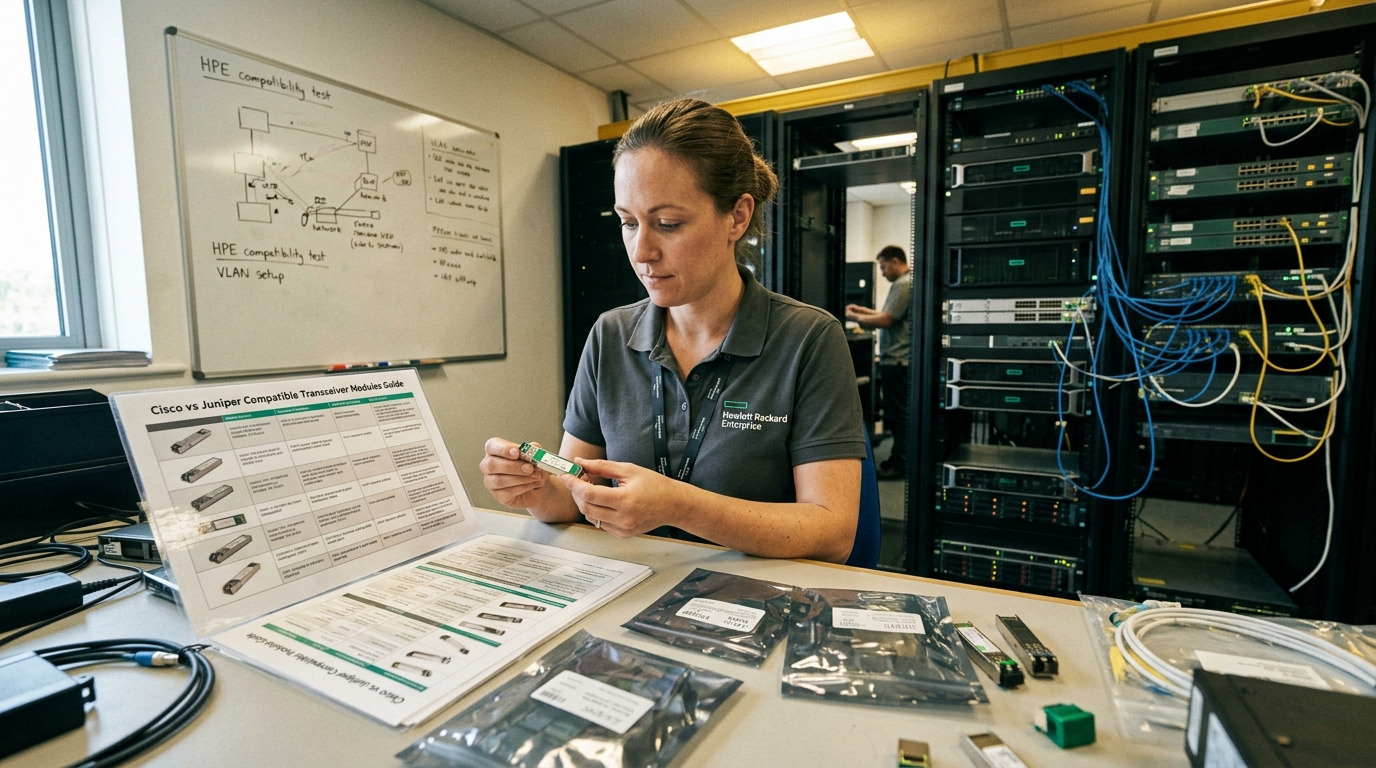
When a fiber link fails, teams often chase the wrong layer first. A blinking interface can be caused by optics mismatch, dirty connectors, marginal link budget, or even a switch port configuration drift. For telecom providers, the fastest path is to map symptoms to the physical layer: receive power (Rx), transmit power (Tx), end-to-end attenuation, and optical return loss. Start by collecting evidence from both ends, then decide whether the fault is optical, electrical, or administrative.
Fast evidence collection at both ends
In the field, I recommend a two-person workflow: one person verifies the switch port state and optics, while the other inspects the fiber path and measures optical power. Record Tx power, Rx power, and link type (for example, 10GBASE-SR or 10GBASE-LR) and capture serial numbers and DOM readings from each transceiver. If your operations use standardized alarms, align timestamps to the interface flap event window so you can correlate changes like patch-panel swaps or planned maintenance.
Optical power and link budget sanity checks
Even before OTDR, you can often narrow the cause by comparing measured Rx power to the transceiver’s specified receiver sensitivity. For short-reach multimode links, the dominant variable is connector cleanliness and patch cord quality; for longer reach single-mode, bending radius and splices usually dominate. Use the IEEE 802.3 standard definitions for link types and the transceiver datasheet for minimum Rx power and maximum attenuation allowance. [Source: IEEE 802.3] IEEE 802.3
Telemetry-led troubleshooting: DOM, thresholds, and compatibility checks
Modern pluggables expose diagnostics that can reduce guesswork for telecom providers. Digital Optical Monitoring (DOM) reports optical power, bias current, and temperature; you can also validate that the module is the expected class and wavelength. A critical point: DOM values are not a guarantee of link health, but they are a strong early indicator of drift, aging, and marginal optics. Always compare both ends because the same fault can manifest differently depending on directionality and patching.
What to validate with DOM
- Tx power level versus the module’s typical range
- Rx power at the remote endpoint (if available)
- Bias current and temperature trends
- Vendor and part number consistency across both ends
- Expected wavelength and fiber type (MMF vs SMF)
Compatibility caveats that cause “mystery” failures
Some switches enforce strict optics compatibility lists. Even if the transceiver negotiates, the port may still fail due to unsupported digital features, DOM alarm thresholds, or power class differences. Confirm that the pluggable supports the intended interface standard (for example, 10GBASE-SR for multimode) and that the transceiver is specified for the target temperature range in your deployment. Datasheet temperature range matters in telecom huts and outdoor cabinets where thermal cycling is harsh.
Technical specifications table: typical SR vs LR troubleshooting targets
Use this quick comparison to frame expectations during measurements. Values vary by vendor and exact part number, so treat them as field planning baselines and confirm the exact module datasheet before final decisions.
| Parameter | 10GBASE-SR (MMF) | 10GBASE-LR (SMF) |
|---|---|---|
| Typical wavelength | 850 nm | 1310 nm |
| Reach (typical) | ~300 m over OM3 (varies by fiber) | ~10 km over SMF |
| Connector types commonly used | LC | LC |
| Key troubleshooting emphasis | cleanliness, patch cord quality, MMF attenuation | splices, bends, end-to-end attenuation |
| DOM signals that matter | Tx/Rx optical power, bias current, temp | Tx/Rx optical power, bias current, temp |
| Operating temperature (planning) | Check module datasheet; often commercial vs industrial variants | Check module datasheet; often commercial vs industrial variants |
OTDR and power meter workflow for telecom providers
When the fault is not obvious from DOM and basic checks, the next step is to measure the fiber itself. For telecom providers, this is where OTDR earns its keep: it identifies event locations like connector losses and splice reflectance, and it helps separate “one bad patch” from “whole-span deterioration.” The goal is to locate the fault distance from the test end, then verify physically at that panel, tray, or splice closure.
Step-by-step: from measurement to action
- Confirm test direction: OTDR from the local and remote ends if possible.
- Select correct OTDR wavelength and settings: match the fiber and transceiver wavelength (for example, 1310 nm for LR-class single-mode).
- Set pulse width and range: choose a range that covers the entire span and a pulse width that preserves event resolution.
- Identify major events: look for high-loss reflections at connectors, patch panels, or splice points.
- Cross-check with power meter: verify that event losses align with reduced Rx power.
- Inspect and clean: before replacing anything, clean LC/SC connectors using proper inspection and cleaning tools.
Real-world deployment scenario
In a 3-tier data center leaf-spine topology used by telecom providers, a pair of 48-port 10G ToR switches connect to aggregation via 12-fiber trunks terminated in LC cassettes. During a night maintenance window, a single patch cord was swapped in a rack row, and the uplinks began flapping within 30 minutes. The NOC first pulled DOM readings from the affected optics and saw Rx power dropped by 4.5 dB on both members, while Tx power remained within normal range. Field techs then ran OTDR on the single-mode path and found a concentrated event at 1.2 km consistent with a connector/cassette interface; after cleaning and re-seating the LC connectors, Rx power returned to baseline and interface stability recovered without replacing the transceivers.
Selection criteria that prevent repeat outages
Telecom providers often standardize optics and cabling, yet outages still recur when modules and patching are chosen without considering operational limits. Use this checklist to reduce incompatibilities, marginal links, and thermal surprises that quietly degrade performance.
- Distance and link budget: confirm measured attenuation versus the transceiver’s maximum allowed loss.
- Fiber type and modal conditions: for SR optics, ensure OM3/OM4 assumptions match the actual plant.
- Switch compatibility: verify the exact platform supports the module’s interface and power class.
- DOM support and alarm behavior: confirm your monitoring stack reads DOM consistently and thresholds are calibrated.
- Operating temperature: choose industrial-grade optics when you deploy in huts, cabinets, or outdoor enclosures.
- DOM and transceiver vendor lock-in risk: evaluate whether third-party modules will trigger compliance issues or limited warranties.
- Connector ecosystem: standardize on the same connector type (LC/SC), and enforce inspection-before-mating.
Pro Tip: In many carrier environments, the most time-effective fix is not “swap the optics,” but “prove the optics are healthy and then isolate the patch path.” DOM can show normal Tx bias and stable temperature even when Rx power collapses, which usually points to a connector cleanliness or patching loss event rather than a failing laser.
Common mistakes and troubleshooting tips for fiber link failures
Even experienced teams fall into repeat failure modes. Below are concrete pitfalls I have seen in telecom provider environments, with root causes and practical solutions.
Skipping connector inspection before cleaning or reseating
Root cause: Invisible contamination on LC endfaces can introduce high insertion loss and reflectance, causing link flaps. Solution: Use an endface inspection scope, then clean with validated wipes and cleaning cartridges. Re-inspect after cleaning; if the endface is scratched, replace the connector or patch cord end.
Mixing multimode and single-mode fibers (or wrong wavelength optics)
Root cause: Using a 850 nm SR module on a single-mode plant, or pairing 1310 nm optics with the wrong fiber type, can lead to low or unstable Rx power. Solution: Verify patch labels, confirm fiber type in records, and confirm wavelength class on the transceiver label and DOM.
Misconfigured OTDR settings that hide the real event
Root cause: Choosing pulse width/range that sacrifices resolution can smear events together, making the trace look “clean” until it is too late. Solution: Select settings that provide sufficient event resolution for the expected span length and connector density; if uncertain, run two OTDR profiles with different pulse widths.
Assuming identical optics means identical behavior
Root cause: Even within the same part number family, vendor calibration differences and DOM alarm threshold behavior can vary. Solution: Compare DOM Tx/Rx and bias current on both ends; if one side is consistently weaker, focus on that direction’s optical path and patching.
Ignoring thermal stress and temperature-grade mismatch
Root cause: Installing commercial-grade optics in hot or cycling environments can cause increased bias current drift and intermittent link loss. Solution: Use datasheet temperature ranges aligned to your cabinet and hut operating conditions, and monitor DOM temperature over time.
Cost and ROI note: balancing OEM optics, third-party modules, and downtime
For telecom providers, the cheapest optics are rarely the cheapest outcome once you count truck rolls and service-impact risk. OEM transceivers can cost more upfront, but they typically reduce compatibility surprises and simplify warranty handling. Third-party modules may offer attractive unit prices, yet you must budget for additional qualification tests and potential platform compatibility constraints.
In many carrier procurement cycles, typical street pricing ranges (highly dependent on speed, reach, and vendor) can be roughly: $50 to $200 per 10G SR class module, and $150 to $600 per 10G LR class module, with higher costs for 25G and beyond. TCO should include: install labor, cleaning supplies and inspection tools, expected failure rates, and the cost of MTTR. Track mean time to repair by fault class (connector loss, splice loss, optics drift) to quantify ROI of stricter connector inspection and standardized OTDR workflows.
FAQ for telecom providers troubleshooting fiber optic links
What is the fastest first check when a fiber link is down?
Start with interface status and optics diagnostics: confirm the transceiver type, read DOM Tx/Rx/bias/temp, and verify the switch port is in the expected configuration. If Tx is normal but Rx collapses, focus on the optical path (cleaning, patching, or attenuation) before replacing optics.
How do telecom providers decide between cleaning and replacing a patch cord?
Inspect the connector endface first. If contamination is present and the endface is not scratched, cleaning and re-seating usually resolves it; if the endface shows damage or repeated failures occur at the same connector, replace the patch cord or re-terminate the end.
Should OTDR be used for every incident?
Not every incident needs OTDR. For frequent link flaps on short patch segments, connector inspection and power readings may be enough; use OTDR when you need to locate a fault distance, verify splice integrity, or confirm whether attenuation spikes are localized.
Can DOM readings confirm a failing laser?
DOM can strongly suggest laser aging or bias drift when Tx power drops and bias current trends upward while temperature changes remain within expected range. However, DOM alone cannot pinpoint connector or splice events, so pair DOM with power meter results and OTDR when symptoms persist.
What compatibility issues should telecom providers watch for with third-party optics?
Watch for switch compliance behavior, DOM alarm threshold differences, and module calibration mismatches that can cause link negotiation failures. Before scaling, qualify the exact module model on the exact switch platform and software release you run.
How can we reduce MTTR for recurring fiber faults?
Standardize a measurement-first workflow: DOM capture, power budget sanity check, connector inspection with re-inspection, then OTDR only when needed. Track faults by location and root cause so you can target training and process fixes where they actually cut downtime.
Fiber troubleshooting for telecom providers becomes dramatically faster when you treat optics diagnostics, connector hygiene, and OTDR traces as one evidence chain rather than separate guesses. If you want to strengthen your operational playbook, review telecom fiber optics monitoring for monitoring patterns and alert tuning that reduce false escalations.
Author bio: I have deployed and debugged carrier-class optical links using DOM telemetry, OTDR event resolution techniques, and standardized connector inspection workflows across multi-site networks. My work focuses on measurable MTTR reduction through disciplined measurement, compatibility validation, and field-ready troubleshooting procedures.
