

In telecom networks, a single wrong transceiver choice can turn a clean rollout into weeks of link flaps, CRC errors, and expensive truck rolls. This article maps a practical use case approach for engineers selecting high-speed optical links, from metro aggregation to 400G backbone fanout. You will get field-tested selection criteria, a real deployment scenario with numbers, and troubleshooting patterns grounded in IEEE 802.3 behavior and vendor datasheets.
Why the same transceiver fails in different use case realities
High-speed optics behave like a tight coupled system: the transceiver optics budget, the host PHY signaling, and the fiber plant all interact. In a telecom setting, the “same” link budget can still fail if connector cleanliness, dispersion, or O-band vs C-band expectations are mismatched. IEEE 802.3 defines the electrical and optical interface behavior for Ethernet PHYs, but vendors implement compliance with different tuning ranges and diagnostics.
In practice, engineers treat each use case as a constraint-solving problem: distance, fiber type (OM3/OM4 vs OS2), wavelength band, transceiver form factor (QSFP-DD, QSFP28, CFP2), and optics class. You also need to account for DOM availability and alarm semantics, since operations teams rely on those signals to drive automated remediation. DOM support and diagnostics
Telecom use case patterns that drive optics choices
Below are common telecom use case patterns and the optical families that typically fit. The goal is not to memorize part numbers; it is to align your link class with your plant and your host switch expectations.
Metro aggregation: 10G to 100G over OM4 or OS2
Metro aggregation frequently uses short-reach multimode for cost and install simplicity, then migrates to single-mode as distances increase. If you run 10G or 25G over OM4, you often see stable deployments with Cisco SFP-10G-SR optics and compatible third-party SR modules, as long as the vendor’s launch power and receiver sensitivity stay within your budget. For longer metro spans on OS2, you typically move to LR/ER variants at 1310 nm or 1550 nm.
Core and supercore: 200G to 400G with tighter budgets
At 200G and 400G, budgets tighten and dispersion becomes a first-order constraint. Many telecom backbones standardize on coherent or PAM4-based solutions, but even for direct-detect, the reach and power margins are smaller. Diagnostics matter more because you want early warning via temperature, bias current, and optical power trends rather than waiting for performance counters to spike.
Access and distribution: high port density and fast maintenance
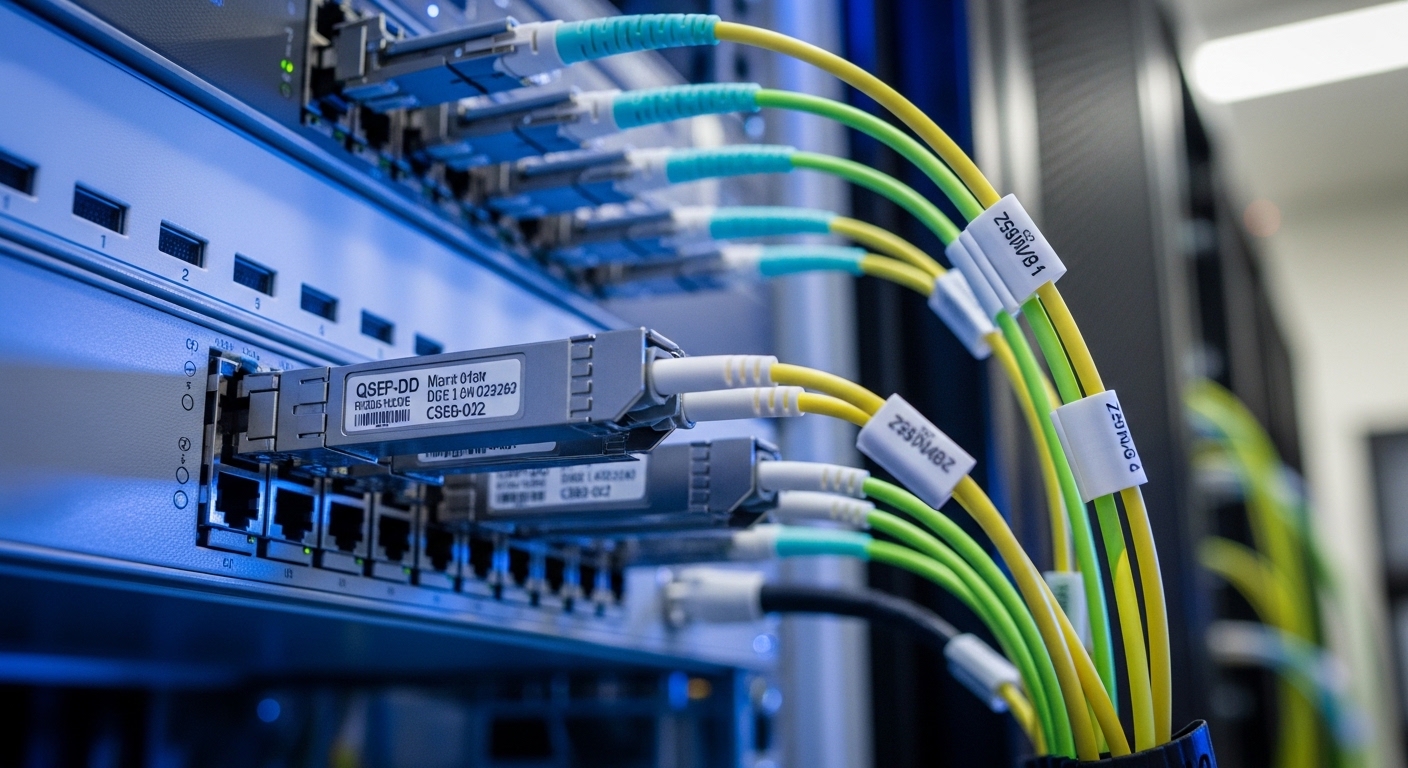
Access/distribution sites often prioritize density and hot-swap reliability. QSFP-DD and OSFP-style higher-density form factors reduce rack space, but they can increase thermal density and demand careful airflow validation. In these deployments, a use case assumption that “it should work” is dangerous: you must validate the host vendor’s transceiver compatibility list and verify DOM mapping in your network OS.
Specs that actually matter: wavelength, reach, power, and temperature
Engineers select optics by matching the PHY wavelength class and reach requirements, then verifying budget and operating envelope. The table below compares representative transceiver classes used in telecom Ethernet links. Always confirm exact compliance with the host switch model and the vendor datasheet for launch power and receiver sensitivity.
| Transceiver class | Typical wavelength | Reach class | Connector | Data rate | Operating temperature | Representative examples |
|---|---|---|---|---|---|---|
| 10G SR | 850 nm | Up to 300 m on OM3, up to 400 m on OM4 (typical) | LC | 10G | 0 to 70 C (or extended variants) | Cisco SFP-10G-SR, Finisar FTLX8571D3BCL, FS.com SFP-10GSR-85 |
| 25G SR | 850 nm | Up to 100 m on OM4 (typical for many 25G SR) | LC | 25G | 0 to 70 C | Vendor-specific 25G SFP28 SR modules |
| 40G LR | 1310 nm | Up to 10 km (typical) | LC | 40G | 0 to 70 C | 40GBASE-LR4 optics (varies by vendor) |
| 100G LR4 | 1310 nm | Up to 10 km (typical) | LC | 100G | 0 to 70 C (or extended) | 100GBASE-LR4 QSFP28/QSFP module families |
| 100G ER4 | 1550 nm | Up to 40 km (typical for ER) | LC | 100G | -40 to 85 C (often extended) | 100GBASE-ER4 optics (vendor-specific) |
For authority on Ethernet PHY behavior, see [Source: IEEE 802.3] and vendor optics datasheets. For example, Cisco and Finisar publish launch power, receiver sensitivity, and compliance test results on their module pages, while FS.com publishes parameter tables for many third-party optics. anchor-text: IEEE 802.3 standard index
Pro Tip: In field audits, the fastest way to predict a marginal link is not to look at nominal reach; it is to compare worst-case optical power and connector loss assumptions against your measured fiber attenuation at the installation wavelength. A “spec-compliant” OM4 cable with dirty LC endfaces can behave like an OS2 link with 10 dB extra loss, triggering receiver power alarms long before you see hard link down.
Real-world deployment scenario: 100G aggregation with mixed optics
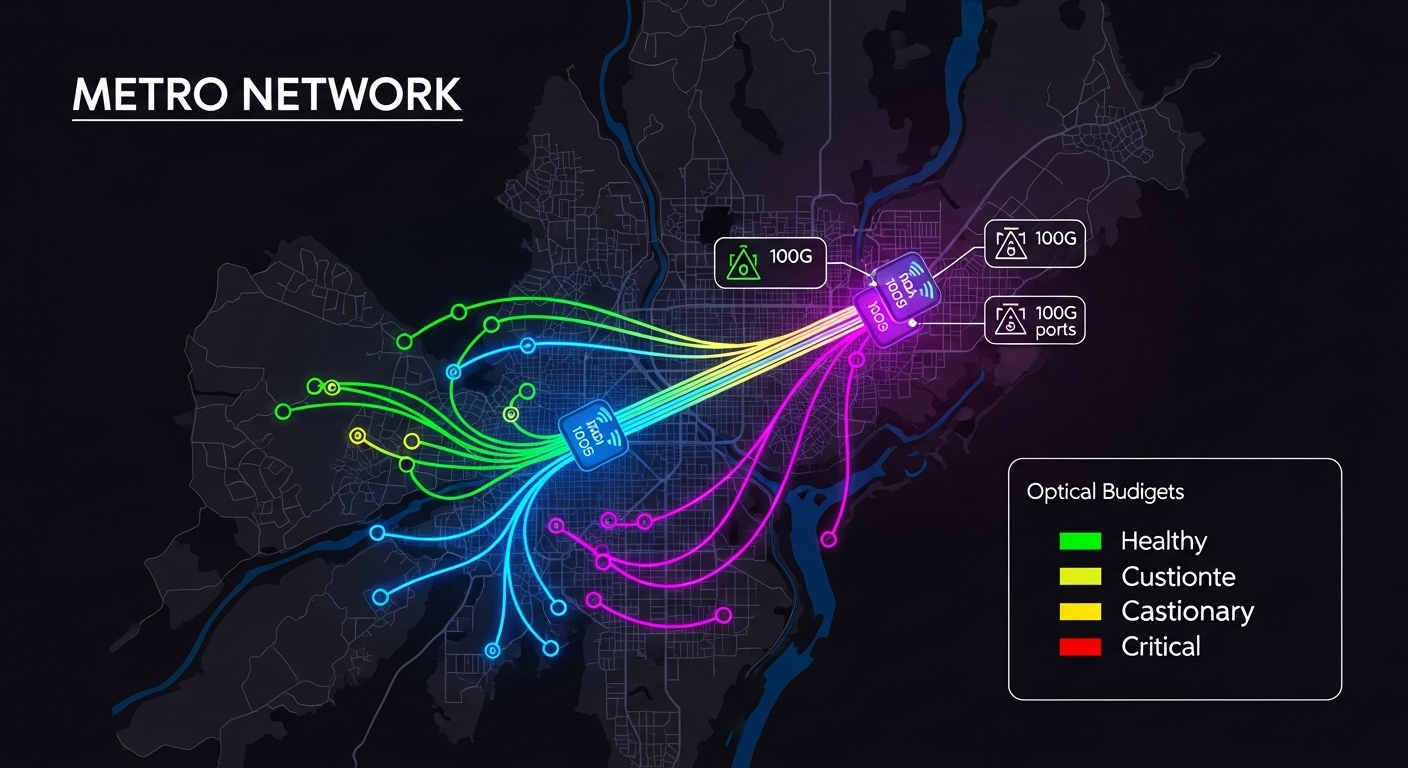
Consider a 3-tier metro topology with 48-port ToR switches feeding dual 100G aggregation switches. Each aggregation pair uplinks using 100GBASE-LR4 over OS2 single-mode fiber with 6.0 dB/km attenuation and an expected span of 6.5 km, including patch cords and splice losses. The plant uses LC connectors with a standard cleaning process, but the rollout includes both OEM optics and third-party LR4 modules in parallel during a staged migration.
During week two, operations observes intermittent FEC/CRC counter increments and rising temperature readings on a subset of ports. The root cause is traced to a specific batch of transceivers with DOM reporting that maps optical power thresholds differently than the OEM expectation, causing early alarms to be ignored by automation. The fix is to align threshold interpretation in the monitoring stack and replace a small number of modules whose transmit power fell below the receiver margin under worst-case temperature. This is a classic use case lesson: diagnostics semantics are part of your system requirements, not a nice-to-have.
Selection criteria checklist for an optics use case
Use this ordered checklist during design and pre-staging. It is optimized for telecom rollouts where you need repeatability across sites.
- Distance and fiber type: classify the plant (OM3/OM4 vs OS2) and confirm end-to-end loss with measured attenuation and connector counts.
- Data rate and PHY mode: match IEEE 802.3 Ethernet PHY expectations (for example, 10GBASE-SR vs 25GBASE-SR vs LR4/ER4 families) and ensure the host supports that mode.
- Wavelength and dispersion constraints: for longer reach, verify dispersion tolerance and wavelength band assumptions (1310 nm vs 1550 nm).
- Switch compatibility: validate against the host vendor compatibility list and verify that the transceiver form factor (QSFP28, QSFP-DD, SFP+) is supported for the specific port.
- DOM support and alarm behavior: confirm DOM availability, diagnostic registers, and whether monitoring interprets thresholds correctly across OEM vs third-party.
- Operating temperature and thermal headroom: check the transceiver temperature range and validate airflow; high-density racks can raise module temperature above nominal assumptions.
- Vendor lock-in risk: quantify replacement lead times, warranty terms, and whether firmware or OS updates change transceiver behavior.
- Test plan before cutover: run BER/packet loss tests under expected temperature and power conditions; capture DOM snapshots and interface counters.
Common pitfalls and troubleshooting patterns
Below are concrete failure modes seen in real telecom use case rollouts, with root cause and a practical fix.
Pitfall 1: Link flaps that correlate with temperature spikes
Root cause: thermal margin is exceeded, often due to insufficient airflow at high port density or a transceiver family with a narrower guaranteed operating envelope. Solution: measure module temperature via DOM, verify fan speed profiles, and compare to the datasheet operating range; then validate with optics swapped across an otherwise identical port.
Pitfall 2: CRC errors rising while link stays up
Root cause: marginal optical power budget from connector contamination or higher-than-modeled fiber loss. Even one dirty LC endface can add several dB. Solution: clean with approved procedures, inspect with an optical microscope, and re-run link tests after each cleaning step; also verify patch cord lengths and splice loss assumptions.
Pitfall 3: Monitoring automation ignores DOM alarms for third-party modules
Root cause: DOM thresholds, alarm mappings, or register formats differ subtly between OEM and third-party implementations, so your alerting logic never triggers. Solution: during pilot, record DOM values during stable and unstable periods, then update the monitoring rules to match the actual register behavior; document thresholds per vendor SKU.
Pitfall 4: “Compatible” optics work in the lab but fail on the live host
Root cause: host PHY compatibility is port-specific, and some switches require vendor-specific calibration or support only certain revision IDs. Solution: confirm compatibility per switch model and firmware version; stage the upgrade with a rollback plan and validate with real traffic profiles (frame sizes, load, and CRC/FEC counters).
Cost and ROI note: OEM vs third-party optics in telecom
In telecom rollouts, optics cost is only part of TCO; the hidden costs are truck rolls, downtime windows, and engineering time spent on compatibility issues. OEM modules are typically priced higher but often come with stable compatibility guarantees and more predictable DOM semantics. Third-party optics can reduce unit cost, but you must budget for pilot validation, monitoring rule alignment, and potentially higher early-failure rates if your QA process is weak.
Typical street pricing varies widely by speed and reach, but as a rough planning range: SR and LR modules at 10G to 100G often differ by a factor of 1.2x to 3x between OEM and third-party depending on temperature grade and warranty terms. ROI improves when you can standardize your validation pipeline and reduce return rates; otherwise, the ROI can evaporate after a few site failures. Track MTTR, module replacement frequency, and the number of ports requiring manual cleaning or rework.
FAQ: use case questions engineers ask before buying optics
Q: How do I choose between SR and LR for a telecom use case?
Start with measured distance and fiber type. If you have OM4 and stay within SR reach with margin, SR usually reduces cost and complexity. If you need longer spans or have OS2, select LR/ER based on wavelength and dispersion assumptions.
Q: Do I need DOM support for production, or is it optional?
For telecom operations, DOM is effectively required because it enables proactive maintenance and correlation with alarms. Without DOM, you rely on indirect counters like CRC/FEC, which detect problems later and often after customer-impacting symptoms.
Q: Are third-party transceivers safe for high-speed links?
They can be safe if you validate them in a pilot that matches your host switch model, firmware version, and temperature profile. The biggest risk is not raw optical performance; it is monitoring semantics and compatibility edge cases.
Q: What troubleshooting step should I run first when a link fails?
Clean and inspect connectors first, then verify DOM optical power and temperature. If optical power is within expected ranges but errors persist, move to host-side counters, FEC settings, and PHY mode confirmation against IEEE 802.3 expectations.
Q: Can I mix OEM and third-party optics in the same aggregation pair?
Yes, but only after confirming that your monitoring and alert thresholds handle both vendors correctly. During pilot, collect DOM snapshots and verify alarm triggers match the intended behavior.
Q: Where should I document the use case requirements?
Document them in a per-site runbook: distance, fiber type, connector counts, expected optical budget margin, host switch model/firmware, and monitoring rules. Treat the runbook as part of your PMF process for optics, because it reduces variance across sites.
If you want to make your optics use case repeatable, the next step is to standardize validation artifacts and monitoring semantics across vendors. Use DOM support and diagnostics as your starting point for building a deployment-ready checklist and reducing rollout variance.
Author bio: I build and validate high-speed optical link deployments in metro and access networks, focusing on measurable optical budgets, DOM-driven operations, and fast rollback plans. I optimize for PMF by turning field lessons into standardized test matrices and automation rules.
