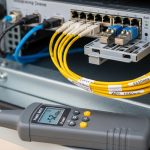
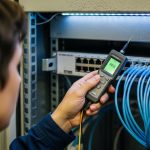
In edge computing rollouts, the bill usually arrives twice: first as “quick” optical transceiver swaps, then again when you discover the cabling, optics reach, or switch compatibility can not scale. This article helps network and infrastructure leads forecast edge computing costs for optical upgrades before the deployment window closes. You will get practical spec targets, real compatibility notes, and a decision checklist you can use with vendor quotes and site constraints.
Why optical upgrades reshape edge computing costs
At the edge, you are often balancing small footprints, tight cooling, and unreliable hands-on access, which means you cannot afford frequent rework. Optical links carry your aggregation traffic, but every change in reach, data rate, or connector type can force cascading updates across patch panels, transceivers, and sometimes even switch licensing. In my field work, the most expensive surprise is not the optics themselves; it is the downtime window to re-terminate fibers and validate link budgets after a rushed selection. The right planning reduces both direct capex and indirect tco from truck rolls and prolonged packet loss.
What actually drives cost: optics, fiber, and operational risk
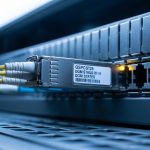
Budgeting becomes clearer when you separate costs into three buckets. First is the optics bill: transceivers such as Cisco-compatible SFP-10G-SR equivalents or QSFP28 modules for 25G/100G. Second is the fiber and termination bill: patch panel adapters, cleaning supplies, and possible re-cabling if you under-estimated reach. Third is operational risk: every failed link negotiation or marginal signal forces a repeat visit, which is where edge sites get costly fast.
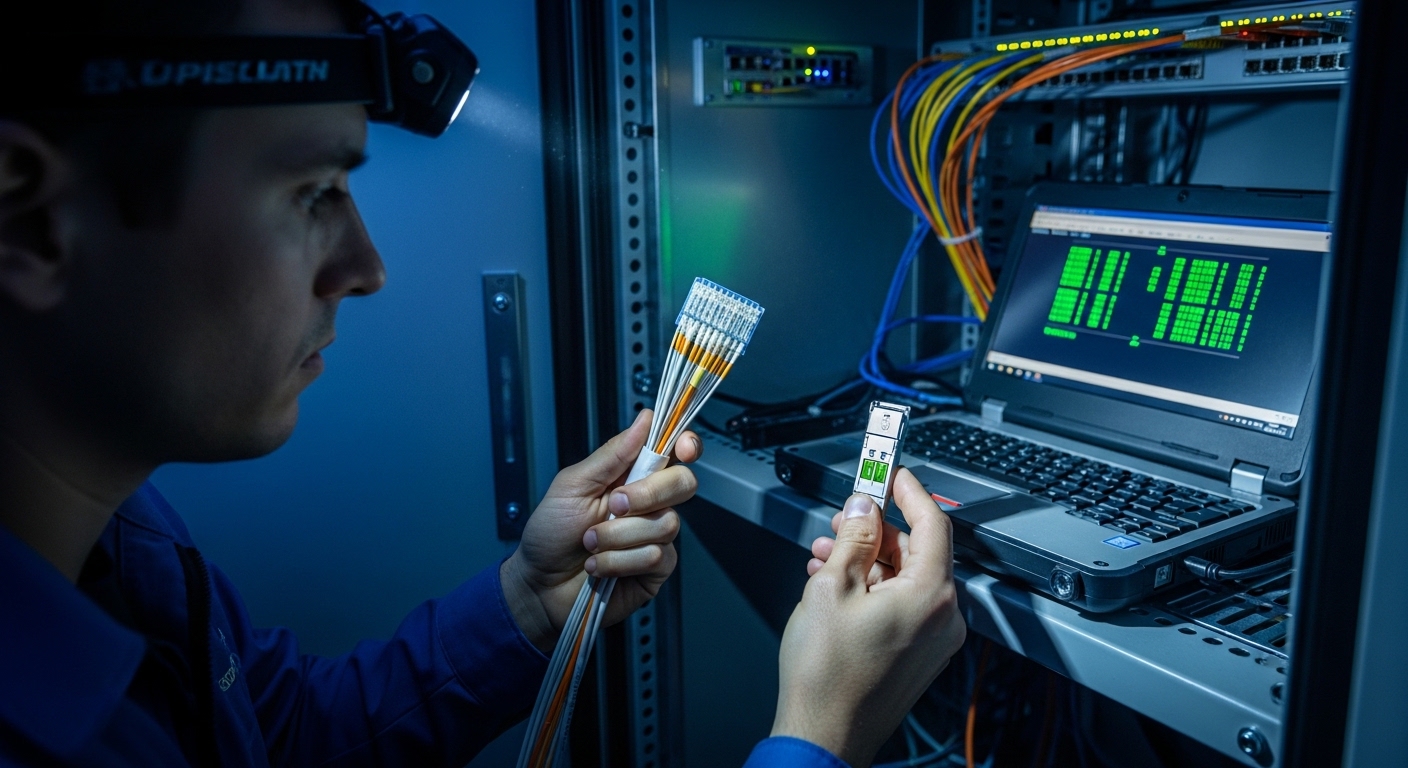
Optics selection: specs that determine reach and upgrade timing
Most edge deployments hinge on short-reach multimode or longer-reach single-mode decisions, and those choices set upgrade timelines. Engineers commonly start with IEEE 802.3 Ethernet PHY requirements, then map to transceiver families and vendor datasheets. For example, 10G SR optics typically use 850 nm over multimode fiber, while 10G LR uses 1310 nm over single-mode. If you expect growth to higher rates, you can reduce future optics churn by choosing an architecture that tolerates planned uplifts without changing the fiber plant.
Key optical specs engineers compare
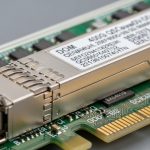
When I receive a site spreadsheet from a systems integrator, I immediately verify wavelength, data rate, reach, connector type, and compliance to the switch vendor’s transceiver program. I also check the module’s operating temperature range because edge cabinets can swing well beyond climate-controlled rooms. For many enterprise switches, DOM support (Digital Optical Monitoring) matters for monitoring thresholds and alerting behavior.
| Transceiver type | Common part examples | Wavelength | Reach (typical) | Connector | Data rate | Operating temperature | Notes for upgrade planning |
|---|---|---|---|---|---|---|---|
| 10G SR (multimode) | Cisco SFP-10G-SR, Finisar FTLX8571D3BCL, FS.com SFP-10GSR-85 | 850 nm | ~300 m (MMF, varies by OM3/OM4) | LC | 10GBASE-SR | 0 to 70 C (typical) | Best for short runs; may require multimode budget validation |
| 10G LR (single-mode) | Common LR SFP+ options across vendors | 1310 nm | ~10 km | LC | 10GBASE-LR | -40 to 85 C (typical for enterprise) | More forgiving for longer feeder routes; different fiber type |
| 25G SR (multimode) | QSFP28 25G SR modules | ~850 nm | ~70 m to 100 m (MMF, OM4 dependent) | MPO | 25GBASE-SR | 0 to 70 C (typical) | Often aligns with modern leaf-spine uplifts; MPO cleaning is critical |
Sources: [Source: IEEE 802.3 Ethernet specifications], [Source: Cisco SFP and QSFP transceiver documentation], [Source: Finisar and vendor optical module datasheets], [Source: ANSI/TIA-568 cabling standards]
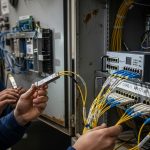
Pro Tip: In edge cabinets, the highest failure rate I have seen is not “bad optics,” but dirty connectors and marginal link budgets after a field relabeling. If you plan to scale later, budget time for fiber inspection and cleaning now; it is cheaper than re-terminating when the uplink rate jumps.
Real deployment: forecasting costs in a leaf-spine edge build
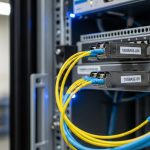
Consider a 3-tier data center leaf-spine topology with 48-port 10G ToR switches at each edge site, feeding a regional aggregation pair. In one rollout I supported, each edge rack needed 6 uplinks at 10G initially, with a planned upgrade to 25G within 18 months. The site had OM4 multimode trunks with LC terminations for the initial 10G SR optics, but the uplink paths were already near the practical reach limit for the target 25G optics budget. By modeling link budgets and choosing optics with verified DOM behavior, we avoided a mid-year re-cabling project and replaced only the transceiver set during the upgrade window.
Cost modeling showed that optics capex was predictable, but the fiber rework risk dominated tco. A single emergency visit to swap patch panels and re-clean connectors added both labor and downtime cost. When we selected modules that matched switch DOM requirements and verified temperature ratings for the cabinet, we reduced repeat failures and tightened the upgrade schedule.
Selection criteria checklist for engineers and buyers
Use this ordered checklist when turning a quote into a confident decision. I have seen teams skip the earlier items, then get trapped by switch compatibility later.
- Distance and fiber type: confirm OM3 vs OM4 vs single-mode, then validate reach against the link budget and patch loss.
- Planned upgrade path: decide whether you will move from 10G SR to 25G/100G optics and whether the connector style will change.
- Switch compatibility: verify the exact switch model and whether it supports third-party optics via DOM and EEPROM identifiers.
- DOM support and monitoring thresholds: ensure the module exposes the fields your NMS expects; confirm alert behavior in vendor docs.
- Operating temperature: edge cabinets can exceed 70 C; prefer modules with broader ranges when possible.
- Vendor lock-in risk: compare OEM vs third-party options, then test one batch in a staging rack before scaling.
- Connector ecosystem and cleaning needs: MPO vs LC changes your maintenance workflow and required tools.
Common pitfalls and troubleshooting that prevents cost blowouts
Even with correct specs, edge deployments fail in predictable ways. Here are field-tested mistakes and how to fix them.
-
Pitfall 1: Reach overconfidence
Root cause: relying on “maximum reach” marketing numbers without accounting for patch cords, splices, and aging.
Solution: measure end-to-end loss using a light source and power meter, then add a margin for patch panel changes; align with [Source: ANSI/TIA-568].
-
Pitfall 2: Unsupported optics behavior
Root cause: third-party modules that do not match switch DOM expectations or have incompatible EEPROM formats.
Solution: validate on the exact switch SKU in a staging rack; confirm alarms and link stability before rolling out.
-
Pitfall 3: Dirty connectors after labeling or re-cabling
Root cause: dust on LC or MPO endfaces causes elevated error rates and link flaps.
Solution: enforce a cleaning SOP (inspection scope, approved wipes, canned air avoided); verify with link error counters after each change.
-
Pitfall 4: Thermal throttling inside cabinets
Root cause: modules operating near their upper temperature limit reduce optical power margins.
Solution: log cabinet temperature; add airflow or use modules with broader temperature ratings; re-check after seasonal changes.
Cost and ROI: what you can expect in real budgets
In many enterprise edge builds, OEM optics price premiums vary widely, but a realistic pattern is that third-party modules may cut unit cost while increasing compatibility and failure risk if you skip validation. As a rough planning range, 10G SR optics often land in the low tens of dollars per unit, while higher-density QSFP28 optics for 25G can cost materially more, especially when OEM support is required. The ROI calculation should include labor for cleaning and testing, spare module strategy, and the cost of a truck roll when a link does not come up during a maintenance window.
Over a 3 to 5 year lifecycle, tco is frequently dominated by operational disruption rather than the initial transceiver unit price. If you treat optics selection as part of an end-to-end plan—fiber loss, monitoring, and thermal environment—you convert edge computing costs from an unpredictable risk into a controlled line item.

FAQ
How do I estimate edge computing costs before ordering optics?
Start with your current uplink count, expected growth, and the fiber type already installed. Then add a risk buffer for connector cleaning, inspection time, and potential re-termination. Validate reach with measured loss rather than relying on datasheet “maximum” numbers.
Is it safe to buy third-party SFP or QSFP modules?
It can be cost-effective, but compatibility varies by switch model and DOM expectations. I recommend staging tests on the exact SKU and confirming alarms, link stability, and error counters after installation.
What matters more: wavelength or reach?
Both matter, but reach is what determines whether the link stays stable under real patch loss. Wavelength determines which fiber type you can use, so it sets the feasibility boundary for upgrades.
How can I avoid edge downtime during optical upgrades?
Plan maintenance windows with spare optics, cleaning supplies, and a fiber inspection workflow. After swapping modules, verify operational counters and monitoring events, not just link-up LEDs.
Do DOM features affect total cost?
Yes. DOM enables earlier detection of degrading optics