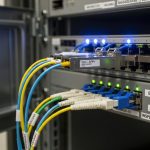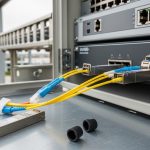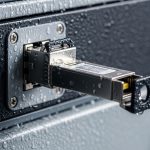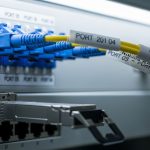
If you are wiring mine automation and ventilation systems, one bad fiber link can stall alarms, delay fan control, or break a telemetry path right when you need it most. This quick reference helps field and network engineers choose the right mining SCADA optics SFP transceivers by matching reach, wavelength, connector type, DOM behavior, and operating temperature to harsh underground realities. You will also get troubleshooting patterns pulled from real deployments: dirty ferrules, link budget surprises, and DOM mismatches with switches.
What “mining SCADA optics” really means for SFP selection
In ventilation and safety automation, the optics are rarely just “data.” They carry time-sensitive telemetry, alarm status, and sometimes control-path traffic between PLCs, RTUs, and SCADA gateways. Most sites use Ethernet over fiber to reduce electromagnetic interference and extend distance between control cabinets. For mining SCADA optics, the SFP must match the switch port type (SFP vs SFP+ with correct lane mapping), the fiber plant (single-mode vs multimode), and the expected environmental stress (temperature swings, vibration, and dust exposure during maintenance).
Start by identifying the physical layer your mine network uses. Common combinations include 1G SFP (1000BASE-SX/LX) over multimode or single-mode, or 10G SFP+ (10GBASE-SR/LR) depending on backbone requirements. Then map each link to a fiber type and distance. If your ventilation cabinets are 300 to 1200 m apart, single-mode optics are often the safer long-term fit, while multimode can work for shorter runs if the plant cabling is clean and well terminated.
Baseline inventory checklist (do this before you buy)
- Switch model and SFP cage type: verify whether it supports 1G SFP, 10G SFP+, and what it expects for signaling.
- Fiber plant: OM3/OM4 multimode vs OS2 single-mode; confirm with your cable records or a quick OTDR.
- Connector standard: LC is most common for SFP modules in rugged cabinets; confirm patch panel labeling.
- Link distance and margin: calculate loss budget using measured end-to-end attenuation, not just catalog fiber specs.
- Temperature: confirm cabinet heater/ambient range; many mines run colder than surface sites and can exceed standard datacom ranges.
- DOM requirement: ask whether your operations team wants real-time optical diagnostics (DDM/DOM) in monitoring tools.
Pro Tip: In the field, the most frequent “mystery outage” with mining SCADA optics SFPs is not the transceiver at all—it is bad patching during maintenance. If you replace an SFP and the link still fails, swap the fiber patch lead first and re-check receive power with DOM before assuming the new module is defective.
Key specs that decide whether an SFP will survive mine links
For ventilation and automation, you are balancing optical reach, allowable power levels, and thermal stability. The SFP datasheet lists wavelength, nominal reach, receive sensitivity, transmitter output power, and whether it is rated for extended temperature. You also need the right optical standard: SX/LX/SR/LR correspond to different wavelengths and fiber types. If you accidentally pair SX over single-mode (or SR over long single-mode runs), you may get intermittent link flaps that look like “noise” until you verify the wavelength and fiber type.
Below is a practical comparison of common SFP/SFP+ options you will see in mine automation retrofits. Values vary by vendor, so treat this as a selection scaffold and then confirm against the exact part number datasheet.
| Transceiver (example) | Data rate / Standard | Wavelength | Fiber type | Nominal reach | Typical connector | DOM | Operating temp range |
|---|---|---|---|---|---|---|---|
| Cisco SFP-10G-SR | 10GBASE-SR (SFP+) | 850 nm | OM3/OM4 MMF | ~300 m (OM3), ~400 m (OM4) | LC | Yes (DDM) | 0 to 70 C (varies by platform) |
| Finisar FTLX8571D3BCL | 10GBASE-SR (SFP+) | 850 nm | OM3/OM4 MMF | ~300 to 400 m (depends on MMF) | LC | Yes (DDM) | -5 to 70 C (check exact revision) |
| FS.com SFP-10GSR-85 | 10GBASE-SR (SFP+) | 850 nm | OM3/OM4 MMF | ~300 m (OM3) typical | LC | Often Yes (varies by SKU) | 0 to 70 C typical |
| 10GBASE-LR SFP+ (generic OS2) | 10GBASE-LR (SFP+) | 1310 nm | OS2 SMF | ~10 km typical | LC | Yes (DDM) | -40 to 85 C (extended-temp variants exist) |
Selection takeaway: for ventilation and mine automation, if you have longer runs, cooler ambient storage, or uncertain patching during maintenance, prefer single-mode 1310 nm LR-class optics with an extended temperature rating when your fiber plant is OS2. If you must use multimode SR-class optics, ensure OM3/OM4 quality, keep patch loss low, and confirm receive power stays within the module’s supported range.
Deployment scenario: SFP optics in a ventilation control ring
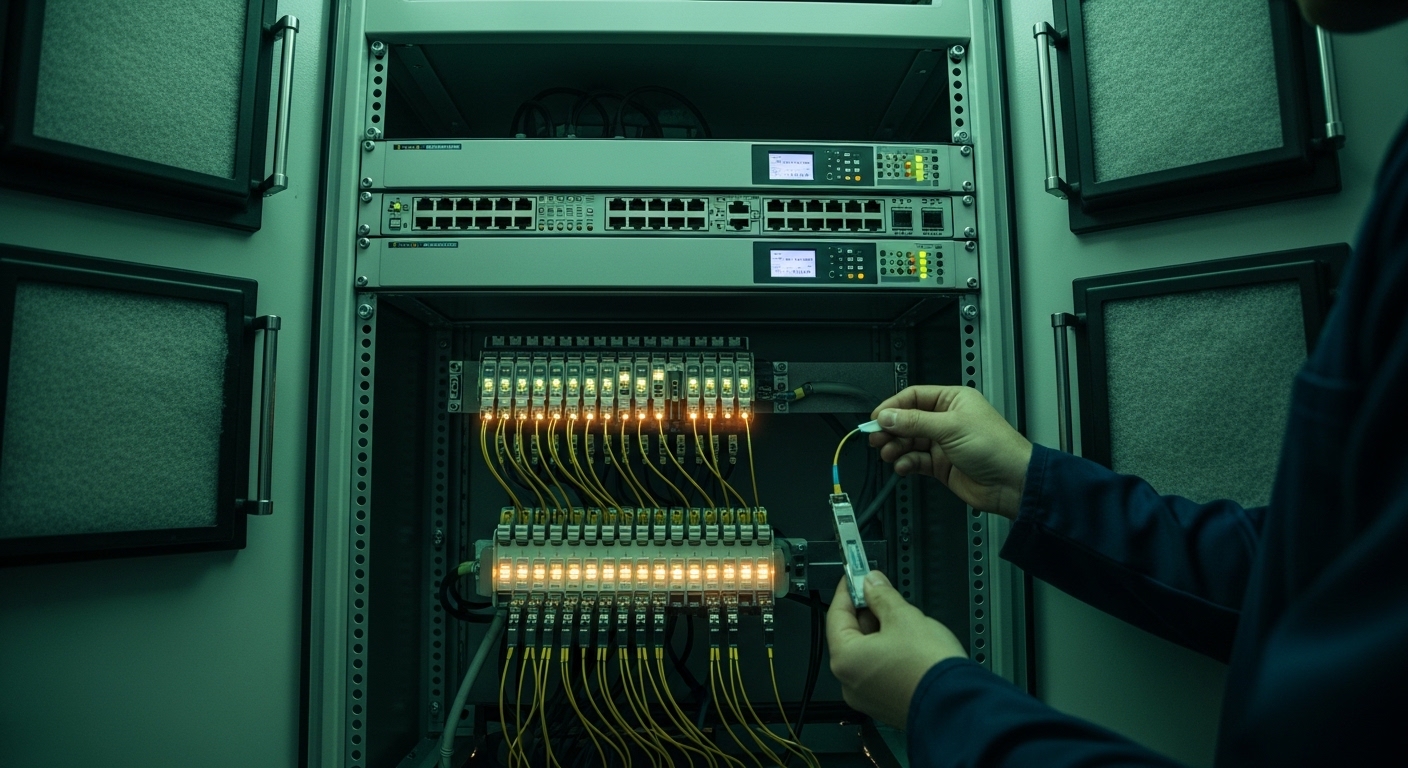
Picture a 3-tier mine automation network inside a ventilation control area: two edge switches per fan bank, each feeding a ring of PLC/RTU cabinets. In one real-style setup, engineers deploy two 10G uplinks per switch pair using SFP+ optics, with fiber spans of 650 m between cabinets via a mix of patch panels and in-cabinet splices. The site uses OS2 single-mode backbone for the long runs, while some lateral drops to sensors use shorter multimode segments. During commissioning, they verify each link with an OTDR trace and then record DOM receive power values at steady state, targeting a comfortable margin (for example, keeping RX power well above the module sensitivity threshold while not exceeding max input).
In this environment, the SFP choice impacts more than link “up/down.” If an SFP is rated only for 0 to 70 C and the cabinet sees winter cold soak near freezing, the module may still link but show higher BER under vibration events. If the optics are the wrong wavelength class (850 nm SR vs 1310 nm LR), you may see flapping that resembles “interference” rather than a deterministic mismatch. For mining SCADA optics, the operational best practice is to standardize module type per link class and keep spares with the same part number revision so DOM thresholds behave predictably across replacements.
Selection criteria and decision checklist for mine automation
Use this ordered checklist to avoid the common “it should work” purchase mistake. It is optimized for engineers who need reliability during outages and fast swaps during maintenance windows.
- Distance and fiber type: confirm OS2 SMF vs OM3/OM4 MMF, then choose SX/LX/SR/LR class accordingly.
- Data rate compatibility: verify whether the switch port expects 1G SFP or 10G SFP+; check whether the platform supports that speed on the specific cage.
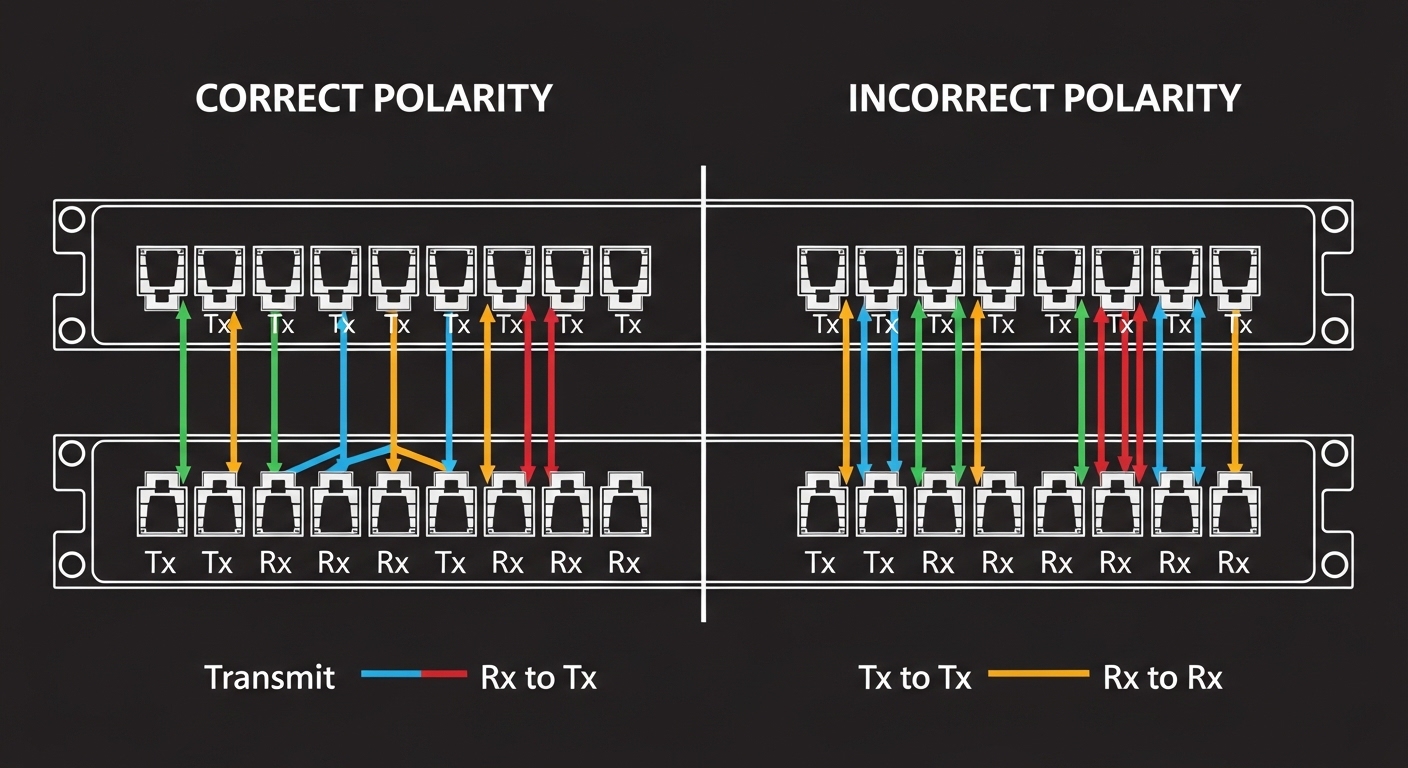
- Connector and polarity: LC vs SC, and ensure the patching polarity matches (Tx to Rx).
- DOM/DDM support: confirm your monitoring stack reads DOM alarms (high RX power, low RX power, temperature, laser bias). Prefer vendor behavior consistent with your tools.
- Operating temperature: pick extended-temp variants if your mine cabinets run beyond standard datacom ranges (especially for storage, winter starts, and poorly controlled ventilation shafts).
- Optical budget verification: use measured attenuation (OTDR + patch/connector loss) and confirm RX power stays within module limits across aging.
- Switch compatibility and lock-in risk: some vendor platforms enforce optics compatibility lists; test with a spare before scaling.
- Spare strategy: keep the exact same part number and revision for each link class so DOM thresholds and link behavior match.
Standards you should align to
- IEEE 802.3 Ethernet physical layer requirements for 1000BASE-SX/LX and 10GBASE-SR/LR. [Source: IEEE 802.3]
- Vendor transceiver electrical and optical specs for transmitter power, receiver sensitivity, and DOM/DDM implementation. [Source: Cisco and Finisar datasheets]
- Site cabling and labeling practices, plus OTDR acceptance criteria used by your maintenance team. [Source: ANSI/TIA fiber cabling guidance]
Pro Tip: If you are comparing third-party optics for mining SCADA optics, do not rely only on “same wavelength and reach.” Validate DOM telemetry naming and alarm thresholds on your actual switch, because some modules report temperature or bias differently enough to trigger monitoring alerts during cold starts.
Common pitfalls and troubleshooting tips (mine-real failures)
These are the failure modes that show up during real ventilation and mine automation maintenance. Each includes a likely root cause and a practical fix.
Link flaps after a module swap
Root cause: Tx/Rx polarity reversal during fiber patching, or mixed connector orientation in the patch panel. In SR/LR deployments, polarity errors can still pass some training but fail under noise or after link renegotiation.
Solution: verify patch polarity end-to-end (Tx to Rx). Use a known-good patch lead and confirm RX power via DOM immediately after link comes up.
“Dead” link with no obvious alarms
Root cause: Dirty LC ferrules or oxidation from dust exposure. Mine cabinets are harsh; even a small contamination film can collapse receive power below sensitivity.
Solution: clean connectors with proper fiber cleaning tools (not compressed air), then inspect with a scope if available. Re-seat the patch and re-check DOM RX power.
Works on the bench, fails in the shaft
Root cause: Operating temperature mismatch or insufficient thermal margin. Some modules are rated for 0 to 70 C only, while mine environments can be colder at start-up or hotter near fan motors.
Solution: choose extended-temp optics, confirm cabinet ambient range, and record temperature and laser bias from DOM during the first hour after power-up.
Intermittent errors that look like “bad traffic”
Root cause: Link budget too tight due to unaccounted patch loss, aging splices, or using MMF optics on a link that has higher-than-expected attenuation.
Solution: run OTDR on the full span, compute margin, and replace with longer-reach optics or improve cabling. Track BER/error counters during the failure window.
DOM monitoring shows alarms after replacement
Root cause: Monitoring thresholds tuned for one vendor’s DOM behavior. Third-party optics may report values slightly differently.
Solution: align monitoring thresholds to the exact module vendor/part number, or normalize using a calibration baseline for each optics type.
Cost and ROI: what to budget for optics in safety-critical networks
Pricing varies by vendor and temperature grade, but in typical market ranges you may see 1G SFP optics in the tens of dollars to low hundreds, while 10G SFP+ optics often land in the low to mid hundreds depending on SR vs LR and whether extended temperature is included. OEM modules can cost more, but they reduce compatibility surprises in tightly controlled switch environments. Third-party modules can be cheaper, yet they raise TCO risk if you spend time on compatibility testing, DOM calibration, and extra truck rolls during the first few months.
For ROI, treat optics as a reliability component. If one failed ventilation link causes a maintenance response or delays commissioning, the cost of a few “saved dollars” per transceiver is usually wiped out by labor and downtime. A practical approach is to buy a small batch of the exact replacement part number, validate with DOM and link tests, then scale. Also budget for connector cleaning tools and an inspection scope—those tend to pay back faster than repeated module swaps.
FAQ: mining SCADA optics SFPs for mine ventilation networks
What SFP type should I use for ventilation links: SR or LR?
Use SR (850 nm) for short multimode OM3/OM4 runs with comfortable margin, and LR (1310 nm) for longer single-mode OS2 links or when you need more reach tolerance. If your fiber plant is mixed or distances approach the edge of SR budgets, LR-class optics are usually more forgiving.
Do I need DOM/DDM for SCADA monitoring?
If your operations team wants proactive failure detection, DOM/DDM is very useful. You can monitor RX power drift, temperature, and laser bias to catch degradation before links fail. Just ensure your monitoring system supports the specific module behavior.
Will third-party SFPs work in enterprise or OEM switches?
Often they do, but compatibility varies by switch model and sometimes by optics enforcement policy. The safe path is to validate on the exact switch platform with a spare before purchasing a large batch. Check vendor compatibility guidance in the switch documentation. [Source: Cisco SFP compatibility documentation]
How do I verify link budget without guessing?
Use OTDR for end-to-end attenuation, then incorporate connector and splice loss from your measured plant data. After installation, confirm steady-state RX power via DOM and ensure you have margin above receiver sensitivity across temperature swings.
What are the fastest troubleshooting steps when a ventilation link drops?
First, check polarity and reseat patch leads. Second, clean LC connectors and inspect if possible. Third, read DOM RX power and compare to the expected range for that module type, then look at switch error counters.
Which standards should I reference when documenting optics choices?
Document the relevant Ethernet physical layer standard for the speed and optics class (for example, 1000BASE-SX/LX or 10GBASE-SR/LR). Also cite your cabling acceptance criteria and the transceiver datasheet for optical budget parameters. [Source: IEEE 802.3]
If you want fewer surprises in the field, standardize optics by link class (MMF SR vs SMF LR), validate with OTDR plus DOM baselines, and keep exact part-number spares for fast swaps. Next, review your site’s fiber acceptance and labeling process with fiber acceptance and OTDR validation for industrial networks.
Author bio: I have installed and validated fiber Ethernet links for industrial control systems, including ventilation and PLC/SCADA backhauls, using OTDR traces and DOM telemetry baselines. I focus on measurable optical budgets, switch compatibility behavior, and field-ready troubleshooting workflows.