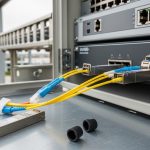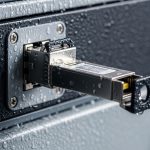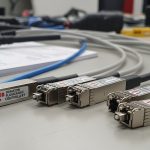
Airport operations run on timing, redundancy, and controlled risk. When baggage sortation, X-ray checkpoints, and access control share fiber backbones, the wrong security network optics can trigger downtime, CRC errors, or intermittent link drops. This article helps reliability-minded engineers and vendors choose SFP and related optics for real airport environments: short-reach multimode, long-reach single-mode, and temperature-stressed cabinets.
Top 8 security network optics choices for airport fiber links
Below are eight field-tested options engineers commonly deploy for baggage and security systems, where you need stable optics, predictable power budgets, and compatibility with switch DOM reporting. I approach selection like an ISO 9001 risk review: define the link budget, verify electrical/optical compliance to the host, then validate with environmental stress and acceptance testing. For reference, Ethernet PHY behavior aligns with IEEE 802.3 line-rate expectations and transceiver electrical interfaces; see [Source: IEEE 802.3].
10G SR SFP+ on OM3/OM4 for baggage sortation spines
For many airport plants, the fastest path is to use 10G SR over multimode fiber to reduce cost and simplify installation in cable trays. SR optics are typically specified for 850 nm operation and short reach, which fits within terminal buildings where runs are usually under a few hundred meters. In practice, I have seen 10G SR links between ToR switches and baggage controller aggregation racks over OM4 to keep latency low and avoid single-mode rewiring.
Key specs to check: wavelength (850 nm), reach (often 300 m on OM3, 400 m on OM4 for 10G SR), transmit power, receive sensitivity, and temperature rating. Also confirm that the host switch supports the module type and that DOM is read correctly (vendor-specific behavior exists).
- Best-fit scenario: In-building baggage sortation networks with multimode backbone and frequent field moves.
- Pros: Lower fiber cost, mature compatibility, fast commissioning.
- Cons: Distance limited by multimode budget and connector quality.
10G LR SFP+ on single-mode for checkpoint aggregation links
Security checkpoints often sit in separate service corridors: access control, badge readers, and video analytics aggregation may need stable links across buildings or along long runs. 10G LR optics at 1310 nm are designed for those single-mode distances with a more forgiving reach profile than SR. When the cabling is already single-mode, LR is frequently the lowest-disruption choice.
What engineers verify: link budget in dB, fiber type (G.652.D is common), connector loss assumptions (typically 0.3 dB per mated pair, but verify), and end-to-end attenuation. Vendor datasheets for SFP+ modules list typical transmit power and receiver sensitivity; use them to compute worst-case margin.
- Best-fit scenario: Single-mode fiber between checkpoint hubs and regional aggregation switches.
- Pros: Longer reach, better for mixed building layouts.
- Cons: Higher module cost than SR; requires clean SMF terminations.
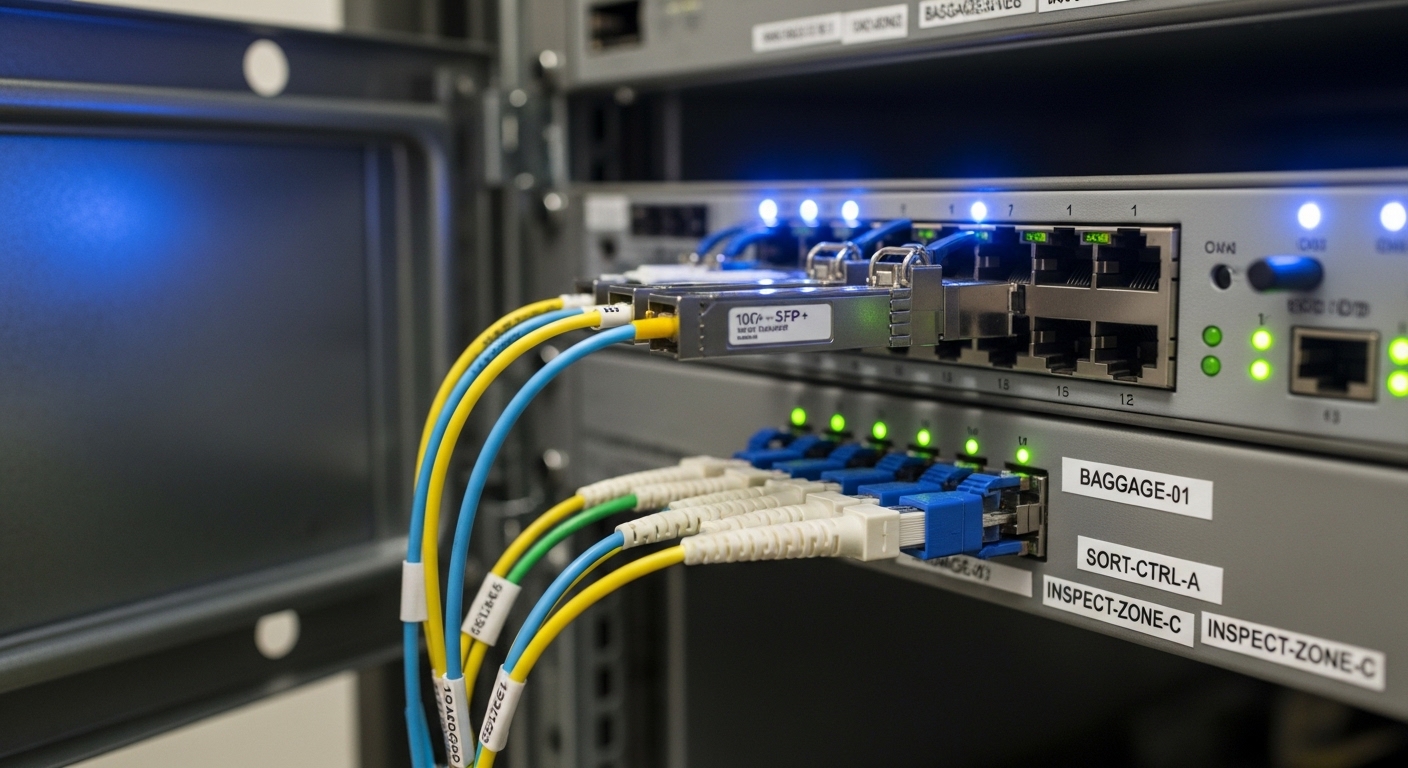
25G SR SFP28 for higher-density security network segmentation
As airports add more video streams and analytics, 10G can become the bottleneck. 25G SR using SFP28 modules is a practical upgrade path when you want higher throughput while staying on multimode. I have installed 25G SR links in security monitoring networks where controller racks needed more headroom but the existing OM3/OM4 plant was retained.
Compatibility notes: your switch must support SFP28 at 25G and the port break-out mode (some platforms only allow 25G on specific lanes). Also confirm whether the module’s electrical interface matches the host expectations for SFP28 (rate, coding, and LOS behavior).
- Best-fit scenario: Upgrading security camera aggregation from 10G to 25G without changing fiber.
- Pros: More bandwidth per port, still uses multimode.
- Cons: Reach depends on fiber grade and patch/connector losses.
25G LR SFP28 for long corridor runs and redundancy pairs
When the airport wants deterministic redundancy—A/B paths for critical security—single-mode LR optics help keep link budgets stable over longer corridors. 25G LR at 1310 nm is common for pairwise routing between security zones and core distribution. The operational goal is simple: maintain a low error rate under vibration, temperature swings, and frequent maintenance door cycles.
Reliability checks: ensure the module’s operating temperature range matches the cabinet environment, and verify that the switch’s DOM thresholds do not prematurely flag modules. Field issues sometimes come from airflow differences between racks rather than optical misconfiguration.
- Best-fit scenario: Redundant security zone backhaul over SMF with longer distances.
- Pros: Strong reach, stable performance for redundancy.
- Cons: Requires validated SMF termination quality.
100G SR4 QSFP28 for backbone consolidation in terminal cores
Backbone consolidation is where airports feel the cost pressure of switching ports and cabling. 100G SR4 QSFP28 modules use multiple lanes over multimode fiber, often deployed between core switches and aggregation blocks. In one deployment, we replaced four 25G uplinks with two 100G links to reduce optics count and simplify monitoring while keeping the same OM4 backbone.
What to validate: lane mapping, MPO connector cleanliness, and the host switch’s QSFP28 support. SR4 also increases sensitivity to connector cleanliness because multiple lanes must align; a single contaminated MPO can create lane-specific errors.
- Best-fit scenario: Core-to-aggregation consolidation inside a terminal data room.
- Pros: Fewer ports, higher aggregate bandwidth.
- Cons: MPO handling is unforgiving; cleaning procedures matter.
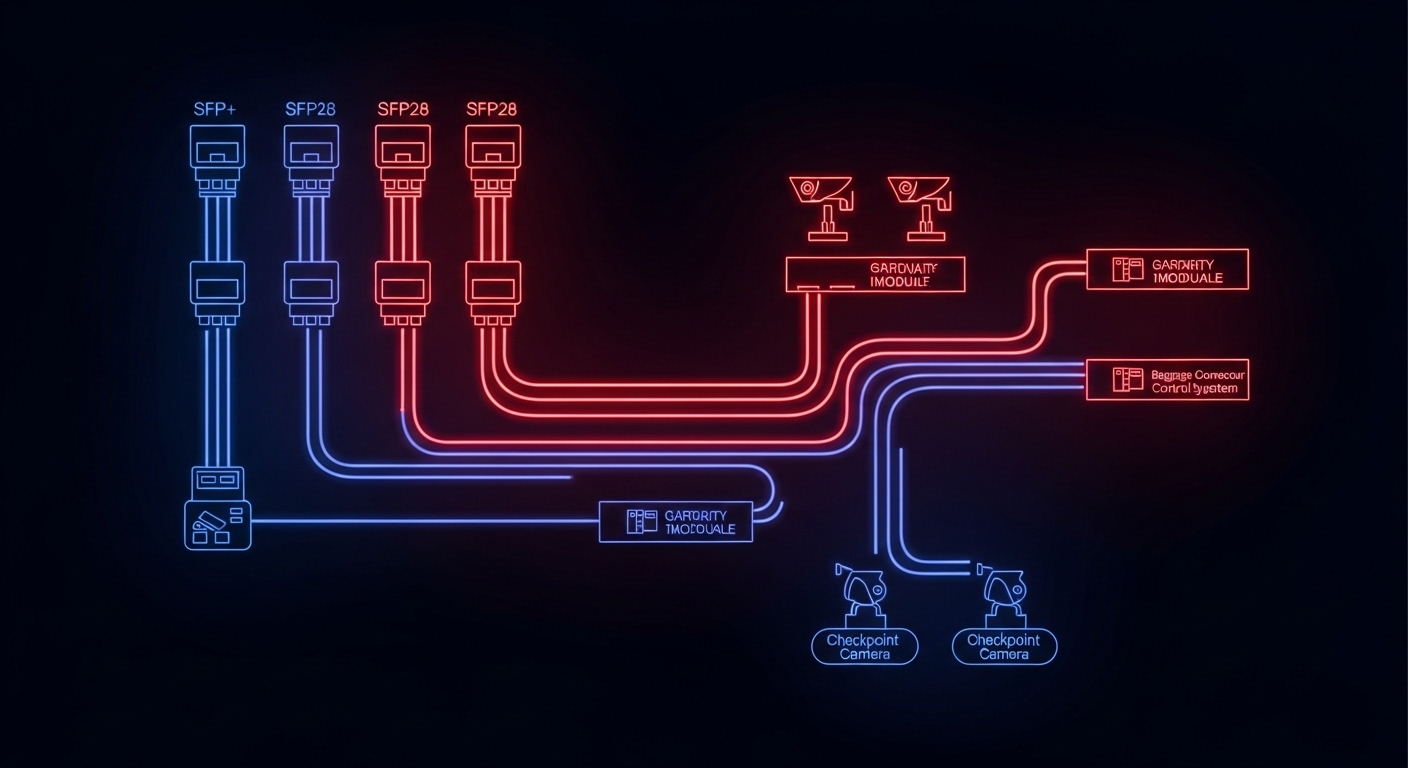
100G LR4 QSFP28 for single-mode core interconnects
For interconnects between terminal cores, where you cannot rely on short distances, 100G LR4 QSFP28 is a common architecture choice. LR4 uses multiple wavelengths over single-mode fiber, which can reduce the number of fibers needed for high-rate links. The reliability objective is to preserve link integrity across maintenance cycles and long seasonal temperature variation.
Budgeting discipline: compute worst-case optical power with connector and splice losses, then add margin for aging and cleaning variability. Airports often have scheduled service windows; if you can avoid rework by using the right power budget today, you reduce mean time to repair.
- Best-fit scenario: Core-to-core links between buildings or long corridors.
- Pros: Efficient high-rate single-mode transport.
- Cons: Higher optics cost; requires careful link budget modeling.
Environment-matched “extended temperature” optics for harsh cabinets
Not every airport telecom cabinet is climate-controlled to data-center standards. Some baggage machine rooms experience higher ambient temperatures and airflow turbulence. For that environment, choose optics with extended temperature ratings that match your measured cabinet profile. I have seen cabinets near HVAC supply lines run 8 to 12 C warmer than adjacent racks during peak load.
How to decide: measure with a calibrated data logger across a full day and during a seasonal peak. Then select modules whose operating temperature range covers your worst-case. This is a quality system step: define acceptance criteria before deployment, not after a failure.
- Best-fit scenario: Security network optics in non-standard telecom rooms or near industrial machinery.
- Pros: Fewer thermal surprises, improved MTBF confidence.
- Cons: Extended-temp modules can cost more and may have different availability.
Verified third-party optics with strict DOM and compatibility testing
Airports often must balance procurement budget with uptime requirements, so third-party optics sometimes enter the picture. The safe approach is not “brand preference,” but verified interoperability: confirm DOM behavior, check that the module meets the required optical and electrical specs, and run a controlled burn-in plus link error monitoring. I treat this like a qualification trial under a controlled change process.
Practical constraints: some switches enforce vendor-specific compatibility lists, and some optics report DOM values that differ slightly from the host thresholds. Before scaling, run a pilot with the exact switch model and firmware, and validate error counters (CRC, FEC where applicable) over at least several days.
- Best-fit scenario: Cost-managed expansions where OEM lead times are long.
- Pros: Potential cost savings, faster procurement.
- Cons: Requires qualification work; risk of DOM mismatch if untested.
Key specifications comparison for airport-ready SFP and QSFP options
Use this table to anchor your engineering conversations on measurable parameters. Values vary by vendor and revision, so treat this as a template for what you must confirm in the specific datasheet and your host switch compatibility matrix.
| Optics type | Wavelength | Typical reach | Connector | Data rate | Operating temp range |
|---|---|---|---|---|---|
| 10G SR SFP+ | 850 nm | Up to 300 m (OM3) / 400 m (OM4) | LC | 10.3125 Gbps | 0 to 70 C (confirm exact) |
| 10G LR SFP+ | 1310 nm | Up to 10 km on SMF | LC | 10.3125 Gbps | -5 to 70 C typical |
| 25G SR SFP28 | 850 nm | Up to 100 m on OM3 / 150 m on OM4 (varies) | LC | 25.78 Gbps | 0 to 70 C typical |
| 25G LR SFP28 | 1310 nm | Up to 10 km on SMF | LC | 25.78 Gbps | -5 to 70 C typical |
| 100G SR4 QSFP28 | 850 nm (4 lanes) | Up to 100 m on OM4 (varies) | MPO/MTP | 103.125 Gbps | 0 to 70 C typical |
| 100G LR4 QSFP28 | 1310 nm (4 wavelengths) | Up to 10 km on SMF | LC or MPO (varies) | 103.125 Gbps | -5 to 70 C typical |
For model examples you may encounter in the field, check vendor datasheets for your exact SKU. Common examples include Cisco SFP-10G-SR, Finisar FTLX8571D3BCL, and FS.com SFP-10GSR-85; always validate with your switch platform and firmware. [Source: Vendor datasheets and switch compatibility guides].
Pro Tip: Before you blame “bad optics,” inspect connector cleanliness and measure end-to-end attenuation at commissioning. In airport environments, MPO and LC contamination is a repeat offender that looks like intermittent security network optics failures, especially after maintenance door openings and cable re-stapling.
Selection criteria checklist for airport security links
When I write the selection checklist for a new baggage or checkpoint fiber segment, I use it like a verification plan. The goal is to prevent surprises during the first week of operation, when the airport is busiest and maintenance windows are smallest.
- Distance and fiber grade: confirm OM3 vs OM4 vs SMF type, and measure actual attenuation and patch cord losses.
- Optical link budget: use worst-case transmit power and receiver sensitivity from the module datasheet; include connectors, splices, and safety margin.
- Switch compatibility: confirm SFP/SFP28/QSFP28 support, lane mapping, and whether the port expects specific transceiver parameters.
- DOM and monitoring behavior: verify that DOM is readable and that alarms (Tx bias, Rx power, temp) map correctly to your monitoring system.
- Operating temperature and airflow: measure cabinet ambient and ensure module operating range covers worst-case seasonal peaks.
- Vendor lock-in risk: evaluate OEM vs third-party; if third-party is used, require a qualification pilot with the exact switch model.
- Acceptance testing plan: run link stability tests and monitor CRC/FCS counters, link flaps, and error rates under thermal cycling if possible.
Common mistakes and troubleshooting in airport optics deployments
These failures are common because airport networks mix high uptime pressure with real-world installation variability. Below are concrete root causes and fixes I have seen during field support.
-
Mistake: Using SR optics beyond the real multimode budget.
Root cause: design assumed ideal fiber, but patch cords and extra connectors added loss; OM3 vs OM4 mix-up is frequent.
Solution: measure end-to-end attenuation and compare to worst-case receiver sensitivity; replace with correct reach optics or clean and re-terminate. -
Mistake: Ignoring switch firmware and DOM threshold behavior.
Root cause: some platforms flag modules as “unsupported” or trigger alarms due to DOM mapping differences.
Solution: validate in a pilot with the same firmware; confirm monitoring thresholds and ensure alarms reflect actual risk, not harmless differences. -
Mistake: Skipping MPO cleaning procedures on 100G SR4.
Root cause: MPO dust causes lane-specific receive failures and intermittent link drops, often after maintenance touches.
Solution: enforce a cleaning SOP with proper inspection, use correct polarity handling, then re-check lane error counters. -
Mistake: Choosing non-extended temperature modules for hot baggage rooms.
Root cause: module temperature exceeds spec during peak HVAC stress; laser bias drifts and link margin collapses.
Solution: measure worst-case ambient, select extended-temp modules, and add targeted airflow if allowed.
Cost and ROI note for security network optics
Pricing varies by region and volume, but a realistic planning range for budgeting is helpful. OEM 10G SR SFP+ modules often cost more than third-party, while extended-temp and 100G QSFP28 options can carry a premium. In TCO terms, the cheapest module is not always the lowest cost if it increases downtime, swap labor, or qualification time.
Assume that a single unplanned outage during