
If you have ever swapped a Cisco SFP+ with a third-party module and watched link LEDs flap, you already know the pain: cross-vendor transceiver interoperability is possible, but only when you validate the details. This article helps network engineers, datacenter ops, and procurement teams reduce risk by using practical acceptance tests, DOM sanity checks, and switch-side compatibility rules. You will also get troubleshooting patterns that field teams can apply during a live incident.
Interoperability reality check: what actually breaks between vendors
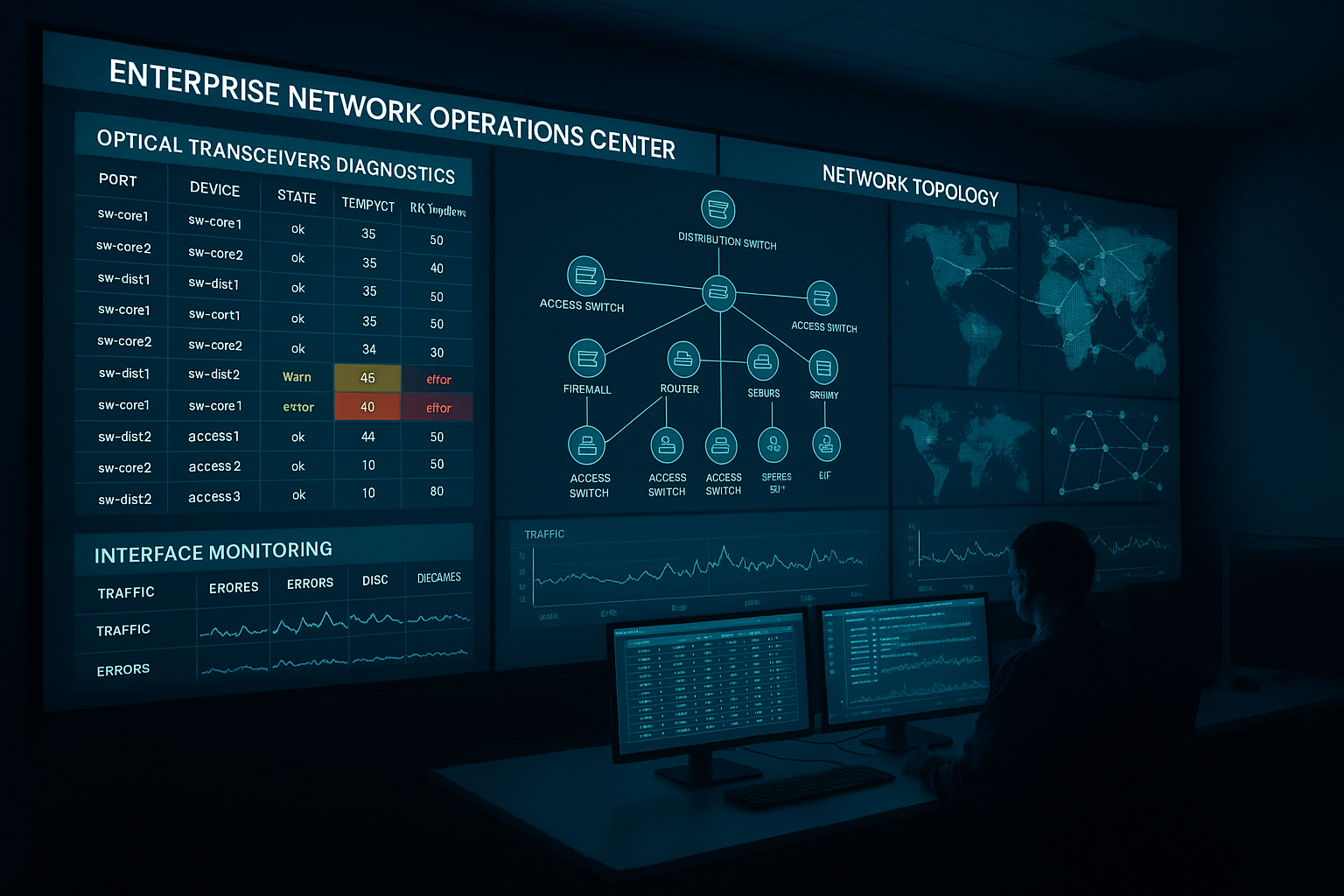
Most modern optics follow standards from IEEE 802.3 for electrical/optical behavior and common pluggable interfaces, but interoperability failures still happen in the margins. The big culprits are vendor-specific implementation choices around timing, calibration, power class handling, and management features like Digital Optical Monitoring (DOM). Even when two modules are “10G-SR” on paper, differences in laser biasing strategy, receiver sensitivity margin, and EEPROM data formatting can cause unstable links or “no diagnostics” warnings.
In practice, field teams see issues in three layers. First is physical layer: fiber type, bend radius, and connector cleanliness can dominate outcomes more than the transceiver brand. Second is optical link budget: if you are near the margin, receiver sensitivity variation between vendors becomes the deciding factor. Third is management and configuration: switch firmware may enforce constraints on EEPROM fields, DOM capability bits, or vendor IDs.
For reference, pluggable optical behavior is anchored by IEEE 802.3 standards for Ethernet PHY operation, while vendor datasheets define exact optical parameters, DOM behavior, and compliance. A good starting point is [Source: IEEE 802.3]. For DOM specifics and management behavior, vendors also publish detailed “DOM support” and “EEPROM map” notes in their datasheets.
Head-to-head: spec compatibility that matters most
When engineers evaluate cross-vendor transceiver interoperability, they usually start with wavelength and reach, but the real decision hinges on how the module behaves under your switch’s expectations. Below is a practical comparison across common short-reach optics used in enterprise and datacenter leaf-spine designs. Use it as a checklist baseline, then validate with your exact switch model and firmware.
| Optic type | Typical wavelength | Reach (typical) | Connector | DOM | Power class / key limits | Operating temp range | Example part numbers |
|---|---|---|---|---|---|---|---|
| 10G SR (SFP+) | 850 nm | 300 m (OM3) / 400 m (OM4) | LC | Usually supported | Class varies by vendor; verify TX power + RX sensitivity | 0 to 70 C (typical) or -40 to 85 C (industrial) | Cisco SFP-10G-SR, FS.com SFP-10GSR-85, Finisar FTLX8571D3BCL |
| 25G SR (SFP28) | 850 nm | 100 m (OM3) / 150 m (OM4) | LC | Commonly supported | Verify power budget and receiver margin | -5 to 70 C (typical) or wider | Huawei-compatible 25G SR modules, Cisco 25G SR variants |
| 100G SR4 (QSFP28) | 850 nm | 100 m (OM3) / 150 m (OM4) | MPO-12 | Often supported | Check lane mapping and MPO polarity handling | 0 to 70 C typical | Third-party SR4 QSFP28 modules (vendor dependent) |
The “gotchas” are usually not the standardized link rate; they are DOM compatibility and power budget margins. For example, a 10G SR module might pass basic link negotiation but still show DOM warnings if the switch expects a specific EEPROM layout. Another common issue is temperature: if you deploy in hot aisles and the module is rated only for 0 to 70 C, it can degrade laser output and receiver sensitivity long before it fully “fails.”
Pro Tip: Before you blame the transceiver, pull the switch port’s optics log and compare the module’s reported TX power and RX power versus the vendor datasheet ranges. If TX power is consistently low but the link works, you may be stacking small margins: fiber cleanliness plus connector loss plus vendor calibration drift will eventually push you over the edge.
Compatibility strategy: validate switch firmware, DOM, and optics policy
Cross-vendor transceiver interoperability is easiest when you treat it like a software compatibility problem, not a “hardware swap” problem. Your goal is to confirm that your switch firmware accepts the module’s EEPROM fields and supports the DOM feature set without suppressing diagnostics or disabling the port.
lock the switch firmware and capture baseline optics behavior
Pick a representative switch model and firmware release, then record port behavior with the current known-good optics. Capture: link stability over 24 to 72 hours, DOM readouts (temperature, voltage, bias current, TX power, RX power), and any syslog warnings. In production, we typically run a staged test: one port per ToR switch and one uplink per spine, with monitoring for link resets.
confirm DOM support and EEPROM expectations
Many switches use EEPROM fields to decide whether to enable diagnostics, apply vendor-specific thresholds, or enforce compatibility policies. Even if the module is “DOM supported,” the switch may require that specific diagnostic pages are populated or that the module reports a known vendor ID format. Validate by comparing DOM output fields against the module datasheet and checking whether the switch marks the module as “generic” versus “compatible.”
validate optical budget with real fiber measurements
Do not rely on “reach” alone. Measure actual link loss with an OTDR or at least with calibrated fiber testers at install time, then account for patch panel loss and connector cleanliness. For short-reach optics, a few tenths of a dB matter because receiver sensitivity margins are tight and vendor calibration can vary.
Cost and ROI: OEM vs third-party without gambling
Budget pressure is real, but the cheapest optic can become expensive if it causes downtime, escalations, or a delayed replacement cycle. OEM modules often cost more per unit, but they can reduce operational risk because switch vendors test and validate them more aggressively. Third-party optics can be cost-effective, yet you must budget time for acceptance testing and keep a tight compatibility matrix.
As a rough planning range, many datacenter teams see third-party 10G SR SFP+ modules priced around $15 to $40 each, while OEM equivalents can be closer to $60 to $150 depending on vendor, sales channel, and warranty. For higher-speed optics like 25G SFP28 and 100G QSFP28 SR4, per-unit pricing climbs quickly, and the TCO becomes dominated by failure handling and RMA logistics rather than the module’s sticker price.
ROI improves when you standardize on a small set of validated part numbers and keep spares that match those exact specs. It also improves when you reduce troubleshooting time: a field team armed with a proven compatibility list can swap and confirm in minutes instead of hours.
Common pitfalls and troubleshooting tips from the field
Below are failure modes we have seen repeatedly when teams attempt cross-vendor transceiver interoperability. For each, I include the root cause and a fast fix path.
-
Pitfall: Link flaps after a “successful” insertion
Root cause: marginal optical budget or dirty connectors creating intermittent attenuation spikes.
Fix: clean LC/MPO ends with lint-free wipes and 99 percent isopropyl alcohol or approved cleaning cartridges; re-test with a fiber scope; verify link error counters (CRC/FCS) before concluding optics incompatibility. -
Pitfall: Switch shows “unsupported transceiver” or no DOM alarms
Root cause: EEPROM field formatting differences or missing DOM diagnostic pages expected by that switch firmware.
Fix: test the module on the same switch model and firmware version; if it works, lock that firmware level in your change management; otherwise choose a module explicitly listed as compatible by the vendor and re-run acceptance. -
Pitfall: Works in lab, fails in hot aisle or during temperature swings
Root cause: module temperature rating too narrow for your environment; laser bias drift reduces TX power under load.
Fix: use modules with an appropriate operating temperature range for your deployment; verify airflow, intake temps, and rear-door heat recirculation; re-check DOM TX power at peak temps. -
Pitfall: 100G SR4 MPO polarity confusion
Root cause: incorrect MPO polarity or lane mapping mismatch causing high BER while link may appear up briefly.
Fix: validate MPO polarity using a polarity checker or known-good patching; re-terminate with correct polarity adapters; confirm lane mapping per the QSFP28 SR4 guidance from vendor documentation.
Decision checklist: how to choose for cross-vendor interoperability
Use this ordered list like a pre-flight checklist. If you satisfy every item, your odds of a clean rollout jump dramatically.
- Distance and fiber type: confirm OM3 vs OM4, measured link loss, and patch panel losses.
- Data rate and optic class: match SFP+ vs SFP28 vs QSFP28 and verify SR/ER/LR intent.
- Switch compatibility: validate against your exact switch model and firmware release; do not assume “10G-SR compatible” is enough.
- DOM and diagnostics behavior: confirm DOM is enabled, fields populate correctly, and no “unsupported” policy blocks the port.
- Operating temperature: match your rack airflow profile; hot aisle systems need wide temp ratings.
- Vendor lock-in risk: balance savings with the cost of acceptance testing and spares management.
- Warranty and RMA process: ensure you can replace quickly; evaluate failure rate patterns and warranty terms.
Real-world deployment scenario: leaf-spine optics refresh without outages
In a 3-tier data center leaf-spine topology with 48-port 10G ToR switches and dual uplinks to spine switches, an ops team replaced failing optics during a weekend window. They standardized on a validated 10G SR SFP+ set for OM4 cabling with LC connectors, targeting 100 m maximum run length including patch panels. Before the cutover, they tested two third-party modules (one per vendor) on spare ports for 48 hours, monitoring DOM TX/RX power and checking that syslog stayed clean. During rollout, they kept firmware unchanged, cleaned connectors proactively, and logged link error counters; as a result, they avoided the common “unsupported transceiver” warnings and no ports required rollback.
Which option should you choose? (OEM vs third-party vs mixed)
Here is the practical recommendation by reader type, assuming you want reliable cross-vendor transceiver interoperability with minimal operational risk.
| Your situation | Best fit | Why | What to watch |
|---|---|---|---|
| Mission-critical core links, strict change control | OEM optics first | Highest likelihood of switch-side DOM and policy compatibility | Higher unit cost; plan spares and lifecycle timing |
| Cost-sensitive access and aggregation layers | Third-party optics with validation | Good savings if you run acceptance tests and keep a validated list | Firmware differences; DOM field mismatches |
| Hybrid vendors across multiple switch families | Mixed strategy with strict part-number pinning | Lets you optimize cost per environment while maintaining compatibility | Build a compatibility matrix and enforce it in procurement |
| Lab-to-prod migration or new switch rollout | Staged pilot on representative ports | Finds firmware policy issues before the wider rollout | Timebox the pilot and define rollback criteria |
FAQ
Does IEEE 802.3 guarantee cross-vendor transceiver interoperability?
IEEE 802.3 defines key PHY behavior for Ethernet, but it does not fully standardize every vendor-specific detail around EEPROM mapping, DOM diagnostics pages, or switch policy enforcement. In real deployments, interoperability depends on both the module implementation and the switch firmware’s expectations. Always validate on your exact switch model and firmware.
How can I test interoperability without risking production downtime?
Run a limited pilot on spare ports or a staging switch with the same firmware. Monitor link stability, DOM reads, and syslog warnings for at least 24 to 72 hours, then expand only after you see clean error counters and stable DOM values. Keep firmware pinned during the test window.
What DOM issues are most likely to show up first?
The most common early signs are missing or “generic” diagnostics, unexpected threshold values, or switch messages that the transceiver is unsupported. These often stem from EEPROM field differences or DOM capability bits. If the port still forwards traffic but diagnostics look wrong, you may still be exposed to future policy tightening after firmware upgrades.
Are third-party optics safe for hot-aisle environments?
They can be, but only if the module’s operating temperature range matches your rack conditions and airflow design. Hot aisles create higher laser bias stress and can reduce optical margin over time. Validate DOM TX power trends at peak temperatures, not just during insertion.
What is the fastest troubleshooting path when a new module fails to link?
Start with fiber and connectors: cleaning, scope inspection, and verifying MPO polarity for parallel optics. Next, compare DOM TX/RX readings and confirm the switch is not blocking the port due to EEPROM policy. Finally, test the module in a known-good port and test a known-good module in the failing port to isolate whether the issue is optics-side or switch-side.
How should procurement handle cross-vendor transceiver interoperability?
Procurement should require a compatibility matrix tied to switch model and firmware, plus a defined acceptance test procedure. Pin exact part numbers and require DOM support confirmation in documentation. That reduces “it should work” purchasing and turns interoperability into a controlled engineering process.
If you want reliable cross-vendor transceiver interoperability, focus less on marketing claims and more on switch firmware policy, DOM sanity, and measured optical budget. Next step: build your own compatibility matrix and acceptance checklist using optics acceptance testing playbook as a starting point.
Author bio: I have deployed and troubleshot multi-vendor optics in real leaf-spine and campus networks, from DOM logging to OTDR validation and firmware change windows. I now help teams reduce tech debt by turning “plug-and-pray” optics into measurable, repeatable acceptance workflows.
