
You are seeing packet loss, link flaps, or BER spikes on an 800G optical interface and need a field-ready troubleshooting fiber workflow. This article helps data center and network engineers isolate whether the root cause is optics, cabling, transceiver configuration, or physical-layer impairments. You will get a head-to-head comparison of the most common failure modes, plus a decision checklist you can apply during an on-call incident.
800G optical links: what “normal” looks like before troubleshooting fiber
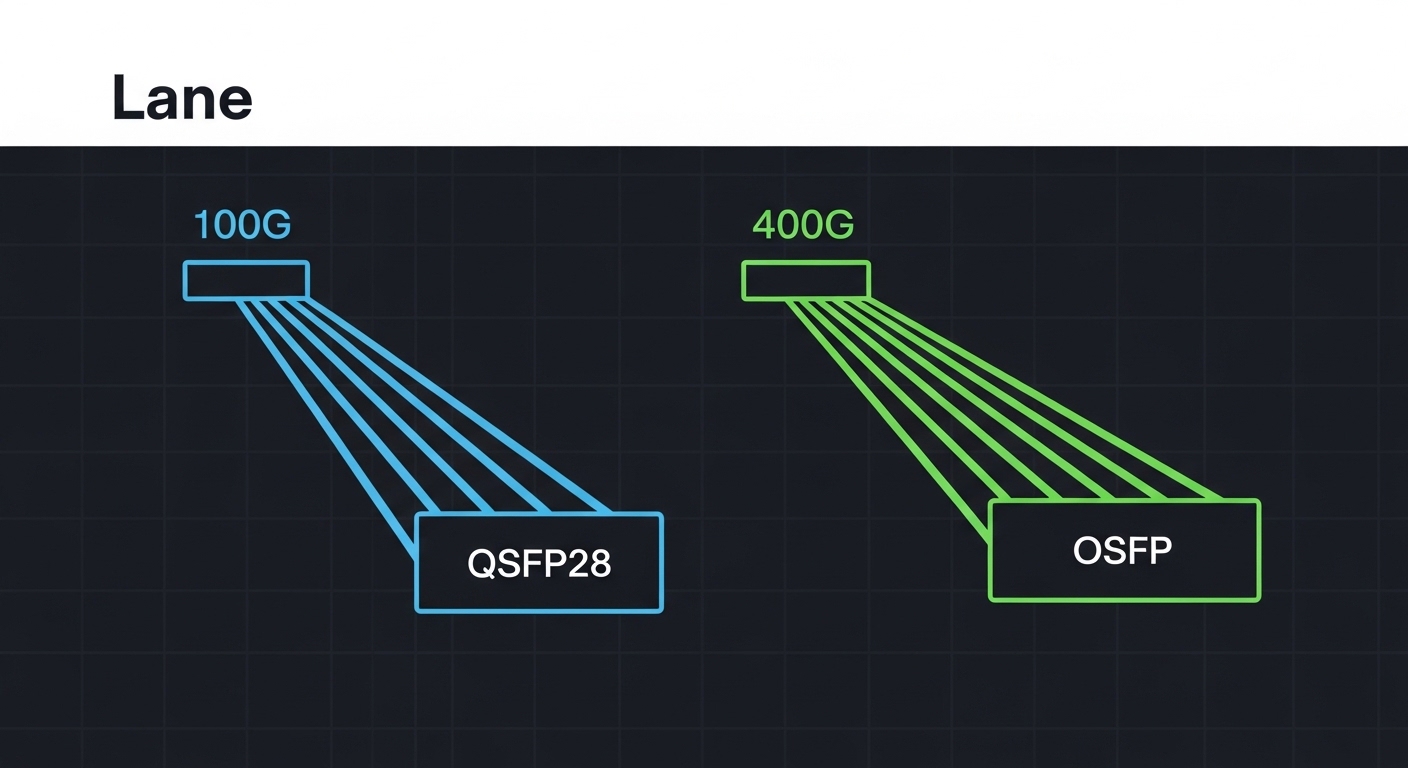
At 800G, most deployments use coherent or high-density PAM4-style optics with strict requirements on link budget, optical power, and dispersion tolerance. Before you change anything, confirm that the transceivers are actually negotiating the expected line rate and optics mode, and that the receiving end is seeing power levels within the vendor’s operating window. For coherent systems, additional checks include laser frequency stability, digital signal processing lock status, and alarm thresholds for received optical power and signal quality. For direct-detect variants, confirm that the channel mapping and polarity are consistent with the switch vendor’s pinout expectations.
In practice, “normal” is defined by vendor telemetry: optical transmit power (dBm), receive power (dBm), alarm/warning states, and any DSP or FEC lock indicators. If your switch exposes BER estimates, monitor whether the BER is stable after link bring-up or if it ramps with temperature. If you do not have BER telemetry, you can still infer stability from interface counters: repeated CRC errors, symbol errors, and link resets typically correlate with marginal optical power or cabling issues.
Head-to-head: cable and optics causes of 800G failures
When troubleshooting fiber on 800G, engineers usually split causes into two buckets: optical path impairments (fiber, connectors, patch panels) and transceiver/port configuration mismatches. The following comparison helps you decide where to look first based on symptoms you observe in the switch telemetry and logs.
| Failure mode | Typical symptoms | Most likely root cause | Quick confirm test | Common fix |
|---|---|---|---|---|
| Low received optical power | Link comes up then flaps; alarms for RX power; rising FEC/BEC errors | Dirty connectors, damaged fiber, excessive patch loss, wrong fiber pair | Measure RX power at transceiver; compare against vendor range | Clean endfaces, replace suspect patch cords, verify MPO polarity |
| Connector contamination | Sudden BER spikes after maintenance; intermittent link | Film on endfaces; dust from frequent unplugging | Inspect with fiber scope; look for scratches or residue | Clean using validated procedures; re-seat and re-test |
| Polarity or channel mapping mismatch | No link; consistent “no signal” or “optics incompatibility” alarms | MPO polarity not aligned; wrong breakout/jumper mapping | Verify polarity label and switch port wiring plan | Use correct polarity jumpers; re-map lanes per vendor guidance |
| Transceiver compatibility mismatch | Link refuses to train; DOM warnings; vendor-specific alarm codes | Unsupported optic type/firmware; wrong reach class | Check vendor part number, firmware, and DOM support | Swap to supported model; update optics/host firmware |
| Thermal margin issues | Errors increase in peak hours; link resets correlate with temperature | Insufficient airflow; optics operating near upper temp | Log temperature and correlate with error counters | Improve airflow, reseat, replace optics or adjust thresholds |
For credible baselines, follow the IEEE 802.3 specification for PHY behavior and the vendor datasheets for optical operating windows. IEEE 802.3 provides the general Ethernet PHY framework, while transceiver vendors define the practical constraints for power, reach, and connector loss. IEEE 802.3 overview and vendor field notices and compatibility guidance are useful starting points when you need to reconcile platform limitations.
800G optics spec comparison that matters during troubleshooting fiber
Engineers often compare optics using marketing reach figures, but troubleshooting fiber requires the operational envelope: wavelength, typical transmit power, allowable receive power, connector type, and temperature range. For 800G short-reach links, you will commonly see multi-fiber or parallel optics using MPO/MTP-style connectivity. For higher-reach variants, you may see coherent optics with different wavelength plans and tighter tolerances on optical power and dispersion.
| Spec category | What to check | Why it causes 800G issues | Typical values you may see |
|---|---|---|---|
| Wavelength | 850 nm vs 1310/1550 nm coherent bands | Wrong fiber type or wrong wavelength plan can silently degrade or fail | 850 nm multimode; 1310/1550 nm for longer-reach/coherent |
| Reach class | Short-reach vs extended-reach | Exceeding reach pushes the link budget past margin | Example: 100 m class vs 2 km class depending on modality |
| Connector and polarity | MPO/MTP type and polarity | Lane swapping breaks coherent training or lane alignment | Commonly MPO-12/MPO-16 with polarity A/B variants |
| Optical power | TX power and RX power thresholds (dBm) | Low RX power raises BER and causes flaps | Vendor-specific; RX often needs to be within a narrow window |
| Temperature range | Ambient and module operating limits | DSP and laser behavior shift with temperature | Example module ranges often include -5 C to +70 C, but verify datasheet |
| DOM and alarms | DOM support, alarm thresholds, firmware compatibility | Missing DOM support can break host behavior | DOM supported via vendor-defined interface |
When validating specific parts, use vendor datasheets for example models such as Cisco SFP-10G-SR for legacy context, and for 800G-class optics look at vendor families like coherent transceivers and high-density pluggables from manufacturers such as Finisar/II-VI (for example FTLX8571D3BCL in related product lines) and module vendors like FS.com when you are comparing third-party options. Always confirm that your switch platform explicitly supports that part number and firmware revision; compatibility is frequently platform-specific. IEEE resources and vendor compatibility matrices are the safest reference points.
Decision checklist: how engineers pick the right fix for troubleshooting fiber
Use this ordered checklist during an incident. It is designed to minimize downtime by narrowing the search quickly, then validating with measurable telemetry rather than guesswork.
- Distance and link budget: confirm the actual fiber length and total insertion loss through patch panels and splices; compare against the optic’s reach class and vendor link budget.
- Switch compatibility: verify the platform supports the transceiver type and firmware; check for DOM warnings and any “unsupported optics” logs.
- Optical power window: read TX and RX power from DOM and confirm RX is inside the vendor allowed range; if RX is low, treat the cabling path as suspect first.
- Connector inspection: fiber scope endfaces for scratches, residue, or polish defects; do not skip this step after any maintenance event.
- Polarity and channel mapping: confirm MPO polarity scheme end-to-end using the documented lane mapping plan for your switch and optic.
- Operating temperature and airflow: correlate error counters and link resets with thermals; reseat optics and verify fan tray operation.
- DOM support and thresholds: ensure third-party optics provide compatible DOM fields and that alarm thresholds are not misinterpreted by the host.
- Vendor lock-in risk: if you use third-party optics, validate against a small pilot group before scaling; track failure rates and RMA turnaround.
Pro Tip: In many 800G incidents, engineers chase BER counters first and waste hours. A faster path is to correlate RX power trend and connector inspection results: if RX power is consistently near the low threshold, cleaning and replacing a single patch cord often stabilizes the link immediately, even when the link appears to “mostly work.”
Common mistakes and troubleshooting fiber failure modes in the field
Even experienced teams make repeatable errors. Below are concrete failure modes with root causes and practical solutions you can apply during troubleshooting fiber on 800G links.
-
Mistake: swapping optics between ports without re-checking polarity
Root cause: MPO polarity A/B or lane mapping differs between jumpers; the optics may train but with incorrect lane alignment, causing high BER or flaps.
Solution: verify the documented wiring map for each port, then replace the jumper with the correct polarity configuration before concluding optics are defective. -
Mistake: cleaning connectors “by habit” without verifying with a fiber scope
Root cause: visible dust or micro-scratches may remain after cleaning, especially on high-density MPO endfaces with tight tolerances.
Solution: inspect before and after cleaning using a validated scope procedure; replace jumpers when scratches are present. -
Mistake: assuming reach is purely distance-based
Root cause: insertion loss from additional patch panels, splitters, or dirty bulkheads can exceed the link budget even when total fiber distance looks acceptable.
Solution: measure or estimate total loss end-to-end; include connector loss and patch cord attenuation, not just cable length. -
Mistake: ignoring thermal correlations
Root cause: optics near upper temperature limits can exhibit degraded DSP performance, leading to rising error rates during peak load.
Solution: log temperature telemetry and error counters together; improve airflow and reseat modules to restore thermal margin.
Cost, ROI, and TCO tradeoffs for 800G optics during troubleshooting fiber
Pricing varies widely by vendor, reach class, and whether the transceiver is coherent or direct-detect. In many data center markets, third-party optics can be materially cheaper up front, but total cost of ownership depends on compatibility risk, RMA rates, and downtime. A realistic pattern: OEM optics usually command higher unit costs but can reduce incident frequency due to tighter platform integration; third-party optics may reduce capex but increase engineering time during troubleshooting fiber when DOM fields or firmware expectations differ.
For ROI modeling, include labor hours per incident, expected mean time to replace, and probability of repeat failures due to cabling quality. Also factor power: if a higher-efficiency optic reduces module power by a few watts per port at scale, power savings can be meaningful over a multi-year horizon. However, do not buy purely on power—optical margin matters more than small power differences when you are chasing BER and link flaps.
Which option should you choose? a practical recommendation matrix
Use the matrix below to decide where to focus first in troubleshooting fiber for 800G links. It assumes you have access to switch telemetry (DOM or interface error counters) and can inspect fiber endfaces.
| If you observe… | Most likely category | First action | Second action | When to escalate |
|---|---|---|---|---|
| RX power low and alarms present | Cabling path loss or contamination | Scope and clean endfaces; replace patch cords | Check MPO polarity and verify lane mapping | If RX remains out of window after replacements |
| No link, “no signal,” or training never completes | Compatibility or polarity mapping | Verify supported transceiver part number and firmware | Rebuild jumper with correct polarity | If both are correct but training still fails |
| BER spikes after maintenance or re-cabling | Connector contamination or damaged fiber | Scope before/after cleaning; inspect for scratches | Replace the smallest suspect segment | If new cables still fail quickly |
| Errors correlate with temperature swings | Thermal margin or airflow | Check fan tray, airflow path, and module reseat | Replace optics if near upper spec | If alarms persist after thermal remediation |
Recommendation by reader type: If you are a cabling-focused operator, prioritize connector inspection, polarity verification, and end-to-end loss validation first. If you are a network platform engineer, start with transceiver compatibility and firmware alignment, then confirm RX power windows. If you are on-call during an outage, run the checklist in order: distance/link budget, RX power, scope inspection, polarity, then optics replacement only after you have eliminated cabling and configuration mismatches.
FAQ
Q: What telemetry should I capture first during troubleshooting fiber on 800G?
Capture DOM TX power, RX power, alarm/warning states, and any link training or DSP lock indicators exposed by the platform. Also record interface error counters (CRC or symbol errors) and timestamps to correlate changes with maintenance or thermal events.
Q: How do I distinguish contamination from a bad transceiver?
If RX power is low or unstable and scope inspection shows residue or micro-scratches, contamination is the leading suspect. If RX is within spec and scope is clean, swap in a known-good supported optic and retest to isolate transceiver faults.
Q: Does MPO polarity matter for coherent 800G as much as direct-detect?
Yes. Even when coherent DSP can tolerate certain impairments, incorrect lane mapping can prevent proper training or degrade signal quality severely. Always follow the documented polarity scheme and channel mapping for your switch and optic pair.
