
When a cell tower backhaul plan fails, it is usually not the radio. It is the tower fiber link design: wrong SFP type, distance mismatch, temperature margin, or switch incompatibility. This guide helps field engineers and network planners select, validate, and deploy SFP-based optical links for wireless backhaul with predictable performance and maintainable operations.
Prerequisites for an SFP-based tower fiber link
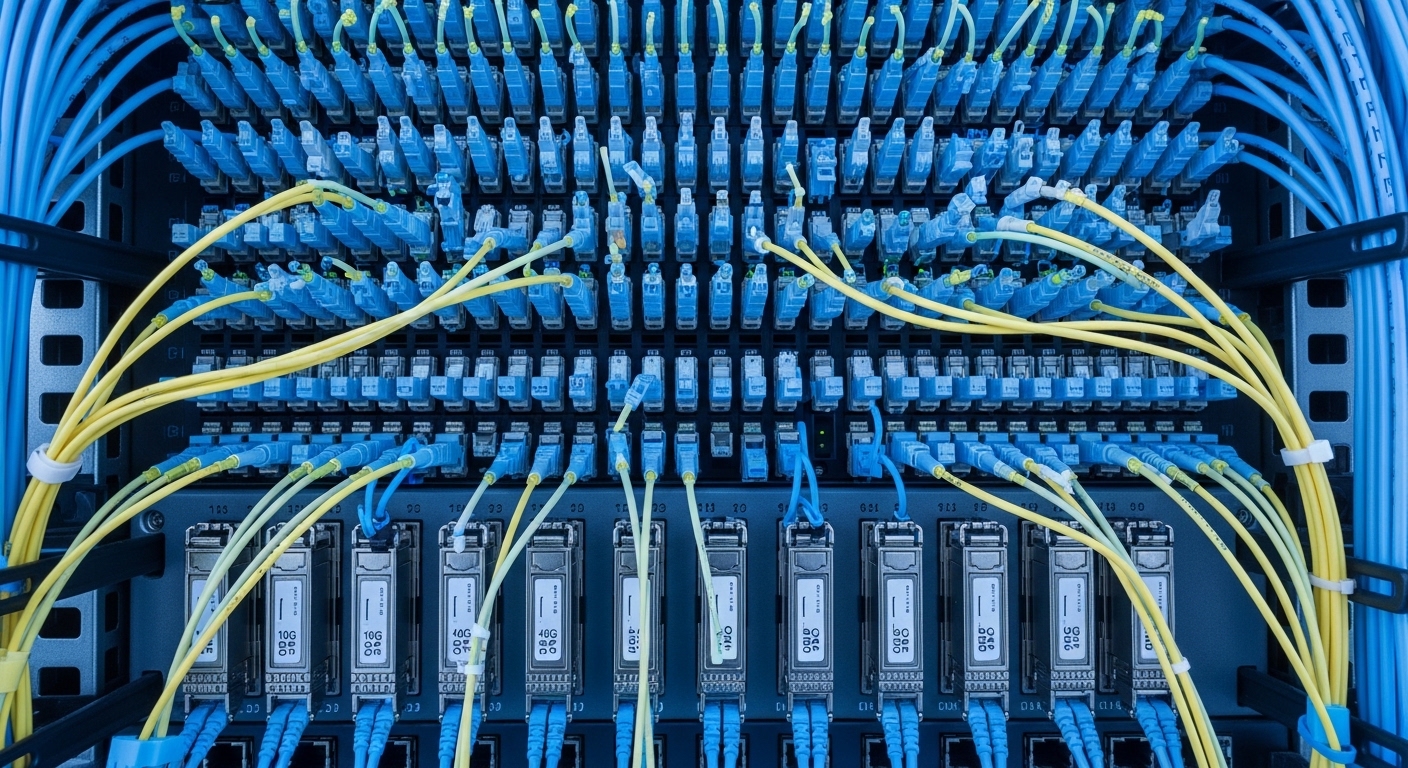
Before you touch optics, confirm the handoff points and optical budget you are actually building. You will need the exact fiber type, planned distance, connector style, and the switch or media converter model that will host the SFP. For standards alignment, verify your transceiver choices against IEEE 802.3 Ethernet optical reach expectations and the vendor datasheet for your specific SFP SKU. If you will use CWDM or WDM, confirm the channel plan and wavelength grid before ordering.
What to collect on site
- Distance from tower to aggregation site (km, measured with route survey; include slack).
- Fiber type: single-mode OS2 or multimode OM3/OM4; confirm with fiber test results.
- Connector and patching: LC vs SC; inspect bulkheads and patch cords.
- Link speed plan: 1G/10G class; confirm whether you need 25G/40G/100G.
- Host compatibility: switch model and whether it supports third-party optics.
- Environmental data: tower cabinet temperature range and solar exposure.
Expected outcome: a validated inputs sheet that prevents ordering the wrong wavelength or wrong fiber mode.
Step-by-step implementation: build the tower fiber link
Use a repeatable build sequence so every deployment ends with a measurable optical link margin and a clean operational state. The core idea is simple: pick the correct SFP for the fiber and reach, then validate it with optical testing and host negotiation behavior. For wireless backhaul, keep in mind the backhaul interface often runs 24/7 and must survive thermal cycling and connector contamination.
Select the SFP type by wavelength and reach
For most tower backhaul, you will use single-mode optics at 1310 nm or 1550 nm depending on budget. If you are deploying 10G Ethernet, common choices include 10G SR for multimode and 10G LR/ER for single-mode. Example parts that are widely used in the field include Cisco SFP-10G-SR, Finisar FTLX8571D3BCL, and FS.com SFP-10GSR-85 (vendor-specific optics vary by platform). Confirm the exact wavelength and reach in the datasheet for your SKU.
Match connector and fiber class
Most modern SFP optics use LC connectors. Ensure the tower patch panels and aggregation site patch cords use the same connector type, and verify polarity if you are using duplex LC. For single-mode, confirm OS2 fiber; for multimode, confirm OM3/OM4 and that the link budget supports the modal bandwidth requirements.
Plan optical budget with real loss numbers
Compute budget using measured fiber attenuation plus connector and splice losses. A practical field approach is to start with fiber test results (OTDR or calibrated attenuation) and add conservative allowances for patch cords, connectors, and future re-termination. Aim for a margin so the link stays within the SFP receiver sensitivity across temperature. Vendor datasheets list typical receiver sensitivity and allowable power ranges; do not guess.
Install SFPs and verify host negotiation
Insert SFPs with clean connectors; then monitor link state on the host. On Cisco IOS-style platforms, you can use commands such as show interfaces transceiver and show interfaces status to confirm presence, vendor ID, optical power, and link up/down history. On Linux-based switches, check SFP readings via vendor tooling or standard sysfs interfaces if available.
Validate with optical testing, then run traffic soak
After the link is up, test with a traffic generator (or controlled production traffic) and watch error counters for at least 30 to 120 minutes. Then confirm optical levels remain stable (TX power and RX power). For wireless backhaul, also confirm there is no packet loss during tower cabinet temperature swings.
Expected outcome: a link that is measurable (optical margin verified), stable (no flap), and operational under realistic traffic.
SFP spec comparison for wireless backhaul tower fiber links
Below is a practical comparison of typical SFP classes used for tower backhaul. Exact performance varies by vendor and exact part number, so treat this as a selection baseline and verify against the datasheet for the specific SKU you will install.
| Transceiver class | Typical wavelength | Data rate | Connector | Fiber type | Typical reach | Operating temperature |
|---|---|---|---|---|---|---|
| 10G SR | 850 nm | 10G Ethernet | LC | OM3/OM4 multimode | Up to ~300 m (OM3) / ~400 m (OM4) depending on SKU | Often -5 C to 70 C (verify) |
| 10G LR | 1310 nm | 10G Ethernet | LC | OS2 single-mode | Up to ~10 km (verify SKU) | Often -5 C to 70 C (verify) |
| 10G ER | 1550 nm | 10G Ethernet | LC | OS2 single-mode | Up to ~40 km (verify SKU) | Often -5 C to 70 C (verify) |
Field note: for towers with long routes or difficult splice access, ER-class single-mode optics often reduce the risk of borderline optical budgets. If your cabinet sees heat soaking, confirm the transceiver temperature rating and ensure the enclosure has adequate airflow or sun shielding.
Pro Tip: Before blaming the radio, log the SFP optical readings at 5-minute intervals during a full day cycle. If RX power drifts as cabinet temperature rises, you likely have a marginal connector or contaminated end-face rather than a true “fiber is bad” problem.
Selection criteria checklist for the right tower fiber link optics
Use this ordered checklist to minimize rework. It is designed for wireless backhaul deployments where downtime impacts service.
- Distance vs reach: choose SFP reach class that exceeds engineered budget by margin, not just “matches nominal reach.”
- Fiber type: OS2 for single-mode, OM3/OM4 for multimode; do not interchange.
- Switch compatibility: verify the host switch/media converter supports the specific transceiver family; check vendor compatibility lists.
- DOM support: confirm whether you need Digital Optical Monitoring and whether the host reads thresholds correctly.
- Operating temperature: validate the transceiver rating against cabinet extremes, including sun-loaded enclosure conditions.
- Vendor lock-in risk: test third-party optics in a pilot; some platforms enforce optics identity or have stricter alarm thresholds.
- Maintenance strategy: standardize part numbers across sites to reduce spares complexity.
Common mistakes and troubleshooting for tower fiber link failures
Most failures come from predictable root causes. Use the top failure points below to shorten restoration time.
Pitfall 1: Wrong fiber class or wrong optic class
Root cause: installing 850 nm multimode optics on OS2 single-mode fiber (or vice versa). The link may not come up, or it may show extreme errors.
Solution: confirm fiber type with test records; verify wavelength on the transceiver label and datasheet; re-terminate with correct optics.
Pitfall 2: Connector contamination and high insertion loss
Root cause: dirty LC end-faces create scattering and reduce RX power, causing link flaps under temperature swings.
Solution: clean with lint-free wipes and approved optical cleaner; inspect with a fiber microscope; replace suspect patch cords; re-measure RX power after cleaning.
Pitfall 3: Marginal optical budget that “worked once”
Root cause: budget calculated from assumptions rather than measured OTDR attenuation; aging splices or additional patching push you outside receiver sensitivity.
Solution: run OTDR or calibrated loss testing end-to-end; add margin by switching from LR to ER class or shortening patching; document final measured budget.
Expected outcome: faster diagnosis with fewer truck rolls, and a stable link under real environmental conditions.
Cost and ROI considerations for SFP tower fiber links
Typical street pricing varies by speed, reach, and vendor identity. As a realistic planning range, 10G SR SFPs may cost roughly $30 to $120 each, while 10G single-mode LR/ER SFPs often land around $80 to $250 each, with certified OEM-linked optics sometimes higher. TCO is not only purchase price: include cleaning tools, microscopes, spares strategy, and the cost of downtime. Third-party optics can reduce unit cost, but if your host enforces strict compatibility, you may face higher failure rates or alarms that increase operational overhead.
For ROI, focus on reducing mean time to repair by standardizing part numbers and keeping a tested spare set staged at the regional depot. If you can cut restore time from 4 hours to 1 hour, the savings from reduced service impact often outweigh optics price differences quickly.
