
AI training and inference clusters are unforgiving: one flaky link can stall a distributed job for hours. This article helps data center and network engineers choose optical modules that behave predictably under load, with a focus on measurable specs, switch compatibility, and operational failure modes. You will get a step-by-step selection and validation guide, including a deployment scenario, a checklist, and troubleshooting patterns that field teams actually see.
Prerequisites: what you must measure before buying optical modules
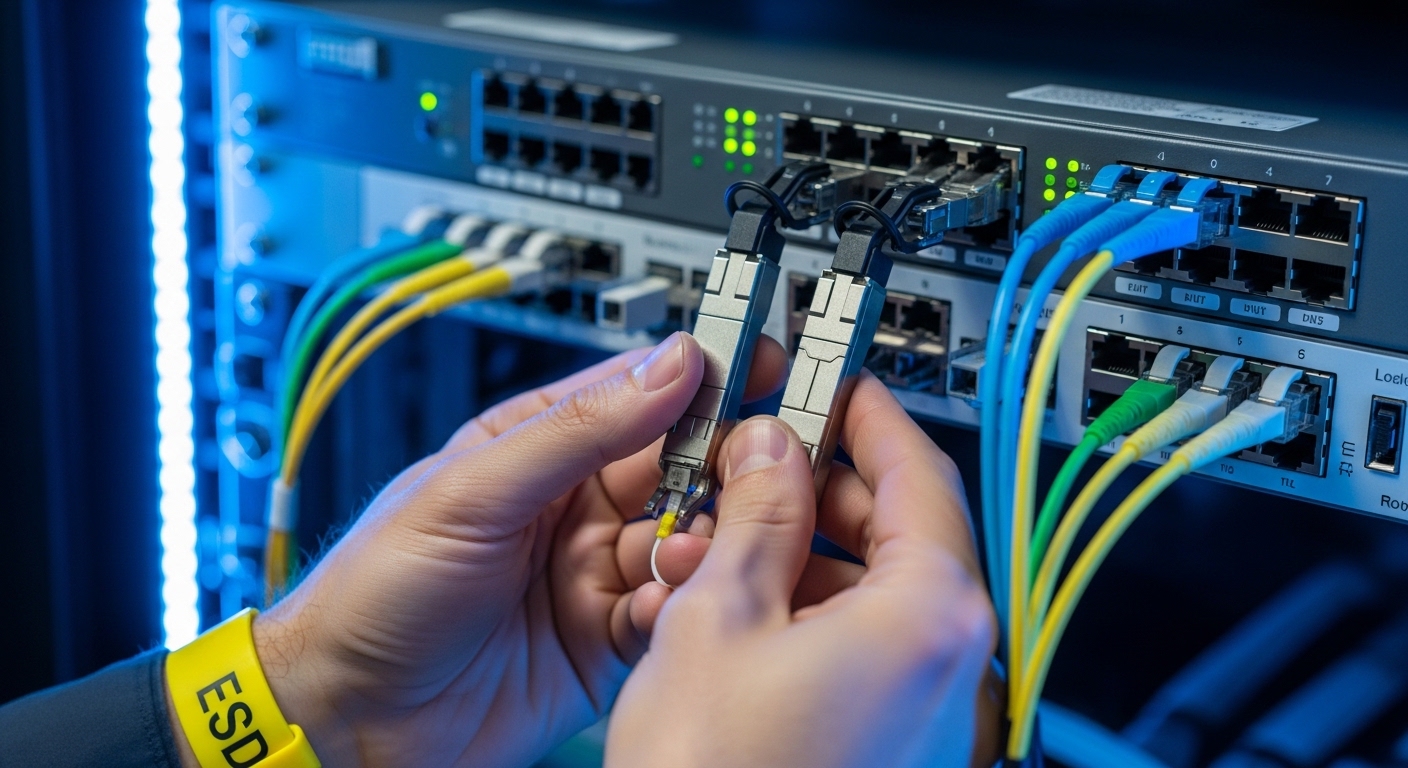
Before you touch inventory, gather the inputs that determine optical module reliability: link budget targets, fiber type, switch optics expectations, and environmental constraints. In my deployments, the fastest path to fewer RMA cycles is to treat optics as part of the physical plant—like power and cooling—rather than as a commodity.
Also confirm whether your AI/ML workload uses Ethernet (most common for ToR/leaf-spine fabrics) and what transceiver form factor your switches require (QSFP28, QSFP56, SFP28, OSFP, or similar). For standards alignment, start from IEEE 802.3 Ethernet PHY requirements and then follow vendor compatibility guidance: IEEE 802.3.
Step-by-step implementation: selecting optical modules that hold up in production
Follow this numbered plan as an engineering change process. Each step includes expected outcomes so you can stop early if the optics will not be reliable in your environment.
Lock the Ethernet rate, optics form factor, and fiber type
Decide the exact line rate and connector standard your fabric needs: for example, 10GBASE-SR, 25GBASE-SR, 40GBASE-SR4, 100GBASE-SR4, or 200G/400G variants depending on your switching platform. Then map to fiber type: OM3, OM4, or OS2 with the correct wavelength (typically 850 nm for SR and 1310/1550 nm for LR/ER).
Expected outcome: A single “target module” spec line per link type, such as “850 nm multimode, SR reach class, LC duplex, DOM required.”
Use a reliability-oriented spec table, not just reach
Engineers often buy by reach and ignore the parts that fail in the field: transmit power stability, receive sensitivity, jitter tolerance, and temperature range. Use vendor datasheets and product briefs to confirm the module’s operating conditions match your rack airflow and any thermal constraints from your cooling plan.
Below is a comparison template you can adapt to your rate and form factor.
| Optical module class | Typical wavelength | Connector | Target reach (OM4/OS2) | Data rate | Power / Tx-Rx stability focus | Operating temperature | DOM support |
|---|---|---|---|---|---|---|---|
| 10GBASE-SR (SFP+) | 850 nm | LC duplex | ~300 m on OM4 (rate dependent) | 10 GbE | Tx optical power and receiver sensitivity per datasheet | Typically -5 C to 70 C (verify) | Often supported (check) |
| 25GBASE-SR (SFP28) | 850 nm | LC duplex | ~100 m on OM4 (verify) | 25 GbE | Budget for aging and connector losses | Typically -5 C to 70 C (verify) | Often supported (check) |
| 100GBASE-SR4 (QSFP28) | 850 nm | LC duplex (4 lanes) | ~100 m on OM4 class (verify) | 100 GbE | Lane balance and aggregate power margins | Typically -5 C to 70 C (verify) | Commonly supported |
| Long-reach (example LR/ER class) | 1310 or 1550 nm | LC duplex | 10 km to 40 km+ (class dependent) | Rate dependent | Budget for dispersion and fiber attenuation | Vendor dependent | Commonly supported |
Expected outcome: A shortlist where each module meets your fiber class, connector type, and temperature envelope, with DOM verification expectations stated upfront.
Pro Tip: In AI racks, the most “reliable” module is often the one with the best DOM telemetry stability under your actual thermal load. If your monitoring shows frequent DOM read errors or optical power oscillation at elevated inlet temperatures, treat it as a reliability risk even when the link stays up.
Demand switch compatibility documentation and validate with your exact SKU
Reliability is not only inside the module; it is in the handshake between module firmware and the host PHY. Use your switch vendor’s transceiver compatibility list and confirm the module’s electrical interface matches the host expectations for lane mapping and diagnostics.
In practice, I have seen “works in the lab” optics fail under specific switch firmware revisions due to threshold calibration differences. If you are standardizing across multiple switch models, test at least one module batch in each platform type, not just one.
Expected outcome: A documented compatibility path: vendor list entry (or official approval), host firmware baseline, and a test result log per switch model.
Verify DOM behavior and telemetry thresholds before rollout
Most modern optical modules expose diagnostics through Digital Optical Monitoring (DOM). Confirm that your network management stack can read: transmit power, receive power, laser bias current, temperature, and sometimes voltage. Then validate alarm thresholds align with your operational practices—especially for AI traffic bursts where link utilization spikes rapidly.
Expected outcome: Monitoring dashboards with known-good telemetry ranges and alert thresholds that correlate with real service-impact events.
Run a physical-layer acceptance test using real fibers and load patterns
Do not rely on factory acceptance alone. Perform link bring-up with your production fiber patch cords, verify optical receive power is within spec, and then exercise traffic using your workload pattern (north-south east-west, microbursts, and sustained throughput). Capture link error counters (CRC, FEC events if applicable) and optical diagnostics over time.
For reference, IEEE 802.3 defines Ethernet PHY behavior; for operational parameters, rely on vendor datasheets and transceiver management docs: IEEE 802.3 working group.
Expected outcome: A measurable “golden window” of counters and DOM telemetry stability under expected AI/ML load.
Plan for thermal reality: airflow, inlet temperature, and derating
AI training racks can raise inlet temperatures, and thermal gradients matter. Confirm your operating temperature range for the module and then compare it to the actual inlet temperature distribution at the switch location. If your cooling system has periodic hotspots, consider derating by choosing modules with a wider temperature margin or by adjusting airflow baffles.
Expected outcome: A thermal acceptance report: inlet temperature measurements at the module zone and evidence that the module remains inside its specified operating range.
Implement a rollout with controlled batches and fast rollback
Replace in batches, not as a single “big bang.” Keep a rollback plan: preserve known-good modules, track serial numbers, and log module swap events with timestamps. When you replace optics, watch for subtle issues like increased bit errors, intermittent DOM reads, or changes in link renegotiation behavior.
Expected outcome: Reduced blast radius, clear correlation between changes and any fault signature.
Common optical module selection traps in AI/ML fabrics
These are failure modes I have observed when teams optimize for procurement speed rather than operational resilience. Each includes a likely root cause and a corrective action.
Troubleshooting failure point 1: “Link comes up, but performance degrades under load”
Root cause: Optical power margin too tight for the real fiber plant (aged patch cords, dirty connectors, higher-than-assumed insertion loss). Under sustained traffic, marginal signal integrity triggers higher error rates.
Solution: Clean and inspect connectors, measure receive optical power at the host, and validate against the module datasheet receive sensitivity. Re-terminate or replace patch cords with lower-loss cabling if needed.
Troubleshooting failure point 2: “DOM alarms or read errors, then intermittent link resets”
Root cause: DOM communication issues caused by incompatibility with host thresholds, marginal thermal conditions, or insufficient power/ground stability on the module interface.
Solution: Confirm switch firmware compatibility, check inlet temperatures, and test the same module in a different port on the same switch model. If DOM readings are erratic only in one slot, investigate port-level signal integrity.
Troubleshooting failure point 3: “Works in one switch model, fails in another”
Root cause: Electrical interface expectations differ by platform (even when both advertise the same form factor). Lane mapping, calibration behavior, or supported diagnostics can vary.
Solution: Use vendor-approved compatibility lists per switch SKU. Validate one module batch per platform type and freeze supported combinations in your change management system.
Real-world deployment scenario: leaf-spine AI cluster optics
In a 3-tier data center leaf-spine topology with 48-port 25G ToR switches and 2 x 100G uplinks per leaf, we standardized on 25G SR links over OM4 within 60 to 80 m spans and used 100G SR4 for spine aggregation. Each leaf had 24 active training nodes during peak, producing microbursts that drove utilization above 85% for short intervals. We required DOM telemetry for automated alerts, and we validated each optical module SKU against the switch’s transceiver compatibility matrix on the exact firmware revision.
During commissioning, the first batch showed elevated CRC counts on a subset of ports; the root cause was not the modules but a set of patch cords with higher insertion loss from repeated maintenance. After connector cleaning and patch cord replacement, CRC rates dropped to near-zero and DOM telemetry stabilized, eliminating intermittent link resets during training epochs.
Selection criteria checklist for reliability-first optical modules
Use this ordered checklist to reduce risk. If you cannot satisfy an item, pause procurement and rework the plan.
- Distance and fiber class: confirm OM3/OM4/OS2 and actual measured span length; do not rely on “planned” distances.
- Data rate and optics class: SR vs LR/ER, lane count, and form factor alignment (SFP28, QSFP28, QSFP56, OSFP).
- Switch compatibility: validate against vendor lists and your host firmware baseline; avoid “universal” assumptions.
- DOM support and monitoring readiness: ensure your NMS can read alarms and you have threshold policies.
- Operating temperature and thermal derating: compare module spec temperature range to measured inlet temperature distribution.
- Connector cleanliness and plant loss: plan for inspection, cleaning workflow, and insertion loss measurement.
- Vendor lock-in risk: consider OEM vs third-party; require documentation and test evidence for third-party optics.
- Change management and serial tracking: log module serials and keep rollback inventory for fast fault isolation.
Cost and ROI: what reliability actually costs
Pricing varies widely by rate and reach, but a practical range for budgeting is useful. OEM modules may cost roughly 1.2x to 2.5x third-party pricing for the same nominal spec, though the exact spread depends on your switch ecosystem and market availability.
TCO should include not only purchase price but also downtime risk, labor for troubleshooting, and RMA logistics. In one rollout, third-party optics with insufficient DOM validation increased investigation time by roughly 20 to 30 engineer-hours per incident during the first month; after standardizing on DOM-stable SKUs and cleaning workflows, incident rates dropped and the ROI improved. Treat reliability testing as an investment: it is cheaper than chasing intermittent failures during training windows.
FAQ: buying optical modules for AI/ML workloads
What optical modules are most common for AI training clusters?
Most AI/ML fabrics start with short-reach Ethernet over multimode fiber, so SR-class optical modules at 25G and 100G are common. The exact choice depends on your switch form factor and your cabling distances within the facility.
Do I need DOM for optical modules?
For reliability-focused operations, yes. DOM enables proactive monitoring of transmit power, temperature, and receive power, which helps you detect aging, thermal drift, and marginal fiber loss before they cause outages.
Can I mix OEM and third-party optical modules in the same switch?
You can, but only if the switch vendor explicitly supports that combination and your firmware version behaves consistently. I recommend testing each module batch in a controlled port set and tracking telemetry stability.
How do I validate optical modules without waiting for production traffic?
Run link bring-up tests, verify optical power levels, and exercise traffic with a repeatable pattern that mimics your AI microburst behavior. Capture link counters and DOM telemetry over time to confirm stability under sustained load.
What is the most frequent cause of optical module “mystery failures”?
Connector contamination and patch cord insertion loss are frequent culprits, especially after repeated maintenance. Even good modules can fail reliability targets when the fiber plant is outside expected loss budgets.
Are temperature specs enough, or should I measure inlet air?
Temperature specs are necessary but not sufficient. Measure the actual inlet temperature at the switch and optics zone, because airflow patterns and rack heat density can create hotspots that exceed module assumptions.
Choosing optical modules for AI/ML reliability is a discipline: map specs to measured reality, validate compatibility per switch SKU, and instrument DOM telemetry so failures become diagnosable facts. If you want a deeper look at standards and PHY behavior that influence optics choices, see optical module compatibility and DOM for practical guidance.
Author bio: I have spent 10+ years deploying and validating Ethernet optics in enterprise and data center environments, from lab bring-up to production reliability programs. I write from field experience where optical module telemetry, thermal conditions, and switch compatibility are treated as one system.
