
High-speed fiber links can look healthy on dashboards while still burning extra power consumption in optics, causing thermal throttling, flaky optics, or unexpected PSU load. This article helps network engineers and field technicians pinpoint the root cause—transceiver DOM values, PHY negotiation behavior, or cabling losses—before you swap hardware blindly. You will get a practical troubleshooting workflow, a specs comparison, and a decision checklist for selecting modules that stay power-efficient under real temperature and traffic profiles.
Why power consumption rises in active high-speed optics
Most modern pluggables (SFP/SFP+/QSFP families) expose internal telemetry such as laser bias, transmit power, receive power, supply current, and temperature. When power consumption increases, it is usually correlated with one of three mechanisms: higher laser drive current to overcome fiber attenuation, more frequent link re-training due to marginal signal integrity, or thermal stress that forces compensating behavior in the optics ASIC.
From an interoperability perspective, link state matters. On IEEE 802.3 Ethernet PHYs, repeated resets or renegotiation can increase average optical activity and housekeeping overhead. If the switch’s cages and management plane enforce timing or power modes differently per vendor, you can see consistent deltas in supply current even when the link reports “up.” For authoritative grounding on Ethernet PHY behavior, see [Source: IEEE 802.3]. For DOM telemetry fields and typical interpretations, see vendor DOM documentation and transceiver datasheets like those published by Cisco and Finisar/II-VI.
Telemetry-driven troubleshooting workflow for power consumption
Start with measurement, not replacement. Collect DOM values for Tx bias current, Tx power, Rx power, module temperature, and module supply current at three moments: link idle (if supported), steady traffic, and after a controlled traffic burst. Many field incidents involve a module that looks normal at boot, then drifts under sustained load because the laser bias margin collapses.
Step-by-step checks that isolate root cause
- Confirm link quality and optics alarms: Verify no LOS, LOF, or vendor-specific alarm flags. If alarms are present, treat this as a signal integrity or cabling issue first.
- Compare DOM against expected operating envelope: For example, a typical SR module operating near the upper temperature range can show higher supply current even if the link stays up.
- Correlate power consumption with fiber loss: Measure or estimate attenuation (dB) at the wavelength for the link type. If you swap a known-good module and the power draw drops, the original module likely faced higher loss or higher required drive.
- Check switch port behavior: Some platforms apply different power modes per port type and optics vendor. Confirm whether the port is configured for a specific speed/encoding mode or using auto-negotiation.
- Validate thermal path: Ensure the module is fully seated, airflow is unobstructed, and the cage fan path is active. Thermal bottlenecks can raise module internal temperature and increase consumption.
Pro Tip: In the field, the fastest indicator of “why power is rising” is the pair Rx power and Tx bias current. If Rx power is low while bias current is high, the optics are compensating for loss; if both are stable but supply current still spikes, suspect re-training events, power-mode mismatches, or a thermal airflow constraint.
Key specs comparison: SR vs LR optics and power tradeoffs
Power consumption depends on optical reach, wavelength, and the laser/receiver design. Short-reach (SR) modules generally target lower power and simpler optics, while long-reach (LR) designs may require different laser drive characteristics and can be more sensitive to marginal link budgets. When troubleshooting, use the module type to set realistic expectations for current and thermal behavior.
| Parameter | 10G SR (Example) | 10G LR (Example) |
|---|---|---|
| Data rate | 10.3125 Gb/s | 10.3125 Gb/s |
| Wavelength | 850 nm | 1310 nm |
| Reach (typical) | Up to 300 m (OM3/OM4 with correct fiber) | Up to 10 km (single-mode) |
| Connector | LC | LC |
| DOM support | Temperature, supply current, Tx/Rx power | Temperature, supply current, Tx/Rx power |
| Operating temperature | Commonly 0°C to 70°C (varies by grade) | Commonly -5°C to 70°C or 0°C to 70°C (varies) |
| Power consumption (typical range) | Often ~1 W to ~2 W class (vendor dependent) | Often ~1.5 W to ~2.5 W class (vendor dependent) |
Concrete examples (to ground expectations): Cisco SFP-10G-SR and Finisar FTLX8571D3BCL are commonly referenced as SR-class 10G optics; FS.com modules such as SFP-10GSR-85 are also widely deployed in lab and production environments. Always verify the exact datasheet for the specific part number you installed, because power consumption can shift by revision and temperature grade. For product behavior and compliance context, consult IEEE 802.3 and the manufacturer datasheets [Source: IEEE 802.3], [Source: Cisco Transceiver Datasheets], [Source: Finisar/II-VI Datasheets], [Source: FS.com Transceiver Datasheets].
Selection criteria to keep power consumption stable
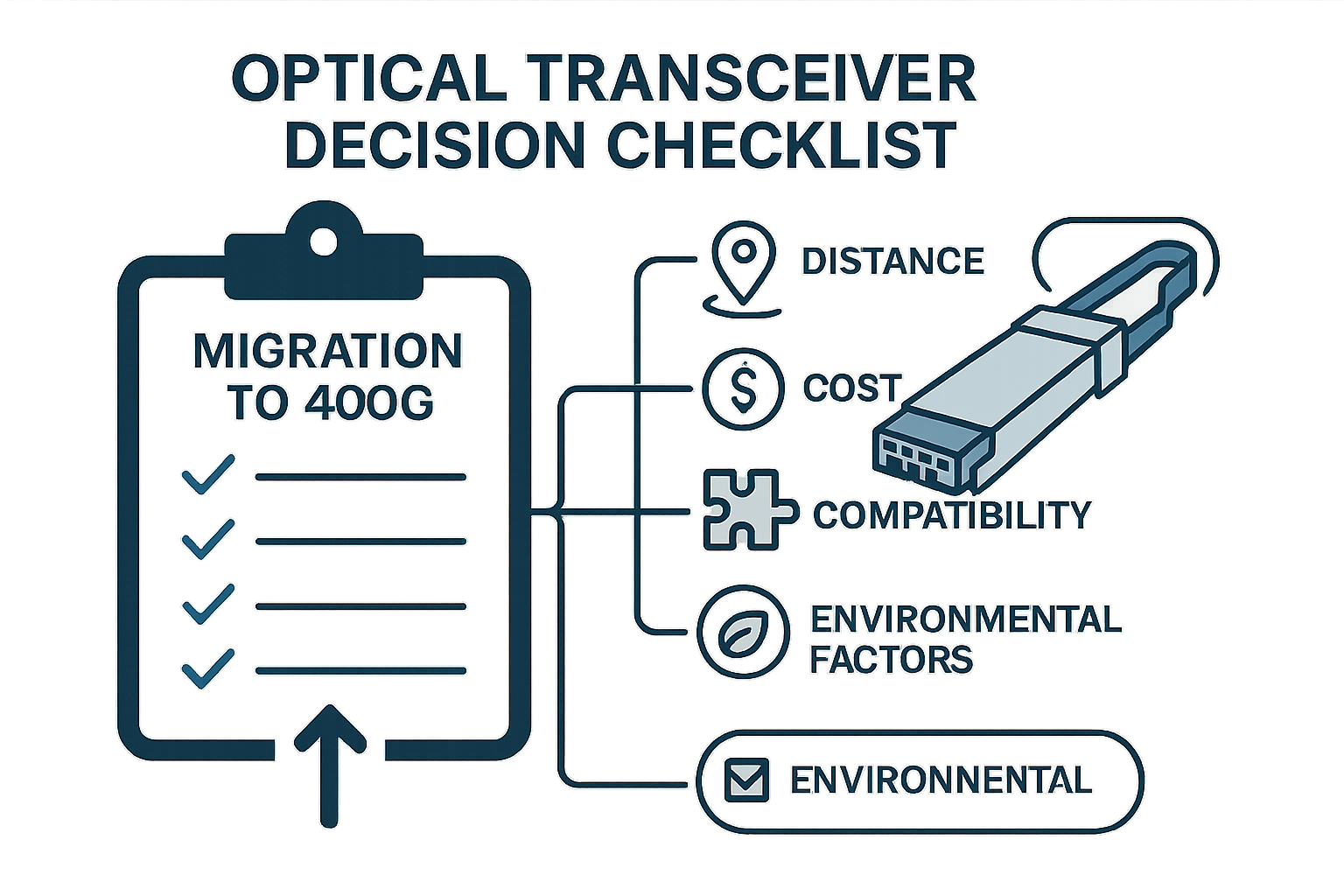
When you replace or standardize optics, engineers should treat power consumption as a systems requirement, not a module-only metric. The goal is to choose modules that remain within power and thermal margins across your real cabling loss distribution, not just nominal link budgets.
- Distance vs link budget: Validate measured attenuation (dB) and connector cleanliness. If you are near the reach limit, laser bias will rise and power consumption will climb.
- Switch compatibility and power mode behavior: Confirm the switch vendor’s supported transceiver list or interoperability notes. DOM behavior can differ across platforms.
- DOM and alarm granularity: Prefer modules that expose supply current and temperature reliably, enabling earlier detection.
- Operating temperature grade: Select modules rated for your actual inlet temperatures. A 70°C-rated module in a poorly ventilated cage can drift toward higher consumption.
- Vendor lock-in risk and spares strategy: Third-party optics can work, but validate in a staging rack and keep a defined acceptance test to avoid operational surprises.
- Connector type and cleanliness requirements: LC connectors and patch cords must meet cleanliness standards; contamination can mimic “high loss” and drive extra laser current.
Common mistakes and troubleshooting tips
Even experienced teams repeatedly hit the same failure modes. Below are concrete pitfalls with root causes and fixes.
Swapping modules without checking fiber loss
Root cause: The cabling path has higher attenuation or damaged connectors, so the replacement module also increases laser drive and power consumption.
Solution: Clean LC ends, re-seat, and measure optical power at the receiver side. If possible, run an OTDR or certified loss test on patch cords.
Ignoring thermal airflow constraints
Root cause: A blocked vent, failed fan, or partially seated cage changes airflow and raises module temperature, which increases consumption and can trigger subtle instability.
Solution: Validate fan health, confirm clearances, and check module temperature telemetry right after traffic ramps. Replace the airflow component before swapping optics.
Misreading “link up” as “signal stable”
Root cause: Link is “up” but PHY is experiencing frequent retrains due to marginal signal integrity. This increases optical activity and housekeeping overhead.
Solution: Check switch logs for interface resets/retrain counters. Compare DOM telemetry across time windows; look for cyclic spikes in supply current.
Mixing vendors without validating DOM and power modes
Root cause: Some optics and switch firmware combinations enforce different power management thresholds or calibration behavior.
Solution: Standardize part numbers per site, run a staging validation, and record baseline power consumption and temperature under your traffic profile.
Cost and ROI note: power savings vs operational risk
In many deployments, the immediate cost delta between OEM and third-party optics is modest compared to the operational risk of repeated failures. Typical pricing for 10G-class optics can range roughly from $30 to $120 per module depending on reach and brand tier, while QSFP and higher-speed families can cost substantially more. However, the ROI often comes from avoiding thermal events, reducing replacement churn, and lowering the probability of field downtime.
If a problematic module increases average power consumption by even 0.5 W and you have 100 ports affected, that is 50 W of extra draw. Over a year, 50 W becomes about 438 kWh; at $0.12 per kWh that is roughly $52/year in energy, but the bigger savings are from preventing outages and reducing truck rolls. Total cost of ownership should include failure rate, mean time to repair, and spares logistics; vendor datasheets and your acceptance testing results should drive the final choice.
FAQ
How do I measure power consumption at the module level?
Use DOM telemetry exposed by the switch or a transceiver management tool. Look for supply current and temperature, then correlate with your switch port power readings. Treat DOM values as vendor-defined metrics and confirm trends during controlled traffic changes.
What DOM signals most strongly predict rising power consumption?
Supply current paired with temperature is the first indicator. Then correlate with Tx bias current and Rx power; a high bias with low Rx suggests loss-driven compensation. If those are stable, investigate retraining events and thermal airflow.
Can dirty fiber cause higher power consumption even if the link stays up?
Yes. Contamination increases effective attenuation and forces the laser to drive harder, raising current and power consumption. Clean and inspect connectors before assuming a hardware defect.
Are third-party optics safe for production regarding power consumption?
They can be safe if you validate the exact part number and firmware
