
When your SCADA network needs Modbus TCP to reach remote PLC cabinets over fiber, the wrong optics can cause intermittent polling, CRC faults, or complete link flaps. This article helps SCADA engineers and field network technicians compare Modbus TCP optics—specifically SFP-class fiber transceivers—so you can pick reliably for real sites, not datasheet fantasies. You will get practical selection criteria, a troubleshooting checklist, and cost-aware guidance for production uptime.
Modbus TCP optics over fiber: what actually matters for SCADA
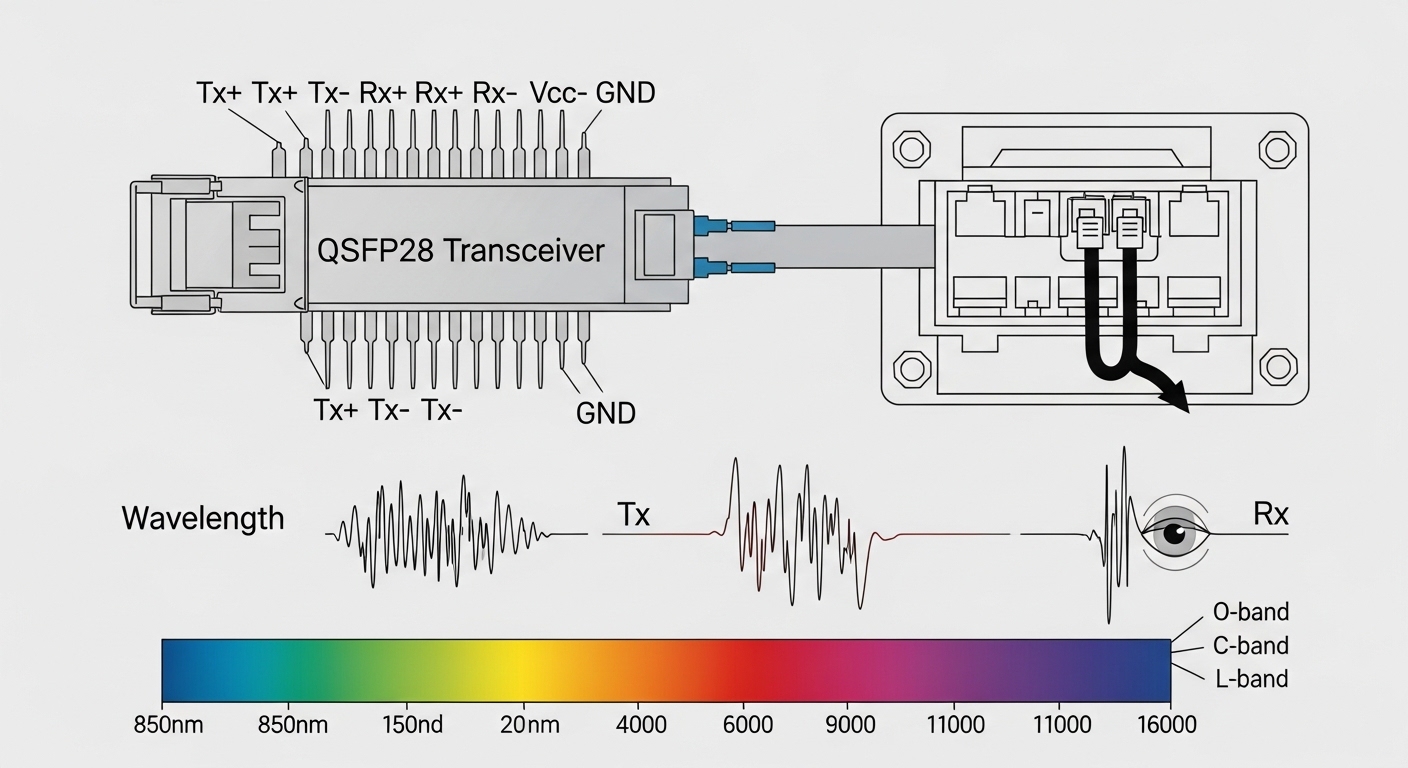
Modbus TCP is just TCP/IP carrying register reads and writes, so the optics must deliver stable Ethernet links at the negotiated speed and duplex mode. In practice, SCADA systems care less about “marketing reach” and more about deterministic behavior: consistent link establishment, low bit error rate, and predictable latency under load. For SFP-based fiber runs, you typically match the transceiver wavelength and fiber type to the plant’s cabling plan, then verify that the switch ports support the module electrically and mechanically.
Most field deployments use 10GBASE-SR or 1GBASE-SX optics when the fiber is short to medium range inside buildings and substations. If your SCADA topology crosses long corridors or outdoor spans, you may move to 10GBASE-LR class optics. The key is that Modbus polling cycles can be seconds, so a link that drops for 2 to 10 seconds is enough to create control gaps and stale telemetry.
Head-to-head: SFP SR vs SFP LR for Modbus TCP reliability
Engineers often choose between “short reach” and “long reach” SFPs first, because it directly maps to whether you can reuse existing multimode fiber or must standardize on single-mode. In a SCADA over fiber design, the optical budget is not only about distance; it is also about connector loss, splices, patch panel cleanliness, and aging. Before buying, confirm your fiber plant: fiber type, core size, end-to-end attenuation, and expected worst-case link margin.
Technical specification comparison (what to verify)
| Spec | SFP SR class (example) | SFP LR class (example) |
|---|---|---|
| Wavelength | 850 nm (multimode) | 1310 nm (single-mode) |
| Typical reach | Up to 300 m on OM3 (varies by vendor) | Up to 10 km (varies by vendor) |
| Data rate | 1G or 10G (depends on module) | 1G or 10G (depends on module) |
| Connector | LC duplex common | LC duplex common |
| DOM support | Often available (read power/temp) | Often available (read power/temp) |
| Operating temperature | Commercial: 0 to 70 C; Industrial options lower/higher | Commercial: 0 to 70 C; Industrial options lower/higher |
| Best-fit SCADA use | Indoor racks, substation bays with multimode | Outdoor runs, long single-mode corridors |
For concrete references, many networks use modules like Cisco SFP-10G-SR, Finisar FTLX8571D3BCL, or FS.com SFP-10GSR-85 for short-reach scenarios, and analogous LR part numbers for single-mode. Always validate the exact data rate and DOM behavior against your switch model and firmware.
Compatibility and DOM behavior: the hidden reliability lever
SCADA uptime depends on link stability and predictable diagnostics. Many modern switches monitor optical power and temperature via Digital Optical Monitoring (DOM), and some enforce compatibility rules that can reject third-party optics. If your platform uses DOM thresholds for alarms, you want the transceiver to report within expected ranges so your monitoring tools do not flood you with false “out of spec” events.
When validating Modbus TCP optics, check these layers in order: physical fit (SFP vs SFP+), electrical interface (the module’s supported lane rate), firmware compatibility, and whether DOM is enabled or ignored by the switch. For field operations, I recommend a bench test: insert the module into the exact switch SKU, bring up the link with the intended fiber patch cords, and watch interface counters for at least 30 minutes while generating background traffic.
Pro Tip: In several real SCADA rollouts, the “fault” was not the transceiver but the fiber patch cord cleanliness. A single oxidized LC face can raise effective attenuation so the link still comes up, but your error counters climb under peak polling windows. Clean and inspect, then re-test optical power readings from DOM before you replace hardware.
Selection criteria checklist for Modbus TCP optics in the field
Use this ordered checklist to decide quickly and reduce rework. It is designed for engineers who must ship spares and keep change windows small.
- Distance and fiber type: Confirm multimode vs single-mode, then compute worst-case loss including connectors and splices.
- Data rate alignment: Choose modules that match the switch port speed (1G vs 10G) and ensure the same Ethernet standard on both ends.
- Switch compatibility: Verify the switch vendor’s optics compatibility list and whether DOM is required for alarms.
- DOM support and thresholds: Ensure DOM is supported and check how your NMS interprets “low TX power” and “high temperature.”
- Operating temperature: Prefer industrial-rated optics for outdoor enclosures; confirm the transceiver temperature range meets enclosure worst-case.
- Connector and cable plan: Confirm LC duplex, patch cord length, and whether you will need APC vs UPC polishing constraints for your fiber type.
- Vendor lock-in risk: If the switch enforces strict optics checks, plan spares from the same ecosystem to reduce commissioning delays.
- Maintenance strategy: Define who cleans connectors, how often inspections happen, and how you record DOM drift over time.
Common mistakes and troubleshooting tips (root cause plus fix)
Even skilled teams run into predictable failure modes. Here are concrete ones I have seen during commissioning and maintenance, with practical solutions.
-
Mistake: Choosing SR optics for a run longer than the multimode budget.
Root cause: Excess attenuation from distance, patch panels, and aging fiber causes marginal optical power; link may flap under load.
Fix: Recalculate loss, inspect and clean connectors, then switch to LR-class single-mode optics if needed. -
Mistake: Installing a third-party SFP that is electrically compatible but not DOM-compatible with the switch.
Root cause: DOM reporting format or thresholds mismatch triggers port errors or alarm-driven maintenance actions.
Fix: Confirm DOM support with the exact switch model and firmware; validate readings during a controlled soak test. -
Mistake: Using the wrong polarity or mismatched fiber pair at one end.
Root cause: TX-to-TX or RX-to-RX wiring reduces received power; link may not come up or may be unstable.
Fix: Verify LC duplex orientation, use labeled patch cords, and document the fiber map in your as-built records. -
Mistake: Ignoring temperature and condensation in outdoor or cabinet-mounted runs.
Root cause: Commercial optics degrade outside their temperature envelope; condensation can contaminate connector faces.
Fix: Select industrial-rated transceivers and implement a connector inspection and cleaning interval.
Cost and ROI: what you pay now versus downtime later
Typical pricing varies by speed and reach, but in many procurement cycles you might see OEM SFP optics priced in the higher range, while reputable third-party modules often cost less. Real TCO comes from commissioning time, spare availability, and failure rate under your temperature and cleaning conditions. In a SCADA environment, a single unplanned outage can cost far more than the optics price difference, especially when you must dispatch technicians to remote sites.
As a practical approach, stock spares that match your deployed switch and optics family. If you use third-party modules, test them with your switch SKU, then keep a consistent vendor for replacements to reduce “works on bench, fails in cabinet” surprises.
Deployment scenario: SCADA over fiber in a leaf-spine plant
In a 3-tier data center leaf-spine topology adapted for industrial SCADA, imagine 48-port 10G ToR switches at the plant edge feeding a monitoring VLAN. The SCADA network polls PLCs every 2 seconds for process variables and alarms, and each PLC session maintains a small TCP window with periodic reads. Two remote substations connect via single-mode fiber runs of about 6 km each, using 10GBASE-LR SFPs at the edge switches. During commissioning, engineers validate DOM telemetry and watch interface error counters while replaying Modbus traffic bursts at peak shift handoff; the system remains stable once connector cleaning and worst-case optical margin are confirmed.
Which option should you choose?
If your fiber plant is multimode and distances stay within budget, choose SFP SR for simpler indoor runs and often lower cost. If you face long spans, outdoor corridors, or uncertain fiber quality, choose SFP LR on single-mode to gain optical margin and reduce link flapping risk. For teams optimizing reliability over time, prioritize industrial temperature ratings and validated switch compatibility, then back it up with a connector cleaning and DOM monitoring routine.
For next steps, review your plant’s fiber loss budget and map it to your SCADA polling requirements, then document the optics inventory using SCADA network fiber planning.
FAQ
Q: Are Modbus TCP optics different from normal Ethernet optics?
A: They are not fundamentally different. Modbus TCP optics must simply provide a stable Ethernet link at the correct speed; Modbus reliability then depends on link stability, error rates, and switch behavior. Choose optics based on distance, fiber type, and compatibility with the Ethernet gear.
Q: What SFP reach should I buy for a 2 km run?
A: If you have single-mode fiber, LR-class optics are a common safe choice. If you have multimode, SR might work depending on OM grade and worst-case link loss; confirm by calculating attenuation plus connector and splice losses.
Q: Why does my link come up but Modbus polls still time out?
A: Timeouts can come from rising error counters, intermittent link flaps, or congestion on the SCADA VLAN. Check interface errors, DOM power drift, and switch logs during polling peaks; also verify fiber polarity and connector cleanliness.
Q: Do I need DOM support for Modbus TCP optics?
A: DOM is not required for Modbus itself, but it is valuable for operations. If your monitoring stack uses DOM to trigger maintenance, choose optics that report consistently within your switch’s expected ranges.
Q: Can I mix SR and LR optics on different segments?
A: Yes, as long as each link pair matches in type, speed, and fiber expectations. Keep careful records so that replacement modules match the correct remote endpoint and fiber map.
Q: What is the best ROI strategy for spares?
A: Stock spares that are known compatible with your switch SKU and validated in your environment. The upfront cost of vetted modules is usually lower than the labor and downtime of repeated troubleshooting on remote sites.
Expert bio: I am a field-focused network architect who designs and validates industrial Ethernet links, including optics commissioning with DOM telemetry and error counter baselining. My work blends vendor datasheets, IEEE 802.3 behavior, and real site constraints to keep SCADA traffic predictable under stress.
