
Edge computing loves fast decisions, and nothing ruins a millisecond like a jittery link. This article helps network and field engineers choose optical modules that support low latency edge applications, from industrial analytics to real-time video inference. You will get practical deployment numbers, compatibility caveats, and troubleshooting patterns you can actually use on a Friday night when the alarms start singing.
Why optical modules matter for low latency edge workloads
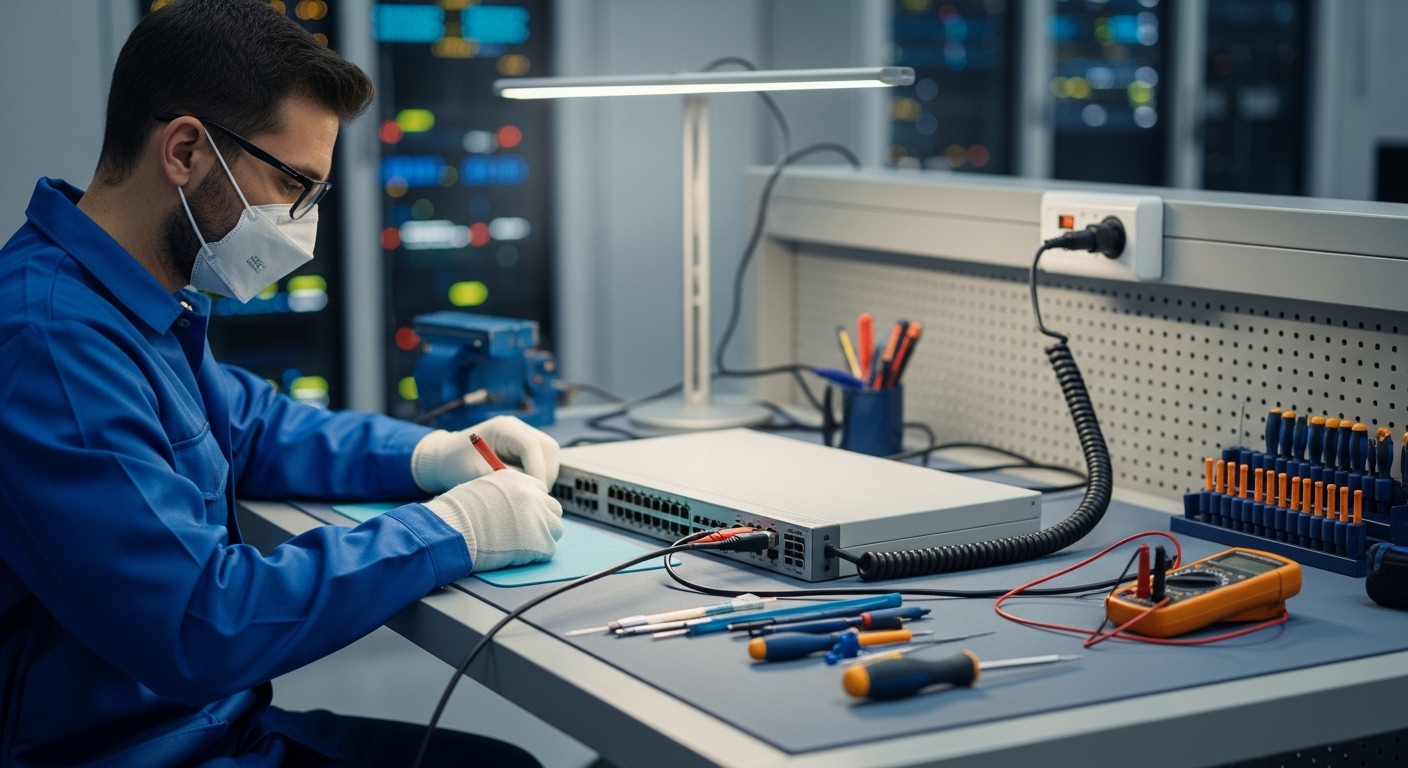
In edge deployments, latency is not just “how fast light travels.” It is the sum of serialization delay, transceiver optics behavior, switch fabric buffering, and any retransmissions triggered by link errors. Optical modules reduce electrical reach limits and can stabilize link performance across longer runs, which helps keep queueing and error-driven retries down. For strict timing budgets, engineers often target deterministic behavior by minimizing bit errors and avoiding marginal optics that cause link flaps.
In practical terms, a 10G or 25G link’s physical layer typically adds a small, predictable serialization component, while the bigger surprises come from oversubscription, poor module compatibility, and temperature-induced power drift. IEEE 802.3 defines Ethernet physical layers and optical signaling behaviors, but vendor implementations still differ in how they handle DOM reporting, power level thresholds, and link training nuances. When the edge site has harsh conditions, the “same part number” can behave differently if the module vendor’s temperature margins and laser bias strategy are not aligned with your operating envelope. anchor-text: IEEE 802.3 overview
Use cases: where low latency edge links earn their keep
Edge optical connectivity shows up when you need real-time decisions without dragging raw data back to a central cloud. In a factory, a vision system can stream processed signals to a local inference node and then to a robotics controller, with strict response timing. In retail, a store gateway can fuse sensor feeds and push event summaries to nearby microservices, keeping round-trip time tight enough to drive dynamic displays. In telecom, distributed radio units rely on fronthaul/backhaul links where timing and link stability are non-negotiable.
Below is a representative map from use case to optical choice. The key is matching the reach and power budget to your fiber plant, then choosing a module family that your switch supports without drama.
| Application slice | Typical data rate | Common standards | Reach target | Module examples | Thermal range (typical) |
|---|---|---|---|---|---|
| Industrial edge vision to inference | 10G or 25G | 10GBASE-SR / 25GBASE-SR | 100 m to 300 m | Cisco SFP-10G-SR, Finisar FTLX8571D3BCL, FS.com SFP-10GSR-85 | 0°C to 70°C (varies by grade) |
| Microservice fan-out near PoP | 25G / 40G | 25GBASE-SR / 40GBASE-SR4 | 150 m to 400 m | FS.com SFP28-SR, Cisco compatible SFP28-SR | -5°C to 70°C (common for extended) |
| Harsh environment edge cabinet | 25G | 25GBASE-LR / SR (as fiber allows) | 1 km to 10 km | Vendor-specific 25G LR optics | -40°C to 85°C (when you truly need it) |
Spec selection that protects low latency under load
When you are chasing low latency, you should treat optics selection like risk management. Engineers typically start with required data rate and Ethernet PHY compatibility (SFP, SFP28, QSFP28, QSFP+), then validate reach against fiber type and loss budget. For SR optics, the key input is MMF grade (typically OM3 or OM4) and the link’s launch/receive power range. For LR optics, you must check wavelength band, chromatic dispersion limits, and the deployed fiber’s attenuation and connector cleanliness.
Decision checklist engineers actually run
- Distance and fiber plant: measure end-to-end loss and verify OM type; confirm connector count and expected insertion loss.
- Switch compatibility: verify the exact module form factor and vendor interoperability; confirm the switch supports DOM reads.
- DOM and monitoring needs: check if the optics exposes temperature, laser bias, TX power, and RX power with thresholds that your NMS can alert on.
- Operating temperature grade: align module temperature range with cabinet ambient, not just “room temperature in the lab.”
- Budget and vendor lock-in risk: compare OEM pricing versus third-party lead times and RMA rates; confirm support policy with your integrator.
- Link error resilience: ensure the optics meets BER expectations for your PHY; marginal optics can trigger CRC errors and retransmits that inflate latency.
Pro Tip: In edge troubleshooting, the fastest path to diagnosing “mystery latency spikes” is to correlate switch interface counters with DOM trends. If you see rising temperature or falling TX power weeks before the first packet loss event, you have a thermal or aging optics issue, not a software problem.
Deployment scenario: leaf-spine edge with real numbers and real constraints
Consider a 3-tier edge environment: leaf switches at the edge cabinets, aggregation in a nearby micro-PoP, and a regional core. In one rollout, each edge cabinet uses 48-port 10G ToR switches feeding a local compute rack, with uplinks to the aggregation tier over 2x 10G or 2x 25G fiber links. The fiber run from cabinet to aggregation is 220 m over OM4 with LC connectors at each endpoint and two patch transitions. Engineers budgeted for typical insertion loss and aimed to keep received power within the transceiver’s recommended range to avoid error bursts during temperature swings.
In practice, field teams often standardize on SR optics for the short reach and keep LR optics reserved for longer cross-building links. They also set switch-level thresholds for interface errors and link flaps, so the operations team sees early warnings instead of waiting for “users complain” time. For low latency workloads, the compute nodes prioritize flows using QoS policies, but the physical layer still has to be stable; otherwise, congestion control and retransmissions can dominate end-to-end timing.
Common pitfalls and troubleshooting patterns for low latency links
Even “compatible” optics can behave like uninvited guests at a meeting: technically allowed, emotionally disruptive. Below are frequent failure modes that lead to higher latency through errors, renegotiations, or buffering side effects.
Link instability from fiber cleanliness and connector mismatch
Root cause: Dirty LC connectors or an APC/UPC mismatch can increase insertion loss and trigger intermittent RX power drops. This can cause CRC errors, which then raise retransmissions and queueing. Solution: Inspect connectors with a scope, clean with approved methods, and re-terminate if needed; verify end-to-end loss with an OTDR or at least a calibrated tester.
Thermal drift that slowly erodes performance
Root cause: The module meets spec on the bench but sits in an enclosure that runs hotter than expected, especially near power supplies. Laser bias and output power drift can push the link near sensitivity thresholds, causing sporadic errors and latency spikes. Solution: Validate the module’s temperature grade against cabinet ambient; use DOM telemetry to trend TX power and temperature; improve airflow or relocate the switch if necessary.
Switch optics compatibility and DOM threshold mismatch
Root cause: Some switches enforce strict vendor compatibility lists or interpret DOM fields differently, leading to “link up but unstable” behavior or disabled monitoring. In edge networks, that creates blind spots: you cannot detect early degradation, so faults escalate into outages. Solution: Confirm compatibility with the switch model and firmware version; test one optics batch before wide deployment; ensure your monitoring stack reads DOM correctly.
Wrong wavelength or standards assumption across site teams
Root cause: A team assumes “SR works for everything,” but the actual fiber plant or patching uses a different topology than planned. The link might come up at first, then degrade as temperatures change or as fibers age. Solution: Verify planned wavelength and fiber type; label patch panels with standardized conventions; enforce change control that includes optical type checks.
Cost and ROI: OEM optics versus third-party in edge reality
Optics pricing varies widely, but a realistic edge purchasing range for common modules is roughly $30 to $120 per transceiver for many 10G SR/SFP-type items and $50 to $250 for higher-density or branded variants. OEM modules can cost more, yet they often come with better documentation, consistent DOM behavior, and smoother RMA workflows. Third-party optics can reduce capex, but you should factor in operational cost: additional testing time, higher failure variance across batches, and potential support friction.
ROI usually comes from two places: avoiding downtime and reducing rework. If third-party optics reduce purchase price by, say, 20% but increase field swap events by even a few extra incidents per year, the TCO can erase the savings. For low latency edge links, downtime is expensive not only in minutes lost but in compute time wasted on inference retries and queue rebuilds. For decision-making, request vendor datasheets, confirm DOM behavior, and align your acceptance test criteria before scaling deployment.
FAQ: low latency optical modules for edge computing
What optical type best supports low latency for edge cabinets?
For short runs inside and between nearby buildings, SR optics (multimode) often provide a stable, cost-effective solution. For longer distances or when multimode fiber is not viable, LR optics (single-mode) can be necessary to keep error rates low and latency predictable.
Do DOM metrics actually help with low latency troubleshooting?
Yes. DOM provides temperature and optical power telemetry that can reveal degradation before errors spike. Pair DOM trends with switch interface counters so you can distinguish optics aging from congestion or software issues.
Will third-party optics ruin compatibility with my switch?
Not automatically, but compatibility is firmware- and platform-dependent. Always validate the exact switch model and firmware version, and test a small batch before scaling. Also confirm your monitoring stack can interpret DOM fields reliably.
How much does fiber distance affect latency in edge networks?
Propagation delay from fiber is relatively small compared to queuing and retransmissions, but distance still matters because longer runs can increase loss and error probability. Higher error rates lead to retries and buffering, which can dominate latency. Keep received power within spec and maintain clean connectors.
What is the most common reason edge links show “latency spikes” despite being up?
Intermittent optical issues that cause CRC errors, link flaps, or microbursts of retransmissions. Engineers often miss this because the interface stays “up,” but the traffic experiences performance degradation. Use error counters and DOM telemetry together.
Which IEEE standard should I reference when justifying optics choices?
Use IEEE 802.3 physical layer references for the relevant Ethernet speed and media type (for example, 10GBASE-SR or 25GBASE-SR). For deeper optical behavior, rely on vendor datasheets and any applicable cabling standards used in your environment. anchor-text: IEEE standards and resources
If you want low latency at the edge, you must treat optical modules as part of the timing system, not just a cable substitute. Start with distance and fiber loss budgets, validate switch compatibility and DOM behavior, and then watch for thermal and power drift before users feel the pain. Next, explore edge QoS for latency-sensitive traffic to connect physical stability with flow prioritization.
Author bio: I design and troubleshoot optical and switching paths for latency-sensitive edge systems, working directly with transceiver DOM telemetry, interface counters, and fiber loss budgets. I write so field engineers can deploy confidently, not just admire diagrams.
