
Edge computing networks live and die by latency, jitter, and link stability. This article helps network engineers and field techs choose optical modules that fit low-latency requirements in access, micro data centers, and industrial edge sites. You will get a practical head-to-head comparison of common transceiver types, plus real deployment numbers, a selection checklist, and troubleshooting tips that match what actually fails in the field.
SR vs LR vs ER: optical module reach that actually affects latency
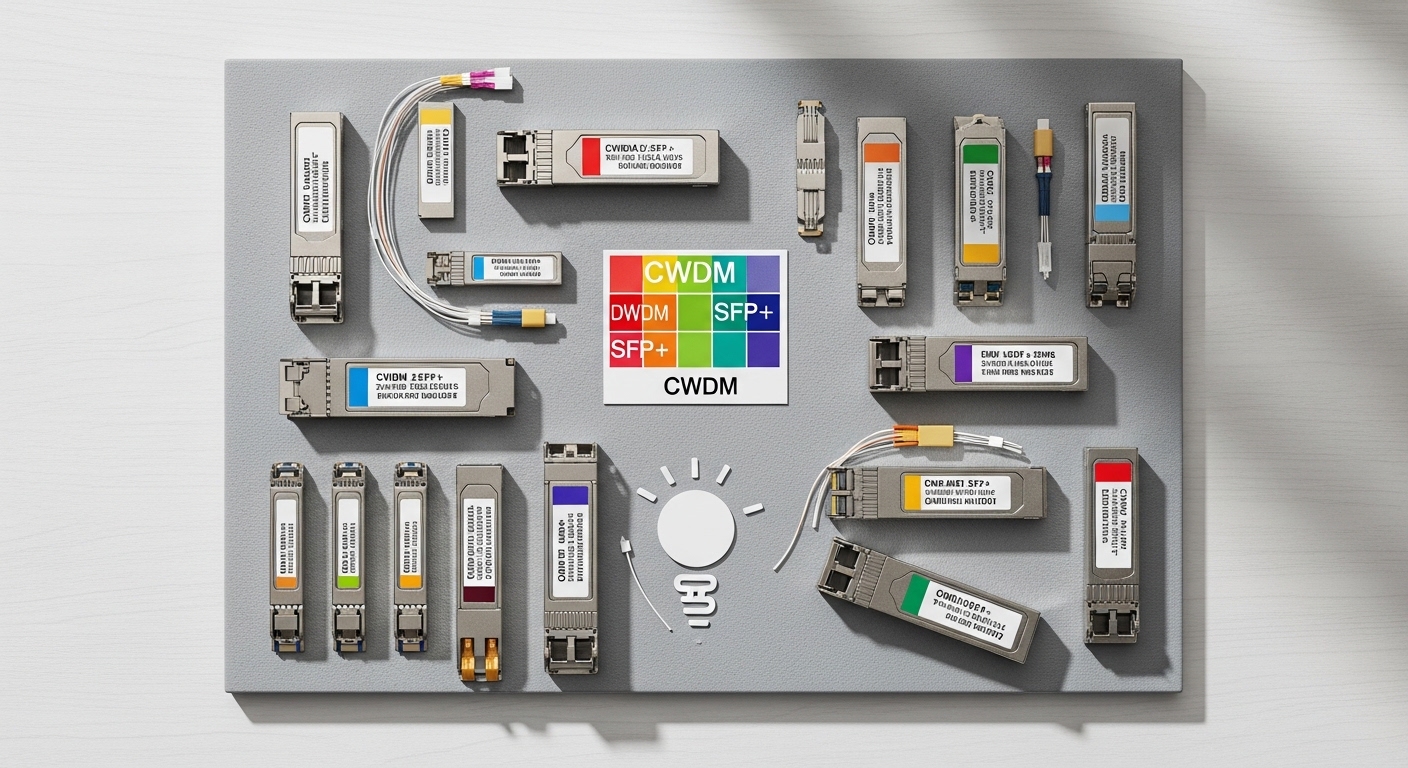
For low latency, the fiber distance matters, but the bigger story is the entire link budget and dispersion behavior across temperature swings. Short-reach (SR, typically around 850 nm) modules are common for leaf-to-edge or top-of-rack style links inside facilities. Long-reach variants (LR around 1310 nm) and extended reach (ER near 1550 nm) can reduce the need for intermediate electronics, which can indirectly reduce latency by avoiding extra switching hops and patching points.
Head-to-head: what changes between wavelength bands
850 nm SR modules (often SFP/SFP+ SR or QSFP+ SR) generally use multimode fiber and are optimized for short distances. 1310 nm LR modules typically use single-mode fiber and can support longer spans while keeping dispersion manageable. 1550 nm ER/ZR-style optics use single-mode fiber and are usually reserved for long haul or when you must keep optics deployed far from the edge switch.
| Optical module class | Typical wavelength | Fiber type | Common reach (typical) | Connector | Data rate examples | Operating temperature (typical) |
|---|---|---|---|---|---|---|
| SR (short reach) | 850 nm | OM3/OM4 multimode | 300 m to 400 m (varies by rate) | LC | 1G/10G/25G/40G SR | 0 to 70 C or -40 to 85 C |
| LR (long reach) | 1310 nm | Single-mode | 2 km to 10 km (varies by rate) | LC | 1G/10G/25G LR | -5 to 70 C or -40 to 85 C |
| ER (extended reach) | 1550 nm | Single-mode | 10 km to 40 km (varies by rate) | LC | 10G/25G ER | -5 to 70 C or -40 to 85 C |
Latency-wise, the speed of light in fiber is roughly 200,000 km/s, so distance-only propagation delay is small compared to queueing and retransmissions. Still, edge designs often run tight time budgets, so a cleaner path that avoids extra intermediate devices can be more impactful than swapping SR for LR.
Pro Tip: If your low-latency goal is jitter-sensitive (for example, time-sensitive telemetry or control loops), measure end-to-end latency before changing optics. Then verify fiber plant health with an optical power meter and a loss map; a “compatible” module can still cause marginal receiver margins that trigger occasional errors and retransmits, which look like latency spikes.
SFP/SFP+ vs QSFP/QSFP28: which optical modules fit edge port density
Edge switches often pack many uplinks and downlinks into a small chassis, and that drives your form factor choice. SFP and SFP+ are common for 1G and 10G footprints, while QSFP and QSFP28 dominate higher densities for 25G and 40G. For low latency, the form factor matters because it dictates how many parallel lanes you get and how the switch ASIC handles forwarding at that speed.
Head-to-head: operational reality
SFP/SFP+ transceivers are usually easier to source and often have broad compatibility across enterprise and industrial switches. QSFP/QSFP28 can reduce the number of physical ports needed per bandwidth target, but you must match the switch’s lane mapping and breakout mode support (for example, 40G to 4x10G or 100G to 4x25G). If your edge design depends on deterministic behavior, breakout modes can add configuration complexity and increase the chance of mis-provisioned speed settings.
When you deploy, confirm that your switch supports the exact transceiver type and speed profile. Many vendors implement strict DOM and EEPROM checks, and some will refuse links with optics that do not match expected parameters or that report out-of-range power levels.
Compatibility and DOM: avoiding “it works in the lab” optical module surprises
Low latency is not only a speed issue; it is also an availability issue. If a module repeatedly flaps due to DOM mismatches, temperature behavior, or DOM access timing, your application sees outages and failover delays. Most modern optics support digital diagnostics (commonly via I2C and SFF-style management), exposing metrics like Tx bias, Tx power, Rx power, and temperature.
What engineers actually check
Before you roll optics into a remote edge site, validate DOM reporting and thresholds. Field techs often confirm that the switch’s optics monitoring page shows stable values and that alarms are not triggered by normal drift. If you use third-party modules, verify that they report the expected diagnostic format and vendor fields the switch expects.
From a standards perspective, transceivers and optical interfaces are aligned with IEEE Ethernet physical layer families and the SFF (Small Form-factor) specifications for the modules themselves. For Ethernet over fiber, the relevant physical layer frameworks are described in IEEE 802.3, while the module management interfaces are described by SFF transceiver documentation. For vendor-specific behavior, rely on the switch transceiver compatibility matrix and optics guide. IEEE 802.3 standards landing page and SNI A technical resources index are starting points for background, but your best source is the switch vendor’s optics compatibility document.
Cost and ROI: OEM vs third-party optical modules in edge rollouts
In edge deployments, cost pressure is real because you may install dozens of links across multiple sites. However, low latency systems also punish downtime, so you should evaluate total cost of ownership (TCO), not just purchase price. OEM optics tend to have tighter calibration and predictable DOM behavior, while third-party optics can be cost-effective if they are proven compatible with your exact switch models and software versions.
Realistic price ranges and TCO thinking
As a practical rule of thumb, many engineers see OEM 10G SR optics in the roughly $80 to $180 range per unit, while third-party equivalents might land around $30 to $90. For 25G and above, price gaps usually widen, and you should budget for higher failure visibility because the link margins are tighter. Over a five-year horizon, TCO often shifts toward labor, truck rolls, and replacement logistics for remote sites rather than the module itself.
Also consider power draw and cooling. If your edge cabinet runs at the edge of thermal limits, a hotter environment can push laser bias aging and affect reach margin. That can turn a “cheap” module into an expensive one if it triggers intermittent errors.
Selection checklist for low-latency edge links (decision matrix)
Use this ordered checklist when choosing optical modules for edge computing transceivers. It is designed to reduce trial-and-error and keep the link stable under real temperature and power conditions.
- Distance and fiber type: Confirm exact run length and whether you have OM3/OM4 multimode or single-mode fiber. Do not guess; use as-built fiber records or OTDR results.
- Throughput and port mode: Match data rate (10G, 25G, 40G) and ensure the switch supports the form factor and breakout mode you plan to use.
- Link budget margin: Verify Tx/Rx power and receiver sensitivity for the specific module. Leave margin for aging and connector contamination.
- DOM support and thresholds: Confirm the switch can read diagnostics without alarms. If you use third-party optics, test in a staging switch with the same software version.
- Operating temperature: For outdoor or industrial edge, prefer modules rated for -40 to 85 C when the environment demands it.
- Switch compatibility and vendor lock-in risk: Check the optics compatibility list. If the vendor is strict, plan for OEM optics or buy third-party only after compatibility testing.
- Power and thermal impact: Confirm module power draw and ensure airflow meets the switch and optics thermal requirements.
- Operational support: Validate warranty terms and availability for the lead time you need for remote sites.
Decision matrix: which optical module option fits your edge profile
| Your edge requirement | Best default | Why it fits low latency | Main tradeoff |
|---|---|---|---|
| Indoor facility, short runs, many ToR links | 850 nm SR (SFP+/QSFP+) | High density, predictable reach on OM3/OM4 | Multimode dependency and connector cleanliness sensitivity |
| Single building, longer cable paths, minimal intermediate gear | 1310 nm LR (SFP+/QSFP+ or higher) | Single-mode stability and longer reach reduces patching hops | Single-mode infrastructure cost |
| Remote edge cabinets across campuses or long corridors | 1550 nm ER-style (when required) | Long reach supports fewer distribution points | Higher cost and stricter link budget requirements |
| Extreme temperature variation and outdoor deployment | Extended temperature-rated optics | Less drift and better receiver margin over time | Higher unit cost |
| Need deterministic operations with strict monitoring | OEM or fully validated third-party with DOM parity | Fewer DOM alarm surprises and fewer link flaps | Higher procurement cost |
Common mistakes and troubleshooting tips for optical modules
Here are field-tested failure modes that cause intermittent drops, link flaps, or latency spikes. Each includes a root cause and a practical fix.
“It link-ups but errors spike” due to budget shortfall
Root cause: Fiber loss is higher than expected (dirty connectors, degraded patch cords, or underestimated splice loss), shrinking receiver margin. At high utilization, even a small error rate can trigger retransmissions at higher layers. Solution: Clean connectors (use proper fiber cleaning tools, not wipes), then measure Rx power with a calibrated meter. If needed, swap to a higher-margin optic (for example, LR instead of SR) or shorten the patch path.
Link flaps after temperature changes
Root cause: The optics are not rated for the actual ambient temperature, or the site cooling is inadequate. Laser bias and receiver thresholds drift with temperature, especially in enclosed cabinets. Solution: Confirm module temperature rating and check switch airflow and cabinet ventilation. Add monitoring for optic temperature and Tx/Rx power trends, not just link state.
Compatibility mismatch from DOM or configuration
Root cause: The switch refuses optics or partially reads diagnostics, leading to alarms or unstable behavior under certain software revisions. This is more common with third-party optics and with unusual speed or breakout configurations. Solution: Validate against the switch’s optics compatibility guide. Test in staging with the same software and port configuration, including breakout mode. If needed, lock the port speed and disable auto-negotiation behaviors that conflict with optics expectations.
Wrong fiber type for SR modules
Root cause: Using multimode SR optics on a fiber plant that is effectively single-mode, or vice versa, can cause high attenuation or unstable signal. Sometimes the connectors are correct but the fiber core is not. Solution: Verify fiber type in the patch panel using documentation and, when uncertain, a test method like OTDR plus visual inspection of cable markings.
Which Option Should You Choose? (clear recommendations by reader type)
If you are optimizing for low latency with minimal operational risk, choose optics that maximize link stability and diagnostic clarity, even if the unit cost is higher.
- For enterprise edge teams who control the fiber plant: Start with 850 nm SR for short indoor links on OM3/OM4 and use 1310 nm LR when runs exceed SR’s reliable distance. Validate DOM once per switch model and then standardize.
- For industrial or remote edge sites: Prefer extended temperature-rated modules and single-mode LR where practical to reduce sensitivity to multimode plant variability. Budget for connector cleaning discipline and include spare optics for truck-roll reduction.
- For cost-focused rollouts with strict monitoring: Use OEM optics for the first wave, then pilot a third-party optical module batch only after staging tests show stable DOM readings and no link flaps under load.
- For architects designing for future expansion: Pick the form factor your switch supports cleanly (SFP/SFP+ versus QSFP/QSFP28) and avoid relying on breakout modes you may not need later.
Next step: map your edge topology (ports, expected link distances, and thermal environment) and then build a short list of optical modules to stage-test. If you want a related angle, see optical transceiver compatibility checklist for a practical compatibility workflow.
FAQ
What optical modules reduce latency the most in edge computing?
Optics themselves usually do not dominate propagation latency for typical campus or building distances; the bigger latency drivers are queuing, retransmissions from errors, and extra hops. Choose optics that keep error rates near zero by meeting link budget and maintaining receiver margin.
Should I use SR or LR optical modules for low-latency edge links?
If your runs are short and your multimode plant is well documented and clean, SR can be a cost-effective choice. If you need longer reach or want to reduce multimode variability, LR on single-mode is often the safer low-latency operational bet.
Do third-party optical modules work reliably in edge networks?
They can, but reliability depends on compatibility with your exact switch model and software version, especially for DOM. Stage-test with real traffic patterns and verify stable Tx/Rx power and temperature readings over time.
What DOM metrics matter most when troubleshooting optical modules?
Watch Tx power, Rx power, temperature, and any reported alarm flags. A slowly drifting Rx power toward sensitivity can be an early warning that cleaning, aging, or thermal issues are building.
How do I verify my fiber plant before buying optical modules?
Use OTDR or at least a loss test plan to validate end-to-end attenuation, and confirm fiber type (OM3/OM4 versus single-mode) in the patch path. Also verify connector cleanliness and inspect with a scope when you see intermittent issues.
Are extended temperature optical modules worth it?
They are worth it when your edge cabinets experience wide temperature swings, poor airflow, or outdoor exposure. If you can guarantee stable indoor conditions, standard temperature optics may be sufficient and cheaper.
Author bio: I am a practicing attorney who also works with network teams on telecom procurement, compatibility risk, and warranty-friendly deployment practices. I write with a field-engineer lens so you can test optical modules safely before scaling to remote edge sites.
