
If you maintain a fiber link between bridge sensors and a remote gateway, a single flaky optical module can create gaps in strain, tilt, and crack-growth telemetry. This article helps field engineers and network owners choose the right bridge monitoring SFP by mapping common fiber topologies to concrete optical specs, compatibility checks, and fast troubleshooting steps. You will also get a practical selection checklist, a comparison table across common SFP variants, and pitfalls seen in real deployments.
How a bridge monitoring fiber link changes SFP requirements
In structural health monitoring, the physical environment is unforgiving: vibration, temperature swings, moisture ingress risk, and long cable runs across manholes or cable trays. Your bridge monitoring SFP must survive the operating temperature range, maintain stable optical power, and support diagnostics (DOM) so you can detect aging optics before telemetry drops. On the network side, the SFP must match the switch transceiver expectations (speed, media type, and connector) and behave predictably with link flaps and re-negotiation.
Most bridge deployments use a point-to-point fiber run from a roadside cabinet to a nearby field switch, or a small ring feeding a central gateway. Engineers typically carry 10GBASE-SR or 1GBASE-LX where bandwidth is sufficient and cabling budgets favor multimode or specific single-mode runs. When redundancy matters, you want DOM alarms (Tx power, Rx power, laser bias) and a clear path to remote monitoring via the switch.
For standards context, the electrical and optical behavior for Ethernet over fiber follows IEEE Ethernet PHY requirements (for example, IEEE 802.3 family guidance for 1G and 10G Ethernet). For module performance and diagnostics, rely on vendor datasheets and the SFP Multi-Source Agreement documentation referenced by switch and optics vendors. IEEE 802.3 standards
Key specs that decide whether a bridge monitoring SFP will be reliable
Start with optical reach and fiber type, then confirm power budget and connector style. The most common field failures are not “bad hardware” but mismatch between fiber type (SM vs MM), wrong wavelength class, or unexpected link budget erosion from dirty connectors and micro-bends.
| Module class (typical) | Wavelength | Reach (typical) | Fiber type | Connector | Data rate | DOM support | Operating temp (typical) |
|---|---|---|---|---|---|---|---|
| SFP 1GBASE-LX | ~1310 nm | Up to 10 km | Single-mode | LC | 1.25 Gb/s | Common (varies by vendor) | -40 to +85 C (common industrial) |
| SFP 10GBASE-SR | ~850 nm | Up to 300 m (MM) | Multimode | LC | 10.3125 Gb/s | Common (varies by vendor) | -40 to +85 C (common industrial) |
| SFP 10GBASE-LR / ER (less common) | ~1310 / ~1550 nm | ~10 km to 40 km | Single-mode | LC | 10.3125 Gb/s | Common (varies by vendor) | -40 to +85 C (common industrial) |
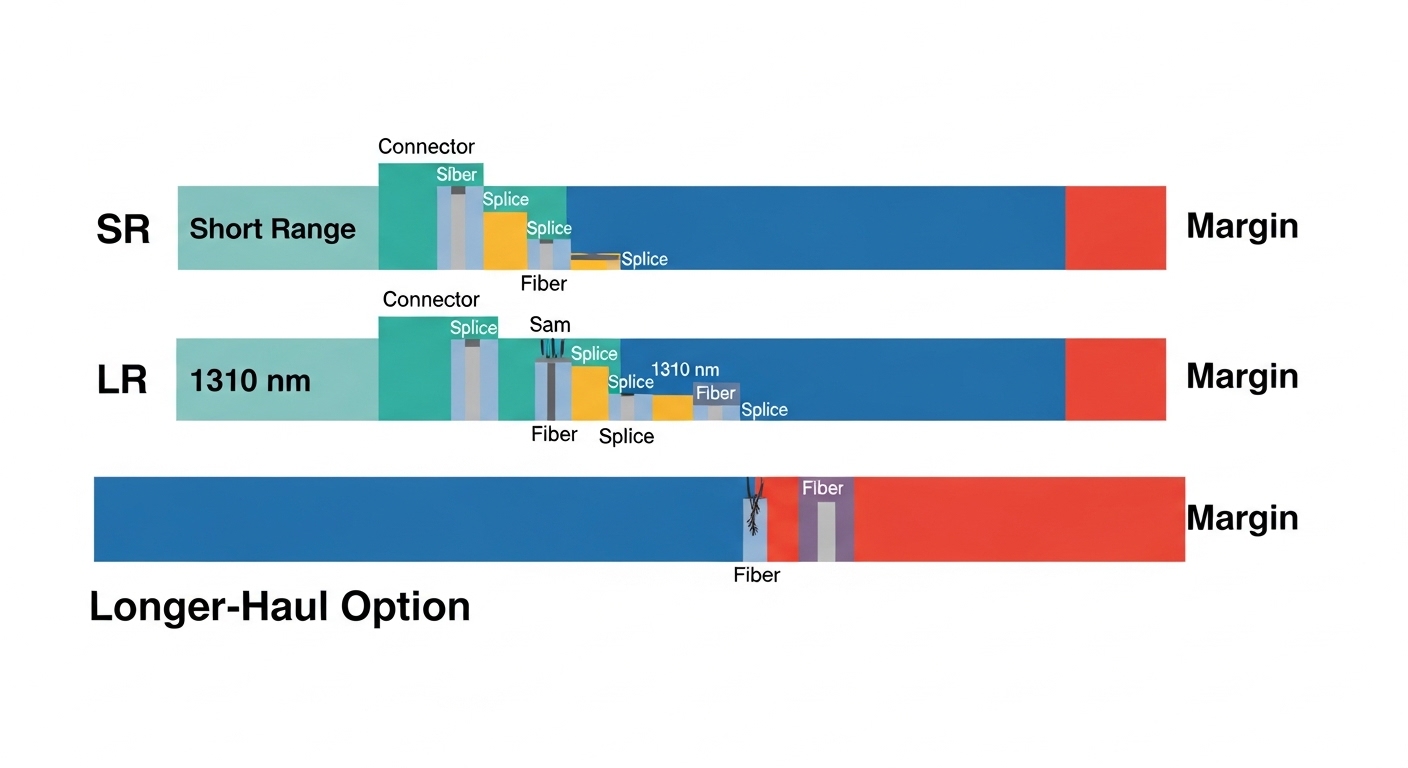
In practice, you will validate with a link budget worksheet: transmitter launch power, receiver sensitivity, fiber attenuation (dB/km), connector loss, and any splices or patch panel losses. If you can measure with an OTDR and a handheld optical power meter, do it before installation and after any maintenance event. If you cannot, at least inspect and clean LC ends using lint-free wipes and approved cleaning tools.
Pro Tip: For bridge monitoring, treat DOM thresholds as your early-warning system. Set alerts for “Tx bias low” and “Rx power near minimum” rather than only “link down,” because optics often degrade gradually while the link still appears stable.
Deployment scenario: picking the right SFP for real bridge telemetry
Consider a 3-tier structural monitoring setup on a coastal bridge: sensor nodes feed a roadside industrial switch in a sealed enclosure, then uplink to a central gateway inside the maintenance building. The roadside cabinet is 1.2 km away from the building, and the cable plant is single-mode with LC connectors at both ends. You run a mix of 1G management traffic and streaming telemetry that needs up to 2–4 Gb/s during peak events.
Engineers often choose 1GBASE-LX SFP for the management uplink if the switch supports it and the telemetry can be aggregated, because it offers strong reach and simpler optics. If you need sustained burst throughput, you may select 10GBASE-LR or a 10G single-mode SFP variant, depending on available budget and switch port availability. In both cases, you confirm the module’s minimum receiver sensitivity and ensure the link budget stays comfortably above margin after accounting for cleaning and future connector wear.
Selection criteria checklist for bridge monitoring SFP purchases
Use this ordered list in procurement and field validation. It prevents the most common “it should work” surprises.
- Distance vs reach: Measure or verify fiber length and worst-case path (including patch cords and intermediate splices).
- Fiber type and wavelength: Confirm single-mode vs multimode and match wavelength class (for example, 1310 nm for LX/LR, 850 nm for SR).
- Data rate and port compatibility: Ensure the SFP supports the switch port speed profile (1G vs 10G) and that the switch is not locked to a specific vendor list.
- Connector standard: Most SFPs use LC; confirm end-face cleanliness and adapter loss if you use SC to LC or patch panels.
- DOM and monitoring: Verify DOM presence and which metrics your switch exposes (Tx power, Rx power, temperature, laser bias).
- Operating temperature: Bridge cabinets can exceed normal indoor ranges; select industrial-grade optics with a credible datasheet range (commonly -40 to +85 C).
- Vendor lock-in risk: Check the switch vendor’s optics compatibility list and plan spares that match the operational environment.
- Power and thermal behavior: Confirm typical and max module power; verify enclosure airflow or passive heat sinking.
When you evaluate specific products, compare against vendor datasheets and real switch compatibility reports. Example commonly referenced optics include Cisco-branded or Cisco-compatible modules, and third-party SFPs from reputable optics vendors. Always validate with your exact switch model and firmware revision before committing to a large install.
For reference, example part families you might encounter in the field include Cisco SFP-10G-SR and common 10G SR variants from optics vendors such as Finisar and FS.com (part numbers vary by reach and temperature grade). Use datasheets as your source of truth: Cisco product documentation
Common pitfalls and troubleshooting in bridge monitoring fiber links
When a bridge monitoring SFP causes telemetry gaps, the root cause is often optical cleanliness, link budget drift, or mismatch between module class and fiber plant.
-
Pitfall: “Link up but telemetry drops”
Root cause: Receiver power marginal due to dirty LC ends or connector contamination after maintenance.
Fix: Clean both ends, re-seat patch cords, then check DOM Rx power and switch interface error counters. -
Pitfall: “No link after swap”
Root cause: Wrong wavelength class or wrong fiber type (installing a multimode SR SFP into a single-mode path, or vice versa).
Fix: Verify fiber type in the splice tray, confirm wavelength from the module label, and test using a known-good patch. -
Pitfall: “Intermittent link flaps during temperature changes”
Root cause: Module outside its rated temperature range or enclosure thermal design mismatch; laser bias drift can trigger link instability.
Fix: Confirm industrial-grade spec, improve enclosure sealing/heat sinking, and monitor DOM temperature and laser bias over time. -
Pitfall: “DOM alarms but no clear switch alert”
Root cause: DOM is present but the switch does not expose the same thresholds or requires specific firmware.
Fix: Update switch firmware, verify DOM telemetry mapping in your monitoring stack, and implement SNMP/syslog alerts accordingly.
Cost and ROI note: what to budget for spares and lifecycle
Pricing varies widely by speed, reach, and whether you buy OEM-branded modules or third-party equivalents. As a realistic planning range, many 1G and 10G SFP optics can land roughly from tens of dollars to several hundred dollars per module depending on reach and temperature grade; OEM tends to cost more but may reduce compatibility friction. For ROI, include total cost of ownership: spares inventory, failure rates, downtime exposure, and labor time to troubleshoot optics in sealed bridge enclosures.
In bridge monitoring, the “cheapest” module is often the one that avoids repeat truck rolls. If third-party optics are acceptable on your switch, validate them through a small pilot and require consistent DOM behavior. Otherwise, OEM or carefully validated compatible modules may deliver better operational reliability even at a higher upfront cost.
FAQ
What fiber type does a bridge monitoring SFP usually need?
Most deployments match the SFP to the installed fiber plant: single-mode for longer runs and multimode for shorter distances. Confirm the fiber type at the splice tray and match the SFP wavelength class accordingly.
How do I verify DOM support for a bridge monitoring SFP?
Check the module datasheet for DOM compliance and verify what your specific switch exposes in its diagnostics pages or CLI. Then confirm in practice by reading Tx power, Rx power, and temperature shortly after installation.
Is a 10G bridge monitoring SFP always better than 1G?
Not necessarily. If your telemetry needs are modest and the bottleneck is sensor sampling rather than uplink bandwidth, 1G can be sufficient and sometimes simpler. Choose based on measured traffic and link budget, not only on maximum rate.
Why does my link come up but errors increase?
Common causes are dirty optics, marginal Rx power, or a patch cord/adapter mismatch. Clean connectors, verify DOM Rx power margins, and review interface counters for CRC and alignment errors.
Can I mix OEM and third-party SFPs in the same bridge network?
You can, but only after switch compatibility validation. Different vendors may implement DOM thresholds differently and some switches enforce optics vendor behavior via compatibility checks.
What operating temperature should I plan for?
Bridge cabinets can swing beyond typical indoor ranges. Use the module’s rated operating temperature and validate that your enclosure thermal behavior keeps the optics within spec during peak sun and cold nights.
Choosing the right bridge monitoring SFP comes down to fiber match, reach and link budget margin, DOM visibility, and industrial temperature compliance. Next, review your full network path and alarms by following fiber link monitoring and DOM alert strategy.
Author bio: Field-focused electronics writer with hands-on experience deploying Ethernet-over-fiber links for industrial telemetry and remote monitoring. I validate optics using DOM telemetry, link budgets, and connector-cleaning best practices in real cabinets and harsh outdoor enclosures.
