
Nothing ruins a deployment window like mysterious AOC issues showing up as link flaps, CRC storms, or sudden BER spikes. This guide helps network engineers and field techs troubleshoot Active Optical Cable (AOC) problems in real racks, using repeatable tests, vendor-compatible practices, and practical thresholds. If you have ever stared at a switch port that will not stay up, you are in the right place.
Prerequisites: tools, cabling facts, and safety sanity checks
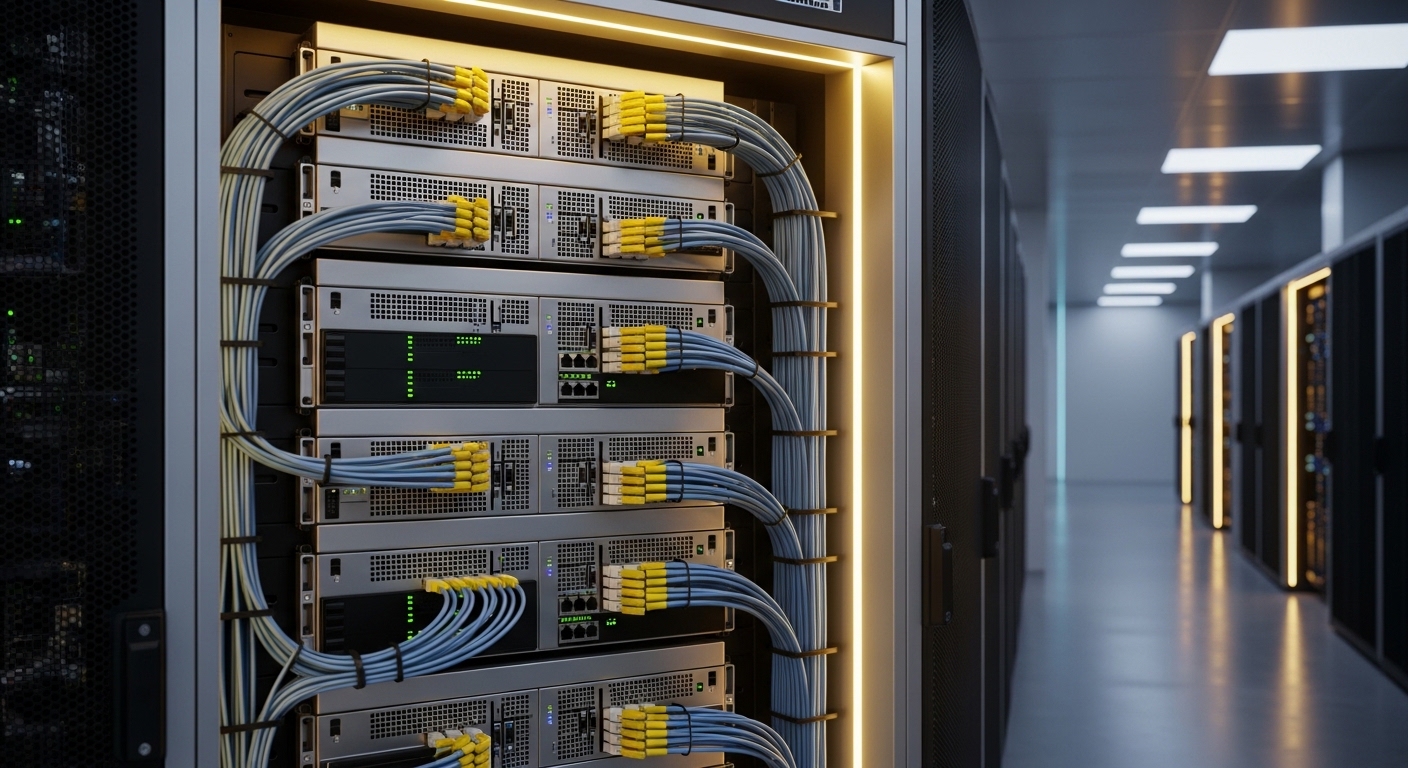
Before you blame the cable, confirm the boring stuff: optics cleanliness, correct lane mapping, and that the AOC is rated for your transceiver mode. AOC links are still governed by IEEE 802.3 electrical/optical behavior at the MAC/PHY boundary, so misconfiguration can look like “bad cable syndrome.” Also, AOCs are not cheap; treat them like a precision instrument, not a pogo stick.
What you should have on-site
- Switch CLI access to view interface state, counters (CRC, FEC, symbol errors), and transceiver/DOM data.
- Optical power meter or transceiver diagnostic tool (where available) to verify receive power if your platform supports it.
- ESD-safe handling and lint-free wipes for connector inspection (even though AOCs are factory assembled, cleaning can still matter at the switch receptacle).
- Spare known-good AOC in the same part family (same data rate and reach class) to isolate “cable vs port vs optics lane.”
- Vendor datasheet for your exact model (for DOM fields, temp limits, and supported operating modes).
Expected outcome: You can confidently separate “AOC issues” into configuration, physical layer contamination, thermal stress, or true link integrity faults.
Step-by-step implementation: AOC issues triage workflow that actually converges
This section is a numbered runbook. Follow it in order, because each step either confirms or eliminates a whole category of AOC issues. You will often reach a conclusion in under 30 minutes if you start with port counters and DOM, not vibes.
Capture symptoms and correlate with port events
Start by documenting what “wrong” looks like. Pull interface state history, flap counts, and error counters. On many platforms you can also view transceiver DOM (temperature, bias current, laser current, received power, and vendor-defined alarms).
Commands/settings examples (generic):
- Check port admin/oper state and flap history.
- Record CRC errors, symbol errors, FEC corrections (if supported), and link down reason.
- Record DOM values at the moment the link is unstable.
Expected outcome: You produce a “symptom fingerprint” that points to physical-layer integrity vs configuration mismatch.
Verify mode, speed, and breakout compatibility
AOC issues often turn out to be configuration. Confirm the switch port is set to the correct speed (for example 25G vs 10G) and that the transceiver type is supported on that hardware revision. If you use port breakout (like 100G to 4x25G), confirm lane mapping and that the AOC is intended for the specific breakout scheme.
Real-world example: In a 3-tier data center leaf-spine design, a team moved from 100G uplinks to 4x25G downlinks and reused legacy cabling. The ports were left in a 100G mode template, and the AOCs “mostly” negotiated before error counters spiked. The fix was a port profile update and a targeted speed lock to 25G on the correct lane group.
Expected outcome: You eliminate configuration and compatibility causes early, before you waste time swapping cables.
DOM sanity check: temperature, laser bias, and link margin
When AOC issues show up as intermittent instability, DOM is your crystal ball. Look for patterns like rising module temperature, abnormal laser bias current, or received optical power drifting near the vendor threshold. If your platform supports it, compare DOM to the vendor’s recommended operating range and alarm thresholds.
What to watch (typical fields):
- Module temperature: sustained high readings can trigger derate behavior or link instability.
- Laser bias/current: abnormal values may indicate aging or manufacturing variance.
- Received power: low RX power can cause BER spikes and CRC storms.
Expected outcome: You classify the failure as thermal, optical budget, or “works until it does not.”
Physical inspection: connector mating and contamination at the switch end
Even with AOCs, contamination at the switch cage can ruin your day. Inspect the transceiver connector area for dust, bent pins, or poor seating. Reseat the module once (properly), then verify that the latch clicks fully. If you can access the optical interface, clean it using the correct procedure for that connector type and follow the vendor guidance.
Expected outcome: You fix “looks fine but isn’t” mechanical or contamination issues that create intermittent BER.
Isolate by swapping: port-to-port and AOC-to-AOC
Isolation is where engineers earn their coffee. Swap the AOC with a known-good unit in the same port, then swap ports using the same AOC. Track results in a simple matrix so you do not accidentally chase your tail.
Decision pattern:
- If the bad behavior moves with the AOC, you likely have true AOC issues (optical power, internal damage, or manufacturing defect).
- If it stays with the port, you likely have a switch optics cage issue, lane failure, or a configuration mismatch.
Expected outcome: You pinpoint whether the fault domain is cable, port, or optics lane.
Thermal and airflow check (yes, it matters for AOC issues)
In dense racks, AOCs can run warmer than expected due to airflow shadowing from adjacent optics, blank panels, or cable bundles. Measure inlet and local exhaust temperatures if you can. A common failure mode is that a link is stable at first, then degrades after 20 to 60 minutes as the module heats soak.
Expected outcome: You prevent repeat failures by correcting airflow or spacing, not just replacing the cable.
Confirm optical budget assumptions versus your environment
AOCs have a fixed reach class. If you are using AOC where the run includes extra patching, unexpected routing, or tight bends, you can violate the practical optical budget. Verify your path: direct run vs detours, bend radius compliance, and whether the AOC is rated for the data rate you deployed.
Expected outcome: You align the deployed physical path with the vendor’s reach and bend specifications.
Key AOC specs that decide whether your link will behave
Engineers often treat AOCs as interchangeable, then wonder why AOC issues show up as BER spikes under load. Specs that matter include wavelength, reach, connector type, supported data rate, and operating temperature range. Below is a practical comparison of common AOC classes you will see in data centers.
| Spec | Example AOC Class | What it affects in AOC issues |
|---|---|---|
| Data rate | 10G, 25G, 40G, 100G (varies by form factor) | Wrong speed mode can cause link flaps and CRC storms |
| Wavelength | 850 nm (SR-style), or 1310 nm (LR-style for some) | Optical budget and receiver sensitivity alignment |
| Reach (typical) | Up to ~70 m for 850 nm classes (varies by vendor) | Low RX power leads to BER spikes and FEC/CRC errors |
| Connector | MPO/MTP or integrated AOC ends (vendor-specific) | Connector seating and lane alignment problems |
| Operating temperature | Commonly around -5 C to +70 C (check datasheet) | Thermal derate can create intermittent instability |
| DOM support | Often yes for modern AOCs | Enables temperature and RX power diagnosis |
Selection note: Always match the AOC to the transceiver class expected by your switch. For reference, IEEE 802.3 governs Ethernet PHY behavior, while vendor datasheets define DOM fields and thresholds. [Source: IEEE 802.3 working group summaries at IEEE.org] IEEE 802.3 [Source: vendor AOC datasheet and switch compatibility guide] Cisco product documentation portal
Pro Tip: When you see AOC issues that look like “random” CRC errors, check DOM temperature and received power trend over time. If errors start only after thermal soak, you likely have an airflow problem or a module operating near its derate boundary rather than a bad lane from day one.
Decision checklist for choosing the right AOC (and avoiding future AOC issues)
Use this ordered list like a pre-flight checklist. It is how teams avoid repeat incidents during refresh cycles.
- Distance vs reach class: confirm the deployed run length and routing constraints (including patching detours).
- Data rate and lane mapping: match the switch port profile, breakout mode, and AOC form factor.
- Switch compatibility: verify the exact switch model and optics compatibility list (some cages are picky).
- DOM support and alarms: ensure the platform can read the fields you need for diagnosis.
- Operating temperature: confirm airflow and module temperature margin for your rack layout.
- Vendor lock-in risk: check whether third-party AOCs behave correctly with your platform’s optics policies.
Expected outcome: You select AOCs that reduce both immediate link faults and “mysterious later failures.”
Common AOC issues mistakes and troubleshooting tips
If you are already in the middle of an outage, this section is your triage cheat sheet. Each pitfall includes root cause and a fix that you can apply immediately.
Failure point 1: Speed mismatch that causes flaps and CRC storms
Root cause: Port profile is set to the wrong speed or breakout mode, so the link negotiates poorly and then collapses under traffic. This often presents as intermittent link up/down plus rising CRC or symbol errors.
Solution: Lock the port to the correct speed for the AOC and confirm lane mapping for breakout configurations. Re-test with a known-good AOC to confirm the new profile stabilizes the link.
Failure point 2: Low received power leading to BER spikes
Root cause: The deployed path exceeds the AOC’s practical optical budget, or the module is operating with degraded output. Common causes include excessive routing bends, incorrect reach class selection, or poor seating at the switch end.
Solution: Compare DOM received power against vendor thresholds. Reduce optical stress: re-seat, verify connector cleanliness, and shorten the path. If possible, replace with the next-higher reach class that your vendor and switch support.
Failure point 3: Thermal soak failure from poor airflow
Root cause: AOC modules heat soak in high-density racks and enter derate behavior, causing intermittent errors after a predictable time window.
Solution: Improve airflow: remove obstructions, add blank panels to prevent bypass airflow, and ensure fan direction is correct. Monitor DOM temperature and link stability after changes for at least 30 minutes.
Failure point 4: Believing “factory assembled” means “no inspection needed”
Root cause: Dust at the switch cage or a partially seated transceiver can create intermittent errors even if the AOC itself is fine.
Solution: Inspect and clean the switch-side interface using the correct connector cleaning method. Reseat once, then avoid repeated insertion cycles that can wear the cage.
Cost and ROI reality check: what AOC issues cost you
AOC replacement pricing varies widely by data rate, reach, and whether you buy OEM vs third-party. In many enterprise data centers, you might see typical street pricing roughly in the range of $50 to $300 per module for shorter 10G/25G classes, while higher-speed or longer classes can be meaningfully more. OEM modules often cost more, but they reduce compatibility friction and can improve mean time to repair when your switch is strict about transceiver behavior.
For TCO, include labor and downtime. If a single unstable link causes a maintenance window overrun, the “cheap cable” can become the most expensive item in the rack. Also account for failure rates: if your environment has poor airflow, you may see premature thermal degradation regardless of brand.
FAQ: fast answers for engineers dealing with AOC issues
How do I tell if AOC issues are caused by the cable or the switch port?
Use a two-dimensional swap test. Move the same AOC to a different port and insert a known-good AOC into the original port. If the problem follows the AOC, it is cable-related; if it stays with the port, it is port cage, configuration, or lane-related.
What DOM metrics should I prioritize when troubleshooting AOC issues?
Prioritize module temperature, received optical power, and any alarms for laser bias/current. Compare current values against the vendor’s operating range and look for trends that correlate with link instability.
Can AOC issues be caused by airflow even when the link seems fine at boot?
Yes. Many thermal failures show up after thermal soak as the module derates. If errors start after 20 to 60 minutes, investigate airflow direction, blank panel coverage, and local exhaust temperatures.
Do I need to clean anything if the AOC is factory sealed?
You usually still need to inspect and clean the switch-side receptacle area. Dust or poor seating at the cage can cause intermittent errors that look like AOC issues, even if the AOC is intact.
Are third-party AOCs safe for production networks?
They can be, but compatibility is the wildcard. Check your switch optics compatibility list and confirm DOM behavior and alarm handling. If your platform enforces strict transceiver policies, third-party modules can trigger link drops.
What standards should I reference when diagnosing Ethernet link errors?
Use IEEE 802.3 as the baseline for Ethernet PHY behavior and PHY/MAC expectations. Then use vendor datasheets for the AOC’s DOM fields, optical budget, reach class, and temperature limits. [Source: IEEE 802.3 overview at IEEE.org] IEEE 802.3
That is the AOC issues triage workflow: capture symptoms, validate mode and compatibility, read DOM trends, inspect the switch-side interface, and isolate with swaps before you guess. Next step: apply the checklist while you select replacement inventory using optics compatibility and DOM troubleshooting.
Author bio: I build and troubleshoot racks in the real world, where “it should work” is not a test plan. I write field notes for engineers who prefer counters, thresholds, and clean evidence over luck.
