
Transceiver choices for SMB 400G upgrades: fast, safe picks
If your SMB is moving from 10G or 25G links toward 100G to 400G spine or aggregation, the wrong optics can turn a planned upgrade into downtime. This article helps network engineers and field technicians select the right transceiver choices for 400G-capable switches, with practical validation steps, compatibility checks, and troubleshooting patterns you can use in the lab and in production. You will also get a decision checklist that maps directly to what manufacturers and IEEE alignment require.
Prerequisites: what to verify before you touch optics
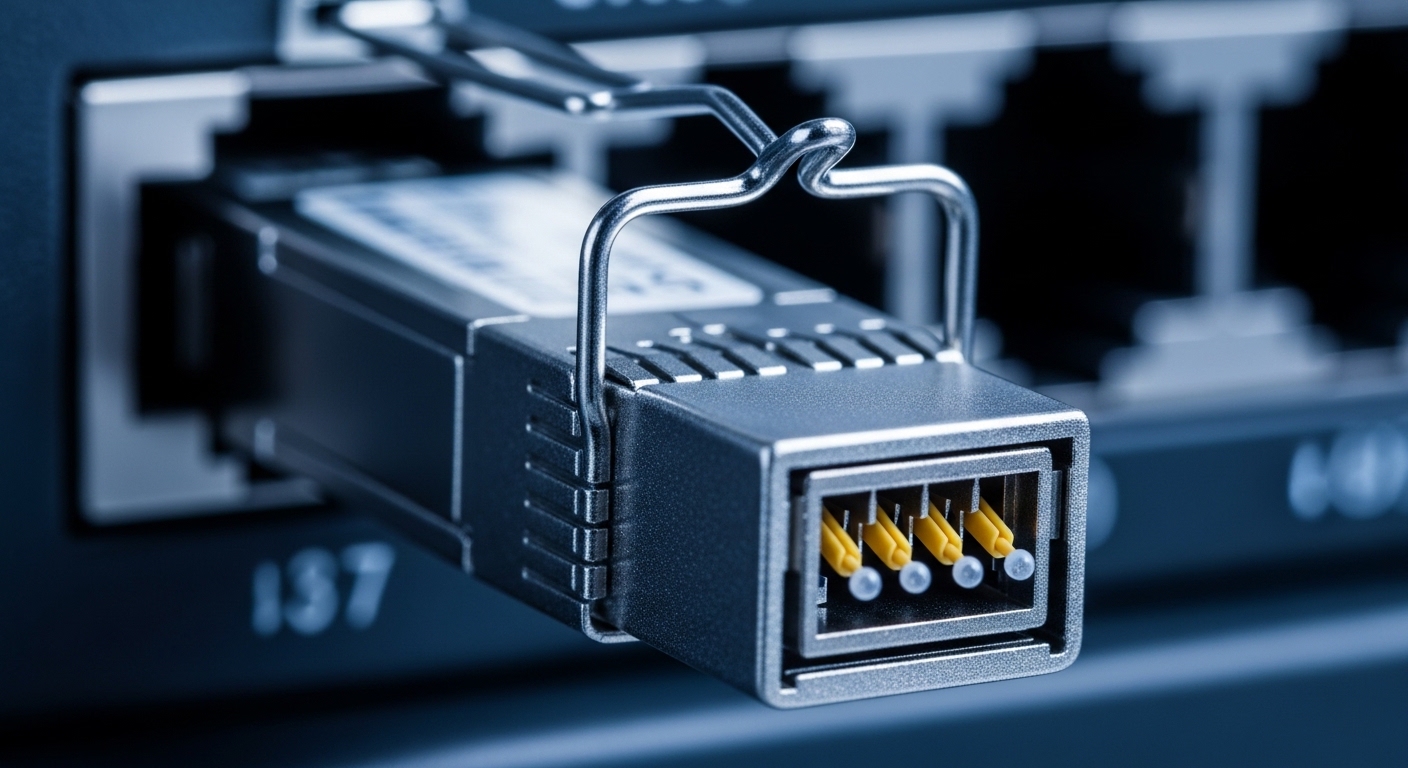
Before buying any module, confirm that your target switch ports support the intended optical form factor and electrical lanes. In practice, 400G upgrades often fail because the chassis supports one physical cage type but the optics vendor ships a different electrical interface profile, or because the transceiver is not certified for that exact platform.
Inventory ports, optics cages, and expected lane mapping
Start with the switch model and port type, then record the optics cage standard used by that platform. For example, many 400G implementations use QSFP-DD or OSFP cages; the switch documentation will specify supported breakout modes and lane configuration (for instance, whether 400G is carried as 8x50G electrical lanes or 16x25G depending on vendor implementation). Also note any required firmware revision before enabling new optics.
Expected outcome: a spreadsheet listing each port, cage type, supported speeds, breakout options, and current switch software version.
Measure installed fiber plant and confirm reach classes
For 400G, you must match transceiver choices to fiber type and reach. If you are using multimode fiber, confirm whether your plant is OM4 or OM5, and whether the transceiver is specified for that bandwidth and reach. If you are using single-mode, capture fiber attenuation at the wavelengths used by the transceiver and confirm end-to-end loss including patch panels and connectors.
Expected outcome: a fiber reach decision: “MMF short-reach” or “SMF long-reach,” with measured or vendor-specified link budgets.
Decide your operational constraints: power, temperature, and optics monitoring
SMBs often run in constrained power and cooling environments, and transceiver power draw matters when you fill cages at scale. Also ensure that your switch supports digital optics monitoring; many vendors expose DOM telemetry (temperature, bias current, received power) via CLI and SNMP. If you plan preventive maintenance, confirm that the telemetry fields are available for the chosen module class.
Expected outcome: a constraint list: maximum acceptable module power per port, required DOM support, and acceptable ambient range.
Core transceiver choices for 400G: form factor and optics type
At 400G, transceiver choices are primarily driven by physical cage compatibility and optical reach. In the field, the biggest wins come from selecting the right form factor first, then narrowing by fiber type and reach, and finally validating DOM and vendor interoperability. The IEEE 802.3 family defines the Ethernet physical layer frameworks, while vendor datasheets define the operational parameters and supported wavelengths.
Reference standards include IEEE 802.3 for optical Ethernet PHY alignment and optics performance expectations. For deeper PHY context, see IEEE 802.3 standard and for application framing, consult vendor platform guides for QSFP-DD and OSFP port behavior.
Map your switch cage to supported 400G optics classes
Common 400G cage types include QSFP-DD and OSFP. QSFP-DD typically supports short-reach or mid-reach deployments depending on wavelength and fiber type, while OSFP is frequently used for higher power and longer reach optics in data center backbones. Your switch documentation will list supported optics part numbers; treat that as the source of truth.
Expected outcome: a shortlist of optics classes that physically fit and are electrically supported by your switch.
Select the optical reach class based on fiber type
Use the fiber plant decision to choose between multimode and single-mode optics. For SMB environments, multimode is attractive for cost because the fiber plant is cheaper and installation is simpler, but it is limited by reach and bandwidth constraints. Single-mode is more expensive to deploy but scales well for longer distances and often reduces sensitivity to multimode launch conditions.
Expected outcome: a reach-aligned optics type (MMF short-reach or SMF long-reach) ready for part-number selection.
Comparison table: practical parameter ranges you will validate
The table below captures typical specification categories you should compare across candidate transceivers. Actual values vary by vendor and part number, so always confirm against the specific datasheet before purchase.
| Parameter | Typical 400G MMF (QSFP-DD class) | Typical 400G SMF (QSFP-DD or OSFP class) | Why it matters in SMB upgrades |
|---|---|---|---|
| Data rate | 400G (e.g., 8x50G or vendor-specific lane mapping) | 400G (same PHY framework, different optics) | Must match switch port speed and lane config |
| Wavelength | Short-reach multimode wavelengths (vendor-defined) | Common SMF wavelengths such as 1310 nm or 1550 nm | Determines fiber loss profile and compatibility |
| Reach | Short-reach class, depends on OM4/OM5 and link budget | Long-reach class, depends on attenuation and splitter loss | Directly impacts whether your links meet performance targets |
| Connector | LC duplex (typical for data center optics) | LC duplex (typical) or SC variants depending on vendor | Prevents last-minute patch panel changes |
| Operating temperature | Commercial or industrial grade per datasheet | Commercial or industrial grade per datasheet | SMBs often run higher ambient near top-of-rack |
| DOM / monitoring | Usually available (temperature, bias, RX power) | Usually available (temperature, bias, RX power) | Enables proactive maintenance and faster troubleshooting |
| Power consumption | Lower than high-power long-reach modules (varies) | Often higher for long-reach optics | Affects rack power budget and thermal margins |
Field note: When selecting transceiver choices for 400G, the reach number on a marketing slide is not sufficient. Validate against your measured link budget and the vendor’s recommended receiver sensitivity range. Vendor datasheets are the correct source for launch power, receive sensitivity, and allowable attenuation.
Pro Tip: In many SMB rollouts, the fastest “it works on the bench but fails in production” cause is not the transceiver itself; it is an overlooked patch panel connector condition that changes end-to-end attenuation. If you can, measure optical power at both ends after installation and compare received power to the transceiver’s specified receiver minimum and typical operating range.
Implementation plan: choose, validate, and deploy without downtime
This section is written as a step-by-step implementation guide you can execute during a maintenance window. The goal is to reduce the probability that you discover incompatibility after ordering or after inserting optics into live ports.
Build a compatibility matrix using switch vendor guidance
Start with your switch vendor’s optics compatibility list. If you are using OEM optics, it usually aligns best with DOM telemetry expectations and supported firmware behaviors. If you choose third-party optics to reduce cost, require that the module is explicitly listed as compatible for the exact switch model and software version.
Expected outcome: a “buy list” that includes at least two candidates per distance class (primary and fallback) to reduce lead-time risk.
Pre-stage optics and test in a controlled port pair
In a lab or staging environment, insert the selected transceiver choices into the same switch chassis model and into ports that use the same electrical interface. Use the switch CLI to confirm link training and DOM readings. For example, many platforms expose port optics status and RX power; capture those values for baseline comparison.
Expected outcome: proof that the optics train, report DOM correctly, and remain stable over a short burn-in period (at least 30 to 60 minutes under normal traffic).
Deploy using measured link budgets and connector hygiene
Before inserting optics, clean fiber connectors using lint-free wipes and appropriate cleaning tools. Then patch the selected transceivers to the correct endpoints, verify polarity, and confirm that the fiber path matches the required reach class. If you operate in a shared facility, coordinate with the cabling team to avoid accidental swap of duplex polarity or wrong OM4/OM5 patch groups.
Expected outcome: stable link state with received power within the module’s operational window and no interface flaps.
Selection checklist: transceiver choices decision factors
Engineers typically weigh tradeoffs under time pressure and budget constraints. Use this ordered checklist to decide quickly while still meeting reliability requirements.
- Distance and reach class: confirm MMF vs SMF, and validate against measured attenuation and connector loss.
- Budget and total cost: include lead time, spares, and potential downtime costs for rework.
- Switch compatibility: confirm support for QSFP-DD or OSFP cage type and the intended lane mapping mode.
- DOM support: ensure the switch can read temperature, bias current, and RX power; verify alert thresholds.
- Operating temperature: match the module grade to ambient conditions near top-of-rack and to airflow patterns.
- Vendor lock-in risk: if you depend on OEM-only part numbers, evaluate third-party interoperability and warranty terms.
- Connector and patch plan: confirm LC duplex vs SC and ensure your patch panels match.
- Monitoring and maintenance: plan how you will detect degradation (for example, RX power drift) and when to replace optics.
If you need concrete example parts for reference while you validate against your switch model, common optics families include QSFP-DD and OSFP 400G modules from multiple vendors. Always verify exact reach and compatibility in your datasheets and switch optics list. For vendor-specific examples, see Cisco platform documentation and manufacturer datasheets such as Finisar/II-VI or FS.com optics product pages for the exact part number you are considering.
Common mistakes and troubleshooting: the top failure modes
Even experienced teams hit predictable problems when changing transceiver choices at 400G. Below are three high-frequency failure points with root causes and fixes you can apply immediately.
Troubleshooting failure point 1: Link does not come up or keeps flapping
Root cause: optics are incompatible with the switch firmware or the port expects a specific lane mapping mode. Another common cause is fiber polarity reversal or incorrect patch path.
Solution: verify switch software version meets the module requirements; check port diagnostics for “unsupported optics” or “signal detect” errors; re-clean connectors and confirm polarity and patch path. If possible, swap in a known-compatible optics pair to isolate whether the issue is transceiver or fiber.
Troubleshooting failure point 2: DOM shows warnings, but link briefly works
Root cause: received optical power is out of the transceiver’s operational window due to excess attenuation, dirty connectors, or mismatched fiber type (for example, OM4 deployed where OM5 was assumed).
Solution: read RX power and temperature from DOM; compare to vendor thresholds; clean and re-seat connectors; re-measure link attenuation at install. If you are using MMF, consider re-terminating or verifying fiber bandwidth grade and patch panel cleanliness.
Troubleshooting failure point 3: Thermal alarms or early degradation under load
Root cause: the module grade is mismatched to ambient temperature, or airflow is restricted by cabling density and poor rack venting. Long-reach modules may also run higher power than short-reach variants.
Solution: confirm ambient near the switch matches the module’s operating range; improve airflow (cable management, fan tray health), and consider swapping to a lower-power or higher-grade module if your environment is consistently warm. Use DOM logs to correlate temperature spikes with traffic bursts.
Cost and ROI note for SMB 400G optics
Pricing varies widely by reach class, form factor, and whether you buy OEM or third-party. In many SMB purchases, you can see significant differences in unit price and lead time: OEM optics often cost more but typically minimize compatibility friction, while third-party optics can reduce upfront spend but may require additional validation time and can affect warranty handling.
Typical budgeting approach: treat optics as a component with both hardware cost and operational risk. If a 400G link supports critical replication or backup traffic, downtime cost can exceed the price difference between OEM and third-party optics. For ROI, plan for at least 10 to 20 percent spares for hot environments and track failure rates using DOM telemetry to replace proactively rather than reactively.
For accurate pricing, pull quotes from multiple suppliers and include shipping, return policies, and any required firmware alignment costs. Also account for power and cooling: higher-power long-reach optics can add measurable thermal load in dense racks.
FAQ: transceiver choices for SMB 400G upgrades
How do I know if my switch supports QSFP-DD or OSFP for 400G?
Check the switch hardware guide for the exact cage types and supported optics. If the documentation lists supported transceiver part numbers, prefer that list because it confirms both physical and electrical compatibility.
Is multimode or single-mode a better 400G choice for an SMB?
Multimode is often lower cost when your links are short and your fiber plant is known OM4 or OM5. Single-mode is usually better for longer runs and future expansion, especially when attenuation and connector hygiene are well controlled.
Do I need DOM support for reliable operations?
DOM is strongly recommended because it enables RX power monitoring and temperature/bias tracking. Without it, you lose early warning signals and typically detect issues only after performance degrades.
Can third-party transceivers work reliably at 400G?
They can, but reliability depends on explicit compatibility with your switch model and firmware. Validate in staging first, confirm DOM telemetry behavior, and ensure the vendor provides a clear warranty and return path.
What is the most common cause of 400G optics not training?
Port compatibility and fiber path issues are the most common causes. Firmware mismatch, unsupported lane mapping, polarity reversal, or excessive attenuation from dirty connectors can all prevent stable link training.
How should I plan spares for a small 400G deployment?
Plan spares based on criticality and observed failure rates. If the link carries essential replication, keep a minimum spare per optic class and validate spares in advance so replacements do not require long troubleshooting cycles.
If you follow the prerequisites, validate compatibility, and deploy with measured link budgets, your transceiver choices will be fast to implement and safer under real SMB constraints. Next, review fiber reach budgeting for 10g to 400g uplinks|fiber reach budgeting for 10g to 400g uplinks to turn reach specs into actionable link budgets.
Author bio: I have deployed and validated high-speed Ethernet optics in enterprise and SMB data centers, including 100G and 400G rollouts with DOM-based monitoring and connector hygiene workflows. I write from field experience using switch diagnostics, vendor datasheets, and repeatable acceptance tests to reduce upgrade risk.
