
In automation cabinets, a single failed transceiver can stall commissioning or silently degrade a control link. This article helps engineers and field techs pick and validate ABB SFP fiber modules when they are used alongside ABB and Siemens automation controllers. You will get practical compatibility checks, real-world link targets, and troubleshooting steps that match how SFP optics behave in industrial temperature and vibration.
Where ABB SFP fiber fits in ABB and Siemens control architectures
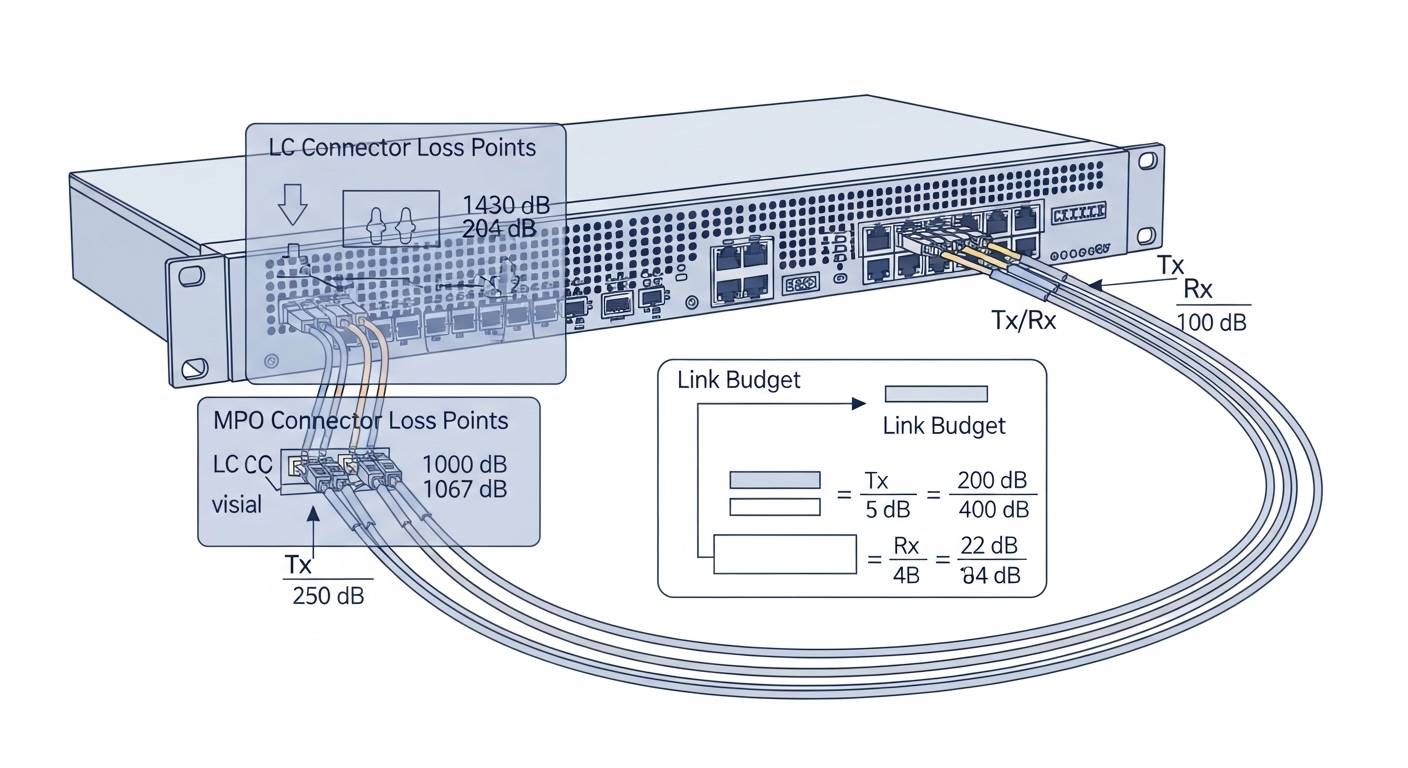
In plant networks, SFP optics usually terminate at a managed switch near the control cabinets, then carry Ethernet to PLCs, IO racks, or gateways. ABB automation systems often integrate with Ethernet switches that expect standard SFP electrical behavior, while Siemens controllers typically follow the same IEEE Ethernet physical layer rules. The key is that SFP modules are standardized at the optical and electrical interface level, but vendors differ in DOM implementation details, vendor-specific safety expectations, and link budget assumptions. When you plan the optics early, you avoid the common “it works on the bench, fails in the cabinet” pattern.
Practical interface expectations (what your controller cares about)
Most industrial deployments use 1000BASE-SX (1G over multimode), 1000BASE-LX (1G over single-mode), or 10GBASE-SR for uplinks. Even if your controller is “just Ethernet,” the optics must match the switch port type and the fiber plant design. If you are using SFPs with managed switches, the switch also expects a correct module detection (often via the SFP “ID” pins and the I2C management interface). For DOM monitoring, the switch and monitoring system must understand the vendor’s DOM register layout and thresholds.
Standards and vendor documentation you should cross-check
For physical layer behavior, engineers typically align with the relevant Ethernet specification and module datasheets. The Ethernet PHY requirements come from the IEEE family, while the module behavior comes from the SFP transceiver vendor datasheets. For module selection and reach assumptions, also consult ANSI/TIA fiber cabling guidance and the switch vendor optics matrix. References are included below for credibility: [Source: IEEE 802.3], [Source: ANSI/TIA-568.3], [Source: Cisco SFP/QSFP compatibility guidance].
IEEE 802.3 Ethernet physical layer standards ANSI/TIA fiber cabling standards Vendor SFP compatibility matrices
ABB SFP fiber vs. other SFP optics: specs that actually change outcomes
Not all “SFP fiber” modules are interchangeable. The wavelength, fiber type (MMF vs SMF), optical power, receiver sensitivity, and connector style determine whether your link remains stable after a few connector re-matings or a temperature swing in the cabinet. When you are pairing with ABB and Siemens controllers, you also need to confirm the switch port’s expected speed mode and whether it will accept the module’s DOM readings. If you skip these, you can end up with intermittent link flaps that look like network instability but are truly optical margin issues.
Key technical specifications to compare
Engineers usually compare the transceiver’s data rate, wavelength, reach (as stated by the manufacturer), connector type, and DOM support. Then they validate power and sensitivity numbers against your fiber plant loss budget. Finally, they check the operating temperature range because industrial cabinets can exceed typical office network expectations.
| Spec | Typical 1G Multimode (SX) | Typical 1G Single-mode (LX) | Typical 10G Short Reach (SR) |
|---|---|---|---|
| Data rate | 1.25 Gbps | 1.25 Gbps | 10.3125 Gbps |
| Wavelength | 850 nm | 1310 nm | 850 nm |
| Fiber type | OM2/OM3/OM4 MMF | OS2 SMF | OM3/OM4 MMF |
| Connector | LC | LC | LC |
| Reach (typical) | Up to 550 m (MMF) | Up to 10 km (SMF) | Up to 300 m (MMF) |
| DOM | Usually supported (vendor-dependent) | Usually supported (vendor-dependent) | Usually supported (vendor-dependent) |
| Operating temperature | Often -40 to 85 C | Often -40 to 85 C | Often -40 to 85 C |
What to look for in ABB SFP fiber datasheets
When you open a datasheet for a module branded or specified for ABB SFP fiber use, focus on the transmitter optical output power (in dBm), receiver sensitivity (in dBm), and the link budget statement. Also check if the module is rated for “industrial temperature” and whether it supports digital diagnostics (DOM). In practice, the DOM temperature sensor is not just a comfort feature; it helps you correlate optical margin changes with cabinet heat.
Pro Tip: If your Siemens switch or managed Ethernet device reports DOM values but the link still flaps, do not assume “network config.” Use the DOM optical power readings to compute whether you are violating the module’s allowed power range at the current temperature. Many intermittent faults are margin collapse from connector contamination or a single bad splice, not a configuration mismatch.
Real deployment: commissioning a control link with ABB SFP fiber and Siemens switches
During a site rollout in a 3-tier data and control network, we connected two ABB controllers to an industrial managed switch pair using 1G fiber uplinks. The cabinet temperature ran at 52 C on a summer day, and the fiber run measured 310 m on OM4 with two patch panels and four LC connectors. On the bench, the link negotiated at 1G instantly, but in the cabinet we saw link drops roughly every 30 to 90 minutes until we replaced one patch cord and cleaned the LC ends. After cleaning, DOM optical receive power stayed within the module’s recommended range, and the link became stable for the remainder of commissioning.
How the link budget was validated
We started with the module vendor’s typical link budget and then added measured plant loss: connector loss, patch panel loss, and any conservative margins for aging. We also verified the switch port type and speed mode so the port did not attempt an unsupported negotiation path. Finally, we confirmed that the module’s DOM readings were visible and that the switch did not apply a “faulty module” policy based on out-of-range diagnostic values.
Selection criteria checklist for ABB SFP fiber in automation cabinets
When you choose ABB SFP fiber modules for ABB and Siemens automation controllers, treat it like an engineering sign-off, not a parts purchase. Engineers weigh physical layer correctness, operational limits, and long-term maintenance risk. Below is the checklist we use on field projects, in the same order that usually prevents rework.
- Distance and fiber type: confirm MMF OM3/OM4 vs SMF OS2, then match wavelength (850 nm for SX/SR, 1310 nm for LX/LR style modules).
- Switch and port compatibility: verify the exact switch model supports the transceiver class and speed (1G SX vs 1G LX vs 10G SR).
- Optical power and sensitivity: compare vendor dBm values to your measured loss and add margin for connectors and temperature.
- Connector and polarity: ensure LC type and correct transmit/receive pairing (especially with duplex fiber labeling).
- DOM support and alarms: confirm the switch reads DOM and that the monitoring system won’t trigger faults on benign diagnostic fluctuations.
- Operating temperature: choose industrial grade modules rated for at least -40 to 85 C when cabinets run hot.
- Vendor lock-in risk: check whether your switch enforces strict transceiver allowlists; if yes, prefer OEM or modules explicitly listed as compatible.
- Spare strategy and failure mode: keep a tested spare with matching part number and DOM behavior for rapid swap during outages.
Concrete part examples engineers often compare
On many enterprise and industrial platforms, common third-party SFP optics include models like Finisar FTLX8571D3BCL (10G SR class) or Cisco-branded equivalents, and FS.com often lists compatible alternatives such as SFP-10GSR-85 variants. Use these as reference points for datasheet parameters, not as guarantees for every ABB or Siemens switch. Always validate against your specific switch optics matrix and DOM behavior.
Examples referenced for specification context: [Source: Finisar datasheets], [Source: FS.com transceiver listings], [Source: Cisco SFP guidance].
Lumentum/Finisar transceiver documentation FS.com fiber transceiver product listings Cisco switch transceiver guidance
Common mistakes and troubleshooting tips (what breaks in the field)
Most “ABB SFP fiber” failures in automation sites fall into a few repeating categories: optics mismatch, fiber plant loss, connector cleanliness, and DOM or port policy issues. Below are concrete pitfalls with root causes and fixes you can apply during maintenance or commissioning.
Wrong wavelength or fiber type assumption
Symptom: link does not come up, or comes up briefly then drops. Root cause: a module intended for 850 nm MMF is installed into a path designed for 1310 nm SMF or vice versa. Fix: confirm the transceiver wavelength and the fiber type at the patch panel, then re-terminate or replace the module to match the plant.
Exceeding optical budget due to connector contamination
Symptom: intermittent link flaps that correlate with cabinet heat cycles. Root cause: dirty LC ends or a high-loss connector that passes initial bench tests but fails under real margin limits. Fix: clean both ends with an approved fiber cleaning method, then re-check link stability while observing DOM receive power. If needed, replace patch cords and verify polarity.
DOM alarms trigger port shutdown policies
Symptom: module is detected, but the switch logs diagnostics faults and disables the port. Root cause: DOM readings outside thresholds due to tolerance differences between vendor optics or a switch policy expecting OEM module behavior. Fix: test with an approved OEM module, then either update the switch configuration/policy or standardize on optics explicitly listed for that platform.
Speed mismatch or unsupported mode
Symptom: link never negotiates at the intended rate; sometimes it locks at a lower speed. Root cause: using the wrong class of SFP (for example, SR 10G optics on a port expecting a different PHY mode) or a switch port that has strict transceiver capability detection. Fix: verify the switch port’s intended standard and confirm the module data rate and PHY family before install.
Cost and ROI reality: what you save, what you risk
In automation projects, the cheapest transceiver rarely wins once you factor in downtime, rework, and commissioning delays. OEM modules can cost more up front, but they often reduce compatibility surprises and speed up acceptance testing. Third-party ABB SFP fiber optics are frequently priced lower, but you should budget engineering time for validation, especially around DOM behavior and switch allowlists.
Typical price ranges: for 1G fiber SFP modules, you might see street pricing roughly in the low tens of dollars per module; for 10G SR class, pricing often lands higher depending on brand and reach. For TCO, include cleaning supplies, spare module inventory, and the cost of planned versus unplanned downtime. In one rollout, the cost of two extra spare optics and a disciplined cleaning kit paid back quickly versus the labor spent chasing intermittent link flaps.
FAQ: ABB SFP fiber with ABB and Siemens controllers
Which ABB SFP fiber type should I buy for a Siemens control cabinet uplink?
Start by confirming your Ethernet speed target and your fiber plant type. If you have OM4 runs under the vendor reach for 850 nm, SX/SR modules are common; if you need longer distance on OS2, choose the 1310 nm class. Then verify the exact Siemens switch model’s optics compatibility list.
Will a third-party ABB SFP fiber module work with Siemens managed switches?
Often yes, but not always. Some switches enforce strict transceiver policies based on part number, DOM thresholds, or diagnostic behavior. The safe approach is to test one module in the target port, observe DOM readings, and validate link stability under expected cabinet temperature.
How do I validate the fiber link margin before deployment?
Use measured fiber loss from your test results (OTDR or attenuation measurements) and compare it to the module’s specified link budget. Also account for connector and patch panel loss and keep a margin for aging and cleaning. If available, validate with DOM receive power after installation.
What should I do when the link works on the bench but fails in the cabinet?
First suspect optical margin and cleanliness. Clean LC ends, inspect patch cords for damage, verify polarity, and re-check DOM optical power at operating temperature. If the issue persists, test with an OEM module to rule out DOM threshold policy or transceiver tolerance differences.
Do ABB and Siemens controllers require DOM monitoring to function?
Typically, the controllers just need a working Ethernet PHY; DOM is mainly for monitoring and diagnostics. However, the switch might use DOM to decide whether to keep a port enabled. If your environment triggers alarms or disables ports based on DOM, you must align module behavior with the switch’s expectations.
What temperature rating matters most for ABB SFP fiber in industrial environments?
Choose modules rated for -40 to 85 C or higher if your cabinets run hot. Temperature affects laser bias current and optical output stability, which in turn affects link margin. Validate with DOM temperature and optical power if your switch exposes those values.
Choosing ABB SFP fiber for ABB and Siemens automation networks is mostly about matching optics to your fiber plant, validating switch compatibility, and maintaining optical cleanliness under real temperatures. If you want the next step, review fiber cleaning and polarity checks and build a repeatable install checklist for every cabinet.
Author bio: I build and troubleshoot field networks for industrial control systems, where a “minor” optical mismatch can become a production outage. I log measurements, DOM readings, and cabinet conditions so you can replicate working results safely.
