
If you have ever swapped an SFP+ and suddenly lost link, you already know the pain: the transceiver and switch ports do not always agree on speed and optics behavior. This guide helps network engineers and data center operators compare SFP+ auto-negotiation against forced speed settings, then choose the safer option for fiber-based 10G deployments. You will also get a quick checklist, common failure modes, and field-tested troubleshooting steps.
What “auto-negotiation” means on SFP+ fiber links
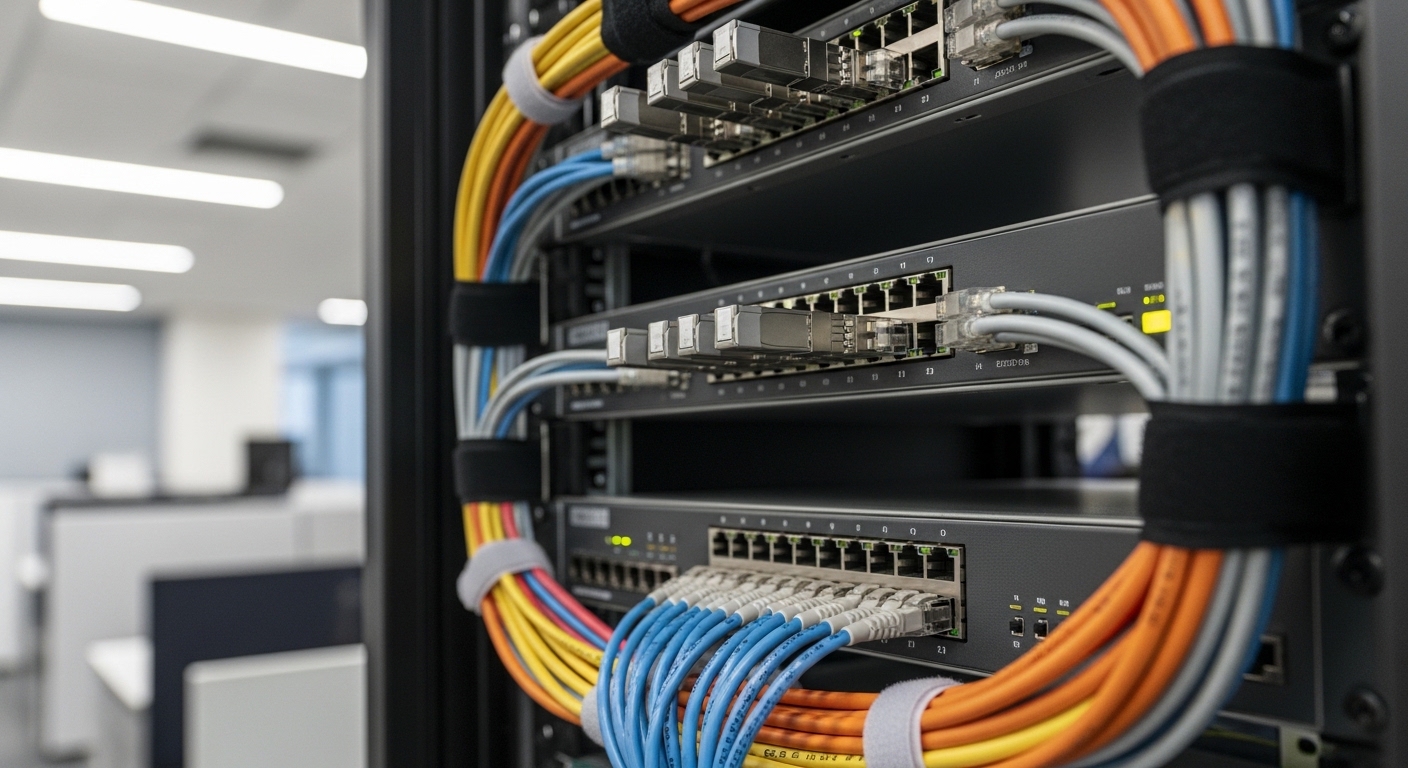
On most 10GBASE-SR and 10GBASE-LR SFP+ optics, the physical link is typically 10.3125 Gb/s line rate with Ethernet framing, and speed is effectively fixed by the standard implementation. In practice, the “negotiation” people talk about is often link bring-up coordination (PCS/FEC alignment, optical receiver lock, and partner capability exchange) rather than negotiating between multiple speeds like older copper Ethernet. For many switches, the port setting labeled “auto-negotiation” can still affect how the switch validates link, reads optical parameters, and decides whether to keep the port in a compatible state.
IEEE 802.3 defines the 10GBASE-SR/LR physical layer behavior and the link establishment expectations for 10G Ethernet. In field deployments, the biggest differences show up when one side is configured for “force” behavior (or a vendor-specific compatibility mode) and the other side uses default auto behavior.
Sources to sanity-check expected behavior: IEEE 802.3 and vendor SFP+ datasheets for your exact optic family (for example, Cisco SFP-10G-SR or Finisar/FS.com compatible modules).
SFP+ auto-negotiation vs forced speed: the practical difference
Below is how this usually plays out when you compare switch port settings while using common SR optics (850 nm multimode) and LR optics (1310 nm single-mode). The exact wording varies by switch vendor, but the underlying risk is consistent: forced speed can skip or short-circuit some compatibility checks that would otherwise prevent mismatched link parameters.
| Factor | SFP+ auto-negotiation (typical behavior) | Forced speed (typical behavior) |
|---|---|---|
| Port setting labels | Auto / default negotiation mode | Fixed 10G or speed forced (sometimes with duplex forced) |
| Link validation | Switch waits for optical and link training/compatibility checks before declaring link | Switch may declare link earlier or keep retrying with different assumptions |
| Compatibility mismatch symptoms | Link stays down, clean logs, clear “incompatible” causes | Intermittent link, CRC/forwarding errors, or flapping during thermal changes |
| Transceiver behavior | DOM/DDM reads used to gate stability (depends on vendor) | DOM/DDM may be read but not used as aggressively for gating |
| Operational risk | Lower during mixed-vendor module swaps | Higher when mixing optics generations or third-party modules |
Key takeaway: even if your optics do not “negotiate speed” like copper, the switch port mode still changes the link bring-up logic and error handling. That is why “forced speed” can be fine in one lab setup and brittle in production.
Field signals to watch during auto vs forced
- Link state stability: look for link flaps after initial insertion, especially after a temperature ramp.
- Interface counters: rising CRC errors, symbol errors, or drops often point to marginal optical power or compatibility gating differences.
- DOM/DDM alarms: if your switch logs “RX power out of range” or “module temperature high,” forced speed may keep traffic trying when the platform would otherwise hold down.
Pro Tip: Many engineers assume “forced speed” only affects speed, but on 10G SFP+ the more common real-world effect is on how the switch decides link readiness. If your platform uses DOM/DDM thresholds to gate forwarding, auto/default modes often behave more conservatively than a forced-speed compatibility profile.
Selection checklist: when to keep auto-negotiation and when to force
Use this ordered checklist during installs, upgrades, and spares qualification. It is designed for the reality that you may not control every module brand in a multi-vendor environment.
- Distance and optics class: confirm the module matches fiber type and reach (10GBASE-SR over OM3/OM4, 10GBASE-LR over single-mode). If you are near the edge of budget, prefer auto/default behavior.
- Switch port compatibility: verify your switch model’s transceiver compatibility matrix and whether it supports “auto” vs “forced” profiles for SFP+ optics.
- DOM/DDM support: check whether third-party optics provide standards-compliant digital monitoring; missing or nonstandard thresholds can cause conservative gating to fail.
- Operating temperature and airflow: forced profiles may not handle marginal thermal conditions as gracefully. Validate with a sustained traffic test.
- Budget and vendor lock-in risk: OEM optics can cost more but reduce surprises. Third-party modules can work, but you want consistent optical power calibration and DOM behavior.
- Troubleshooting time: if you need fastest recovery during an incident, choose the mode that produces clearer logs on your platform.
Concrete deployment scenario: leaf-spine 10G with mixed optics
In a 3-tier data center leaf-spine topology, you might run 48-port 10G ToR switches uplinking to a spine fabric using 10GBASE-SR optics over OM4. Assume each leaf has 32 active server links and 16 uplinks with optics swapped during an RMA refresh. During the first week, you notice that ports configured to forced speed show occasional CRC spikes after a firmware upgrade, while ports left on auto/default remain stable. The difference is traced to the platform’s link readiness logic: the forced profile forwards before the optical receiver fully stabilizes and before DOM/DDM thresholds settle, increasing early-frame error rate.
Operationally, the fix is to standardize on SFP+ auto-negotiation (or default port mode) for SR and LR modules, then only use forced settings as a temporary mitigation after confirming switch/vendor guidance. After the change, you re-run a 30-minute traffic test at line rate and confirm interface counters stay within acceptable ranges.
Specs you actually compare: wavelength, reach, and power budget
Before arguing about port settings, make sure the optics match your budget. Auto vs forced cannot fix an RX power margin problem or a fiber type mismatch.
| Spec | 10GBASE-SR (example: Cisco SFP-10G-SR) | 10GBASE-LR (example: typical 1310 nm LR) |
|---|---|---|
| Wavelength | 850 nm (multimode) | 1310 nm (single-mode) |
| Typical reach | Up to 300 m on OM3 and 400 m on OM4 (depends on module) | Up to 10 km (depends on module) |
| Connector | LC (common) | LC (common) |
| Data rate | 10.3125 Gb/s nominal | 10.3125 Gb/s nominal |
| Operating temp | Typically 0 to 70 C for commercial; -40 to 85 C for extended (varies) | Varies by module class |
| DOM/DDM | Common: temperature, voltage, bias, TX/RX power | Common: temperature, voltage, bias, TX/RX power |
When you pick optics, use the exact model numbers from your vendor or compatible listings. Examples you may encounter in the wild include Cisco SFP-10G-SR and Finisar FTLX8571D3BCL, plus third-party options like FS.com SFP-10GSR-85. Always cross-check against your switch compatibility list because behavior can differ even when the optics are “electrically similar.”
Common mistakes and troubleshooting tips (root cause + fix)
Here are the failure modes engineers run into when comparing auto-negotiation and forced speed. Each includes the likely root cause and a practical solution.
-
Pitfall 1: Forced speed enabled to “match” a peer, but optics are marginal.
Root cause: RX power is near the threshold due to patch cord loss, dirty connectors, or budget miscalculation. Forced profiles may forward earlier and you see CRC spikes.
Fix: Clean connectors, verify fiber type (OM3/OM4 vs single-mode), measure RX power (DOM/DDM), and return the port to auto/default.
-
Pitfall 2: Mixing third-party optics without consistent DOM behavior.
Root cause: Nonstandard DOM implementation or missing calibration fields leads the switch to apply incorrect gating or alarm thresholds, which can look like “negotiation issues.”
Fix: Validate DOM/DDM readings after insertion, compare against known-good modules, and standardize on one vendor for a given link group.
-
Pitfall 3: Fiber polarity or patching mistake.
Root cause: Especially with LC connectors and pre-terminated harnesses, TX/RX can be reversed. Auto/default may still detect link intermittently; forced can behave more erratically.
Fix: Re-check polarity, use a fiber polarity tester, and confirm the receive power comes back into range.
-
Pitfall 4: Link flaps after warm-up or airflow changes.
Root cause: Temperature drift pushes laser bias or receiver sensitivity beyond what the link can sustain. Forced speed can increase the chance of forwarding during unstable windows.
Fix: Confirm module temperature via DOM/DDM, improve airflow, and test under sustained load.
Cost and ROI reality: OEM vs third-party, and total cost of ownership
Pricing varies by region and volume, but a typical SFP+ transceiver often lands in the rough range of $30 to $150 depending on reach (SR vs LR), temperature grade, and OEM vs compatible. OEM optics (for example, Cisco-branded modules) tend to cost more but usually reduce compatibility and DOM edge-case risk. Third-party optics can be cheaper, but factor in the TCO of validation: time spent running link stability tests, potential RMA cycles, and incident troubleshooting.
ROI is usually strongest when you standardize: use one module family per topology segment, keep port mode consistent (SFP+ auto-negotiation or default), and measure failure rates over the first 60 to 90 days. That turns “optics swapping cost” into a predictable operations metric.
FAQ
Q1: Does SFP+ auto-negotiation actually change the speed?
In most 10GBASE-SR/LR SFP+ deployments, the link is effectively fixed at 10G, so “speed negotiation” is not like older copper 100/1000 setups. What changes is the switch port readiness and compatibility behavior during link bring-up.
Q2: When should I ever use forced speed on an SFP+ port?
Use forced speed only when your switch vendor documentation explicitly recommends it for your optics class or during a controlled troubleshooting window. If forced speed causes flaps or CRC errors, switch back to auto/default and address optics power or DOM compatibility.
Q3: Will third-party SFP+ modules work with auto-negotiation?
Often yes, but results depend on DOM/DDM compliance and your switch model’s compatibility checks. Validate RX/TX power readings and run a sustained traffic test before treating third-party modules as interchangeable.
Q4: How do I confirm whether the problem is port mode or optical budget?
Compare DOM/DDM RX power and error counters right after insertion, then swap in a known-good OEM optic. If errors persist only under forced speed, check switch logs for link readiness behavior; if errors correlate with RX power, fix optics and fiber first.
Q5: What are the fastest troubleshooting steps during a link-down event?
Check fiber polarity, clean LC connectors, verify module temperature and RX power via DOM/DDM, then revert the port to auto/default. Only after optics basics are confirmed should you experiment with port mode changes.
Q6: What standards should I cite in change requests?
Reference IEEE 802.3 for 10GBASE-SR/LR physical layer expectations and your switch vendor’s transceiver compatibility documentation. For operational monitoring, cite vendor datasheets describing DOM/DDM behavior and thresholds.
If you want the next step, review your switch’s transceiver compatibility notes and align port mode with optics behavior using SFP+ DOM DDM monitoring best practices. You will get fewer surprises during swaps, firmware updates, and thermal or power events.
Author bio: I’m a field-focused network engineer who has deployed and troubleshot 10G SFP+ optics across mixed
