
When a high-speed optical link goes down, the transceiver is often the first suspect, but the root cause is frequently outside the module itself. This article helps network engineers and field technicians troubleshoot transceivers in 10G, 25G, and 100G environments by mapping symptoms to measurable causes, then validating fixes against IEEE 802.3 behavior and vendor diagnostics. You will get a practical checklist, common pitfalls with root causes, and a realistic cost/ROI view for repair vs replacement decisions.
Why troubleshooting transceivers often starts with the link symptoms
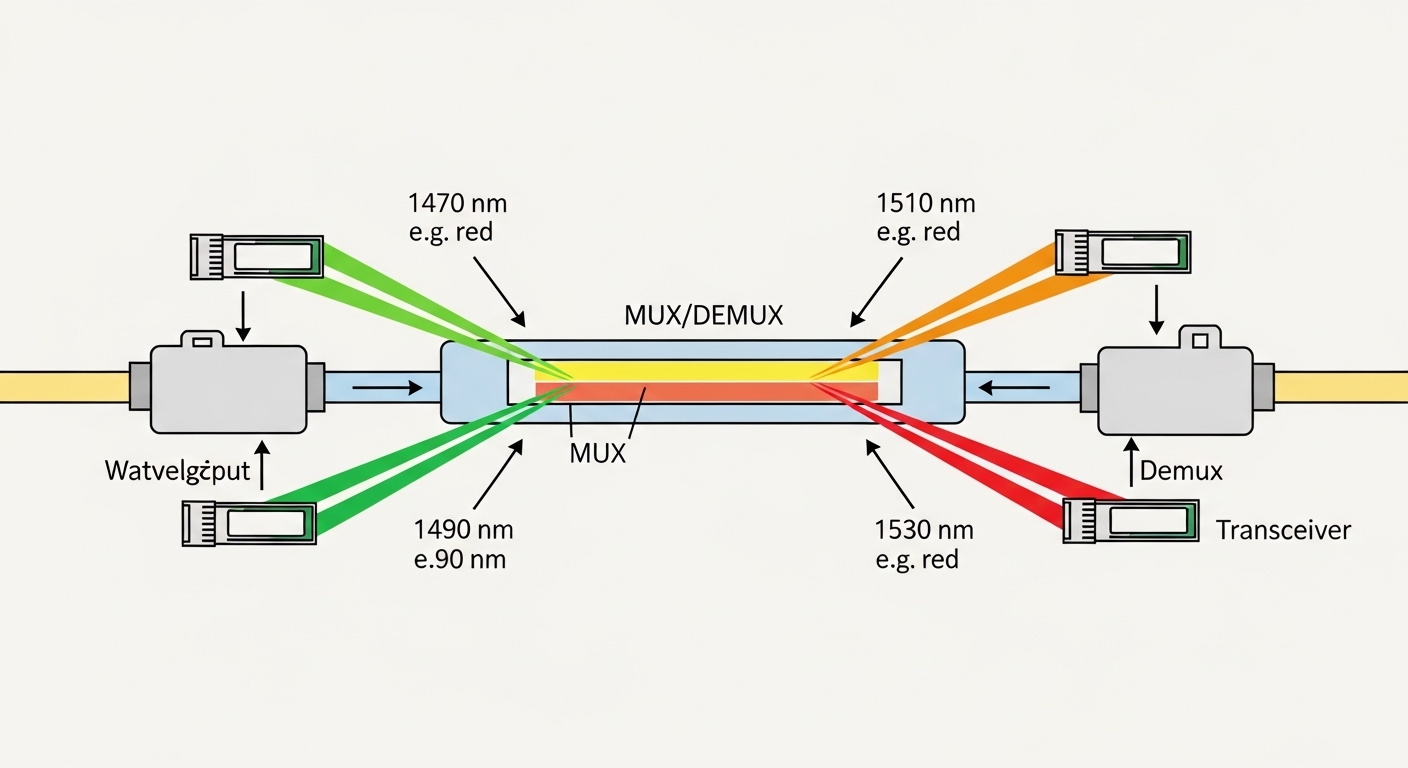
High-speed optical links fail in patterns: link flaps, BER increases under load, one direction only fails, or the interface refuses to come up. Modern optics expose diagnostics such as received power (Rx power), transmit power (Tx power), temperature, supply voltage, and sometimes alarm flags via digital interfaces like I2C with SFF-8472/SFF-8431/SFF-8432 data structures. The key is to correlate what the switch reports with what the transceiver is able to transmit and receive within its optical budget.
In IEEE 802.3-based Ethernet optics, physical layer negotiation is limited or absent for many fiber types; 10GBASE-SR, 25GBASE-SR, and 100GBASE-SR4 primarily rely on optical power, wavelength compliance, and correct fiber type. When a port shows “link up” but traffic errors spike, you should assume a marginal optical path or receiver sensitivity issue rather than a framing problem. Conversely, when the port never comes up, the usual culprits are wrong optics class, connector contamination, incompatible fiber type, or a module that fails to initialize its digital diagnostics.
What to capture before you touch anything
Before reseating or swapping, record the switch interface state and the transceiver readings. Pull at least: Rx power (dBm), Tx power (dBm), DOM alarms, and any vendor-specific flags like LOS (loss of signal), OOF (out of frame), or “transceiver not supported.” Also note whether the failure is deterministic (always on a specific port) or correlated with time, temperature, or traffic rate.
If you can, compare the failing port to a known-good port with the same optics model. In field work, this “side-by-side” method often cuts diagnosis time because it separates transceiver defects from environment problems like bad patch cords or dirty MPO/MTP connectors. For example, a transceiver with normal Tx power but near-zero Rx power is typically a fiber/connector issue rather than a transmitter failure.
Core checks: optics specs, DOM thresholds, and fiber compatibility
Troubleshooting transceivers becomes systematic when you validate against the module’s published electrical and optical limits. Start with reach and wavelength: SR modules use multimode optics at ~850 nm, while LR modules use single-mode optics at ~1310 nm. A mismatch here can look like “dead link” rather than a noisy link, because the receiver will not lock.
Next, validate DOM values and alarms. Most SFP/SFP28/QSFP modules support standardized diagnostics fields that vendors map into switch CLI outputs. A typical pattern: Rx power is low and DOM shows a low-RX alarm, while temperature and supply are normal; that points to fiber attenuation or contamination. If Tx power is also low or the module reports a transmit fault, replacement may be the fastest path.
| Parameter | 10GBASE-SR (SFP+) | 25GBASE-SR (SFP28) | 100GBASE-SR4 (QSFP28) |
|---|---|---|---|
| Typical wavelength | 850 nm (MMF) | 850 nm (MMF) | ~850 nm (MMF), 4 lanes |
| Reach (typical) | Up to 300 m on OM3, 400 m on OM4 | Up to 100 m on OM3, 150 m on OM4 (varies by vendor) | Up to 100 m on OM3/OM4 (varies by vendor) |
| Connector types | LC (common) | LC (common) | MPO/MTP (common) |
| Power class / optical budget | Vendor-specific; compare Tx/Rx dBm to spec | Vendor-specific; watch Rx sensitivity margins | Per-lane optics; lane imbalance can break link |
| Data rate | 10.3125 Gb/s | 25.78125 Gb/s | 103.125 Gb/s (4x) |
| Temperature range | Typically 0 to 70 C (commercial) or -40 to 85 C (extended) | Typically 0 to 70 C or -40 to 85 C | Typically 0 to 70 C or -40 to 85 C |
DOM interpretation that actually helps
Use DOM to decide whether you are dealing with a “module problem” or a “channel problem.” If Tx power and temperature are normal but Rx power is far below expected, the fiber link is likely attenuated beyond the optical budget. If DOM shows a transmit fault, low-voltage alarm, or repeated LOS, the module may be failing or not meeting power supply stability requirements in that cage.
When working with QSFP28 SR4, remember that MPO/MTP polarity and lane mapping matter. A fiber polarity error or a partially seated MPO connector can cause only a subset of lanes to receive valid signal, leading to high error rates or frequent link resets rather than a clean “link down.”
Step-by-step troubleshooting transceivers by failure mode
Use the symptoms you see on the switch as your starting point. This section provides a practical sequence you can apply to SFP+, SFP28, and QSFP28 optics in production racks.
Case 1: Port shows “down” or “no light” (LOS asserted)
- Verify optics type: confirm wavelength and fiber type (SR vs LR; OM3 vs OM4) match the cabling plant.
- Inspect connectors: clean LC or MPO/MTP end-faces with a proper fiber cleaner and inspect with a scope. Contamination is the single most common field cause of LOS.
- Check seating and latch: reseat the module and confirm the cage latch fully engages.
- Measure Rx power: if Rx is near the noise floor, suspect fiber attenuation, wrong patch cord, or broken fiber.
- Swap the module: move the suspected transceiver to a known-good port to isolate module vs channel.
Case 2: Link comes up, but errors rise (CRC, FEC, or BER symptoms)
- Compare Rx power to expected margin: if Rx is low but not alarmed, you are likely operating near sensitivity limits.
- Check for microbends and patch cord swaps: high-density patch panels often experience stress that increases attenuation under load.
- For SR4, verify MPO polarity: confirm the correct polarity scheme and lane alignment at both ends.
- Re-clean and re-seat: even “mostly clean” connectors can produce intermittent errors as link power and temperature change.
Case 3: Module not supported or intermittent initialization
- Confirm compatibility: some switch models enforce vendor or part-number whitelists; verify the transceiver’s compliance and DOM behavior.
- Check supply voltage and cage health: a marginal cage power rail can cause repeated initialization failures.
- Look for thermal issues: confirm module temperature stays within spec and that airflow is not blocked by cable bundles.
Pro Tip: In many deployments, the fastest “truth test” is to read DOM Rx power at the moment right after link up. If Rx is already low at first lock, you have a static optical loss problem (fiber path or cleaning). If Rx starts acceptable then degrades over time, suspect thermal drift, connector looseness, or a marginal MPO seating condition that changes with vibration.
Common mistakes and troubleshooting transceivers failure modes
Field teams often lose time because they assume the transceiver is always the cause. Here are frequent failure modes with root causes and fixes that consistently work.
Skipping connector inspection and cleaning
Root cause: dust film or micro-scratches on LC/MPO end-faces create reflection and attenuation, leading to LOS or high BER. Even new-looking patch cords can be contaminated.
Solution: clean both ends using a validated fiber cleaning method, then inspect with a scope. Replace patch cords if the ferrule is scratched or contaminated beyond what cleaning can fix.
Mixing OM3 and OM4 without checking reach and budgets
Root cause: SR optics are multimode and assume a specific modal bandwidth. OM3/OM4 differences can reduce margin enough to cause intermittent errors at higher utilization.
Solution: confirm the installed fiber type, then compare vendor reach claims to your actual link loss (including patch cords and splices). If you are near the limit, move to OM4-capable optics or shorten patch paths.
Ignoring MPO polarity and lane mapping on QSFP28 SR4
Root cause: incorrect polarity can route some lanes to the wrong receivers, producing link instability and CRC errors even when DOM looks “mostly normal.”
Solution: verify the polarity method used in your cabling standard and confirm correct MPO/MTP orientation at both ends. Re-terminate or re-map using the correct polarity adapters.
Replacing the optics before isolating module vs channel
Root cause: swapping blindly can mask the actual issue and increases downtime. If the channel is damaged, the replacement module will fail again.
Solution: isolate with a controlled swap: move the suspect module to a known-good port, and move a known-good module into the failing port. This two-way test sharply reduces guesswork.
Selection criteria checklist: choosing optics that reduce future troubleshooting
To prevent recurring “troubleshooting transceivers” events, selection must align with your cabling plant, switch behavior, and operational margins. Use this ordered checklist during procurement and upgrades.
- Distance and fiber type: confirm MMF type (OM3/OM4) or SMF type (OS2) and connector style (LC vs MPO/MTP).
- Data rate and standards alignment: match the Ethernet speed (10G/25G/100G) and interface type defined by IEEE 802.3 and the switch vendor.
- Optical budget margin: compute total link loss (fiber attenuation + patch cords + connectors + splices) and ensure Rx power stays within module sensitivity limits under worst case.
- DOM support and alarm thresholds: prefer modules with consistent DOM reporting so you can detect low-Rx and transmit faults early.
- Operating temperature and airflow: pick the right temperature grade and verify cage airflow in the rack.
- Switch compatibility and lock-in risk: check vendor compatibility lists; understand that some platforms react differently to non-OEM optics.
- Vendor reputation and traceability: choose suppliers that provide compliance documentation and stable part numbers for lifecycle management.
Cost and ROI: when to replace optics vs repair the channel
In practice, the cheapest transceiver is rarely the cheapest fix. Typical street pricing varies widely, but for planning: OEM-style 10G SR SFP+ optics often cost roughly $40 to $150 per unit, 25G SFP28 SR optics can be $80 to $250, and 100G QSFP28 SR4 optics may range $250 to $800 depending on brand and temperature grade. Third-party optics can be less expensive, but you must account for increased troubleshooting time, potential compatibility issues, and higher failure variability in some lots.
From a TCO perspective, cleaning tools, fiber scopes, and spare patch cords usually deliver faster ROI than repeated module swaps. If you routinely see low Rx power across multiple modules on the same patch panel, repairing the cabling path (re-termination, damaged ferrule replacement, or patch cord replacement) is often a larger one-time cost but reduces recurring downtime and labor.
For reference, validate expected behaviors against IEEE Ethernet physical layer requirements and vendor datasheets for specific module part numbers. IEEE 802.3 standards and SFF Committee optics diagnostic interfaces provide the baseline for how optics and diagnostics are expected to behave.
FAQ
How do I know if the transceiver is bad or the fiber link is bad?
Use a two-way swap test: move the suspected transceiver to a known-good port, and then move a known-good transceiver into the failing port. If the problem follows the transceiver, it is likely the module. If it stays with the port/channel, focus on fiber loss, connector contamination, or MPO polarity.
What DOM values are most useful for troubleshooting transceivers?
Rx power is usually the most actionable for optical budget problems, especially when paired with LOS/low-RX alarms. Tx power plus temperature and supply voltage help determine whether the module is operating normally. Always compare to expected ranges from the vendor datasheet for the exact part number.
Why does my link flap only at certain times or traffic levels?
Flapping correlated with traffic can indicate marginal optical margin that worsens as temperature rises or as link power control interacts with the channel. It can also be a connector that is “almost seated,” where vibration or cable movement intermittently increases loss. Re-cleaning and verifying seating often resolves this faster than repeated module swaps.
Can MPO polarity cause errors even when the port looks “up”?
Yes. Incorrect polarity or lane mapping can allow partial signal reception, which may bring the interface up but produce elevated CRC/packet errors and frequent resets. For QSFP28 SR4, validate MPO orientation and polarity adapters at both ends.
Are third-party transceivers safe to use in production?
They can be safe, but compatibility and DOM behavior vary by platform. Start with a pilot group of ports, confirm stability with DOM readings under load, and ensure the switch supports the module’s diagnostics and compliance profile. If you rely on strict vendor whitelisting, OEM optics may reduce operational risk.
What should I document after fixing a transceiver-related issue?
Record the pre-fix and post-fix DOM Rx/Tx power values, the cleaning or re-termination actions taken, and any changes to patch cords or polarity adapters. This creates a measurable baseline that helps prevent repeat issues and speeds future troubleshooting transceivers events.
If you want to reduce repeat outages, focus on DOM-based optical budget verification and disciplined connector inspection before replacing modules. Next, apply the same method to adjacent causes like patch panel attenuation and polarity standards; see troubleshooting fiber optic patch panels for a practical workflow.
Author bio: I have installed and commissioned high-speed Ethernet optics in enterprise and data center environments, validating DOM diagnostics against real optical budgets during cutovers. I write field-ready troubleshooting procedures grounded in vendor datasheets and IEEE Ethernet physical layer behavior.
