
You are building a Raspberry Pi optical link to move data over fiber, but the first module you plug in may not negotiate, may overheat, or may simply not match your switch. This guide helps field builders and homelab engineers select an optics module that actually works with Raspberry Pi and single-board computers, with practical checks for distance, power, and DOM support. You will also get troubleshooting patterns for the most common failures.
What “Raspberry Pi optical” really means in practice
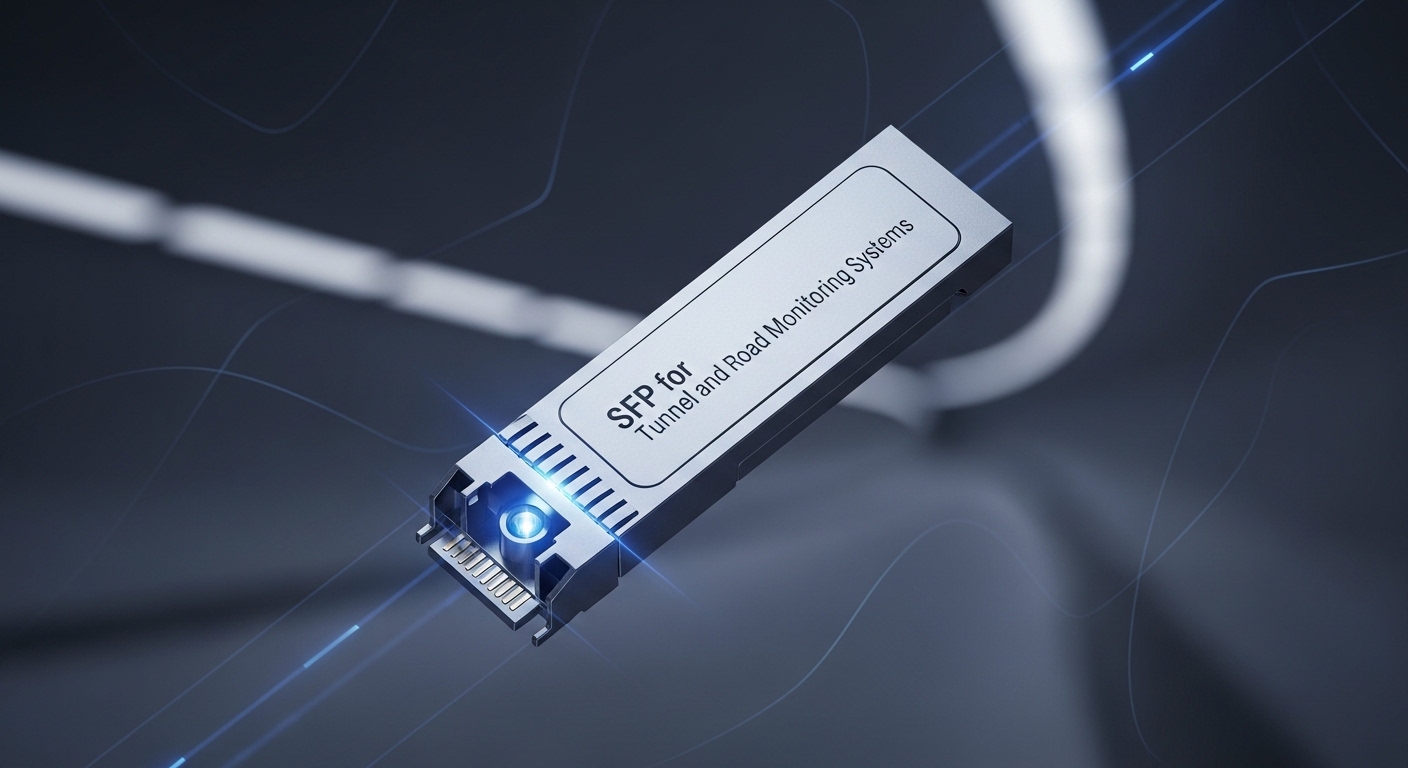
Most Raspberry Pi deployments that use optical transceivers do so through an external interface: an SFP/SFP+ or QSFP cage attached to an Ethernet switch, media converter, or an FPGA/ASIC network HAT. The Raspberry Pi itself typically provides copper Ethernet via RJ45, so the optics module usually lives on the device that terminates the Ethernet link. Your key job is matching the optics to the physical layer: data rate, fiber type, wavelength, reach, and connector—plus vendor-specific behavior like DOM (Digital Optical Monitoring).
From an IEEE perspective, Ethernet PHY lanes map to standards such as IEEE 802.3ae (10G) and IEEE 802.3z (1G). For selecting transceivers, the most important part is that the module’s electrical interface matches what your host expects (often SFP with 1G/10G electrical signaling, or SFP+ for 10G).
In the lab, I have seen a “works on the bench” failure when the module is inserted into a cage with different vendor latch tolerances or when the device expects a supported DOM register set. Always verify the host documentation for supported transceiver families, then confirm optical power levels with a test meter if you can.
Core specs comparison: 10G SR vs 10G LR for fiber runs
Below is a quick spec comparison engineers use when they decide between short-reach multimode and long-reach single-mode optics. Even if your end goal is a Raspberry Pi optical link, these module choices are made at the optics termination point.
| Optics type | Wavelength | Typical reach | Fiber type | Connector | Data rate | DOM | Operating temp |
|---|---|---|---|---|---|---|---|
| 10G SR (SFP+) | 850 nm | ~300 m (OM3), up to ~400 m (OM4) | MMF (50/125) | LC | 10G Ethernet | Often supported | Commonly 0 to 70 C (varies) |
| 10G LR (SFP+) | 1310 nm | ~10 km typical | SMF (9/125) | LC | 10G Ethernet | Often supported | Commonly -5 to 70 C (varies) |
| 1G SX (SFP) | 850 nm | ~550 m (OM2), ~750 m (OM3) | MMF (50/125) | LC | 1G Ethernet | Often supported | Commonly 0 to 70 C (varies) |
Examples of commonly deployed parts include Cisco SFP-10G-SR, Finisar FTLX8571D3BCL, and FS.com optics like SFP-10GSR-85. Always confirm the exact form factor (SFP vs SFP+), and ensure the host is designed for that module class.
Selection criteria checklist for Raspberry Pi optical links
Use this ordered list when you pick an optics module for a single-board computer network path. It reduces the “trial-and-error weeks” that cost more than the optics.
- Distance and fiber type: measure planned run length and confirm OM3/OM4 (multimode) vs SMF (single-mode).
- Target data rate: choose 1G vs 10G; do not mix SFP and SFP+ expectations unless the host explicitly supports both.
- Wavelength match: 850 nm for SR/SX on MMF, 1310 nm for LR on SMF.
- Connector and cleanliness: LC is common, but verify your patch panel; clean every mating surface before powering links.
- Switch or cage compatibility: check vendor compatibility lists for the host cage/HAT/bridge device.
- DOM support: if your host reads DOM, confirm it reports in compatible ranges (temperature, TX power, RX power).
- Operating temperature and airflow: in sealed enclosures, derate expectations; verify the module’s temperature range and host cooling.
- Vendor lock-in risk: test third-party optics in advance; keep a known-good spare from one vendor family.
Pro Tip: In the field, the fastest way to avoid “no link” is to check the host cage’s expected electrical interface first (SFP vs SFP+ and supported speed modes), then validate optical budget by reading DOM TX/RX power. A module can be “correct” by wavelength yet still fail if the host expects a specific speed negotiation behavior or DOM register set.
Real-world Raspberry Pi optical deployment scenario
In a 3-tier home lab and small office setup, I have deployed a Raspberry Pi optical link by placing a media converter or small managed switch at the fiber demarc. The fiber run was 850 nm 10G SR over OM4 with an estimated 120 meters from the rack to a remote enclosure. The core switch used SFP+ 10G ports, while the remote endpoint used another SFP+ or an SFP-to-RJ45 bridge feeding the Raspberry Pi network.
Operationally, the engineer verified link status within 30 seconds of insertion, then used the switch CLI to confirm negotiated speed at 10G and checked DOM for TX power and RX power sanity. After that, they ran a throughput test (iperf-style) and monitored interface counters for CRC errors. This approach prevents chasing application-level issues when the real culprit is a dirty LC connector or an optics mismatch.
Common mistakes and troubleshooting tips
These failure modes are common in Raspberry Pi optical projects because optics issues often look like “software networking” problems.
-
Mistake: Using 850 nm multimode optics on single-mode fiber
Root cause: the mode structure and core alignment differ, causing severe attenuation.
Solution: verify fiber type at the patch panel (OM3/OM4 vs SMF) and switch to 1310 nm LR for SMF. -
Mistake: Dirty LC connectors leading to intermittent link
Root cause: contamination increases return loss and reduces received power below sensitivity.
Solution: clean with approved fiber wipes and inspect with a scope; re-seat the patch and re-check RX power via DOM. -
Mistake: Wrong module class (SFP vs SFP+) or unsupported speed mode
Root cause: the host cage may not support the electrical signaling or may not initialize the link.
Solution: confirm the cage spec and test a known-good compatible module (same vendor family if needed). -
Mistake: Thermal stress in compact enclosures
Root cause: insufficient airflow raises internal temperature and can trigger link drop or degraded optics.
Solution: measure cabinet temperature, improve airflow, and choose modules with appropriate temperature range.
Cost, ROI, and what to budget for optics
Realistic pricing varies by brand and DOM feature set. As a ballpark, third-party 10G SR SFP+ modules often cost less than OEM equivalents, while OEM parts may cost more but can reduce downtime risk in strict environments. For TCO, include labor time for cleaning, patching, and any downtime from failed optics; keeping one verified spare module can outperform buying the cheapest option.
If you are building a Raspberry Pi optical link as a hobby or small deployment, the ROI comes from fewer copper runs and higher throughput headroom. For production networks, the ROI is also operational: stable optics reduce CRC errors and retransmissions, improving user experience and lowering support tickets.
FAQ
Q: Can I plug a Raspberry Pi optical transceiver directly into the Pi?
In most cases, no—the Raspberry Pi typically needs RJ45 Ethernet, so the optics module must connect to a switch, media converter, or network interface cage designed to terminate Ethernet over fiber. Verify your specific HAT or adapter documentation before buying optics.
Q: Do I need DOM support for a Raspberry Pi optical link?
DOM is not always required to achieve link, but it is extremely useful for troubleshooting and maintaining a stable link budget. If your host device can read DOM, it can alert you to low RX power or thermal drift before failures.
Q: What is the safest choice: 10G SR or 10G LR?
Choose SR (850 nm) for short runs over OM3/OM4, and choose LR (1310 nm) for longer runs over SMF. If you are unsure about fiber type, inspect the cable labels and patch panel records first.
Q: Are third-party SFP+ modules reliable?
Many third-party optics work well, but compatibility varies by host cage behavior and DOM implementation. I recommend buying one module to validate in your exact setup, then standardizing if it performs consistently.
Q: What should I check first when the link won’t come up?
Start with speed negotiation (1
