
Factory networks built on PROFINET often hit limits with copper: noise immunity drops, cable runs get expensive, and troubleshooting becomes slow. This article helps plant engineers and field technicians deploy industrial PROFINET fiber by choosing the right transceiver, validating link budgets, and rolling out interfaces safely. You will get a step-by-step implementation plan, a practical troubleshooting section, and a decision checklist grounded in real vendor optics (for example Cisco, Finisar, and FS).
Prerequisites: what you must measure before buying industrial PROFINET fiber
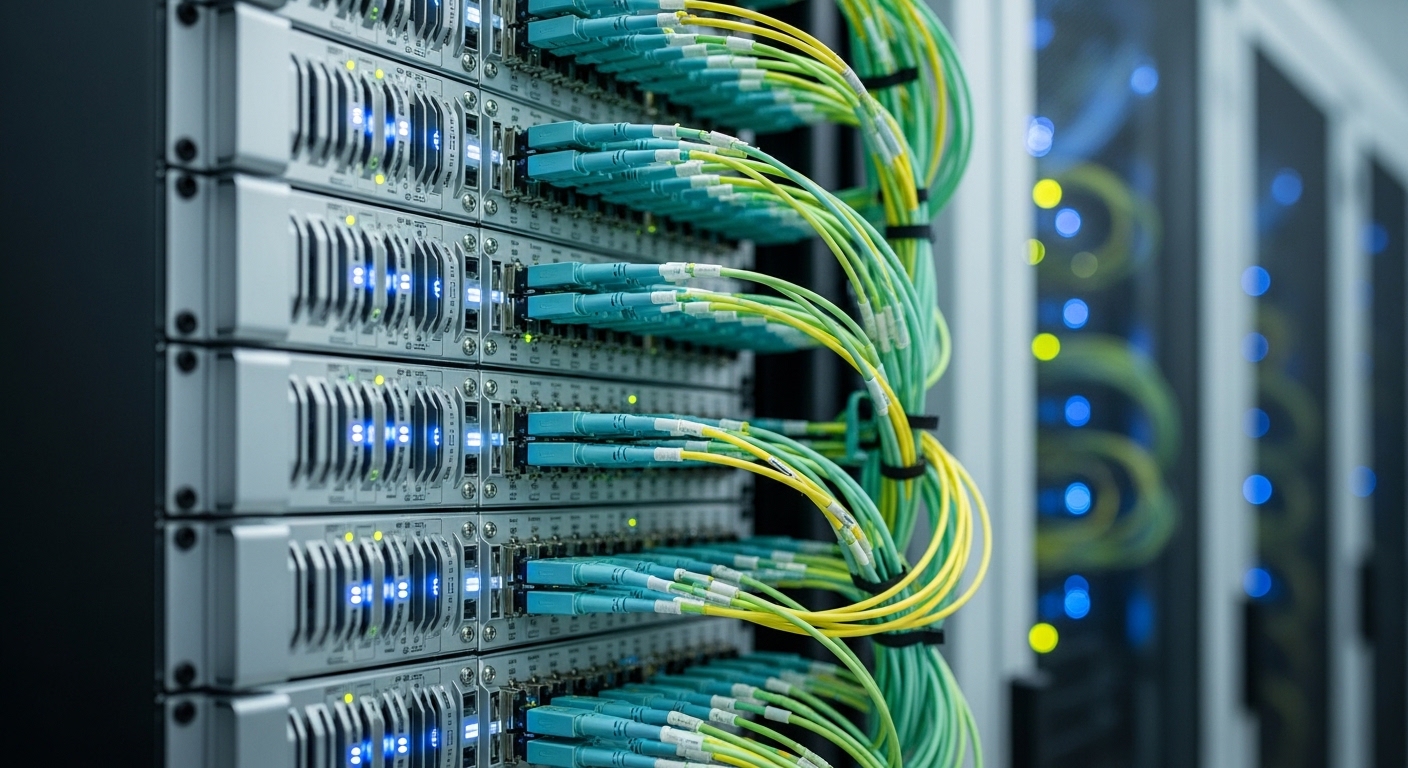
Before selecting optics, confirm the controller and switch interface types, the fiber type installed, and the available budget for maintenance. For PROFINET, you typically need deterministic Ethernet behavior, so link stability and correct physical layer settings matter as much as application configuration. Gather the following inputs from your site documentation and on-site measurements.
- Device ports: confirm whether the PROFINET line is terminating on an industrial switch, media converter, or a managed Ethernet switch.
- Fiber plant: identify single-mode vs multi-mode, core diameter (often OS2 vs OM3/OM4), and connector type (LC/SC).
- Distance: measure end-to-end span length including patch cords (use a fiber tester if available).
- Optics standard: ensure your transceiver matches the Ethernet speed and reach requirements (commonly 1GBASE-SX/LX or 10GBASE-SR/LR depending on topology).
Also verify whether your switches support DOM (Digital Optical Monitoring). DOM is critical for early warning on optical power drift and for reducing outage time during preventive maintenance.
Step-by-step: implement industrial PROFINET fiber transceivers in a factory network
Map link requirements to the correct Ethernet and optical profile
Start by matching transceiver type to the switch port speed. For many factory uplinks, you may use 1G optics for access and 10G for aggregation. PROFINET itself runs over standard Ethernet frames; the physical layer must be stable at the configured line rate. If your plant is already on 10G switches, avoid downshifting to 1G unless you have a clear capacity plan.
Target outcome: a list of required transceiver SKUs per port speed and fiber type.
Select reach and wavelength based on fiber type and connector loss
For multi-mode, SX optics are common; for single-mode, LX/LR are typical. Use vendor datasheets to validate nominal reach and to check operating temperature. Then account for real losses: splice loss, patch cords, aging, and connector contamination. A practical field approach is to budget at least 3 to 6 dB margin beyond the datasheet worst-case when possible.
Target outcome: a reach-verified transceiver choice with margin.
Choose transceivers with DOM support and compatible link behavior
Industrial switches vary in how strictly they validate transceiver parameters. Prefer transceivers explicitly rated for your switch line and speed, and ensure DOM works if you rely on monitoring. Many teams deploy third-party optics to reduce cost, but compatibility can be uneven across switch firmware revisions. If you must use third-party, test in a staging rack first.
Target outcome: transceivers that negotiate link reliably and expose DOM readings.
Install and validate with link tests and optical power checks
During installation, clean connectors every time you mate them. Use an inspection scope to confirm no scratches or film residue, then re-clean if you see contamination. After plugging in, verify link state, negotiated speed, and error counters. If your switch supports it, record DOM values: receive power (Rx), transmit power (Tx), and temperature.
Target outcome: stable link with low error counters and acceptable Rx power.
Roll out using a maintenance window with rollback criteria
Schedule rollout so you can swap optics quickly if a port fails. Define rollback criteria such as sustained interface errors, DOM out-of-range alarms, or link flap during the first hours of operation. For a deterministic plant network, you should also confirm that the PROFINET topology converges and that cyclic traffic remains within expected timing bounds (validated via controller diagnostics and switch telemetry).
Target outcome: controlled deployment with measurable acceptance criteria.
Industrial PROFINET fiber optics: key specs you must compare
Transceiver selection is not only about reach; wavelength, interface type, and power consumption affect heat and reliability in enclosures. Below is a practical comparison across common small-form pluggable optics used in industrial Ethernet.
| Transceiver type | Data rate | Wavelength | Reach (typ.) | Fiber type | Connector | DOM | Operating temp (typ.) |
|---|---|---|---|---|---|---|---|
| Cisco SFP-10G-SR | 10G | 850 nm | 300 m (OM3) | MMF OM3/OM4 | LC | Varies by SKU; many support DOM | 0 to 70 C (typ.) |
| Finisar FTLX8571D3BCL | 10G | 850 nm | 300 m (OM3) | MMF OM3/OM4 | LC | Yes (typical) | -40 to 85 C (typ.) |
| FS.com SFP-10GSR-85 | 10G | 850 nm | 300 m (OM3) | MMF OM3/OM4 | LC | Yes (typical) | -40 to 85 C (typ.) |
For PROFINET environments with vibration and temperature swings, the difference between standard and wide-temperature optics can directly impact MTBF. If your cabinet sees high ambient temperatures, prioritize transceivers with explicit wide operating ranges and monitor optics temperature via DOM.
Authority: IEEE Ethernet physical layer behavior is standardized; see IEEE 802.3 and vendor datasheets for exact optics parameters. [Source: IEEE 802.3 Standard; vendor transceiver datasheets]
Pro Tip: In industrial cabinets, the most common “mystery” PROFINET fiber failures come from connector contamination that only appears after thermal cycling. Make connector inspection and cleaning a mandatory step in your rollout checklist, then trend DOM Rx power over the first 24 hours after installation to catch slow degradation early.
Selection criteria checklist for industrial PROFINET fiber rollouts
Engineers usually evaluate transceivers in a repeatable order to reduce rework. Use this checklist during procurement and during the staging test.
- Distance and margin: verify reach for your fiber type and add loss margin for patch cords and splices.
- Budget vs reliability: wide-temperature optics cost more but reduce failure risk in hot, dusty cabinets.
- Switch compatibility: confirm SFP/SFP+ management behavior, including lane mapping and speed negotiation.
- Connector and fiber type: LC vs SC and MMF vs SMF must match the existing plant.
- DOM support: ensure your monitoring stack can read and alert on Tx/Rx power and temperature.
- Operating temperature: choose optics rated for cabinet ambient and airflow conditions.
- Vendor lock-in risk: test third-party optics with your specific switch firmware; keep a compatibility matrix.
- ESD and handling constraints: use proper transceiver handling and avoid repeated insertion cycles.
Common mistakes and troubleshooting tips
Even well-selected industrial PROFINET fiber can fail during deployment. Below are the most frequent failure modes seen in field operations, with root causes and fixes.
Link comes up, then flaps under load
Root cause: marginal receive power due to dirt on connectors or higher-than-expected splice/patch losses. Thermal cycling can worsen the issue. Solution: inspect and clean both ends, re-terminate or replace patch cords, and compare DOM Rx power against expected ranges.
No link negotiation after swapping transceivers
Root cause: incompatible optics type (wrong wavelength/fiber type) or switch firmware rejecting non-matching transceiver parameters. Solution: confirm the wavelength (for example 850 nm for SR on MMF) and test with a known-good optic in the same port. If needed, update switch firmware or use transceivers validated for that platform.
PROFINET devices show cyclic communication faults despite “green” link LEDs
Root cause: physical layer errors not reflected by basic link indicators, such as excessive CRCs or micro-outages from marginal optics. Solution: check interface error counters, review switch logs, and trend DOM temperature and optical power during the fault window.
Cost and ROI note for industrial PROFINET fiber
Typical street pricing varies by speed and temperature grade. As a rough planning range, 10G SR optics from major vendors often cost more than third-party equivalents; wide-temperature modules can add a premium. Total cost of ownership (TCO) should include installation labor, cleaning/inspection tooling, spares strategy, and downtime risk. In many plants, avoiding a single prolonged outage justifies the incremental cost of wide-temperature optics and DOM-capable monitoring.
OEM modules can reduce compatibility risk with industrial switches, while third-party optics can cut unit cost but may require staging validation. Track failure rates and warranty terms; if you maintain a spares bin, standardize on fewer part numbers to reduce operational overhead.
