When your optics start flapping at 2 a.m., “link up/down” logs are too late. This article shows how to set up transceiver monitoring Nagios using Digital Optical Monitoring (DOM) so you get early warnings for temperature, laser bias current, and received power. It is aimed at network engineers and field ops who need alerts that match vendor thresholds and survive real-world maintenance windows.
Why transceiver monitoring in Nagios beats link-only alerts
Link state tells you what happened after the optics already misbehaved. DOM telemetry gives you the leading indicators: RX power drift, TX bias trending out of spec, and module temperature climbing due to aging or airflow issues. Nagios is often already deployed for service checks, so adding DOM checks turns “is the port alive?” into “is the transceiver healthy?”
In practice, teams deploy this in environments where optics variety is high: mixed vendor SFP+/SFP28/QSFP28, different fiber plants, and frequent patching. Nagios can poll an SNMP endpoint (switch, media converter, or optical management proxy) and then raise alerts when values breach calibrated thresholds.
What DOM data you should expect to monitor
DOM support is defined by vendors and typically exposed via SNMP on the host switch. Common DOM metrics include:
- Module temperature (often in degrees Celsius with vendor scaling)
- Laser bias current (mA, or scaled units)
- Transmitted power (dBm)
- Received power (dBm)
- Supply voltage (V)
- Vendor part number and serial number (useful for asset tracking)
Standards context: optical transceiver behavior is aligned with IEEE 802.3 optical interface requirements and vendor DOM/SFF specifications; the SNMP object layout is vendor-specific. For interface baselines, see IEEE 802.3 standards. For industry DOM/SFF electrical formats and module classes, start with vendor datasheets (examples cited later).
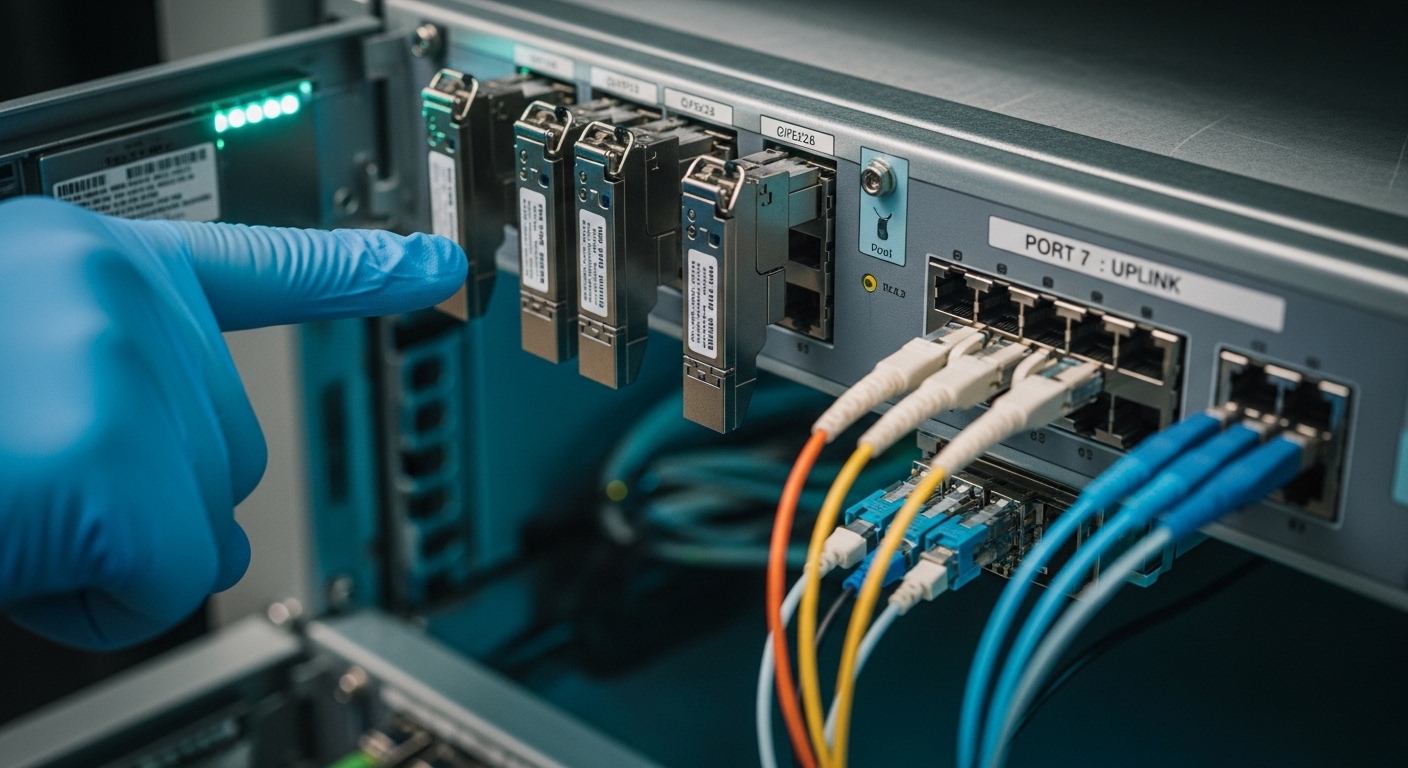
DOM telemetry paths: where Nagios actually reads values
The key design choice is where DOM telemetry is surfaced. In most deployments, Nagios polls SNMP from the switch because the switch already knows which transceiver sits in which slot and port. Sometimes you need an optics management platform, especially when the host does not expose DOM via SNMP.
Option A: Poll SNMP from the switch (most common)
Check whether your switch model exposes DOM OIDs for each interface. For example, many Cisco platforms provide DOM through SNMP tables tied to ifIndex and transceiver index. If your optics are Cisco-compatible but not identical to OEM, DOM may still work, yet some metrics can be missing or scaled differently.
Operational pattern: Nagios polls every 60 to 300 seconds, and you configure warning/critical thresholds with hysteresis so you do not page operators for tiny fluctuations.
Option B: Use a transceiver monitoring proxy or media converter
Some organizations insert an inline optical monitor or use a transceiver management appliance. This can centralize polling but adds another failure domain and increases latency. If your environment is already overloaded with SNMP polling, this path can reduce load on core switches at the cost of added hardware.
Option C: Direct telemetry via vendor APIs (then bridge to Nagios)
If you have a vendor telemetry API, you can translate metrics into Nagios checks (for example, via a script that fetches values and returns Nagios-compatible output). This is powerful but increases maintenance burden and vendor lock-in risk.
Spec comparison: what “good” DOM behavior looks like
Before configuring thresholds, anchor them to real transceiver specs and typical operating ranges. Use the vendor datasheet for the module family you deploy (wavelength, reach, optical power class, and temperature range). Then calibrate thresholds based on your fiber plant and link budget.
| Parameter | Example module A | Example module B | What to monitor in Nagios |
|---|---|---|---|
| Data rate | 10G SR (SFP+) | 25G SR (SFP28) | Ensure link partner matches speed; DOM values can shift with rate |
| Wavelength | 850 nm | 850 nm | DOM RX/TX power in dBm depends on wavelength and optics class |
| Reach | Up to 300 m OM3 | Up to 100 m OM3 | Use distance to set expected RX power window |
| Optical power class (typical) | TX around -1 to +2 dBm class depending on vendor | TX around -3 to +2 dBm class depending on vendor | Track bias current and RX power drift as optics age |
| DOM temperature range | Typically -5 to +70 C (varies by module grade) | Typically -5 to +70 C (varies by module grade) | Alert early at sustained rise; correlate with airflow and cabinet hotspots |
| Connector | LC duplex | LC duplex | Mismatch of connector cleanliness causes RX power drops; DOM will show it |
| Operating data rate / compatibility | IEEE 802.3ae 10GBASE-SR class | IEEE 802.3by 25GBASE-SR class | Some switches require specific DOM vendor behavior |
Concrete examples you may see in the field: Cisco SFP-10G-SR optics (Cisco-branded) and third-party 10G SR modules like Finisar FTLX8571D3BCL or FS.com SFP-10GSR-85, each with slightly different DOM scaling and threshold expectations. Always verify with the exact part number from your inventory and the current switch firmware. For module baseline specs, use the vendor datasheets (example entry points: [Source: Cisco SFP-10G-SR datasheet], [Source: Finisar transceiver datasheet], [Source: FS.com SFP-10GSR-85 product page]).
Pro Tip: In many networks, the most actionable Nagios alert is not “temperature high” but “RX power drifting down for 30 to 60 minutes.” A sustained RX trend often predicts connector contamination or fiber micro-bending long before the port state flaps.
Decision checklist: configuring transceiver monitoring Nagios safely
Engineers typically iterate through this checklist during rollout and during firmware upgrades.
- Distance and link budget: confirm planned reach vs actual patching. Set RX warning/critical based on measured baseline, not only datasheet maxima.
- Switch compatibility: confirm the switch model exposes DOM for third-party optics via SNMP. If DOM is missing, Nagios cannot infer health.
- DOM support granularity: verify you get temperature, bias, TX, RX, and voltage. Some platforms only expose a subset.
- SNMP object mapping: map DOM entries to ifIndex and physical port numbering so alerts route to the right team.
- Threshold strategy: use vendor-recommended “absolute” limits plus “trend” rules. Avoid tight thresholds that cause alert storms.
- Operating temperature reality: compare module temperature to cabinet airflow and measured ambient. A rising module temp can be airflow or failing fans.
- DOM scaling and units: confirm whether SNMP values are raw integers with scaling factors. Wrong scaling produces false critical alerts.
- Vendor lock-in risk: decide whether to rely on OEM-only OIDs or to build a normalization layer for third-party optics.
- Failure mode planning: define what happens when SNMP times out, the transceiver is removed, or the port is administratively down.
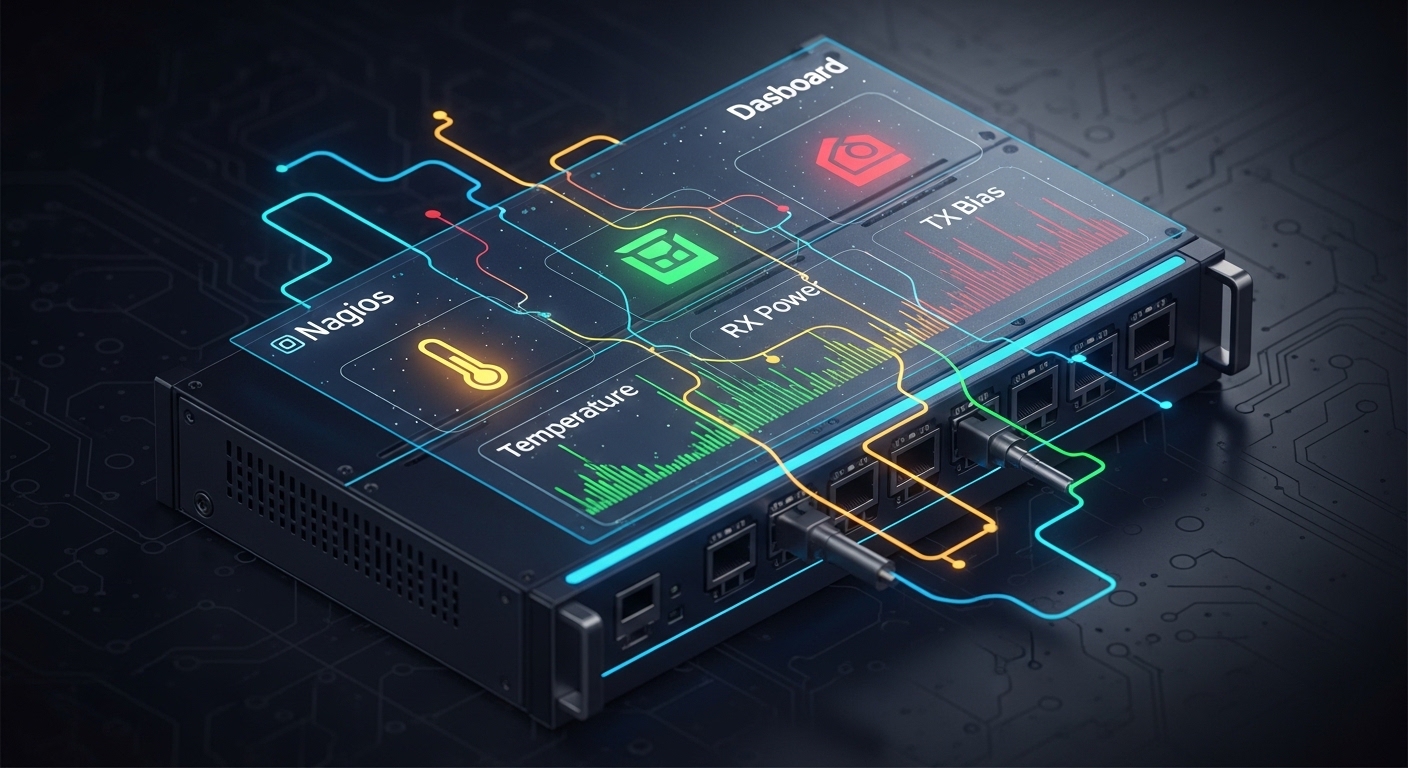
Deployment scenario: leaf-spine with mixed optics and real alerting
In a 3-tier data center leaf-spine topology with 48-port 10G ToR switches feeding aggregation and then a spine, an ops team monitors 320 active fiber links using a Nagios server. They poll SNMP every 120 seconds, and they set warning at RX power drop of about 2 dB below baseline and critical at about 4 dB, but only when the port is administratively enabled and link is up. During a mid-week patching window, two links show a steady RX decline while temperature stays stable; the team cleans LC connectors and restores power without any downtime. The same setup also catches a fan failure: module temperature rises across multiple ports in one rack, triggering a scoped alert that points directly to the affected leaf switch.
What to log and how to make alerts actionable
- Include switch name, slot, port number, and DOM metric in the Nagios alert text.
- Store the last N samples (for example, 24 samples at 2-minute intervals) so you can see trends during incident review.
- Correlate with optics replacement events: if the serial number changes, reset your baseline for that port.
Common mistakes and troubleshooting tips
False alarms from incorrect SNMP scaling
Root cause: DOM values are often exposed as raw integers with vendor-specific scale factors. If you treat raw integers as dBm directly, thresholds will be wrong. Solution: validate scaling by comparing SNMP readings to the vendor GUI or a known-good baseline link. Test with one port, then roll out to the full fleet.
Missing metrics for third-party optics
Root cause: Some switch platforms do not fully support DOM for non-OEM modules, or they expose only temperature while omitting bias/current metrics. Solution: verify each module model number (for example, Cisco-branded vs Finisar vs FS.com) with your specific switch firmware. If metrics are missing, adjust the monitoring set to what you can reliably read.
Alert storms during maintenance and link flaps
Root cause: Nagios checks may run even when ports are down, administratively disabled, or during bulk reloads. DOM values can read as zeros or stale data, causing thresholds to trip. Solution: gate checks on link state and admin state (or use a “port enabled” condition). Add hysteresis and require N consecutive failures before critical.
Thresholds set only from datasheets
Root cause: Datasheets list operating limits, not your plant baseline. Fiber aging, patch loss, and cleaning history shift RX power. Solution: establish baseline windows per module type and per link class (new, mid-life, legacy). Use trend-based alerts with a longer observation window.

Cost and ROI note: what you save by watching DOM
Typical third-party transceivers range roughly from $25 to $120 depending on speed and reach (10G SR vs 25G SR vs 40G/100G), while OEM modules can be higher. Your monitoring software cost is usually modest if Nagios is already in place; the bigger costs are engineering time and the operational overhead of tuning thresholds. The ROI comes from reduced incident duration and fewer surprise outages: a single avoided “mystery link drop” can save hours of field dispatch, and early warnings reduce the chance you replace optics unnecessarily.
TCO also includes power and fan stress indirectly: if you catch a cooling issue early (temperature rising across many ports), you prevent cascading failures. Keep in mind limitations: DOM monitoring is only as good as the switch’s SNMP implementation and the transceiver’s DOM compliance; some third-party optics may report values with different scaling or reduced metric coverage.
FAQ
What does transceiver monitoring Nagios require?
You need a Nagios server plus a telemetry source: usually SNMP from the switch that hosts the optics. You also need to confirm DOM metrics are exposed per interface and that you can map DOM entries to physical ports.
Can I monitor third-party optics with Nagios?
Often yes, but not always. Some switch firmware exposes full DOM for compatible optics, while other combinations only provide partial metrics or inconsistent scaling. Test your exact module part numbers against your switch model and firmware.
How often should Nagios poll DOM metrics?
Common practice is 60 to 300 seconds depending on scale and SNMP load. For trend alerts, 120 seconds is a practical starting point, but you should tune based on incident history and network size.
What thresholds should I use for RX power and temperature?
Start with a baseline per link class and set warning/critical relative to that baseline (for example, 2 dB warning, 4 dB critical), then layer absolute limits from the vendor operating range. Temperature thresholds should reflect your cabinet airflow realities, not just datasheet maxima.
Why do I see alerts when I remove or reseat a module?
During reseat, DOM values may temporarily become stale or zero, and SNMP tables may update asynchronously. Gate checks on port admin state and link state, and require consecutive failures before critical alerts.
Does IEEE 802.3 define DOM telemetry?
IEEE 802.3 defines optical interface behavior and electrical/optical performance targets, but DOM telemetry exposure is generally vendor- and platform-specific via SFF/DOM implementations. Treat DOM and SNMP OIDs as operational data you must verify on your hardware.
If you want the next step, build a small “DOM baseline” playbook: sample RX/TX and temperature for each optics class after install, then codify the warning and critical thresholds. Use transceiver health baseline for Nagios to structure that rollout and reduce false positives.
Author bio: I design and deploy monitoring stacks for optics-heavy networks, including SNMP-driven Nagios checks and DOM normalization across mixed vendors. I focus on operational reliability, threshold tuning, and incident-ready alert text that field teams can act on quickly.