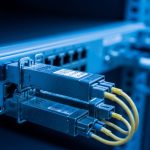
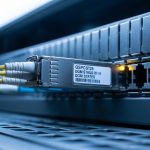
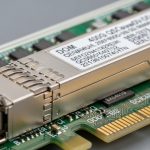
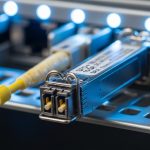
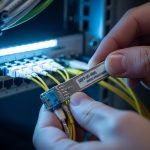
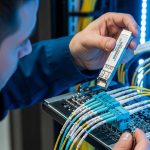
When your AI cluster expands by dozens of nodes, the optics bill can climb faster than GPUs. This transceiver comparison focuses on 50G vs 100G optics for modern AI infrastructure, helping network engineers and field technicians choose the right reach, power budget, and form factor for predictable bring-up. You will get a practical spec table, a deployment scenario with numbers, a decision checklist, and troubleshooting patterns from real installs. Update date: 2026-05-01.
Why 50G and 100G optics behave differently in AI fabrics
In AI leaf-spine and spine-core fabrics, the optics must sustain high utilization while staying within strict electrical and optical link budgets. 50G typically targets higher port density and can reduce oversubscription pressure when your switch supports flexible lane mapping. 100G often simplifies cabling and improves per-link throughput, but it can increase cost per port and may be constrained by switch licensing or transceiver compatibility rules.
From a field perspective, the real difference shows up during link training and diagnostics: some switches negotiate based on supported IEEE 802.3 clauses, while others require vendor-approved transceivers. In practice, you may see intermittent link flaps that correlate with specific DOM telemetry thresholds, or with optics that are “compatible” but not fully validated for the switch’s digital diagnostics.
What to verify before you even compare optics
- Switch model and transceiver qualification: check vendor optics matrix for both 50G and 100G.
- Port type: QSFP56, QSFP28, SFP56, or OSFP; confirm lane rate and breakout support.
- Fiber type and plant loss: OM4/OM5 vs OS2, plus patch panel loss and bend limits.
- Target reach: don’t size only by “max distance”; include worst-case loss and margin.
50G vs 100G transceiver comparison: specs that decide the build
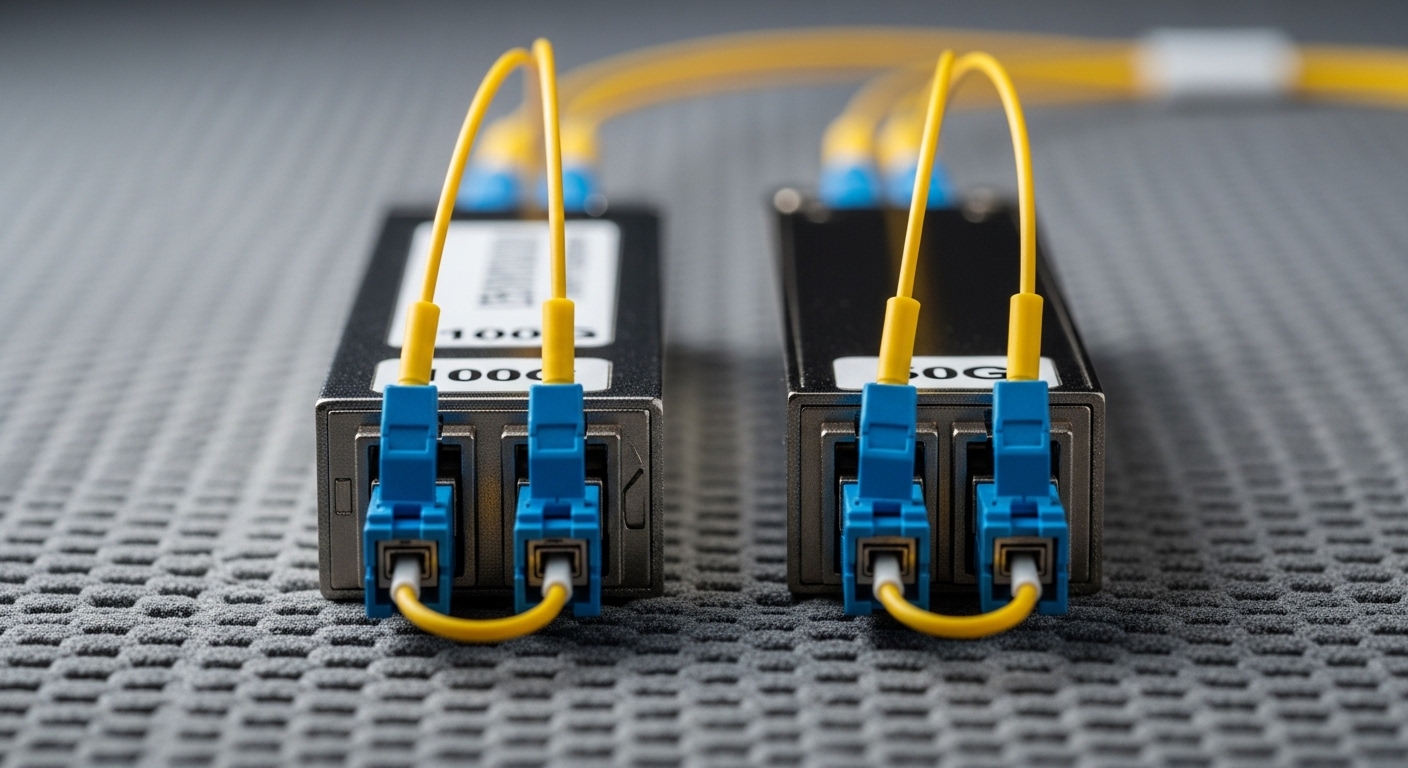
Below is a practitioner-oriented comparison for typical short-reach AI clusters over multimode fiber. Exact wavelength and reach depend on the optical family (SR, DR, LR) and the module vendor, but the table captures the decision-critical parameters engineers check first.
| Spec | 50G SR (Typical Multimode) | 100G SR (Typical Multimode) |
|---|---|---|
| Target data rate | ~50 Gbps | ~100 Gbps |
| Form factor | QSFP56 / SFP56 (varies by switch) | QSFP56 / QSFP28 (varies) |
| Wavelength | Commonly ~850 nm | Commonly ~850 nm |
| Reach (multimode) | ~70 m (OM4) to ~100 m (OM5) typical | ~70 m (OM4) to ~100 m (OM5) typical |
| Connector | LC duplex | LC duplex |
| Power class (ballpark) | ~3 to 6 W depending on vendor/design | ~4 to 8 W depending on vendor/design |
| DOM telemetry | Digital Optical Monitoring (typical) | Digital Optical Monitoring (typical) |
| Temperature range | 0 to 70 C common for enterprise | 0 to 70 C common for enterprise |
| Standards alignment | IEEE 802.3 family for 50G Ethernet (implementation-specific) | IEEE 802.3 family for 100G Ethernet (implementation-specific) |
For concrete examples you may encounter in procurement and spares planning: Cisco optics like Cisco SFP-10G-SR are older generations, while AI fabrics more often use 50G/100G multimode optics. Third-party families such as Finisar FTLX8571D3BCL and modules sold as FS.com SFP-10GSR-85 illustrate the SR ecosystem, but you must match the exact speed and form factor to your switch. Always validate against the switch’s optics compatibility list and the module’s datasheet for DOM behavior.
Pro Tip: In AI racks, the “works on the bench” optics often fail in the field due to DOM threshold mismatches. When you enable logging, watch for vendor-specific alarms like RX power out-of-range and temperature warnings during traffic bursts, not just at link-up. If your switch flags DOM inconsistently, fall back to a vendor-qualified transceiver even when basic link negotiation succeeds.
Deployment scenario: sizing a leaf-spine AI cluster with real numbers
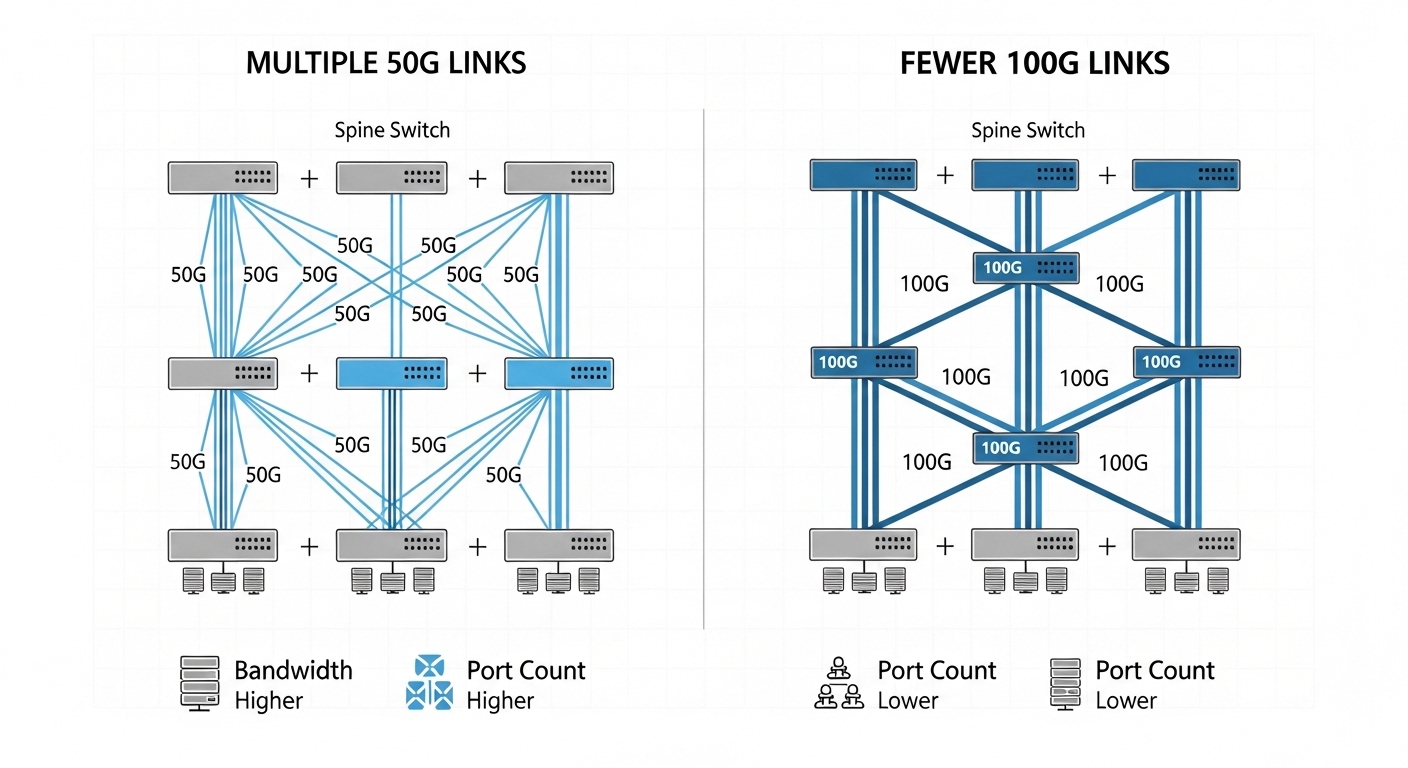
Imagine a 3-tier data center leaf-spine topology with 48-port 10G/25G/50G-capable ToR switches feeding 12-port spine uplinks per leaf, supporting an AI training cluster of 320 servers. Each leaf has 40 active accelerator servers and 8 uplinks to the spine. If your application mix needs north-south bandwidth headroom, you might choose 100G uplinks for fewer, higher-capacity links.
Option A uses 50G optics: each leaf deploys 8 uplinks at 50G for an aggregate of 400G. Option B uses 100G optics: each leaf deploys 4 uplinks at 100G for the same nominal aggregate of 400G, reducing port count and cabling complexity. In practice, the difference shows up in optics power and spares: if each 100G module averages 2 to 3 W more than 50G, you may see a measurable rack-level power delta over a year, but you also reduce the number of active links that can experience a rare transceiver defect.
Selection criteria checklist engineers use in procurement and staging
Use this ordered checklist during transceiver comparison so you do not discover incompatibilities after you have cabled hundreds of ports.
- Distance and link budget: verify reach for your fiber (OM4 vs OM5), include patch panel loss, and confirm margins for worst-case temperature.
- Switch compatibility: confirm the exact module part number is supported by your switch vendor’s optics matrix.
- Form factor and lane mapping: ensure the switch port supports the module’s electrical interface without unintended breakout behavior.
- DOM and diagnostics support: check whether your platform reads DOM consistently and whether it enforces stricter thresholds for 100G.
- Operating temperature and airflow: validate the transceiver’s temperature range against your rack’s measured inlet temperature.
- Budget and TCO: include power draw, expected MTBF, and RMA logistics; compare OEM vs third-party pricing.
- Vendor lock-in risk: if you plan multi-vendor sourcing, verify identical behavior for DOM alarms and firmware compatibility.
How to decide between 50G and 100G quickly
- Choose 50G when you need higher port density, your switch supports efficient lane mapping, and you can keep power and cooling under control.
- Choose 100G when you want fewer uplinks, simpler cabling, and a cleaner operational model with less per-link overhead—assuming your switch supports the modules reliably.
Common pitfalls and troubleshooting tips from the field
Even when the transceiver comparison seems straightforward, failures usually come from a handful of repeatable causes. Below are the top patterns technicians see during AI rack bring-up.
Pitfall 1: “Link up” but traffic fails under load
Root cause: marginal optical power or connector contamination; some links appear stable at idle but degrade with burst traffic. Solution: clean LC connectors with proper inspection, then re-test; confirm receive power is within the module spec and your switch’s DOM thresholds.
Pitfall 2: Vendor-compatible optics still trip alarms
Root cause: DOM telemetry format differences or threshold enforcement on the switch side. The module may negotiate but still trigger “monitor out-of-range” events. Solution: compare alarm codes between working and failing optics, then switch to the vendor-qualified part number if alarms persist.
Pitfall 3: Wrong breakout mode or lane mapping assumptions
Root cause: the switch port may interpret the optics lanes differently, especially when mixing transceiver types across adjacent ports. Solution: check the switch’s port configuration rules, validate negotiated speed with show commands, and keep a consistent transceiver family per port group during staging.
Pitfall 4: Thermal throttling in high-density racks
Root cause: inlet air temperature spikes or blocked airflow; 100G optics can run warmer depending on design. Solution: measure inlet/outlet temperatures, ensure airflow baffles are installed, and confirm the transceiver temperature stays within spec during sustained load.

Cost and ROI note: what actually moves the budget
In AI infrastructure, the optics line item is only part of TCO. OEM 50G/100G modules often carry a premium, while third-party modules can reduce upfront cost, but you must budget for additional validation time and potential higher RMA rates if you do not have a proven compatibility track record. Typical street pricing varies widely by vendor, but for planning purposes you may see large differences between OEM and third-party procurement for the same reach and form factor.
ROI lens: if 100G reduces the number of active uplink ports by half for the same aggregate bandwidth, you may reduce switching fabric port licensing impact and lower cabling labor hours. If 100G modules cost materially more and draw more power, the savings can shrink—especially when you multiply by thousands of links. Track failure rates during the first 90 days of deployment; that early data often predicts long-run replacement costs better than catalog MTBF claims.
FAQ: 50G vs 100G transceiver comparison for AI fabrics
Which is safer for first-time deployments: 50G or 100G?
Choose whichever is explicitly validated in your switch vendor’s optics matrix for both the module part number and the port type. In many environments, 50G can be easier to match to dense port groups, but 100G can be equally safe if the platform enforces strict DOM compatibility.
Do I need DOM support for both 50G and 100G?
Yes, for operational maturity. DOM telemetry helps you detect early drift in RX power and temperature, which is critical in high-utilization AI clusters where failures can hide until traffic bursts.
What fiber should I use: OM4 or OM5?
OM5 can provide improved wavelength support and budgeting flexibility for newer multimode optics, but your actual reach depends on the module datasheet and plant loss. Always validate with worst-case link budget calculations and connector loss assumptions.
Can I mix 50G and 100G optics in the same switch?
Sometimes, but you must respect port group constraints and configuration rules. Mixing can also complicate troubleshooting because alarm thresholds and negotiated states may differ between transceiver families.
Why do some modules “work” but still cause intermittent link flaps?
Common causes include dirty connectors, marginal optical power, DOM threshold mismatches, or thermal issues. The fastest path is to inspect and clean, then compare DOM alarm logs between known-good and suspect modules.
Are third-party transceivers a good idea for AI racks?
They can be cost-effective, but only after you validate the exact part number behavior on your specific switch model. If you cannot run a controlled staging test, OEM modules reduce risk and accelerate troubleshooting.
Use this transceiver comparison to pick optics that match your switch qualification, your fiber plant, and your operational monitoring requirements—not just nominal reach. Next, review transceiver compatibility matrix to tighten your qualification workflow before you scale from lab to production.
Author bio: I have deployed and troubleshot 50G/100G optical links across multi-rack AI clusters, validating DOM telemetry and link budgets during live cutovers. I write from the field: measured power, connector inspection practices, and switch-specific compatibility checks drive my guidance.
Sources: IEEE 802.3 Ethernet standards, vendor optics qualification matrices, and module datasheets from major transceiver manufacturers, as commonly referenced in [Source: IEEE 802.3].