When a SONiC-based switch boots with the wrong optics profile, you can lose ports, trigger flapping, or burn time chasing phantom link issues. This guide helps network engineers and field technicians validate SONiC transceiver compatibility using DOM data, interface mapping, and vendor-safe bring-up steps. You will leave with a concrete checklist, a troubleshooting matrix, and realistic operational constraints tuned for data center deployments.
What “compatibility” means in SONiC optics management
In SONiC, transceiver compatibility is not only about “does the module light up.” The platform expects correct physical layer behavior (signal format, wavelength, lane mapping) and correct management visibility (DOM readings, vendor/device identity, and supported transceiver diagnostics). SONiC then binds optics to logical interfaces using platform-specific drivers, so the same optics can behave differently across switch models and firmware releases. For robust operations, treat compatibility as a three-part gate: electrical/optical link, DOM availability, and SONiC software support.
DOM presence and why it matters during bring-up
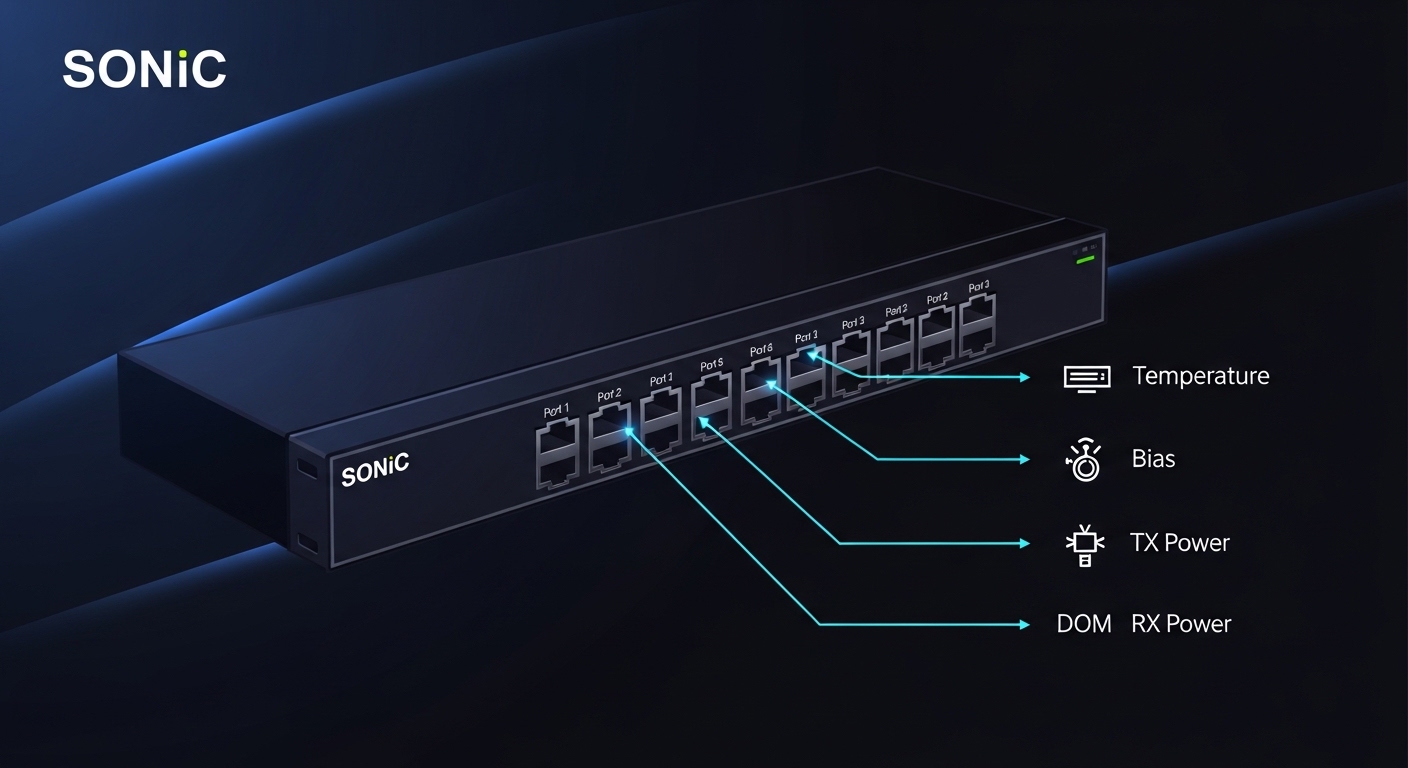
Most modern pluggable optics expose Digital Optical Monitoring (DOM) over an I2C bus. SONiC reads parameters such as received power, transmit power, temperature, bias current, and sometimes vendor identifiers and thresholds. If DOM is missing or malformed, SONiC may still bring up the link, but telemetry-based alarms and some safety workflows (for example, threshold-based notifications) may not work. In field work, engineers often see “link up but no diagnostics” after a partial compatibility mismatch, especially with third-party optics.
Interface mapping: physical lanes vs SONiC port abstraction
SONiC uses a platform-specific mapping from transceiver diagnostics to logical interfaces. If a transceiver type or speed mode is not aligned with the expected port profile, you may see a link that never stabilizes or a port that stays administratively up but fails negotiation. This is common when mixing 10G SFP+ and 25G SFP28 optics across adjacent port groups, or when optics are configured for a different breakout mode than the switch chassis supports. Always validate the switch model’s port speed matrix before swapping optics.
Quick compatibility spec matrix: SFP, SFP28, QSFP, and OS requirements
Use the table below as a fast filter before you touch live ports. Values vary by vendor, but these ranges match the IEEE and common vendor behaviors that SONiC platforms rely on. For authoritative baseline requirements, cross-check the relevant IEEE standards (for example, IEEE 802.3 family for Ethernet over fiber) and the vendor datasheet for the exact transceiver SKU. For SONiC behavior specifics, consult the SONiC platform documentation and the switch vendor’s transceiver support notes.
| Transceiver type | Typical SONiC use | Wavelength | Reach (typical) | Connector | DOM | Operating temp | Data rate |
|---|---|---|---|---|---|---|---|
| SFP (legacy) | 10G Ethernet (where supported) | 850 nm or 1310/1550 nm | ~300 m to 10 km | LC/SC (varies) | Usually yes (I2C) | 0 to 70 C (common) | 1G to 10G |
| SFP+ | 10G and 1G (platform dependent) | 850 nm or 1310/1550 nm | ~300 m to 40 km | LC | Usually yes | -5 to 70 C (common) | 10G |
| SFP28 | 25G Ethernet (common SONiC target) | 850 nm or 1310 nm | ~100 m to 10 km | LC | Yes | -5 to 70 C | 25G |
| QSFP+ / QSFP28 | High-density 40G/100G | SR4/DR4/FR4 variants | ~100 m to 40 km | LC (often) | Yes | -5 to 70 C or 0 to 70 C | 40G to 100G |
Practical note: SONiC transceiver compatibility is often most sensitive at the boundary between “speed class” and “platform port profile.” An SFP28 module in a port group that expects SFP+ may physically seat and blink, but negotiation can fail. Similarly, SR4 versus SR8 variants for 100G optics can cause lane-mapping issues that look like intermittent CRC errors even when the link reports “up.”
Baseline standards and where to verify
For Ethernet over optical fiber requirements, use IEEE 802.3 clause guidance and the module manufacturer’s compliance statements. For cabling and connector expectations, use ANSI/TIA fiber cabling guidance where applicable. For SONiC, the most reliable source is the switch vendor’s SONiC platform notes plus the SONiC transceiver/DOM documentation that matches your exact platform and release train.
External references: IEEE 802.3 standard portal|IEEE 802.3
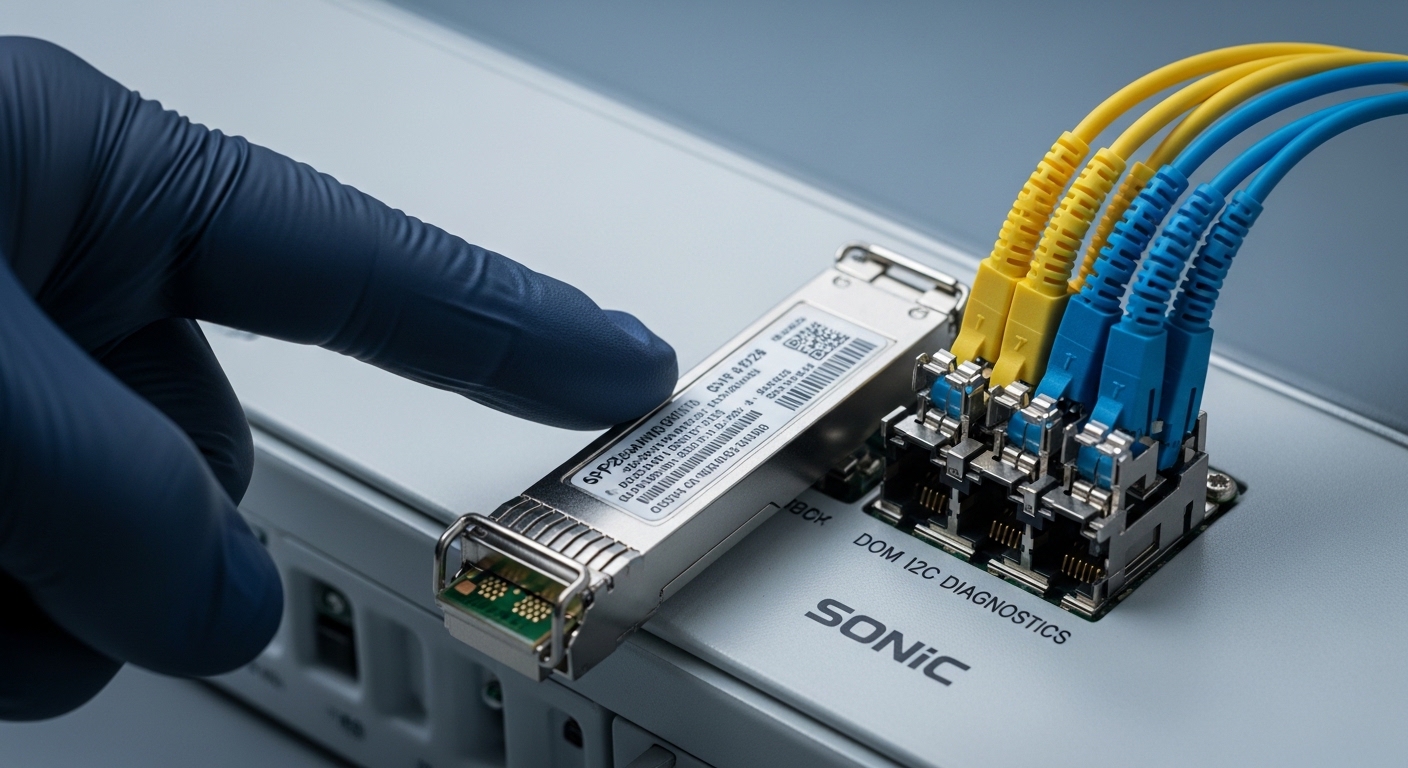
Bring-up workflow: validate SONiC transceiver mapping before full traffic
A safe workflow prevents the classic scenario where you swap optics during a maintenance window and then spend hours diagnosing. In a SONiC environment, you want to confirm that (1) the module is detected, (2) DOM reads are stable, and (3) the interface comes up with the expected speed and encoding. This is especially important when you use third-party optics or when you upgrade SONiC releases.
Step-by-step checklist for technicians
- Confirm the port profile from the switch model documentation: speed, breakout mode, and supported transceiver type for that physical cage.
- Verify DOM accessibility after insertion: confirm the presence of temperature, bias, and transmit/receive power readings.
- Check interface state transitions: ensure the port transitions to an operational link state without repeated resets.
- Validate speed negotiation matches the expected line rate (for example, 25G on SFP28, 10G on SFP+).
- Run a short physical-layer health test: watch for CRC/LPBK counters and optical warnings for at least several minutes before adding production traffic.
- Lock the optics inventory: record vendor part number and serial number so you can correlate future events to specific optics lots.
Pro Tip: In many SONiC deployments, the fastest way to detect a “looks compatible but is not” optics issue is to compare DOM stability over time, not just the initial link-up. A module that reports valid temperature and power at insertion but shows drifting bias current or frequent “threshold crossing” shortly after can indicate a marginal optical budget or an optics vendor profile mismatch.
Selection guide: how to choose SONiC transceivers that behave in production
Engineers often underestimate the selection complexity because optics choices span optical budget, electrical signaling, software support, and environmental constraints. The best practice is to use a decision checklist that prioritizes SONiC observability and platform-specific driver support. Below is an ordered list of factors field teams typically weigh during procurement and staging.
Decision checklist (ordered by impact)
- Distance and optical budget: confirm SR reach against your fiber type (OM3/OM4/OS2) and connector losses; budget extra margin for patch panel aging.
- Switch compatibility and port speed matrix: confirm the exact cage supports the transceiver form factor and rate (SFP+ vs SFP28 vs QSFP).
- DOM support and telemetry mapping: verify that SONiC reads the required DOM fields for your platform and release.
- Operating temperature range: match the transceiver spec to the rack inlet conditions; many failures correlate with sustained high-bias at elevated temps.
- Vendor lock-in risk and support path: if you use third-party optics, ensure you can reproduce issues and that you have a clear escalation path.
- Firmware and SONiC release alignment: test on the same SONiC version used in production; transceiver driver behavior can shift across releases.
Real-world deployment scenario (what this looks like)
In a 3-tier data center leaf-spine topology with 48-port 25G ToR switches, a team runs SONiC on each leaf and connects to spine using 25G SFP28 SR optics over OM4 fiber. During a staged rollout, they replace 24 optics per switch during a 2-hour window, keeping a spare set of OEM modules on the shelf. They validate each inserted transceiver by checking DOM temperature and optical power stability for 10 minutes, then confirm that the interface counters show no CRC spikes under a short iperf3 run. This approach prevents a common outage pattern: a “link up” but high-error module that only becomes visible under sustained traffic.
Common pitfalls and troubleshooting tips for SONiC transceiver issues
Even with correct hardware, operational mistakes can create confusing symptoms. Below are frequent failure modes seen in the field, with root cause and a practical fix. The goal is to reduce downtime by focusing on what to check first.
“Link up but no telemetry”
Root cause: DOM is not accessible due to an optics variant that lacks full I2C DOM support or a wiring/compatibility limitation in the platform cage. Solution: confirm the transceiver datasheet states DOM support; try a known-good OEM module; then verify SONiC platform driver compatibility for that transceiver type.
Port flaps or stays down after insertion
Root cause: speed mode mismatch (for example, SFP28 optics in an SFP+ expected profile) or lane mapping mismatch during breakout. Solution: check the switch port speed and breakout configuration; reseat the module; ensure the target interface is not configured for an incompatible breakout mode.
High CRC or intermittent errors only under load
Root cause: marginal optical budget, contaminated connectors, or a transceiver with drifting bias at higher temperatures. Solution: clean LC connectors with lint-free swabs and proper cleaning solution; verify fiber polarity; check DOM optical power trends; replace optics if RX power is near the vendor threshold.
DOM thresholds trigger early warnings
Root cause: threshold calibration mismatch between module vendor and expected SONiC interpretation, or operation in a hotter-than-rated rack environment. Solution: compare temperature and bias current against the transceiver spec; improve airflow; consider staging modules in the same rack inlet temperature conditions before production.
Cost and ROI: OEM vs third-party transceivers in SONiC networks
Pricing varies by region and lead time, but field experience suggests typical retail ranges: 10G SFP+ modules often cost roughly $20 to $60 each; 25G SFP28 SR modules commonly land around $60 to $180 depending on reach and vendor; QSFP28 100G optics can range from $300 to $900 for mainstream SR/DR variants. OEM optics can reduce uncertainty because they align with vendor validation and support workflows, while third-party optics can cut acquisition cost but may increase time spent in compatibility testing and RMA handling.
ROI comes from two places: reduced failure-driven downtime and reduced engineering time. If your team has a repeatable DOM validation and optical power trend process, third-party optics can be cost-effective. If you cannot reliably test in a staging SONiC lab that matches production firmware, OEM optics usually provide better total cost of ownership through lower operational risk.
FAQ: SONiC transceiver compatibility questions engineers ask
How do I verify a SONiC transceiver is truly supported?
Start by confirming the switch model’s port speed matrix for the exact cage. Then validate DOM reads and interface state transitions in SONiC after insertion. Finally, run a short load test and watch for CRC and optical threshold events.
Will a third-party SONiC transceiver work if the link comes up?
Often yes for basic link, but “link up” does not guarantee telemetry correctness or stable optical behavior under load. Compare DOM stability over time and confirm counters remain clean during sustained traffic.
What DOM fields are most important for troubleshooting?
Temperature, bias current, transmit power, and receive power are the most actionable for diagnosing optical budget and thermal stress. If available, also review vendor diagnostic flags and any threshold-crossing indicators that SONiC exposes.
Why do I see intermittent errors even when the optical power seems fine?
Optical power can be within range while connectors remain contaminated, causing micro-reflections and bursty errors. Also check fiber polarity, verify correct transceiver type for the port profile, and monitor DOM trends for drift rather than a single snapshot.
Can SONiC updates change transceiver compatibility?
Yes. Changes to transceiver drivers, platform abstractions, or DOM parsing logic can alter behavior across SONiC releases. Always test optics in a staging environment running the same SONiC version as production.
Where do I find the best compatibility information?
Use the switch vendor’s SONiC platform documentation and transceiver support notes first, then cross-check the transceiver datasheet for DOM and optical parameters. For standards-level expectations, reference IEEE 802.3 and relevant cabling guidance from ANSI/TIA where applicable.
By treating compatibility as a measurable workflow—DOM visibility, stable optical telemetry, and correct port profile—you can deploy SONiC transceiver hardware with confidence and fewer surprises. Next, review SONiC optics DOM monitoring best practices to standardize your validation runbooks across racks and releases.
Author bio: I have deployed SONiC-based leaf-spine fabrics in live data centers, validating transceiver DOM telemetry and error counters during staged rollouts. I also write field test procedures that map vendor optics specs to platform port profiles and operational thresholds.