In access and enterprise networks, a small fiber spec mismatch can become a big outage risk. This quick reference helps network engineers and IT managers choose the right OS1 OS2 fiber cable for SFP single-mode links by focusing on connector/workflow realities, compatibility with transceivers, and measurable operational tradeoffs.
OS1 vs OS2: what changes in the field
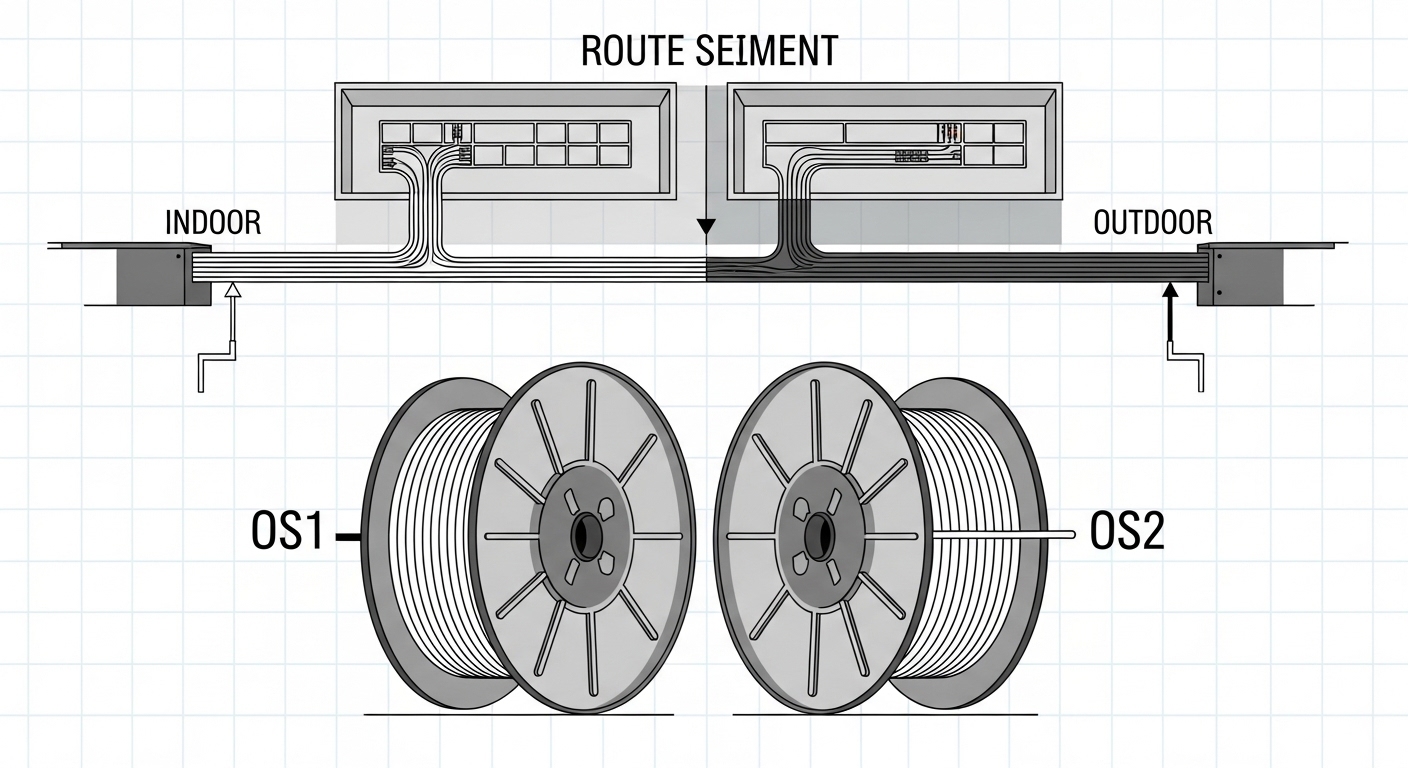
OS1 and OS2 are both single-mode fiber (SMF) types intended for long reach with SFP, SFP+ and similar pluggable optics. The practical difference is that OS2 is optimized for long-distance use and is typically deployed in outdoor or buried applications, while OS1 is common for indoor-use single-mode runs. In vendor documentation, OS1 is often treated as “single-mode for indoor,” whereas OS2 is treated as “single-mode for outdoor/longer distances,” with both meeting core SMF performance targets.
For SFP links, the transceiver’s reach is driven by fiber attenuation and chromatic dispersion, not the cable label alone. You should validate the system budget using the optics datasheet and the fiber’s published parameters (attenuation at 1310/1550 nm, effective cutoff behavior, and any bend-loss limits).
Key specifications to compare before you buy
Engineers typically evaluate fiber at two layers: the cable’s attenuation and the installer’s handling constraints (bend radius, jacket type, temperature). Use the table below to sanity-check whether the OS1 OS2 fiber cable you are sourcing aligns with your SFP module requirements and the physical path.
| Spec | OS1 (typical) | OS2 (typical) | Why it matters for SFP single-mode |
|---|---|---|---|
| Use case | Indoor / building backbone | Outdoor / long-haul / buried | Impacts jacket and handling, reducing installation-related failures |
| Attenuation target | Low loss single-mode | Low loss single-mode | Directly affects link budget at 1310/1550 nm |
| Operating environment | Indoor temperature profiles | Outdoor-capable temperature and moisture exposure | Prevents jacket cracking and microbends that degrade optical power |
| Connectorization | Often spliced and terminated in indoor trays | Often spliced in closures and then routed indoors | Field splicing quality and closure management affect end-to-end loss |
| Bend-loss sensitivity | Must still respect min bend radius | Must still respect min bend radius | Both can fail early if installers exceed bend radius |
When you consult IEEE 802.3 for Ethernet over fiber behavior, the cabling part of the system is often treated as “meets the optical link budget.” For reach and optical quality, rely on vendor datasheets for both the SFP and the cable, and cross-check with installation loss assumptions in your design spreadsheet. [Source: IEEE 802.3] [[EXT:https://standards.ieee.org/standard/]]
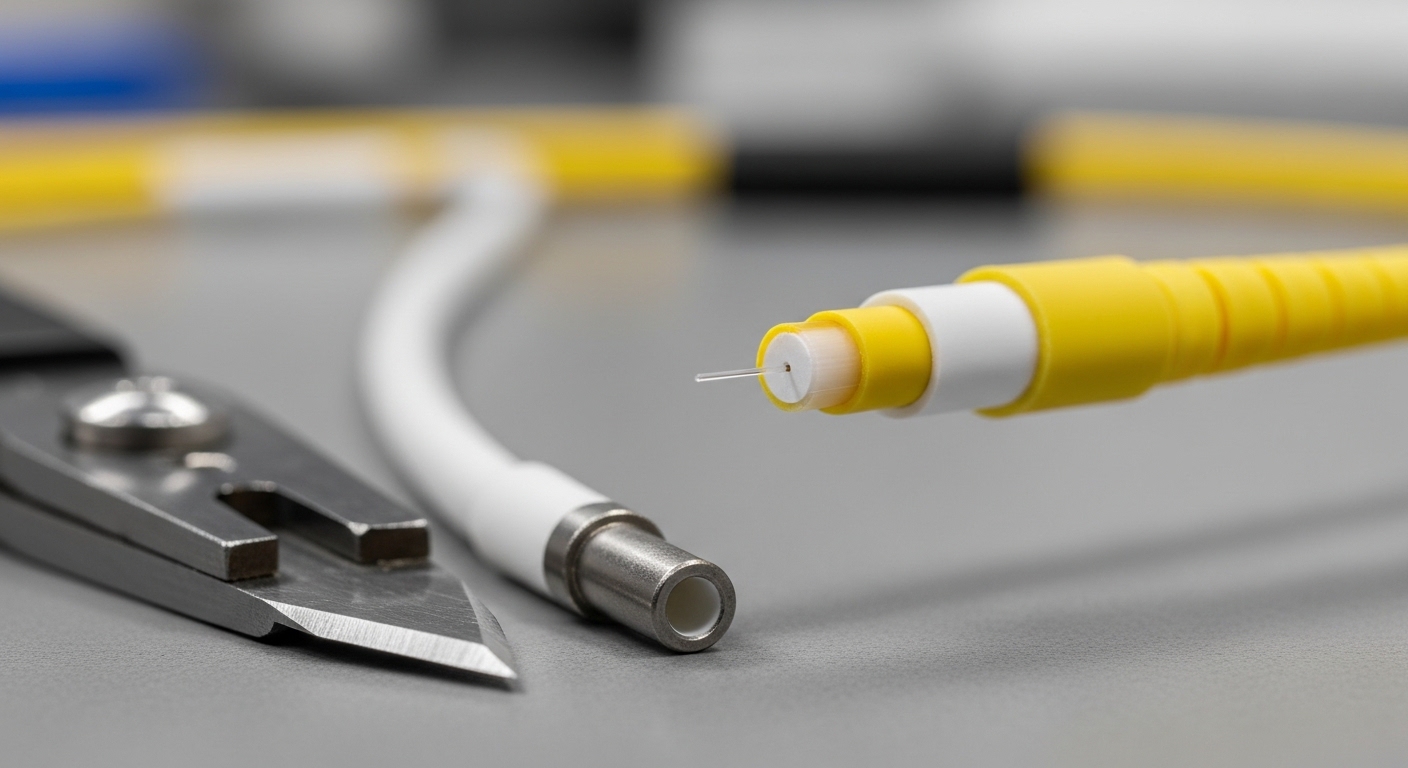
How to match OS1 OS2 fiber cable to common SFP modules
Your SFP model determines which wavelength you care about (often 1310 nm or 1550 nm) and the maximum supported reach. For example, many 1G/10G SFP single-mode modules are specified for 9/10 km class links depending on wavelength and link budget. In practice, you should compute worst-case end-to-end loss including splice loss, connector loss (if any), and a margin for aging and installation variability.
Example: budgeting a 10 km SFP single-mode link
Assume you deploy 10GBASE-LR class optics at 1310 nm in a campus-to-MDF run. You have 6 km of fiber, 4 splices, and no patch panel connectors beyond the terminal equipment. If the SFP datasheet states a 10 km reach with a certain attenuation budget, you apply: fiber attenuation (from the cable spec), plus splice loss (typically ~0.05 to 0.1 dB per splice depending on process), plus an installation margin. The OS1 vs OS2 label matters less than whether the cable spec meets the attenuation requirement and the installer respects bend radius.
Operational reality: where OS2 helps
If the route includes exterior conduits, underground sections, or moisture exposure, OS2-style jacket and deployment practices reduce jacket degradation that can increase microbends over time. That lowers the odds of intermittent “works on reboot” symptoms caused by subtle loss changes and connector contamination.
Selection criteria checklist for OS1 OS2 fiber cable
Use this ordered checklist during procurement and design review. It prevents expensive rework after termination and testing.
- Distance and wavelength: confirm your SFP wavelength (1310 vs 1550 nm) and reach class from the transceiver datasheet.
- Link budget math: include fiber attenuation at the wavelength, splice count, connector loss, and margin.
- Switch and optics compatibility: verify your SFP model is supported by the switch vendor and that DOM readings (if used) match expectations.
- Operating temperature and environment: outdoor, direct burial, and indoor plenum requirements drive jacket selection more than the fiber label.
- Installation constraints: confirm minimum bend radius, pulling tension guidance, and closure/splice tray practices.
- Connectorization plan: decide whether you use pre-terminated assemblies or field splice-and-terminate; then align with your testing procedures.
- Vendor lock-in risk: note whether your optics vendor requires specific fiber performance specs; keep documentation for warranty claims.
Pro Tip: Many “OS1 vs OS2” debates miss the real outage trigger: microbends introduced during pulling or tight bends. Even with correct attenuation specs, repeated flexing in trays or over-radius routing can push loss above the SFP receiver sensitivity margin, especially on long runs with multiple splices.
Common mistakes and troubleshooting tips
These are the failures engineers most often see after deployment of OS1 OS2 fiber cable for SFP single-mode links.
-
Mistake: Assuming the label guarantees reach
Root cause: ignoring splice loss, connector loss, and bend-loss variation.
Fix: re-run link budget with measured OTDR data; enforce splice loss targets during splicing and acceptance testing. -
Mistake: Exceeding bend radius during installation
Root cause: cable pulled around tight corners or compressed in crowded trays.
Fix: inspect routing paths, add bend radius guides, and re-test with bend-sensitive OTDR/visual inspection before closure. -
Mistake: Dirty connectors or poor cleaning workflow
Root cause: contamination on LC/SC end faces after repeated patching.
Fix: use approved lint-free wipes and cleaning tools; verify with an inspection scope and re-clean before swapping transceivers. -
Mistake: Mixing transceiver types without matching wavelength
Root cause: installing an optics module expecting a different wavelength class or reach budget.
Fix: confirm optics part numbers and wavelengths; validate with vendor tables and interface diagnostics.
Cost and ROI note: what usually pays off
Price varies by region and spec, but in many markets you will see third-party single-mode cable priced below OEM-only bundles, while OEM optics may carry higher replacement costs. Cable itself is often a small portion of TCO compared to labor, splicing, testing time, and downtime. A practical ROI approach is to spend slightly more on a deployment-appropriate jacket (often OS2 for outdoor segments) and on disciplined test acceptance, because it reduces truck rolls and repeat terminations. For optics, consider using supported SFP models with documented compatibility to reduce field failures and warranty friction.

FAQ
Q: Can I use OS1 OS2 fiber cable interchangeably for SFP single-mode links?
A: Often yes for purely indoor, properly specified runs, but you must validate attenuation and installation losses. For outdoor or buried segments, OS2-style deployment is typically safer for long-term jacket integrity.
Q: What should I test before declaring the link “good”?
A: Run OTDR (and/or appropriate insertion loss tests) end-to-end and verify splice loss and any high-loss events. Pair results with SFP receiver diagnostics (when available) to confirm margin.
Q: Does SFP DOM information replace fiber testing?
A: No. DOM helps you monitor optical power and temperature, but it does not measure link loss or locate high-loss events. Testing finds the cause, while DOM mainly signals symptoms.
Q: Are patch cords with mixed OS1/OS2 segments a problem?
A: It can be, if the segments differ in handling quality, termination loss, or jacket condition. The main risk is not the OS1 vs OS2 label but inconsistent performance from installation and connectorization.
Q: What is the fastest way to prevent rework on long campus runs?
A: Use a written acceptance checklist: pull-path discipline, splice targets, connector inspection, OTDR verification, and recorded test results tied to asset IDs.
If you are planning a rollout, next review your transceiver and cabling compatibility using single-mode SFP reach and link budget to avoid budget surprises.
Author bio: I’ve deployed single-mode fiber links in campus and data center environments, using OTDR acceptance workflows and SFP diagnostics to keep reach predictable. I write from the field perspective, focusing on measurable loss budgets, installation limits, and ROI-driven maintenance decisions.