
If your fabric runs SONiC, you already know the pain: a transceiver works in one switch but flaps or shows “DOM unsupported” in another. This guide focuses on open network OS optics—what SONiC actually checks, how to select modules that stay stable, and how to troubleshoot fast in the field. It is aimed at network engineers validating optics across leaf-spine ToR and spine links.
What SONiC validates in open network OS optics
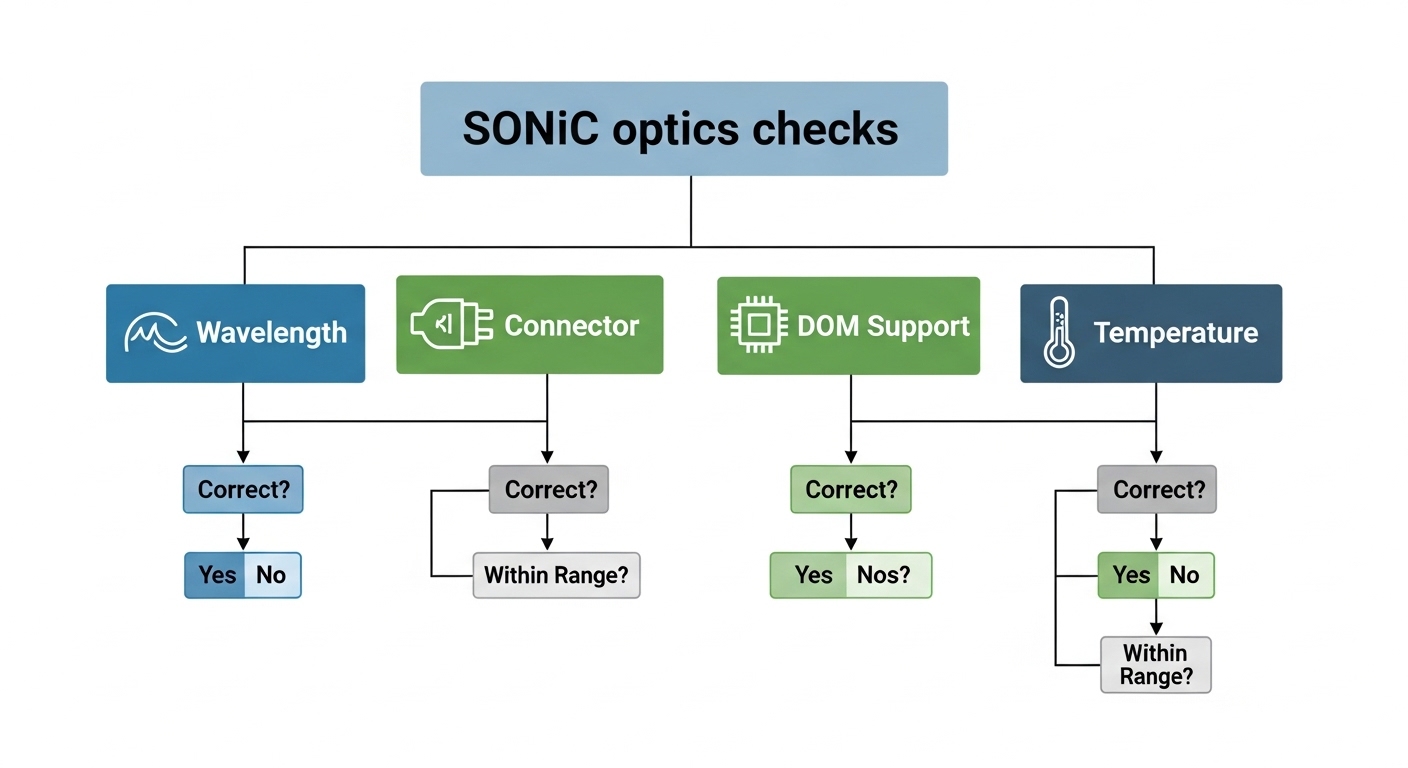
SONiC relies on standard transceiver management data and vendor-specific quirks. In practice, SONiC reads DOM (Digital Optical Monitoring) values exposed via the QSFP/SFP management interface, then correlates module identity and capabilities with platform support. The IEEE 802.3 physical layer defines optical electrical behavior, while the transceiver form factor defines the management channel and register map; SONiC then maps those signals into operational state. If a module reports fields incorrectly or omits them, you may see link instability or a “non-DOM” classification even when optics light correctly.
DOM fields that matter during bring-up
During boot and link bring-up, operators typically validate the following operational signals: temperature, laser bias/current, received power, transmit power, and serial/module part ID. Many vendors implement these using the SFF-8472 (SFP) or SFF-8436/SFF-8636 (QSFP and digital) management specifications. If the platform expects a particular diagnostic page layout but the module implements a different mapping, SONiC may refuse to treat the module as fully supported.
Pro Tip: In field checks, do not assume “link up” means “DOM OK.” A module can negotiate optics and still fail SONiC’s diagnostic parsing, which later breaks telemetry-based alerting and can mask marginal power budgets.
Compatibility matrix: wavelength, reach, and module identity
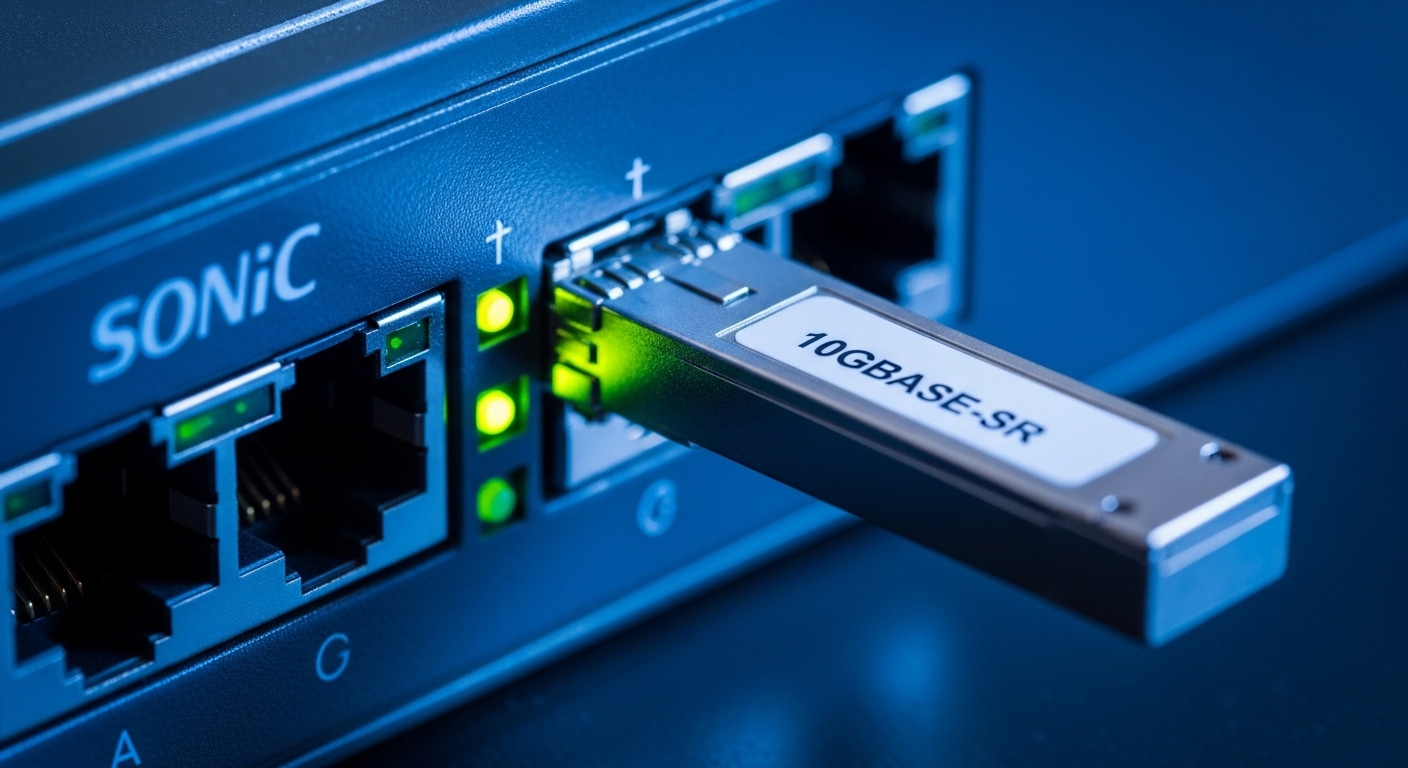
Before buying, align wavelength and reach to your fiber plant and confirm the connector type matches your patching. For SONiC, also verify that the module’s management interface is compatible with your switch vendor’s expectations for DOM parsing. Below is a practical comparison engineers use when selecting open network OS optics for data center fabrics.
| Spec | Common optics | Typical example part | Reach (typical) | Wavelength | Connector | DOM/management | Operating temp |
|---|---|---|---|---|---|---|---|
| 10G | SFP+ | Cisco SFP-10G-SR (OEM compatible) | ~300 m (OM3) | 850 nm | LC | Digital DOM expected | Commercial or Industrial variants |
| 10G | SFP+ / SFP (vendor-aligned) | Finisar FTLX8571D3BCL | ~300 m (OM3) | 850 nm | LC | DOM page support varies | Commercial |
| 25G | SFP28 | FS.com SFP-25G-SR | ~70 m (OM3 typical) | 850 nm | LC | DOM required for monitoring | Commercial/extended |
| 40G | QSFP+ | Vendor matching QSFP+ SR | ~100 m (OM4 typical) | 850 nm | MPO/MTP | Digital DOM | Commercial/industrial |
| 100G | QSFP28 | Vendor-aligned LR4/ SR4 | ~10 km (LR4 typical) | ~1310 nm (LR4) | LC (LR4) or MPO (SR4) | Digital DOM | Commercial/industrial |
Note: reach values depend on fiber grade, patch loss, and link budget. Always validate against your plant measurements and vendor optical budget guidance, not only marketing reach claims. For standards grounding, see IEEE 802.3 for optical interfaces and cabling expectations, and SFF documentation for transceiver management behavior. [Source: IEEE 802.3] [Source: SFF-8472/SFF-8436/SFF-8636 documentation via SFF committee references]
Selection checklist for open network OS optics on SONiC
Use this ordered checklist to minimize surprises when deploying open network OS optics in SONiC environments. It is optimized for leaf-spine deployments where you need predictable behavior across many identical ports.
- Distance and fiber grade: Confirm OM3/OM4/OS2 type, connector loss, and patch cord attenuation; match to expected reach with margin.
- Data rate and lane mode: Ensure the transceiver matches the switch port speed profile (e.g., 25G vs 10G, SR vs LR).
- Connector and polarity: Verify LC vs MPO type and confirm polarity method (MPO polarity can invert receive/transmit).
- DOM and diagnostic compatibility: Prefer modules with well-documented DOM support and known compatibility with your switch vendor’s SONiC build.
- Operating temperature class: For hot aisles or industrial sites, choose extended or industrial temperature variants.
- Switch compatibility and vendor lock-in risk: Check your platform’s published compatibility list if available; third-party optics can work but may differ in DOM mapping.
- Power and thermal behavior: Ensure module power consumption and thermal headroom align with the platform’s optics budget.
Real-world deployment scenario: leaf-spine with telemetry gating
In a 3-tier data center leaf-spine topology with 48-port 10G ToR switches and 2x100G spine uplinks, an operator replaced mixed-vendor SR optics to standardize BOM. They measured patch loss and confirmed OM4 fiber for 100G SR4, then installed optics in batches of 20. After SONiC boot, some links came up, but telemetry collectors flagged missing DOM fields, causing automatic alert suppression and delayed detection of rising RX power. The fix was to swap only the problematic optics for modules whose DOM pages matched the platform’s parser expectations, restoring consistent temperature and power readings without changing link speed.
Common mistakes and troubleshooting that saves hours
Most SONiC optics issues are deterministic once you isolate DOM, polarity, and fiber budget. Here are frequent failure modes with root cause and corrective action.
Link up but SONiC reports DOM unsupported
Root cause: The module may implement diagnostics differently or omit required diagnostic pages for the platform’s DOM parser.
Solution: Replace with optics known to be compatible with your exact switch model and SONiC build; confirm DOM fields after insertion before scaling rollout.
Intermittent flaps after warm-up
Root cause: Marginal optical budget (too little received power) combined with temperature drift can trigger receiver sensitivity failures.
Solution: Measure RX power, verify fiber cleanliness, and re-check patch loss; add margin by using higher-grade fiber, shorter patching, or a different optics reach class.
Wrong polarity or MPO mapping
Root cause: MPO polarity mismatch flips transmit and receive fibers, often causing “no light” or unstable links.
Solution: Validate polarity method end-to-end; re-terminate or use polarity adapters as required by your cabling standard.
Mixed speed profile on the same port group
Root cause: Some platforms require consistent breakout and speed configuration; optics may negotiate but not match the intended lane mapping.
Solution: Confirm port breakout settings and expected lane count before inserting the module; align switch configuration with transceiver datasheet lane mode.
Cost and ROI note for open network OS optics
Typical street pricing varies by vendor and volume, but in many enterprise deployments engineers see: 10G SR SFP+ often in the tens of dollars each, 25G SFP28 SR higher, and 100G QSFP28 LR4 substantially higher. Total cost of ownership (TCO) is not just purchase price: optics with incomplete DOM support can increase operational risk by reducing telemetry fidelity, and that can elevate downtime costs during incidents. If you standardize on a known-compatible module family and keep spares, you reduce return rates and reduce time-to-repair, improving ROI even if the per-unit cost is slightly higher.

FAQ
Do open network OS optics need DOM to work on SONiC?
They may pass basic link negotiation without full diagnostics, but SONiC deployments often rely on DOM for monitoring and alerting. If DOM parsing fails, you may lose telemetry even though traffic flows.
Are third-party optics safe for SONiC compatibility?
Often yes, but compatibility hinges on DOM implementation details and the switch vendor’s expectations. Validate with a small batch on the exact switch model and SONiC image before scaling.
How do I confirm optics reach matches my fiber plant?
Use your measured patch and splice loss plus transceiver optical budget guidance. Then verify operational RX power margins under expected temperature and link load conditions.
Why do MPO polarity errors look like “flapping,” not a total failure?
Some setups partially couple light depending on misalignment, leading to intermittent receive power. Cleanliness and polarity should be checked first, then RX power trending during warm conditions.
What temperature class should I plan for?
For hot-aisle or constrained airflow, choose extended or industrial temperature variants and ensure airflow meets vendor requirements. Modules operating near limits can show drift that triggers receiver sensitivity issues.
What should I standardize across the fleet?
Standardize by form factor, data rate, reach class, and a DOM-compatible module family tied to your switch model. Keep a small spare set to reduce mean time to repair when a DOM mismatch appears.
Open network OS optics on SONiC succeed when you treat DOM compatibility, fiber budget, and polarity as first-class requirements—not afterthoughts. Next, review SONiC transceiver DOM monitoring workflow to operationalize checks before rollout.
Author bio: Field-trained network engineer and optics practitioner focused on SONiC telemetry reliability and deterministic troubleshooting. Former data center operator with hands-on experience validating SFF DOM behavior against platform parsers.
