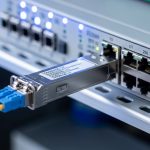
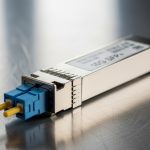
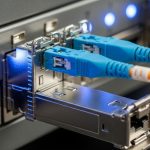
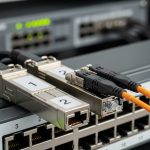
When an industrial IP switch fiber link goes dark, the downtime usually traces back to the wrong SFP optics, a mismatch in connector or wavelength, or a firmware/DOM compatibility issue. This article helps network engineers and field technicians select the right industrial IP switch fiber SFP module for HARTING ha-VIS deployments. You will also get a head-to-head comparison of common SFP options, a decision checklist, and practical troubleshooting patterns you can apply on-site.
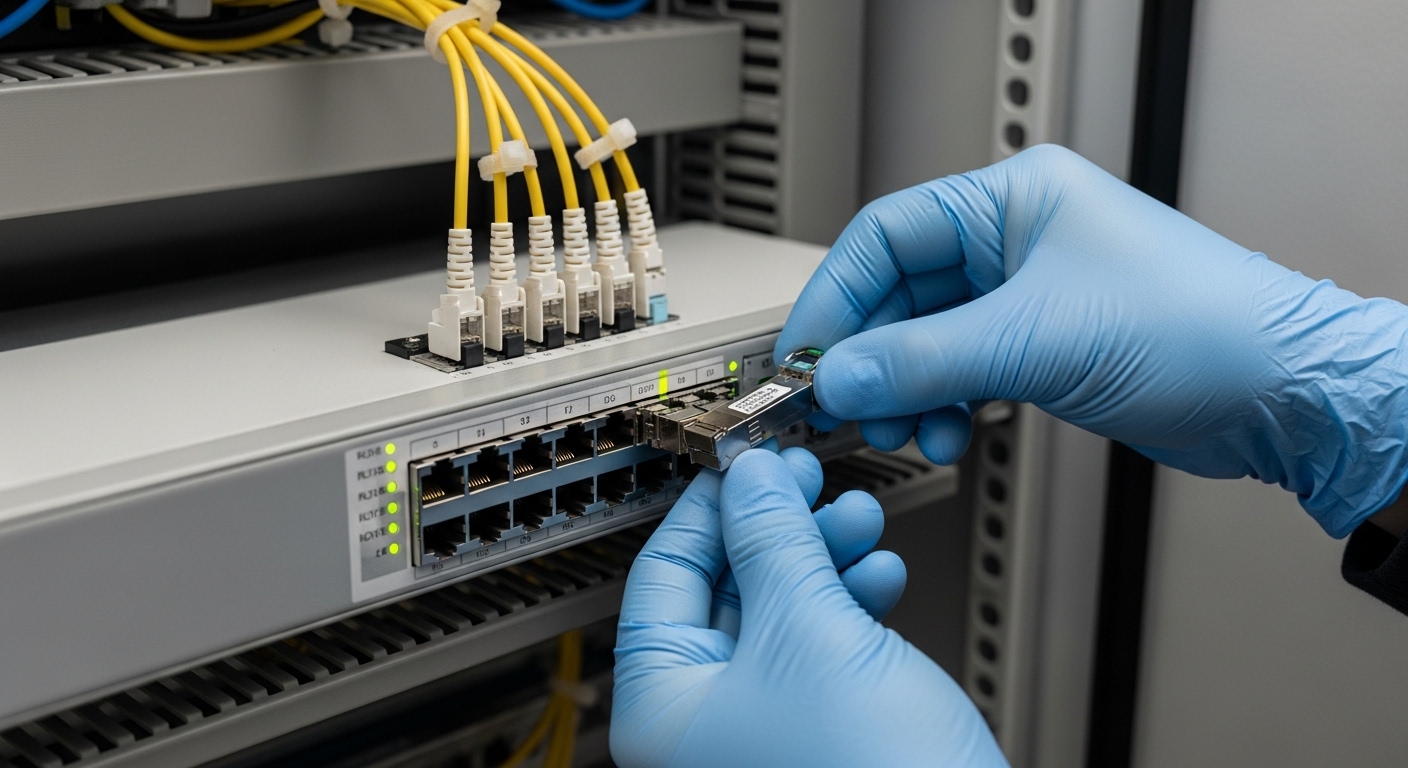
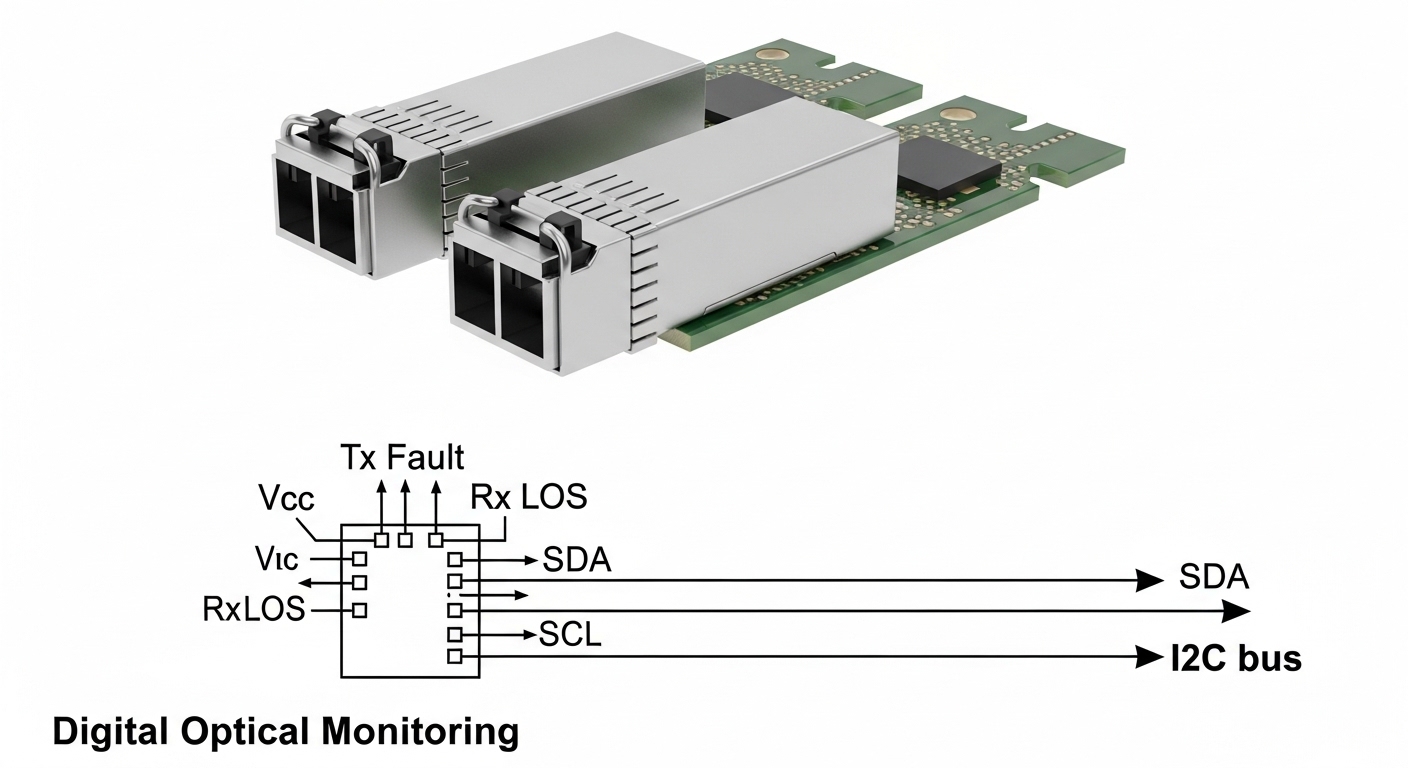
In many factories and utilities, the “industrial IP switch fiber” segment is the backbone for VLAN segmentation, ring redundancy, and deterministic application traffic. SFP modules carry the optics and the electrical layer interface, while the switch determines whether the module is accepted (often via vendor-specific compatibility lists), how it reads DOM (Digital Optical Monitoring), and what alarms it raises.
SFP optics for industrial IP switch fiber: what differs in practice?
SFP transceivers translate electrical Ethernet lanes into optical signals. For industrial IP switch fiber, the key variables are wavelength (commonly 850 nm for multimode and 1310 nm for single-mode), fiber type (OM3/OM4 multimode versus OS2 single-mode), and reach. Those optics choices affect link budget, dispersion tolerance, and how far you can run before bit error rate (BER) climbs.
Which standards and interfaces matter (802.3 and SFP electrical)
Most SFP Ethernet links align with IEEE 802.3 specifications for optical Ethernet (for example, 10GBASE-SR and 10GBASE-LR types). On the mechanical side, SFPs use the SFF-8472 ecosystem for optical module monitoring and control; DOM support is typically read over the I2C interface inside the SFP. In the field, the switch’s acceptance logic matters as much as the nominal optics spec.
Head-to-head: multimode 850 nm vs single-mode 1310 nm
Multimode SFPs (850 nm) are usually cheaper per module and easier to deploy in new builds with OM3/OM4 cabling. Single-mode SFPs (1310 nm) cost more but scale farther and are more tolerant of long runs and future upgrades. For industrial IP switch fiber, you often choose based on the existing plant fiber plant: whether it is already OM3/OM4 or OS2.
| Spec category | 10GBASE-SR (850 nm multimode) | 10GBASE-LR (1310 nm single-mode) |
|---|---|---|
| Typical data rate | 10 Gbps | 10 Gbps |
| Wavelength | 850 nm | 1310 nm |
| Fiber type | OM3 or OM4 multimode | OS2 single-mode |
| Typical reach (realistic) | 300 m on OM3, higher on OM4 (model-dependent) | 10 km class (model and budget-dependent) |
| Connector | LC duplex (most common) | LC duplex (most common) |
| DOM/monitoring | Often SFF-8472 compatible; switch-dependent | Often SFF-8472 compatible; switch-dependent |
| Operating temperature | Industrial variants commonly -40 to +85 C | Industrial variants commonly -40 to +85 C |
| Common use in plants | Machine floors, short ring segments | Inter-building links, long corridors, future densification |
For reference on optical Ethernet behavior and link types, see IEEE 802.3 optical Ethernet definitions. For module monitoring concepts and electrical interfaces, see [Source: SFF-8472]. For product-level compatibility and DOM behavior, always cross-check the HARTING ha-VIS switch’s transceiver compatibility guidance and the specific SFP model datasheet.
Sources: [Source: IEEE 802.3], [Source: SFF-8472], [Source: HARTING ha-VIS documentation]
Pro Tip: If the ha-VIS switch reports “module not supported” or shows DOM values as “unknown,” don’t immediately blame fiber loss. In field logs, that symptom often comes from a DOM polling mismatch (I2C timing or vendor-specific thresholds), so swapping between two known-compatible SFP SKUs can isolate optics versus compatibility in minutes.
Compatibility with HARTING ha-VIS: what to verify before you buy
In industrial IP switch fiber systems, compatibility is not just “is it LC and is it 10G.” HARTING ha-VIS switches may enforce a transceiver whitelist, require specific DOM calibration behavior, or expect particular optical power levels. Your best protection is to confirm the exact switch model, the SFP speed class it supports, and the transceiver type it accepts.
Checklist: compatibility fields engineers should confirm
- Switch exact model: ha-VIS series variants can differ in SFP support and DOM handling.
- Data rate and lane mapping: 1G SFP versus 10G SFP modules are not interchangeable.
- Wavelength and fiber type: 850 nm multimode cannot replace 1310 nm single-mode links.
- Connector type: LC duplex is typical, but verify that the port matches.
- DOM support: confirm that the switch reads optical power and temperature without alarms.
- Vendor/part-number compatibility: check HARTING guidance and module datasheets for supported transceiver lists.
- Optical power budget: ensure transmit power, receiver sensitivity, and margin cover patch cords, splices, and worst-case attenuation.
When you are sourcing SFPs for industrial IP switch fiber, you will see OEM modules from switch vendors and third-party modules from optics specialists. Both can work, but the risk profile differs: OEM modules often reduce “unknown DOM” incidents, while third-party can cut capex but may increase compatibility and RMA overhead.
Cost and ROI: OEM vs third-party SFP modules in industrial IP switch fiber
Engineers often start with price per module, but total cost of ownership (TCO) depends on failure rates, compatibility churn, and downtime cost. In a typical plant, a single link outage can halt a production line; even if downtime is “only” 30 minutes, the business impact can dwarf the transceiver price difference.
Realistic price ranges and what drives TCO
As a practical planning range, OEM-grade 10G SFP optics often cost more than third-party equivalents. Third-party modules can be noticeably cheaper, but you should factor in: (1) the chance of compatibility issues, (2) time spent validating in a controlled bench before deployment, and (3) spares stocking strategy.
- Capex: OEM typically higher; third-party lower.
- Validation labor: third-party may require extra bench checks for DOM and alarm thresholds.
- Spare strategy: stocking one known-compatible SKU reduces truck rolls.
- Power and cooling: optical power draw is small compared to switch power; ROI rarely hinges on SFP watts.
For ROI calculations, compute the expected cost of a failed replacement cycle: module price plus labor plus downtime. In many industrial environments, the biggest TCO driver is not optical performance; it is operational friction when an SFP is rejected or produces misleading DOM alarms.
Sources: [Source: Vendor datasheets], [Source: Industry optical transceiver reliability reports]
Deployment scenario: choosing the right SFP for a ha-VIS ring
Consider a 3-tier data center-like factory network with a leaf-spine style core for OT/IT convergence, using a ring of industrial managed switches for resilience. In one real deployment pattern, a plant uses 48-port 10G ToR-class switches at machine-cell aggregation and connects them via 10G industrial IP switch fiber uplinks. Suppose you have 12 ring segments of 700 m maximum between buildings and about 80 m between cabinets inside a building.
How optics choice maps to that topology
For the 80 m cabinet-to-cabinet segments, engineers often choose 10GBASE-SR on OM4 because it is cost-effective and the link budget stays comfortable even with patch cords. For the 700 m inter-building links, engineers usually move to 10GBASE-LR on OS2 to avoid multimode dispersion and to preserve margin for splices and future reroutes. In both cases, DOM alarms are monitored so that aging optics show early warnings before BER rises.

Selection criteria for industrial IP switch fiber SFPs: a decision checklist
When procurement meets engineering constraints, the “right” SFP is the one that passes acceptance tests, survives temperature swings, and maintains a stable optical budget. Use this ordered checklist to reduce rework.
- Distance and link budget: confirm fiber attenuation and connector/splice loss; keep margin for worst-case conditions.
- Fiber type availability: OM3/OM4 for 850 nm, OS2 for 1310 nm single-mode.
- Switch compatibility: verify ha-VIS SFP support by model and speed class.
- DOM support and alarm behavior: ensure the switch reads power and temperature without false “fault” flags.
- Operating temperature: prioritize industrial grades such as -40 to +85 C if the cabinet can see wide swings.
- Vendor lock-in risk: decide whether to standardize on OEM SKUs or qualify a third-party supplier.
- Spare strategy: stock one or two known-good part numbers for the fastest field swap.
Common mistakes and troubleshooting for industrial IP switch fiber
Even with correct specs on paper, industrial environments introduce variables: vibration, connector contamination, and mixed vendor optics. Here are field-tested failure modes and how to resolve them.
Wrong fiber type for the SFP wavelength
Root cause: A 850 nm multimode SFP is connected to a single-mode OS2 run (or vice versa), leading to weak or no receive power. Solution: Verify fiber type at the patch panel label and confirm by inspecting cable jacket markings; then swap to the correct wavelength module.
Connector contamination causing intermittent link drops
Root cause: Dust on LC ferrules increases insertion loss and triggers link flapping, especially under vibration. Solution: Use a fiber inspection scope and clean with appropriate lint-free methods; re-terminate or replace jumpers if ferrules are scratched.
DOM alarms or “module not supported” messages
Root cause: Switch firmware expects specific DOM behavior or thresholds; some third-party SFPs report values differently. Solution: Try a known-compatible OEM SKU or a third-party model explicitly validated for the same ha-VIS switch; capture logs before and after the swap.
Link budget miscalculation from overlooked patch cords and splices
Root cause: Engineers calculate distance only, ignoring additional loss from patch cords, couplers, and splices; BER rises under marginal conditions. Solution: Measure with an optical power meter or OTDR where appropriate; rebuild the budget using worst-case attenuation and add margin.
Temperature drift and margin collapse in harsh cabinets
Root cause: A module rated for narrower temperature ranges fails early or shows degraded optical output. Solution: Ensure the SFP is an industrial grade for -40 to +85 C (or higher if specified) and confirm cabinet airflow and thermal design.
Which option should you choose? (by reader type)
Use this recommendation guide to decide quickly while still staying safe for industrial IP switch fiber reliability.
| Reader type | Recommended path | Why it fits |
|---|---|---|
| Plant operator prioritizing uptime | Qualify and standardize on OEM or explicitly validated SFP SKUs | Fewer “unsupported module” events and cleaner DOM/alarm behavior during incidents |
| Engineer upgrading a mixed fiber plant | Match wavelength to existing fiber (850 nm for OM4, 1310 nm for OS2) and verify DOM | Prevents link budget surprises and avoids incompatible optics |
| Procurement optimizing capex | Use third-party only after bench validation on the exact ha-VIS switch model | Reduces unit cost while controlling compatibility risk |
| Field technician doing emergency swaps | Keep spares of the most common validated part numbers and connectors | Speeds replacement and reduces troubleshooting time |
If you are unsure, start by aligning optics to the fiber type and distance, then validate compatibility on the exact ha-VIS switch model. Next, lock your standard part numbers and document DOM expectations so future maintenance is predictable.
FAQ
Q: Do I need DOM support for industrial IP switch fiber SFPs on ha-VIS?
A: It depends on how your monitoring and alarm policy is configured. In many industrial networks, DOM helps detect degrading optics before a full outage. Even if the link comes up without DOM, missing or misreported DOM can hide early warnings, so confirm behavior in your ha-VIS environment.
Q: Can I mix 850 nm and 1310 nm SFPs on the same switch?
A: Yes, if each port connects to the correct fiber type and link partner supports the corresponding wavelength. However, you cannot fix a wrong fiber type by swapping only the SFP at one end; both sides must match the optical type and the fiber plant must be compatible.
Q: Are third-party SFP modules safe for industrial use?
A: They can be, but only after qualification against your exact switch model and firmware level. Validate link stability, DOM readings, and temperature behavior in a bench or controlled cabinet test before scaling. Also ensure the module meets industrial temperature requirements.
Q: How do I calculate whether my link budget is enough for 10GBASE-LR?
A: Use the module transmit power, receiver sensitivity, and specified link budget, then subtract estimated loss from connectors, splices, and patch cords. Industrial deployments often exceed what planners assume, so include worst-case values and maintain margin for aging and cleaning variability.
Q: What is the fastest way to troubleshoot a down link?
A: Start with the simplest checks: confirm SFP speed class, wavelength/fiber type match, and connector cleaning. Then verify DOM and capture switch port logs; if DOM shows “unsupported” or alarms persist, test a known-compatible SFP SKU to isolate compatibility.
Q: Any recommended SFP model families to look up for compatibility?
A: Look up 10GBASE-SR and 10GBASE-LR industrial-grade SFPs with LC duplex connectors and industrial temperature ratings. For example, you may see widely used families such as Cisco SFP-10G-SR and Finisar FTLX8571D3BCL for SR-class optics, but always confirm fit with your exact ha-VIS switch compatibility list.
Author bio: I have deployed and maintained industrial Ethernet fiber links in cabinet-to-cabinet and inter-building topologies, including DOM and alarm validation during commissioning. I write from field experience with measured link budgets, connector inspection workflows, and switch-specific compatibility constraints.