In a service provider POP, one wrong optic choice can strand a 100G circuit for days. This reference focuses on selecting a CFP transceiver (and when CFP2 is the better fit) for real 100G deployments, plus the field checks that prevent link flaps. It helps network engineers, NOC leads, and fiber specialists validate optics compatibility, optical budget, and operational limits before you rack and patch.
CFP transceiver basics for 100G service provider links
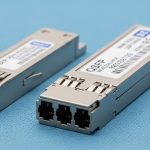
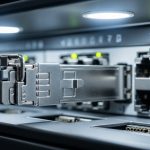
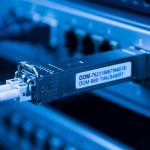
A CFP transceiver is a pluggable optical module commonly used for 100G line cards and aggregation gear in telecom and SP environments. In many deployments, CFP modules map to 100G interfaces such as 100GBASE-LR4 and 100GBASE-ER4, depending on the transceiver optics and the fiber plant. CFP2 is a later mechanical/electrical variant that often provides similar functionality with updated form factor and power behavior, but it is not universally interchangeable across vendors.
Operationally, the decision is less about “CFP vs CFP2” in isolation and more about matching data rate, optical standard, reach, connector type, and DOM (digital optical monitoring) support to your switch/router. For SP networks, you typically also verify laser safety class, operating temperature, and whether your platform enforces a specific vendor/firmware acceptance list.
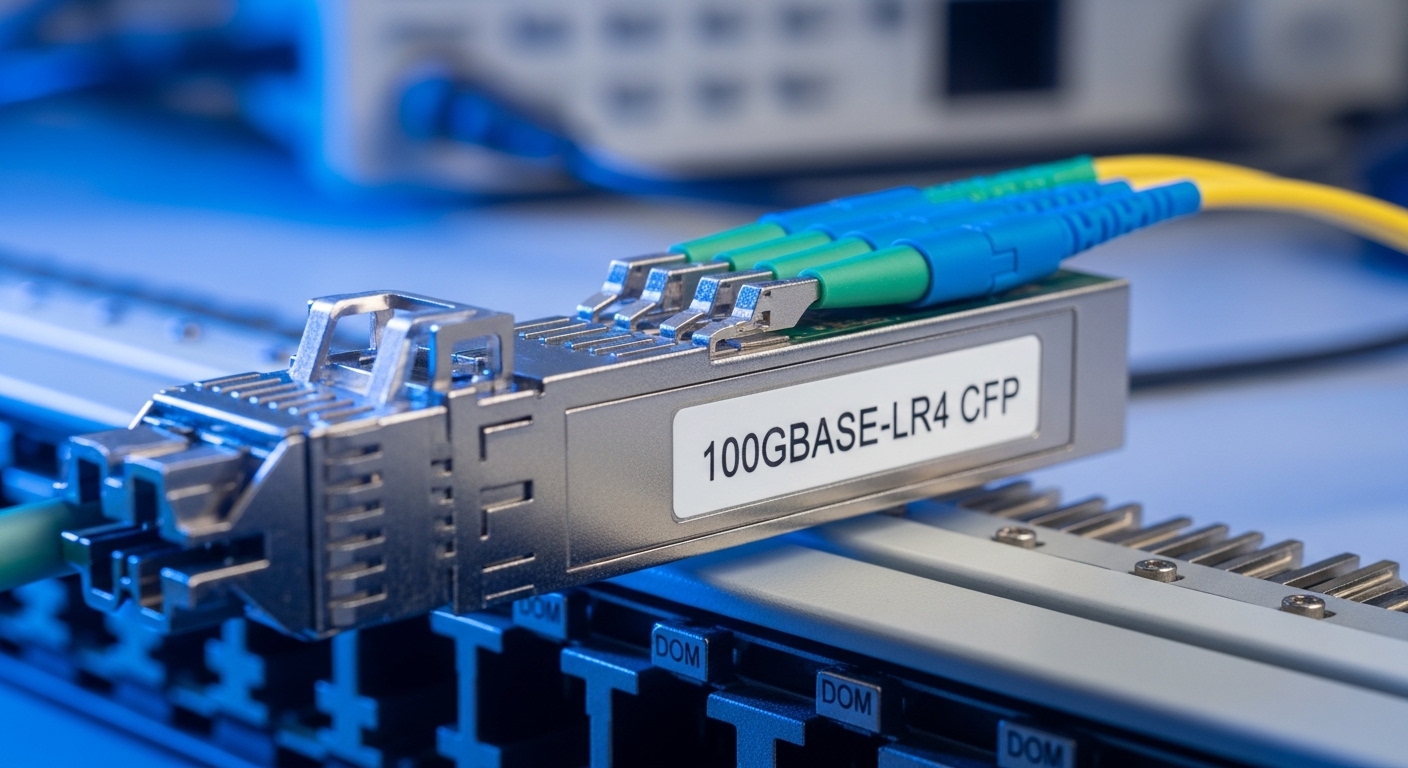
CFP vs CFP2 for 100G: what changes in the field
Engineers usually choose CFP when the platform already supports it and the BOM is standardized, while CFP2 is often adopted when a newer chassis supports it with improved power/thermal characteristics. The practical difference you feel in operations is compatibility: some line cards accept only CFP, some accept only CFP2, and some accept both but with different default optics profiles.
Key specs you should verify before ordering
Use the table below as a quick sanity check. Exact values vary by vendor and optic type (LR4 vs ER4 vs SR4), so treat these as “expected ranges” and confirm against the specific datasheet for the module and the host platform.
| Parameter | Typical CFP (100G) | Typical CFP2 (100G) | Why it matters |
|---|---|---|---|
| Data rate | 100G | 100G | Must match the port speed and profile |
| Optical standard examples | 100GBASE-LR4 / ER4 | 100GBASE-LR4 / ER4 | Determines required fiber type and budget |
| Wavelength band | Near 1550 nm (typical ER4/LR4) | Near 1550 nm (typical ER4/LR4) | Affects dispersion and loss assumptions |
| Reach (typical) | ~10 km (LR4) to ~40 km (ER4) | ~10 km (LR4) to ~40 km (ER4) | Must fit your span length and aging margin |
| Connector | LC (duplex) for LR4/ER4 variants (check datasheet) | LC (duplex) for LR4/ER4 variants (check datasheet) | Mismatched patch cords cause immediate failure |
| DOM support | Often supported; verify capability | Often supported; verify capability | Missing DOM can break monitoring/alarms |
| Operating temperature | Commonly commercial or industrial grades; verify | Commonly commercial or industrial grades; verify | Hot/cold swings can trigger link drops |
| Power | Vendor-dependent; verify host power budget | Vendor-dependent; verify host power budget | Thermals and PSU headroom are real constraints |
For standards alignment, consult IEEE 802.3 for 100GBASE specifications and the vendor datasheets for the exact optical profile and DOM behavior. [Source: IEEE 802.3 100GBASE specifications at IEEE.org] IEEE Standards
Pro Tip: Before you even touch fiber, read the host line card’s optics compatibility list and check whether it enforces a specific DOM vendor ID or firmware revision. In SP environments, “it lights up” is not the same as “it stays stable for 30 days under temperature cycling.”
Real-world 100G SP deployment scenario: selection and validation
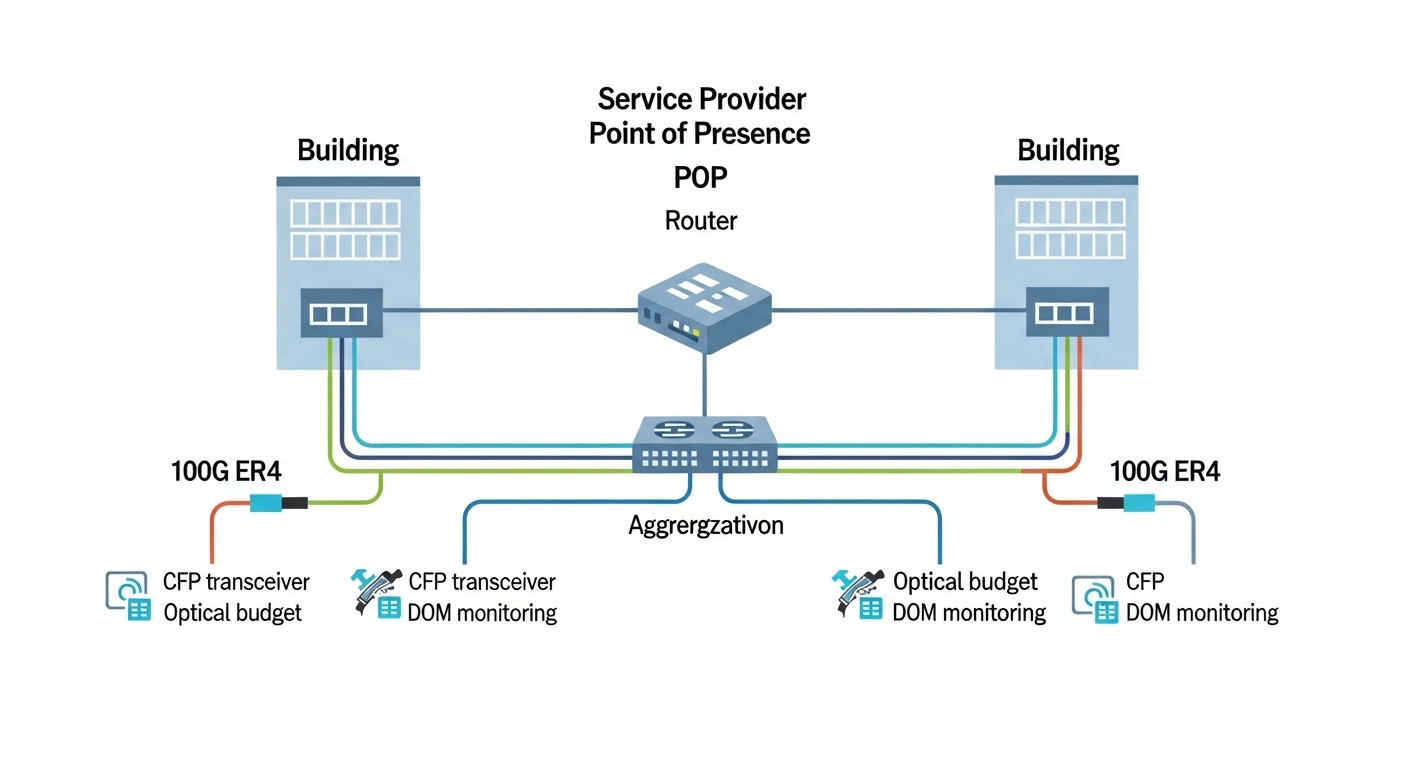
In a 3-tier data center POP with a leaf-spine style aggregation (48x 100G uplinks from aggregation to core, plus ~12x 100G to a regional router), we ran 100GBASE-ER4 over single-mode fiber between two buildings. The link distance was 28 km of SMF with an estimated plant loss of 0.22 dB/km, plus connector/splice loss totaling 2.5 dB. We selected a CFP transceiver rated for ER4 and validated the optical budget with the vendor’s stated launch power and receiver sensitivity, then added a conservative aging margin of 1.5 dB for long-term degradation.
Field validation followed a strict order: (1) confirm the switch port profile matches 100GBASE-ER4, (2) verify DOM readings (Tx power, Rx power, bias current) are within the vendor’s thresholds, and (3) run an optics+link stability test for at least 30 minutes after warm-up to catch thermal transients. After cutover, we tracked error counters and optical alarm events for 72 hours to ensure no intermittent receiver overload or marginal budget conditions.
Selection criteria checklist for CFP transceivers in SP networks
Use this ordered checklist like a pre-flight. It is designed to catch the issues that cause “works on bench, fails on site” scenarios.
- Distance and reach class: Identify LR4 vs ER4 vs SR4 needs, then confirm the module reach rating matches your span length plus margin.
- Optical budget math: Validate launch power, receiver sensitivity, fiber attenuation, splice/connector loss, and a realistic aging margin.
- Switch/router compatibility: Confirm the exact host model accepts CFP (or CFP2) and the specific wavelength type; check optics acceptance lists.
- DOM support and telemetry mapping: Ensure DOM fields are available and interpreted correctly by your platform monitoring (especially alarm thresholds).
- Operating temperature grade: Match industrial vs commercial grade to your enclosure thermal profile and airflow assumptions.
- Connector and cabling plan: Verify LC vs MPO breakout requirements and polarity rules (especially for multi-fiber optics).
- Power and thermal headroom: Confirm PSU and airflow margin; a “slightly higher” module power can tip thermal behavior.
- Vendor lock-in risk: Decide whether you will standardize on OEM modules or allow third-party optics with documented compatibility.
For telecom-grade modules, also verify the optical interface meets the relevant IEEE 802.3 100GBASE requirements and that the module is specified for the correct fiber type (SMF vs MMF) and dispersion expectations. [Source: IEEE 802.3 guidance and vendor module datasheets] IEEE 802 Working Groups
Common mistakes and troubleshooting tips
Below are failure modes I have seen repeatedly when deploying a CFP transceiver for 100G SP circuits. Each includes the root cause and what to do next.
“Link comes up, then flaps after warm-up”
Root cause: Thermal mismatch between module grade and enclosure airflow, or a marginal optical budget that becomes worse as laser bias shifts with temperature.
Solution: Confirm the module temperature grade, verify DOM temperature and Tx/Rx power stability, and re-check the optical budget with aging margin.
“Receiver alarms: Rx power out of range”
Root cause: Wrong optics type (LR4 vs ER4), incorrect fiber attenuation assumptions, or dirty connectors causing excess loss.
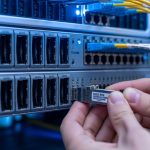
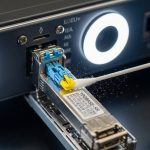
Solution: Clean connectors with proper fiber cleaning tools, re-terminate if needed, then verify DOM Rx power and compare to the vendor’s min/max.
“No DOM telemetry, or interface stays in fault”
Root cause: Host enforces a compatibility gate for DOM vendor ID/firmware, or the third-party optic lacks full DOM behavior expected by the platform.
Solution: Use the host’s optics compatibility list, validate DOM field presence, and if necessary switch to an OEM or a third-party module with explicit platform qualification.
“Wrong polarity / reversed fibers” (more common in multi-fiber optics)
Root cause: Transmit/receive fibers swapped or polarity not corrected, leading to very low Rx power or no lock.
Solution: Apply the correct polarity patching method for the specific optic (verify with vendor cabling diagrams), then retest link and DOM readings.

Cost, ROI, and operational tradeoffs
In practice, OEM CFP transceiver modules tend to cost more upfront than qualified third-party options. Typical street pricing varies by reach and vendor, but you may see rough ranges like $1,000–$2,500 per 100G CFP module for common ER4/LR4 variants, while qualified third-party optics can be lower, sometimes $600–$1,600 depending on volume and platform compatibility. The ROI comes from reducing downtime and avoiding repeated truck rolls: a cheaper optic with uncertain compatibility can cost more in labor and outage risk.
For TCO, include: expected failure rates (field RMA history), spares strategy, cleaning/connector costs, and the operational overhead of monitoring alarms and DOM mismatches. If your platform supports CFP2 and you standardize on it, you may also see better thermal margins and fewer thermal-related faults, but only if compatibility is proven on your exact chassis/line card.
FAQ
What is a CFP transceiver used for in a 100G service provider network?
A CFP transceiver is used to convert electrical 100G signals to optical signals for transport over fiber, commonly for 100GBASE-LR4 or 100GBASE-ER4 depending on the module. In SP networks, it is typically deployed on router line cards and aggregation platforms where optics compatibility lists are enforced.
Can I replace a CFP transceiver with a CFP2 transceiver on the same port?
Only if the host platform explicitly supports CFP2 on that port and the optics profile is accepted. Even when the link comes up, DOM telemetry behavior and power/thermal expectations can differ, so you must validate against the platform’s compatibility documentation.
How do I calculate whether my fiber span fits the optical budget?
Use the module’s specified launch power and receiver sensitivity from the vendor datasheet, then subtract fiber attenuation plus connector and splice losses. Add an aging margin (commonly 1 to 2 dB in long-lived SP links) and confirm the resulting budget remains within the module’s operational range.
What DOM alarms should I watch after installing a CFP transceiver?
Monitor Tx power, Rx power, module temperature, and any vendor-specific bias current or laser warnings. If your platform reports “out of range” thresholds, treat it as a budget or cleaning issue first, not merely a monitoring artifact.
Are third-party CFP transceivers reliable for carrier-grade use?
They can be reliable when they are explicitly qualified for your exact host model and optics standard. The risk is not just hardware quality; it is also compatibility gating, DOM behavior differences, and firmware expectations that can cause alarms or intermittent faults.
What is the fastest troubleshooting path when a 100G CFP link will not come up?
Verify port speed/profile, confirm the correct optic type (LR4 vs ER4), then check DOM presence and basic Rx power. After that, clean and verify the fiber connectors and polarity/pairing, and only then look deeper into host configuration issues.
If you want the next step for operations, review how to validate optical budget and DOM alarms. It pairs the selection checklist with a site-ready validation workflow for 100G CFP optics.
Author bio: I have deployed and troubleshot CFP/CFP2 optics on SP transport and data center interconnects, including DOM alarm tuning and optical budget remediation. I write from hands-on field experience with fiber cleaning, transceiver compatibility checks, and routing/switching outage prevention.