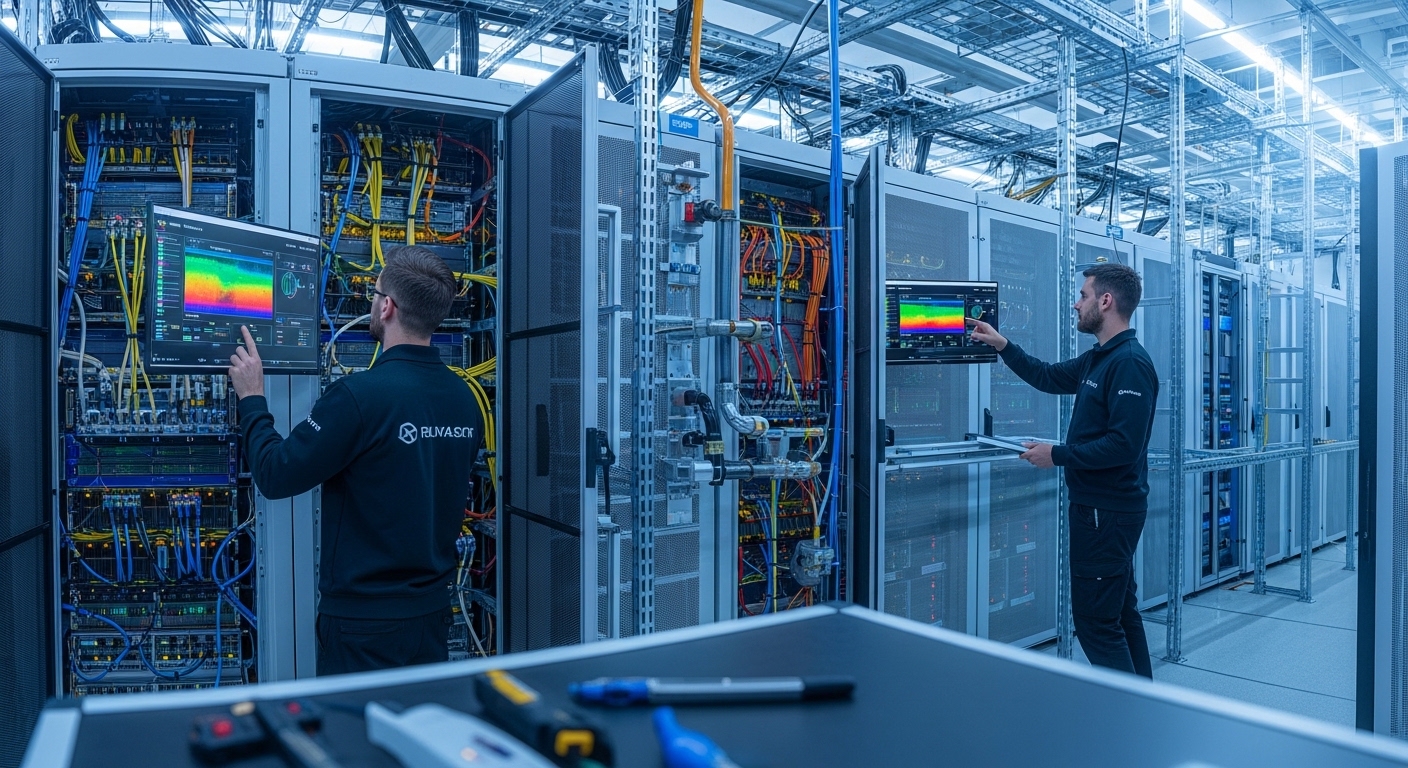
High-density transceiver deployments can silently turn into a thermal constraint that limits throughput, raises error rates, and drives premature module failures. This article helps data center operators, network engineers, and facilities teams align cooling design with optics power, airflow, and monitoring. You will get practical selection criteria, troubleshooting steps, and a field-tested checklist to protect data center efficiency during 10G to 400G migrations.
Why transceivers change the cooling equation for data center efficiency
Moving from lower-capacity optics to higher-speed modules increases both optical power dissipation and local heat flux near switch ports and patch panels. Modern pluggables are designed for specific thermal envelopes defined in vendor datasheets and industry form-factor standards, so cooling that “worked before” can become marginal after density upgrades. The key metric is heat flux (W per unit area) around the module cages, not just total rack power. In practice, even when the room meets overall temperature targets, insufficient local airflow can push optics into higher internal temperatures, which can increase bit error rates and trigger link flaps.
What actually gets hotter: module internals and nearby airflow pathways
Thermal stress typically concentrates in the module housing and the adjacent air channel. For example, QSFP-DD and OSFP-style modules at 200G to 400G often use higher-speed electrical interfaces and active components that raise typical power compared with older 10G SFP+ optics. Cooling failures show up first as rising dom temperature values, elevated laser bias current, and increased receiver sensitivity degradation under marginal ventilation. If your facility uses rear-to-front or hot-aisle containment, a small change in cable routing or blanking can create local recirculation that disproportionately affects transceivers.
Pro Tip: During acceptance testing, log DOM temperature and link error counters while you vary fan speed or block airflow with temporary blanking plates. If temperature rises sharply with minor airflow changes, your deployment is likely airflow-sensitive, even when rack inlet temperatures look acceptable.
Thermal and optical constraints: specs that drive cooling requirements
Cooling planning should start with the transceiver’s electrical and thermal boundaries, then map them to your rack airflow strategy. Most pluggables expose digital diagnostics via DOM (including temperature, supply voltage, and bias current) and must operate within the specified environment range. You should also verify that your switch or NIC implements the expected low-power or enhanced performance mode, because some platforms throttle or reduce transmit power under thermal stress.
Baseline thermal targets you can operationalize
Facilities typically control rack inlet temperature and humidity, but transceiver reliability hinges on internal module temperatures. Treat the switch’s thermal management policy as part of your cooling design: some line cards raise fan duty cycle on a per-slot basis, while others only respond to rack-level sensors. If a platform supports port-level thermal alarms, wire those into your monitoring so you can correlate DOM temperature spikes with airflow changes during maintenance.
| Transceiver type (example) | Data rate | Typical wavelength | Connector / optic | Rated reach | Typical module power | Operating temperature | Cooling implication |
|---|---|---|---|---|---|---|---|
| Cisco SFP-10G-SR | 10G | 850 nm | LC MMF | ~300 m (OM3/OM4) | ~2.5-3.5 W | ~0 to 70 C | Moderate heat flux; airflow still matters near dense port clusters |
| Finisar FTLX8571D3BCL (10G SR) | 10G | 850 nm | LC MMF | ~300 m (OM3/OM4) | ~2.5-3.5 W | ~0 to 70 C | Stable if blanking and cable management maintain straight airflow |
| FS.com SFP-10GSR-85 (10G SR) | 10G | 850 nm | LC MMF | ~300 m | ~2.5-3.5 W | ~0 to 70 C | Lower power than 25G+ optics; still sensitive to blocked vents |
| Example: 100G/200G/400G short-reach pluggable | 100G to 400G | 850 nm (SR variants) | QSFP-DD or OSFP (fiber array) | ~100 m to 500 m (MMF, spec-dependent) | ~8-20 W+ (varies heavily) | Often ~0 to 70 C | High local heat flux; prioritize containment, fan curve, and port-side airflow |
Note: module power and temperature ratings vary by vendor, revision, and whether the design supports enhanced performance modes. Always confirm values in the exact datasheet for the transceiver model and the host platform’s compatibility list. For standards context, DOM behavior and electrical interfaces are tied to form-factor specifications and Ethernet physical layer requirements under IEEE 802.3. [Source: IEEE 802.3] [Source: Vendor transceiver datasheets]
Cooling architecture patterns that preserve data center efficiency with dense optics
Data center efficiency is often measured in PUE, but optics deployments stress local thermal pathways that PUE alone cannot capture. The most effective approach combines containment, predictable airflow, and port-level thermal visibility. The goal is to reduce recirculation and keep air velocity high enough at the module intake without overspending on fan energy.
Airflow containment and blanking: the fastest win
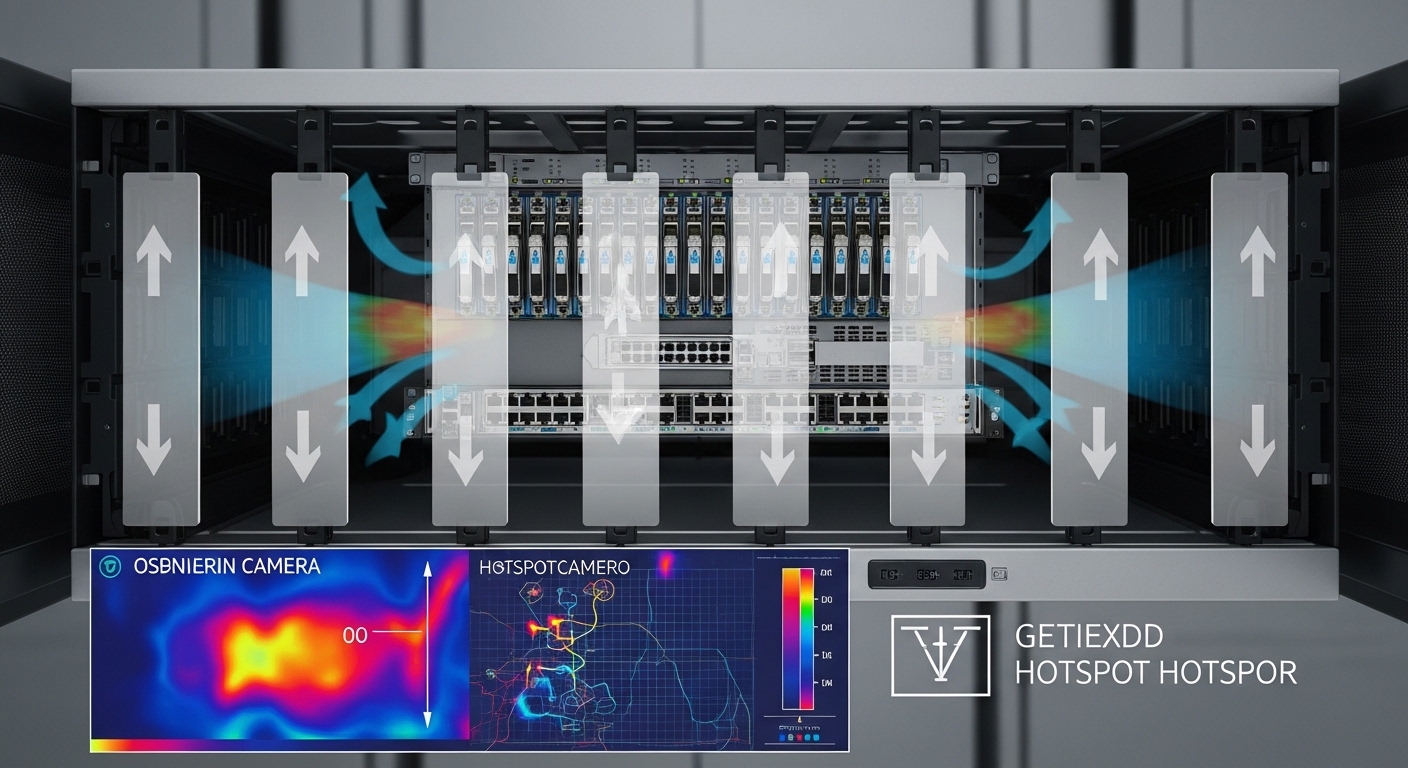
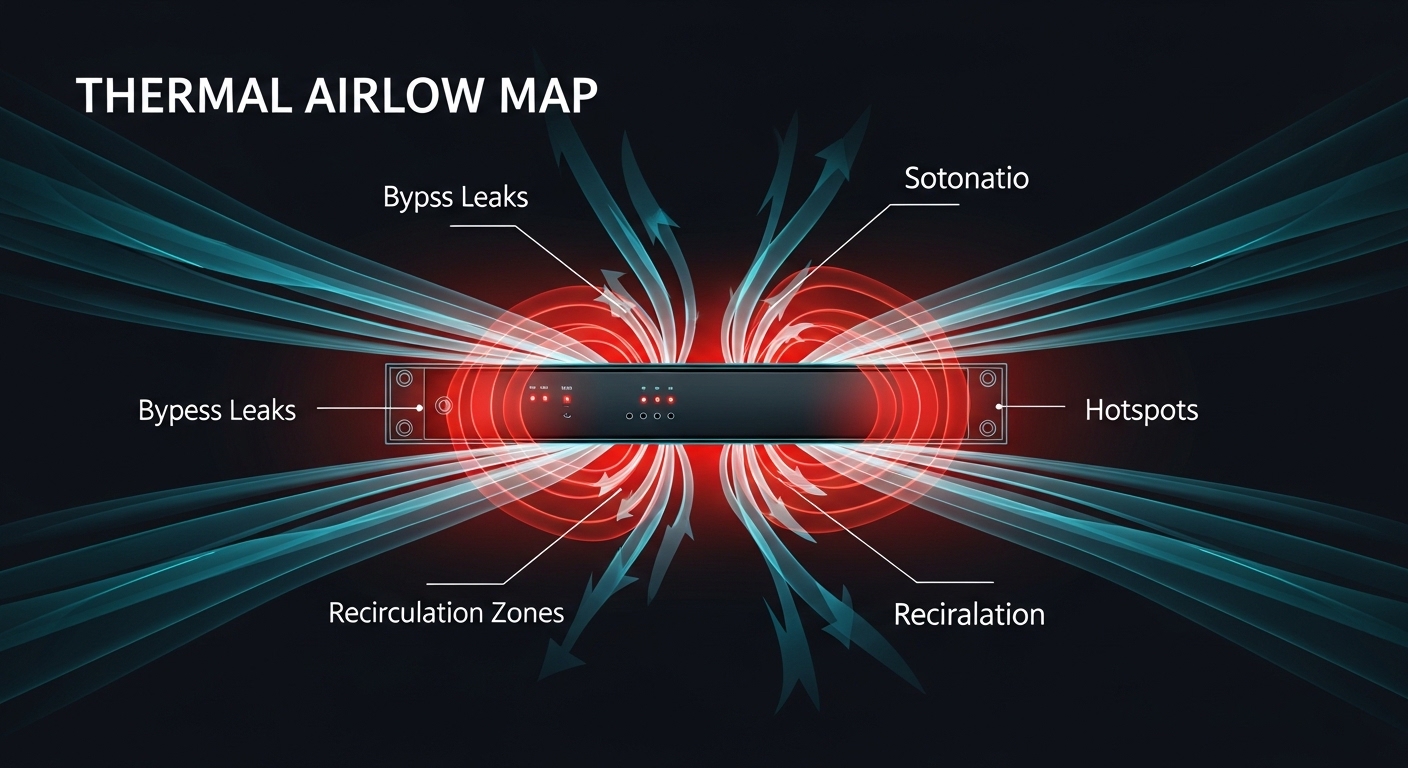
Start with physical containment: front-to-back or rear-to-front airflow must remain unbroken. Missing blanking panels, incorrectly installed filler plates, or cable bundles that protrude into the airflow path can create bypass leaks. In dense transceiver racks, these leaks reduce the velocity over the module cages, which increases local temperatures even if the rack inlet sensor looks fine. For measurable impact, validate with smoke testing and compare fan duty cycle before and after rerouting cables.
Fan curves, CRAC/CRAH setpoints, and the “local versus room” mismatch
Facilities often tune cooling to room or aisle sensors, but pluggables respond to module-level thermal conditions. If your CRAC strategy uses conservative setpoints, you might be overcooling the room while still undercooling the optics zones. Conversely, a minor setpoint increase can be acceptable for the room but damaging near the switch face if airflow distribution is uneven. Tie your monitoring to both rack inlet temperature and DOM temperature so you can optimize for efficiency without crossing module limits.
Cabinet and manifold choices: reducing turbulence near ports
Where possible, choose cable routing paths that keep the switch face clear. Fiber patch panels and slack storage should not block vents or force air around sharp obstructions. In high-density deployments, a small turbulence increase can reduce effective convective heat transfer and raise module temperatures. Use thermography to identify hot spots that align with transceiver rows, then adjust baffles or cable guides accordingly.
Deployment scenario: keeping transceivers within thermal limits in a leaf-spine upgrade
In a 3-tier data center leaf-spine topology with 48-port 25G ToR switches, the operator planned to upgrade 10G uplinks to 25G and consolidate using higher-density port modules. The first rack showed stable link status, but after installing additional transceivers, DOM readings indicated optics temperature rising from 52 C to 67 C during peak traffic. The room inlet remained within targets, yet the switch face exhibited localized recirculation due to unsealed cable openings and missing blanking panels in adjacent slots.
The fix combined three actions: (1) install filler panels to eliminate bypass airflow, (2) reroute fiber slack to keep the switch’s intake channel clear, and (3) adjust fan curve to increase air velocity during business hours rather than maintaining a fixed high duty cycle. After changes, DOM temperature stabilized near 55-58 C, and link error counters remained flat during traffic bursts. This improved data center efficiency by allowing a small CRAC setpoint reduction while keeping optics within their rated operating range.
Selection checklist: choosing cooling and optics to maximize data center efficiency
Engineers should treat cooling as a system requirement, not an afterthought. Use this decision checklist during procurement, staging, and deployment validation.
- Distance and optics class: confirm MMF type (OM3/OM4/OM5) and reach requirements so you do not over-spec lasers that drive higher power and heat.
- Switch compatibility: verify the exact transceiver part number is on the host’s validated list, including vendor and revision where applicable.
- DOM and telemetry support: confirm the platform reads temperature, bias current, and alarms; ensure monitoring supports per-port correlation.
- Operating temperature and derating: check the module datasheet and ensure your worst-case environment plus thermal rise stays below the rated ceiling with margin.
- Operating modes: some platforms adjust output power or invoke performance modes under thermal stress; understand how that affects link budget.
- Operating airflow strategy: validate containment direction, blanking completeness, and expected air velocity at the module intake.
- Operating temperature sensors: map facility sensors (rack inlet/return) to where the optics actually sit; plan for thermography or spot checks.
- Vendor lock-in risk: weigh OEM transceivers versus third-party options; compatibility and DOM behavior can affect uptime and maintenance cost.
- Serviceability and swap strategy: ensure field replacement procedures do not require disruptive airflow changes or risky hot swaps beyond platform guidance.
Common mistakes and troubleshooting steps for hot transceiver deployments
These failures are frequent when upgrading density. Each includes a root cause and a practical fix.
DOM temperature climbs while rack inlet stays normal
Root cause: bypass airflow or blocked intake vents near the switch face creates local recirculation. Rack inlet sensors can miss this because they measure the overall supply air. Solution: run a blanking audit, reseal cable cutouts, and re-check DOM temperature after rerouting fiber slack. Use smoke testing to confirm airflow reaches the module area.
Link flaps under peak load, then recovers after a fan ramp
Root cause: the platform’s thermal policy throttles transmitter power or triggers marginal receiver conditions when the module temperature crosses an internal threshold. Solution: correlate port events with fan duty cycle and DOM alarms. If available, adjust fan curves or raise local airflow temporarily during peak windows while you correct the physical airflow path.
Higher BER after swapping transceivers from a different vendor
Root cause: compatibility mismatch, different calibration of transmitter power/receiver sensitivity, or DOM thresholds that differ from the host expectations. Some switches enforce power levels or require specific signaling characteristics. Solution: confirm the exact validated transceiver model; run optical power and link budget checks; and verify DOM readings align with expected ranges from the vendor datasheet.
Thermal throttling that looks like general overheating of the rack
Root cause: the rack is actually overloaded elsewhere (VRM hotspots) and transceivers are downstream victims of insufficient airflow. Solution: perform thermography across the entire rack, not only the switch face. Then address the primary heat source: redistribute load, improve cable management, or adjust rack placement relative to aisle airflow.
Cost and ROI: balancing OEM optics, airflow upgrades, and data center efficiency gains
Transceivers are not the only cost center; cooling capacity and fan energy often dominate operational expenditure. OEM optics can cost more per module, but they may reduce incompatibility risk and lower troubleshooting time. Third-party optics can be cheaper, yet field failures or marginal thermal behavior can increase downtime and labor, eroding ROI.
Typical street pricing varies by data rate and reach. As a rough planning range, 10G SR SFP modules often fall in the tens of dollars each, while 100G to 400G short-reach pluggables can be several hundred to over a thousand dollars per module depending on vendor and whether the module supports advanced diagnostics. Fan and containment upgrades may require cabinet airflow baffles, additional blanking management, and sometimes targeted CRAC tuning. The best ROI comes from reducing wasted fan power (lower fan duty cycles) while preventing optics from approaching thermal ceilings, which reduces RMA rates and link instability. For failure economics, even a small number of transceiver RMAs can be expensive when you include dispatch time, truck roll, and service windows.
FAQ
How does cooling directly affect data center efficiency with transceivers?
Cooling affects efficiency by controlling the fan energy required to maintain safe operating conditions. If airflow is mismanaged, you may need higher fan duty cycles to compensate, yet still see optics temperature excursions. The most efficient setup keeps optics within their rated thermal envelope while avoiding overcooling the entire room.
What should we monitor to prevent optic overheating?
Monitor DOM temperature per port, plus switch-level thermal alarms and link error counters. Pair these with rack inlet temperature, fan duty cycle, and any port flapping events. Correlating these signals helps distinguish local airflow problems from general facility overheating.
Are third-party transceivers safe for dense cooling environments?
They can be safe if they are validated for your switch model and meet the exact electrical and thermal requirements in the vendor datasheet. However, compatibility issues can appear as higher error rates or unexpected DOM behavior under thermal stress. Always test in staging with your real airflow conditions before rolling out broadly.
Does containment matter if we already meet room temperature targets?
Yes. Room or aisle sensors can look fine while local recirculation near the switch face still pushes module temperatures upward. Containment and blanking directly improve local convective heat transfer, which is what optics need most.
What is a practical acceptance test for a transceiver cooling change?
Install the optics, then run traffic at your expected peak rate while logging DOM temperature and link counters. Repeat with your fan curve settings and after any cable rerouting or blanking adjustments. Compare the delta in DOM temperature and verify you maintain margin to the module’s upper operating limit.
Can higher-density optics reduce reliability even if power budgets fit?
Yes. Even when total rack power stays within design limits, heat flux can increase locally and exceed what the port-side airflow can remove. That creates a thermal hotspot that accelerates aging or triggers threshold-driven throttling.
If you want to improve data center efficiency beyond room setpoints, start by aligning airflow containment, cable management, and per-port DOM telemetry with your transceiver thermal specs. Next, review airflow-management-for-high-density-racks to tighten your rack-level airflow strategy.
Author bio: I deploy and troubleshoot high-density Ethernet and optical networks, pairing DOM telemetry with airflow diagnostics in real data center migrations. I also audit cooling designs against IEEE 802.3 and vendor thermal constraints to improve reliability and data center efficiency.