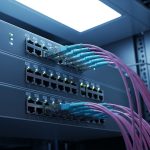
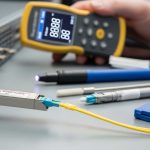
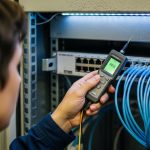
AI workloads are increasingly limited by fabric optics: not just raw bandwidth, but latency variance, thermal headroom, and optics availability. This article helps network and infrastructure engineers choose optical modules for AI-optimized leaf-spine and spine-core designs, with concrete interoperability and operational guidance. You will get a spec comparison table, a decision checklist used during procurement, and troubleshooting patterns observed in the field. Update date: 2026-05-01.
Why AI traffic stresses optical modules beyond bandwidth
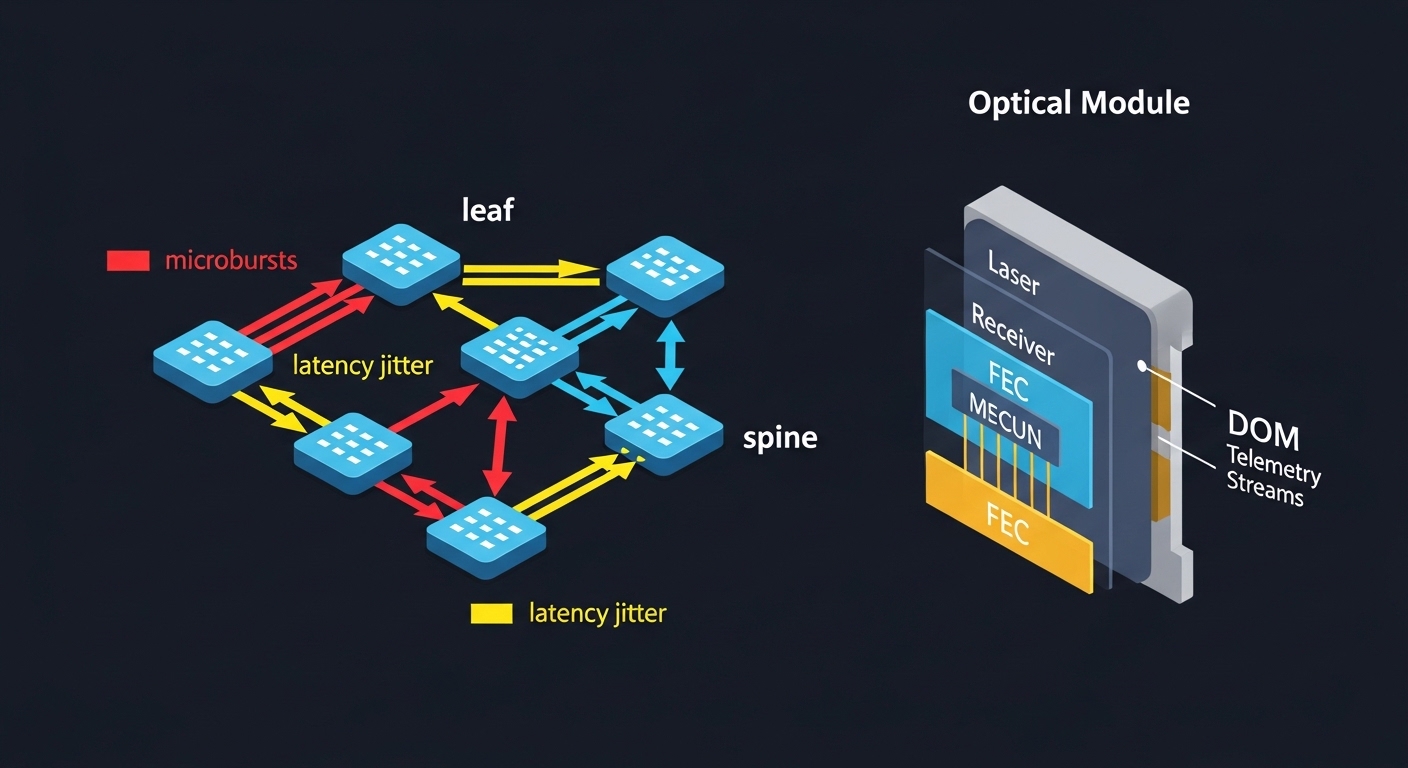
Training and inference bursts create traffic patterns that amplify link-level inefficiencies: microbursts, frequent resynchronization after congestion, and tight end-to-end latency targets. In practice, this means your optical modules must maintain stable performance under temperature swings, link budget margin variation, and transceiver aging. IEEE 802.3 defines the electrical and optical interfaces for many Ethernet generations, but real deployments also depend on vendor-specific behaviors like DOM telemetry scaling and power class handling. When engineers report “random” throughput drops during peak GPU utilization, the root cause is often a marginal optical budget, not the switch ASIC.
Key constraints in AI fabrics
AI fabrics typically run 25G/50G/100G Ethernet with escalating use of 200G and 400G per port in newer designs. Even when the line rate is correct, the system can still suffer from elevated FEC correction counts, higher bit error rates, or temperature-induced drift that forces link renegotiation. For optics, the operational envelope matters: transmitter output power, receiver sensitivity, dispersion tolerance, and connector cleanliness all influence whether your link stays within the required BER target. For reference, see IEEE 802.3 clause-level definitions for the relevant PHYs and link behavior. anchor-text: IEEE 802.3 standard overview
Pro Tip: In AI clusters, treat optical module temperature telemetry as a control signal, not a dashboard item. Field teams often add alert thresholds tied to module temperature and bias current drift; this catches “slow failures” before they manifest as FEC count spikes or intermittent link flaps.
Spec-driven comparison: 100G and 200G optical modules that fit AI clusters
Engineers usually select optics by the PHY generation, target reach, and connector type, then validate against the switch vendor’s compatibility list. For AI-optimized deployments, you also need to consider power consumption per port, thermal constraints in high-density racks, and whether the module supports modern digital diagnostics (DOM) with reliable telemetry. Below is a practical comparison across common short-reach choices used for leaf-spine and pod-level fabrics.
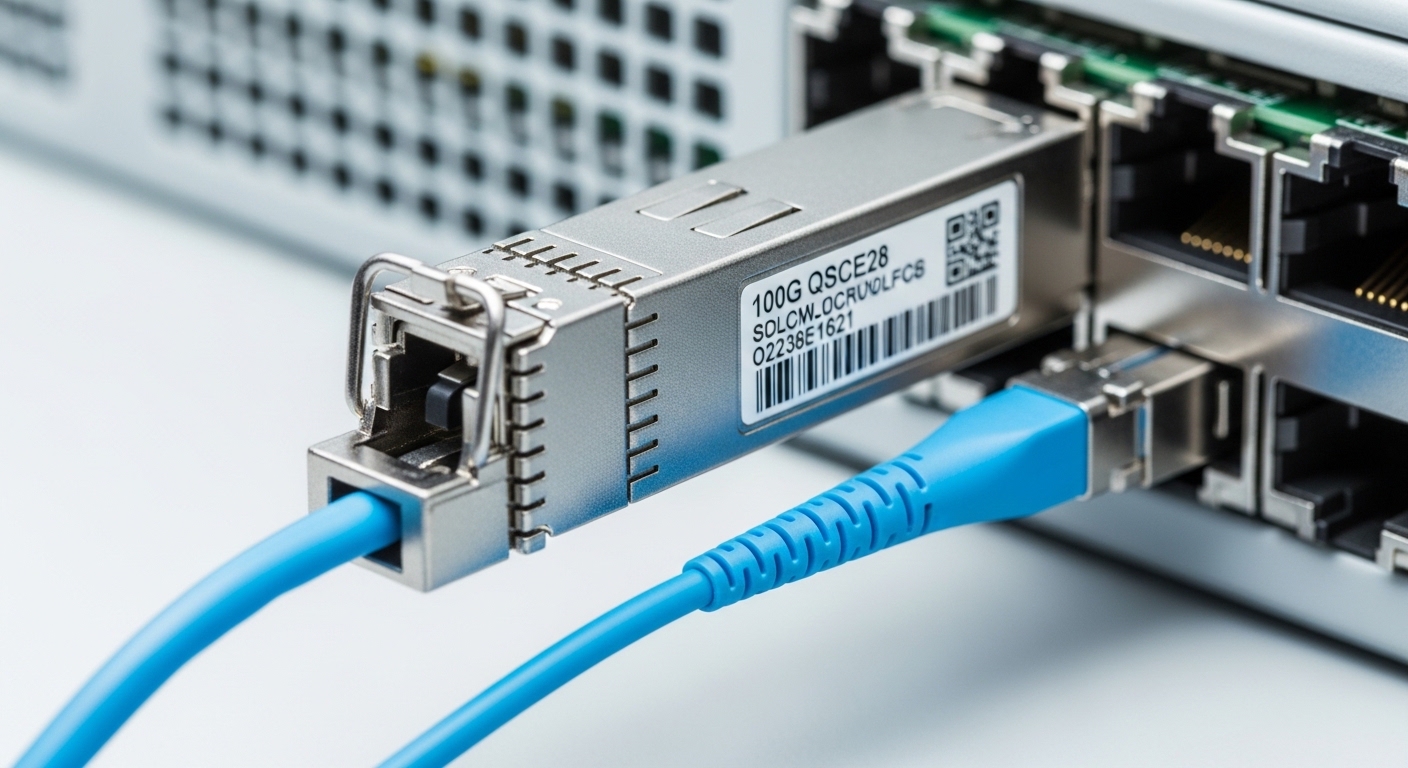
| Optical module type | Typical Ethernet PHY | Center wavelength | Target reach | Connector | Data rate | Power (typ.) | DOM / diagnostics | Operating temp |
|---|---|---|---|---|---|---|---|---|
| QSFP28 SR | 100GBASE-SR4 | ~850 nm | Up to ~100 m (OM3/OM4 varies) | LC duplex | 100 Gbps | ~3–5 W | Supported (vendor-specific) | 0 to 70 C (typical) |
| QSFP28 LR4 | 100GBASE-LR4 | ~1310 nm | Up to ~10 km | LC duplex | 100 Gbps | ~2.5–6 W | Supported (vendor-specific) | -5 to 70 C (common) |
| QSFP56 SR (newer) | 200GBASE-SR2 | ~850 nm | Up to ~100–150 m (fiber-dependent) | LC duplex | 200 Gbps | ~6–10 W | Supported (vendor-specific) | 0 to 70 C (typical) |
| OSFP SR (high density) | 200G/400G SR variants | ~850 nm | Multi-hundred meters (OM4/OM5 dependent) | LC / MTP (variant-dependent) | 200–400 Gbps | ~10–20 W | Supported (vendor-specific) | 0 to 70 C (typical) |
In AI fabrics, the dominant selection is often short-reach SR because it minimizes cost per port and simplifies deployment with multimode fiber. However, SR choices are more sensitive to fiber grade, bend radius, and connector cleanliness, which is why field teams standardize patch cord handling and cleaning procedures. For longer hop lengths or when re-cabling is expensive, LR4 or coherent solutions may be required, trading higher optics cost for reduced rework.
What “AI-optimized” usually means at the optics layer
Vendors rarely market in terms of “AI-optimized” at the PHY layer, but the engineering outcomes are measurable: lower power per bit, improved thermal design, enhanced digital diagnostics, and better link stability under typical rack airflow patterns. In many deployments, the biggest gains come from reducing thermal margin consumption and ensuring consistent FEC behavior. For example, optics with robust laser bias control and better receiver sensitivity can reduce retransmits caused by elevated error rates. If your switch supports per-lane telemetry and correlates it with error counters, you can actively tune airflow and patching schedules.
Selection criteria engineers use for AI fabric optics procurement
Optics selection is a multi-variable constraint problem. The “right” optical modules for your AI fabric depend on switch compatibility, fiber plant characteristics, and operational temperature behavior. Below is the checklist used by field teams when they have to approve modules quickly without creating future maintenance risk.
- Distance and fiber grade: Verify whether your plant is OM3, OM4, or OM5 and confirm the manufacturer’s supported reach for the exact module SKU.
- Switch compatibility: Check the switch vendor’s optics interoperability guide and firmware requirements, especially for QSFP/QSFP28/QSFP56 and OSFP cages.
- DOM support and telemetry sanity: Confirm the module reports temperature, bias current, received power, and optionally lane-level data in a format your monitoring stack can parse.
- Operating temperature and airflow: Validate the module’s rated range against measured cage inlet temperatures during peak load.
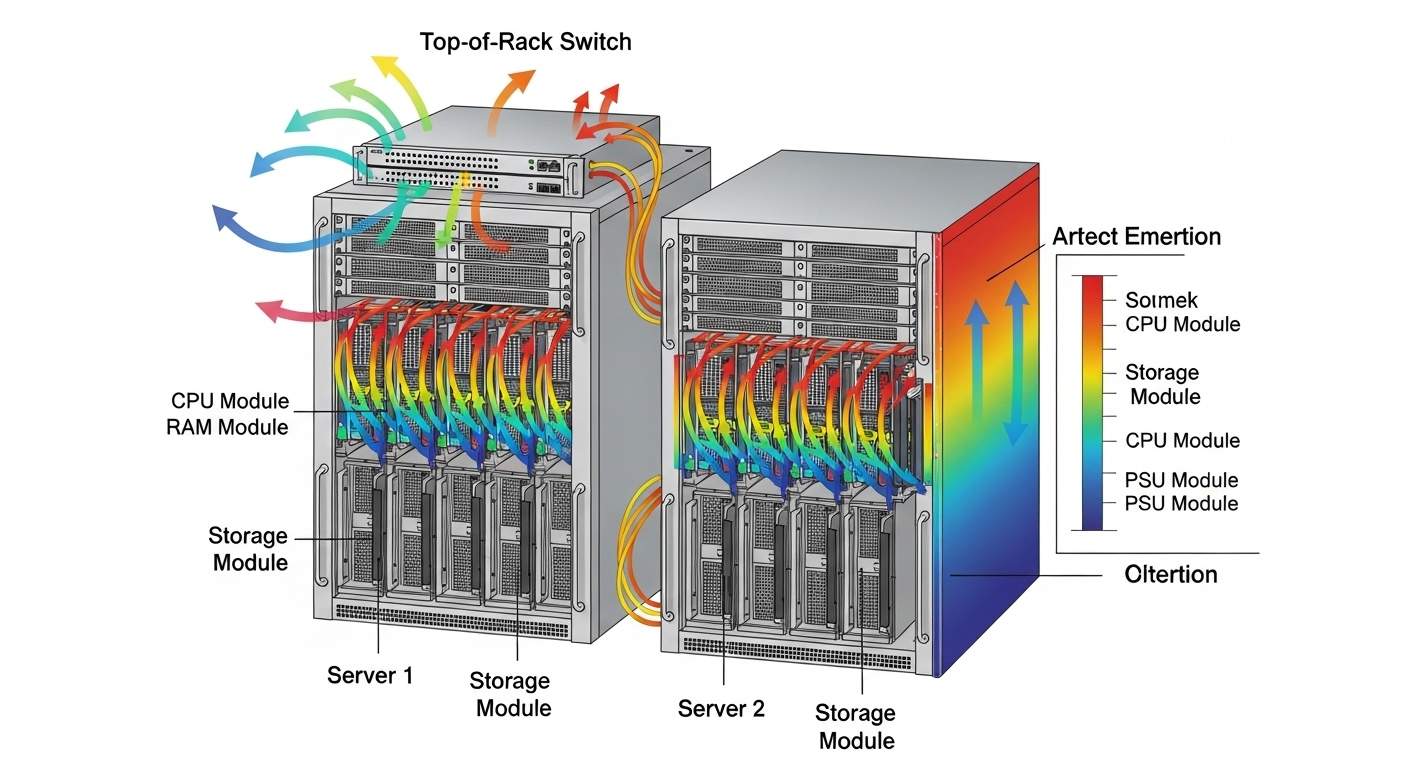
- Power budget and thermal density: In GPU racks, optics power contributes to local hot spots; estimate per-port thermal load and ensure airflow paths are not blocked.
- Budget and TCO: Compare OEM vs third-party total cost, including warranty, expected failure rates, and labor time for swaps.
- Vendor lock-in risk: Evaluate whether third-party optics are supported across switch models and whether firmware updates might change behavior.
- Optical budget margin: Account for connector loss, patch cord attenuation, and aging; avoid “at-spec” designs with no margin.
For concrete examples, engineers often benchmark known optics families such as Cisco SFP-10G-SR for older 10G designs, Finisar FTLX8571D3BCL for specific 8xx nm SR use cases, and FS.com SFP-10GSR-85 for budget-sensitive 10G SR links. For 100G and above, the exact part numbers differ by platform and cage type, so always validate against the switch vendor’s supported list and the module datasheet.
Real-world deployment scenario: 48-port 100G leaf-spine for AI training
In a 3-tier data center leaf-spine topology with 48-port 100G ToR switches, an AI training cluster used 32 nodes per pod, each node with dual 100G NICs. The fabric ran leaf-to-spine at 100GBASE-SR4 over OM4 multimode fiber with LC duplex patching, aiming for 70–90 m effective reach including patch cords. During initial rollout, the team saw elevated FEC corrections during daytime peaks, traced to patch cord contamination after repeated maintenance. After enforcing end-to-end cleaning with automated inspection, and replacing a subset of optics with higher receiver sensitivity SKUs, the error counters stabilized and link renegotiations dropped to near zero. The operational win was not only fewer outages; it also reduced CPU cycles spent on link recovery, which improved training throughput consistency.
Common pitfalls and troubleshooting patterns in the field
Even when optics are “compatible,” AI fabrics fail in predictable ways. The most expensive incidents come from treating symptoms rather than isolating physical layer causes. Below are common failure modes with root causes and practical fixes.
Intermittent link flaps under load
Root cause: Marginal optical budget or fiber damage that only becomes problematic at higher transmit power drive and temperature. Aging can also reduce laser output over time, pushing the receiver below sensitivity during peak thermal conditions.
Solution: Measure received optical power at the switch using DOM readings, verify connector cleanliness, and run a controlled loopback or link test during peak airflow conditions. Replace the suspected patch cord and confirm bend radius compliance. If DOM telemetry shows temperature or bias current drift, re-check airflow and cabling routing.
High FEC counts with stable link state
Root cause: Excess loss, slight misalignment in mating connectors, or using the wrong fiber grade with assumed reach. Some multimode plants degrade due to microbends and connector wear.
Solution: Validate fiber grade and end-to-end attenuation with an optical test set. Clean connectors with correct procedures and verify with an inspection scope. If the problem persists, upgrade to optics with higher receiver sensitivity or add optical budget margin by shortening patch cords.
DOM telemetry mismatch breaks monitoring and alerting
Root cause: Telemetry scaling differences, missing optional DOM fields, or vendor-specific register mappings that your monitoring system interprets incorrectly. Engineers then chase phantom alarms or miss real degradation.
Solution: Confirm DOM field mapping with a known-good module and update your collector/driver. Create sanity checks: temperature ranges, power ranges, and monotonic behavior during controlled thermal changes.
Unsupported optics after switch firmware changes
Root cause: Firmware updates can change how the switch validates optics, including safety checks, threshold defaults, or lane mapping. Some third-party optics may pass initial install but fail later validation.
Solution: After any firmware upgrade, run an optics verification routine across a representative sample. Pin to validated optics versions or re-certify against the updated compatibility list.
Cost, power, and ROI: what to budget for AI-ready optics
Pricing varies heavily by data rate, reach, and brand, but realistic budgeting helps prevent surprises during scale-out. OEM optics for 100G and above often cost materially more than third-party options, yet they may reduce downtime risk and simplify warranty claims. For third-party optics, the primary hidden cost is operational: time spent validating compatibility, verifying DOM behavior, and handling edge cases during firmware upgrades.
From a TCO standpoint, power can be a decisive factor in dense GPU racks. If a 200G-class optic consumes several additional watts compared to an alternative architecture, that becomes meaningful across hundreds of ports, affecting cooling setpoints and potentially increasing fan power. Field teams typically model TCO with: optics unit cost, expected swap labor hours, mean time to repair, and cooling power at your data center’s PUE and fan efficiency. In many deployments, avoiding one major incident due to mismatch or marginal optical budget pays for several “extra” optics that provide more margin.
FAQ: choosing optical modules for AI-optimized network fabrics
How do I confirm an optical module is truly compatible with my switch?
Start with the switch vendor’s optics interoperability or compatibility guide for your exact switch model and firmware version. Then validate in a staging environment by checking DOM telemetry fields and verifying stable link operation under peak traffic. If possible, run a link stability test while monitoring FEC and receiver power trends.
Should AI clusters prefer multimode SR or singlemode LR optics?
Multimode SR is often preferred for leaf-spine because it is cost-effective and easy to deploy in short distances. However, it requires strict fiber grade quality, connector cleanliness, and bend radius discipline. Singlemode LR can reduce sensitivity to multimode plant imperfections but increases optics and sometimes cabling costs.
What DOM telemetry matters most for early failure detection?
Track module temperature, laser bias current, transmit power, and received power. If your platform exposes lane-level or channel-level diagnostics, correlate those with FEC counters and link events. A stable link with slowly drifting received power often precedes failures by weeks in heavily loaded racks.
Are third-party optical modules safe for production AI workloads?
They can be safe if they are explicitly validated for your switch model and if you verify DOM behavior and link stability under your operational temperature profile. The main risk is reduced predictability during firmware updates or in marginal optical budget scenarios. Use staged rollouts and keep a runbook for rapid swap and telemetry validation.
What is the most common cause of “mystery” performance drops?
In practice, the most common cause is optical layer margin erosion: contamination, microbends, connector wear, or patch cord mismatch. These issues often appear only under load because thermal and transmit power behavior change the optical budget. A disciplined inspection and measurement workflow usually resolves the majority of cases.
How much optical budget margin should I target?
While exact targets depend on the module and fiber specs, engineers generally avoid designs that rely on “minimum specified reach” with no operational headroom. Include connector loss, patch cord aging, and worst-case temperature effects. If your DOM shows received power near the module’s sensitivity boundary, increase margin by shortening patch cords or upgrading optics.
If you are standardizing optics for AI-optimized fabrics, the next step is to map your network topology and fiber plant constraints to a repeatable procurement workflow. Use optical module selection checklist to turn the checklist above into a deployment-ready validation plan.
Author bio: I have 10+ years of hands-on experience designing and troubleshooting Ethernet and optical transport for data center fabrics, including leaf-spine upgrades and high-density GPU cluster rollouts. I focus on PHY-level compatibility, DOM telemetry validation, and operational reliability in real production environments.