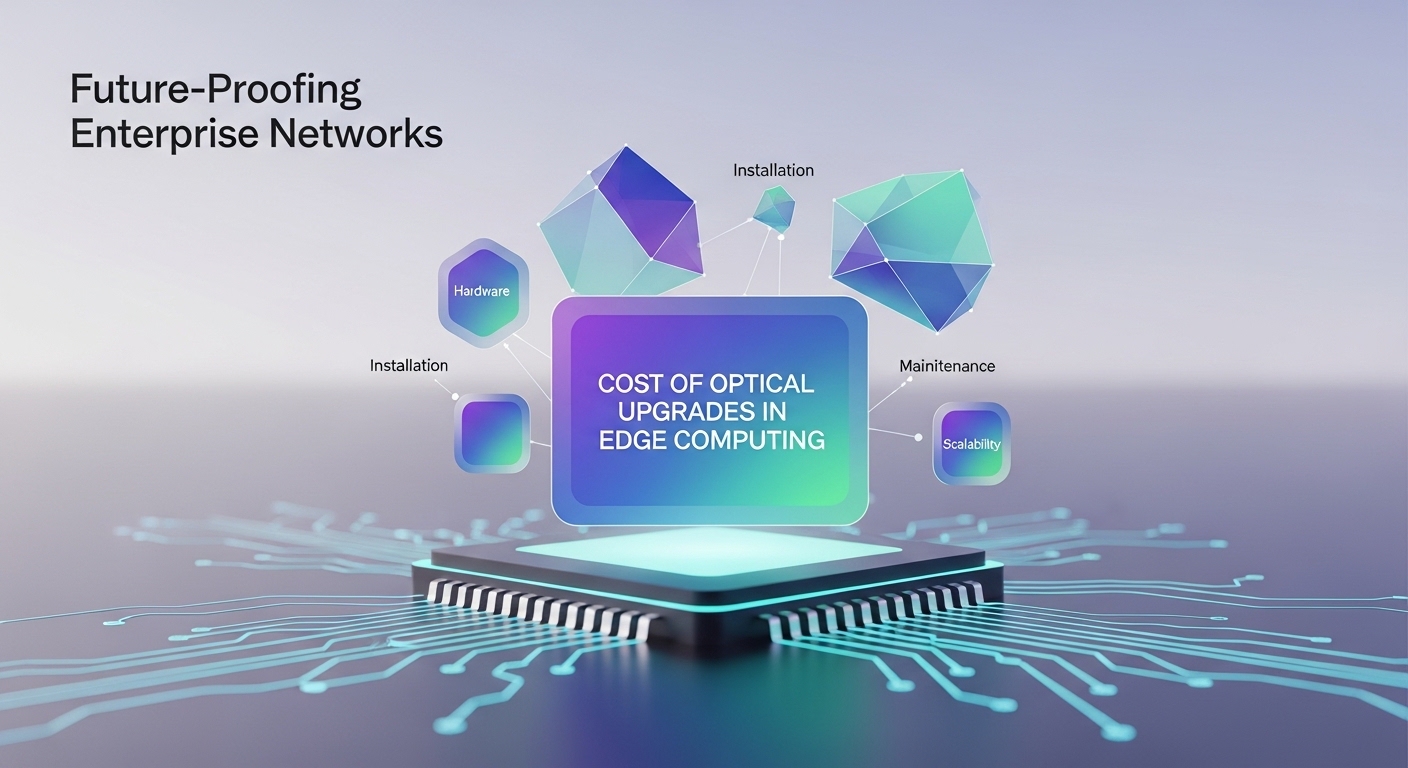
In distributed sites, the optical bill can arrive early and in bulk: one leaf-spine refresh at a regional hub, then a cascade of transceiver swaps across remote racks. This article helps network and infrastructure teams forecast edge computing costs for optical upgrades, comparing module families, reach classes, and vendor choices so you can plan without late surprises. It is written for engineers who have to match switch optics behavior, validate fiber plant loss, and explain tradeoffs to finance with real numbers.
Optical upgrade cost drivers: where edge computing costs actually come from
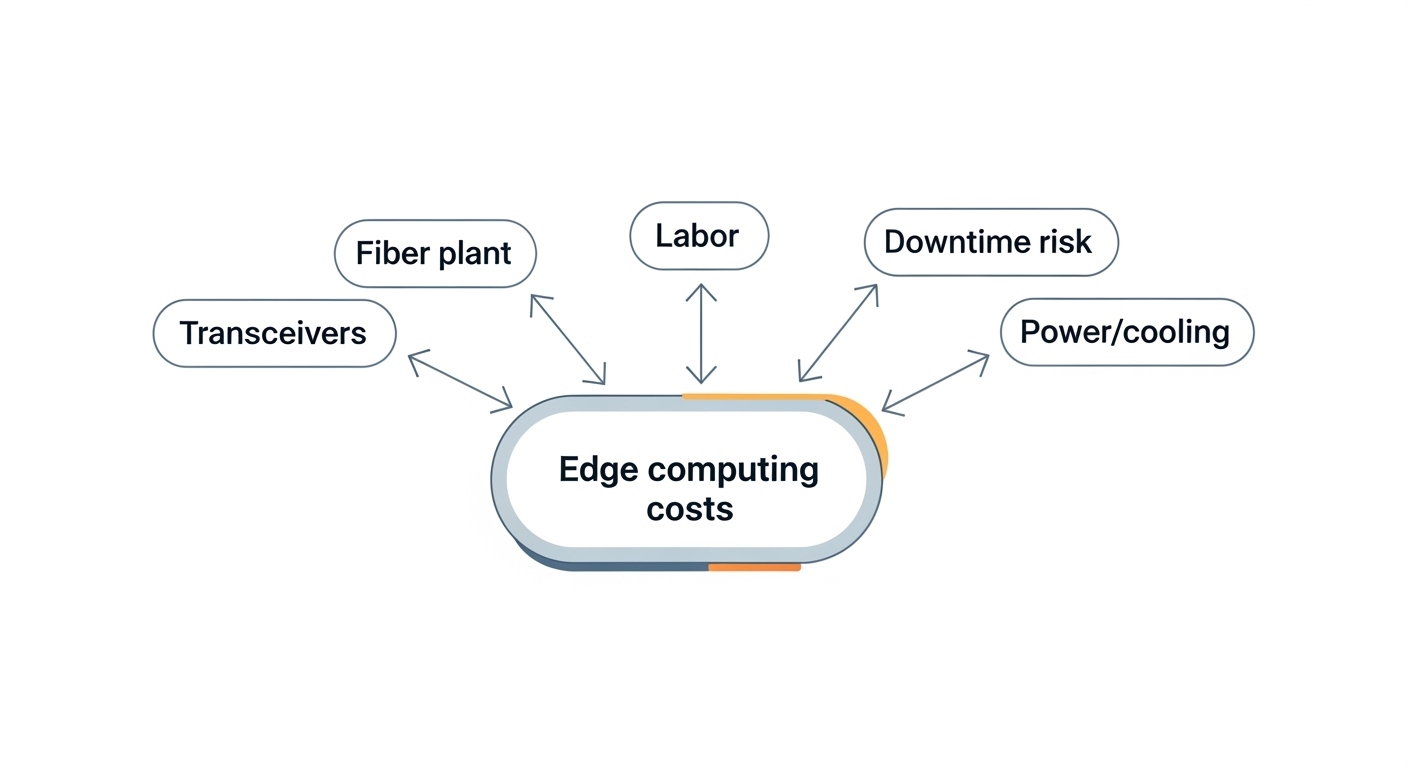
When teams budget edge computing costs, the line items rarely stop at optics. You typically pay for (1) transceivers, (2) labor to pull and clean fiber, (3) power and cooling impact at higher port counts, and (4) downtime risk during cutovers. In practice, the biggest swing factor is reach: if you move from 300 m to 2 km or from single-mode to multi-mode, you often change both the module class and the transceiver optics budget. I have seen projects where “just add two racks” turned into replacing OM3 with better-conditioned OM4/OS2, because link margin was already thin.
What the standards imply for budgeting
Most enterprise optics follow IEEE 802.3 link specifications for Ethernet PHY behavior, while transceiver electrical/optical parameters come from vendor datasheets. For example, 10GBASE-SR and 10GBASE-LR are defined by IEEE 802.3, but the module’s actual output power, receiver sensitivity, and temperature derating are what determine whether your installed fiber will hold up across aging. For authority on PHY behavior, see IEEE 802.3.
Comparison snapshot: SR vs LR and typical module families
Below is a practical head-to-head view for common Ethernet rates used at edge aggregation and campus distribution.
| Spec | 10GBASE-SR (MMF) | 10GBASE-LR (SMF) | 25GBASE-SR (MMF) | 100GBASE-SR4 (MMF) |
|---|---|---|---|---|
| Typical wavelength | 850 nm | 1310 nm | 850 nm | 850 nm |
| Nominal reach | 300 m (OM3/OM4 dependent) | 10 km | 70 m (OM4 typical) | 100 m (OM4 typical) |
| Connector | LC | LC | LC | LC |
| Typical power draw | ~1 W to ~1.5 W | ~1.5 W to ~2.5 W | ~1 W to ~1.8 W | ~4 W to ~6 W |
| Operating temp | 0 to 70 C (varies by class) | -5 to 85 C common for enterprise | 0 to 70 C or wider options | 0 to 70 C common |
| Most common use at edge | Server-to-switch, short ToR links | Hub-to-hub aggregation across sites | 25G uplinks within a rack or row | High-density leaf uplinks within MMF limits |
Performance and deployment fit: what link margin means in the field
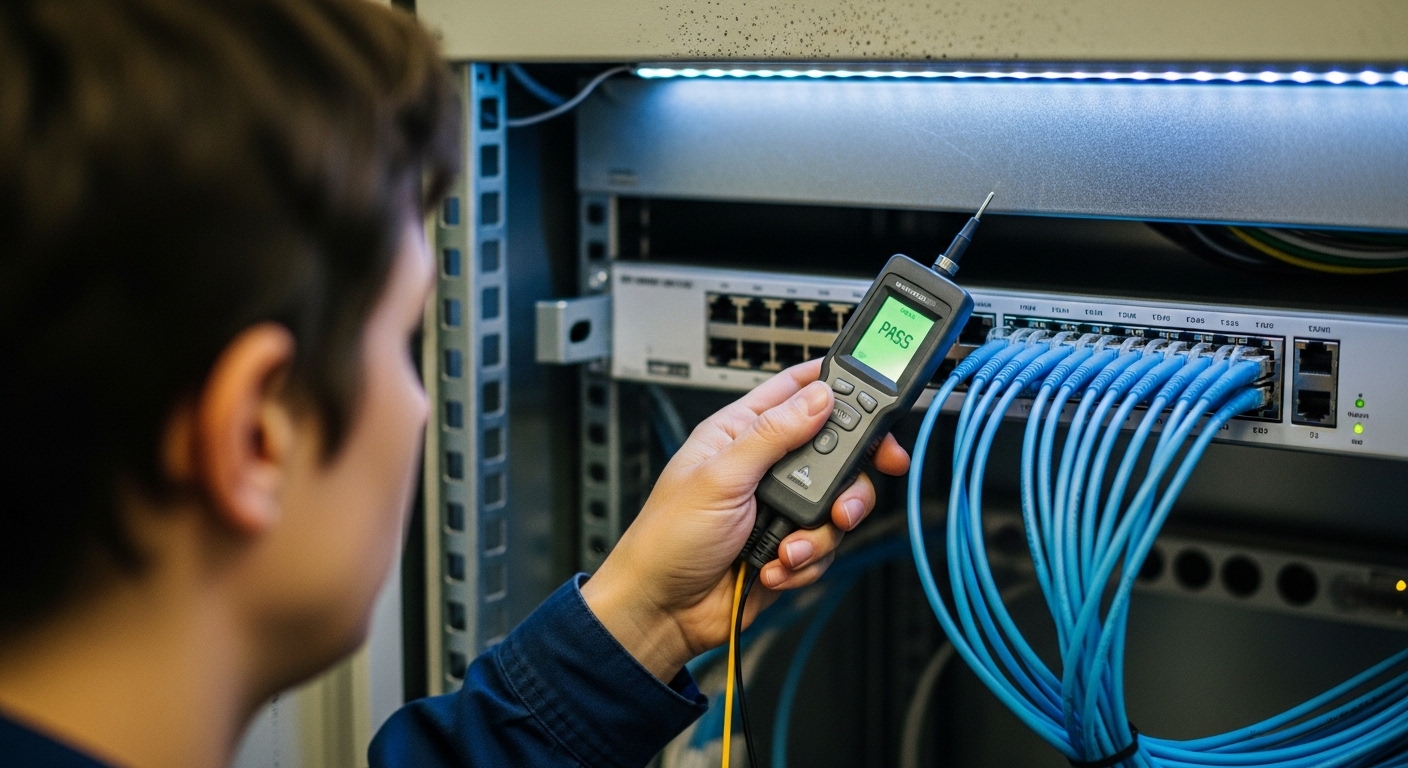
At the edge, your “performance” isn’t just BER under lab conditions; it is whether the link stays stable through connector wear, patch panel swaps, and temperature swings. During acceptance tests, I treat link margin as a budget line: measure fiber with an OTDR or at least run a certified loss test, then compare it to the transceiver vendor’s power and sensitivity numbers. If your site has frequent maintenance, SR over OM3 can look fine on paper but degrade sooner after repeated patching.
Pro Tip: If your edge budget is tight, prioritize buying transceivers with reliable DOM telemetry support (Vendor ID, laser bias current, RX power) and enforce a maintenance workflow that logs DOM readings. In several deployments, this turned “mystery flaps” into measurable drift, letting us schedule a preventive swap before the link crossed the receiver sensitivity threshold.
Cost comparison: OEM vs third-party optics for edge computing costs
The OEM-vs-third-party decision is where edge computing costs can swing by 20% to 60% over a refresh cycle, depending on licensing and warranty terms. OEM modules often match switch compatibility behavior out of the box, while third-party optics can be cheaper but may require firmware compatibility checks, specific optics tables, or strict DOM handling. In one rollout with Cisco SFP-10G-SR and a mix of third-party SR modules, we reduced per-port optics spend, but we spent extra time validating DOM alarms and rate-limiting behavior during link training.
Real examples engineers check
Common part numbers you may see in compatibility matrices include Cisco SFP-10G-SR, Finisar FTLX8571D3BCL, and FS.com SFP-10GSR-85. Even if the wavelength and reach appear identical, datasheets may differ in output power, receiver sensitivity, launch power, and temperature class. That is why two “10G-SR, LC, 850 nm” modules can still behave differently on marginal OM3 links.
Decision matrix for planning the upgrade
| Requirement | Option A: OEM optics | Option B: Quality third-party | Option C: Mixed strategy |
|---|---|---|---|
| Lowest compatibility risk | High | Medium (test needed) | Medium |
| Best upfront cost | Low to Medium | High (cheaper) | Medium to High |
| Budget for downtime | Lower (predictable behavior) | Higher (validation window) | Balanced |
| DOM telemetry quality | Usually strongest | Varies by vendor | Vendor-dependent |
| Long lifecycle spares | Safer if you standardize SKUs | Safer if you lock part numbers | Need strict SKU management |
Selection checklist: future-proofing without overspending
Before you order, run this ordered checklist. It is how teams prevent edge computing costs from ballooning after cutover.
- Distance and fiber type: verify OM3 vs OM4 vs OS2, and measure actual patch loss and connector cleanliness.
- Switch compatibility: confirm transceiver speed, lane mapping (SR4 vs SR2), and any vendor-specific optics tables.
- DOM and monitoring needs: ensure DOM fields and alarm behavior match your NMS expectations.
- Operating temperature: edge cabinets can exceed 40 C; confirm temperature class and derating behavior.
- Vendor lock-in risk: if OEM pricing is steep, test third-party with a controlled pilot and keep spares standardized.
- Power and cooling budget: higher-speed optics (for example, 100G SR4) can add measurable thermal load.
Common mistakes and troubleshooting tips that save edge teams money
Optical upgrades fail in predictable ways. Here are field-proven failure modes and how to fix them without burning the weekend.
- Mistake: Assuming “same wavelength and reach” equals compatibility. Root cause: different output power, sensitivity, or DOM behavior under temperature. Solution: validate against the switch’s optics compatibility list and run a measured link test across the cabinet’s operating temperature range.
- Mistake: Skipping fiber certification after re-termination. Root cause: excess loss from dirty ferrules, micro-scratches, or patch panel damage. Solution: clean with approved procedures, then re-certify; if you see high loss, inspect and replace patch cords before swapping optics.
- Mistake: Ignoring DOM readings during intermittent errors. Root cause: RX power drifting below threshold or laser bias anomalies that only show up in telemetry. Solution: pull DOM logs during flaps; schedule a preventive transceiver swap based on RX power trends, not just link status.
- Mistake: Underestimating 100G lane mapping and polarity handling. Root cause: incorrect MPO polarity or lane mismatch leads to link up/down loops. Solution: follow MPO polarity guides (A/B) and confirm with a continuity check and switch port diagnostics.
Cost and ROI reality: budgeting edge computing costs across a refresh cycle
In many enterprises, a typical 10G SR transceiver may land in a mid double-digit to low triple-digit USD range, while higher-speed optics (25G and 100G families) can cost several times more per port. OEM options can carry a premium, but they can reduce validation labor and reduce the chance of a failed rollout that triggers emergency shipping and downtime. Over a 3 to 5 year refresh, ROI comes from (1) standardizing SKUs to reduce spare complexity, (2) minimizing rework by validating fiber and compatibility early, and (3) selecting the right reach so you do not pay for single-mode optics when multi-mode will do