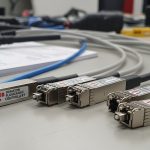
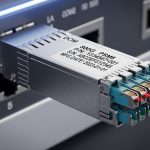
In leaf-spine networks and campus uplinks, a single transceiver settings mismatch can turn a healthy link into intermittent flaps or silent throughput loss. This guide helps network engineers and IT directors evaluate SFP+ auto-negotiation versus forced speed modes using field-tested operational details, not marketing claims. You will learn how to choose the right behavior per switch model, how to validate with repeatable checks, and what failure patterns to watch in production.
Prerequisites: verify optics, switch support, and link budget first
Before you change port settings, confirm the optics and physical layer can support the target line rate and distance. Many “forced speed” problems are actually caused by marginal fiber attenuation, connector contamination, or a vendor-specific implementation detail in the transceiver. Also confirm your switch OS exposes the same negotiation controls as the hardware datapath.
Minimum prerequisites
- Switch platform and OS version (example: Cisco NX-OS 9.x, Arista EOS 4.x, Juniper JUNOS 20.x). Record the exact build.
- Port type: verify you are using the correct module cage and that the port is configured for the expected media speed (10GBASE-SR/LR/ER).
- Transceiver part numbers from vendor datasheets (example optics: Cisco SFP-10G-SR, Finisar FTLX8571D3BCL, FS.com SFP-10GSR-85).
- Fiber test results: end-to-end attenuation and polarity checks (OTDR trace and MPO/LC mapping if applicable).
- Timing plan for change windows, since link renegotiation can trigger MAC table churn and routing recalculation.
For standards context, Ethernet autonegotiation is defined for copper and fiber variants, while 10GBASE-X links rely heavily on optical PHY behavior and vendor-specific management of the interface. Check IEEE 802.3 clauses relevant to 10GBASE-X and the transceiver vendor’s interoperability notes. [Source: IEEE 802.3, 10GBASE-X and autonegotiation-related clauses] IEEE Standards
Pro Tip: In practice, many “forced speed” outages are not caused by speed itself but by how the switch disables or bypasses autonegotiation logic on the host-side PHY. That can leave the transceiver in a state where it never completes the expected initialization sequence, especially with third-party optics that implement management differently. Always validate with a controlled A/B test on one port before rolling across a stack.
How SFP+ auto-negotiation actually behaves on 10G links
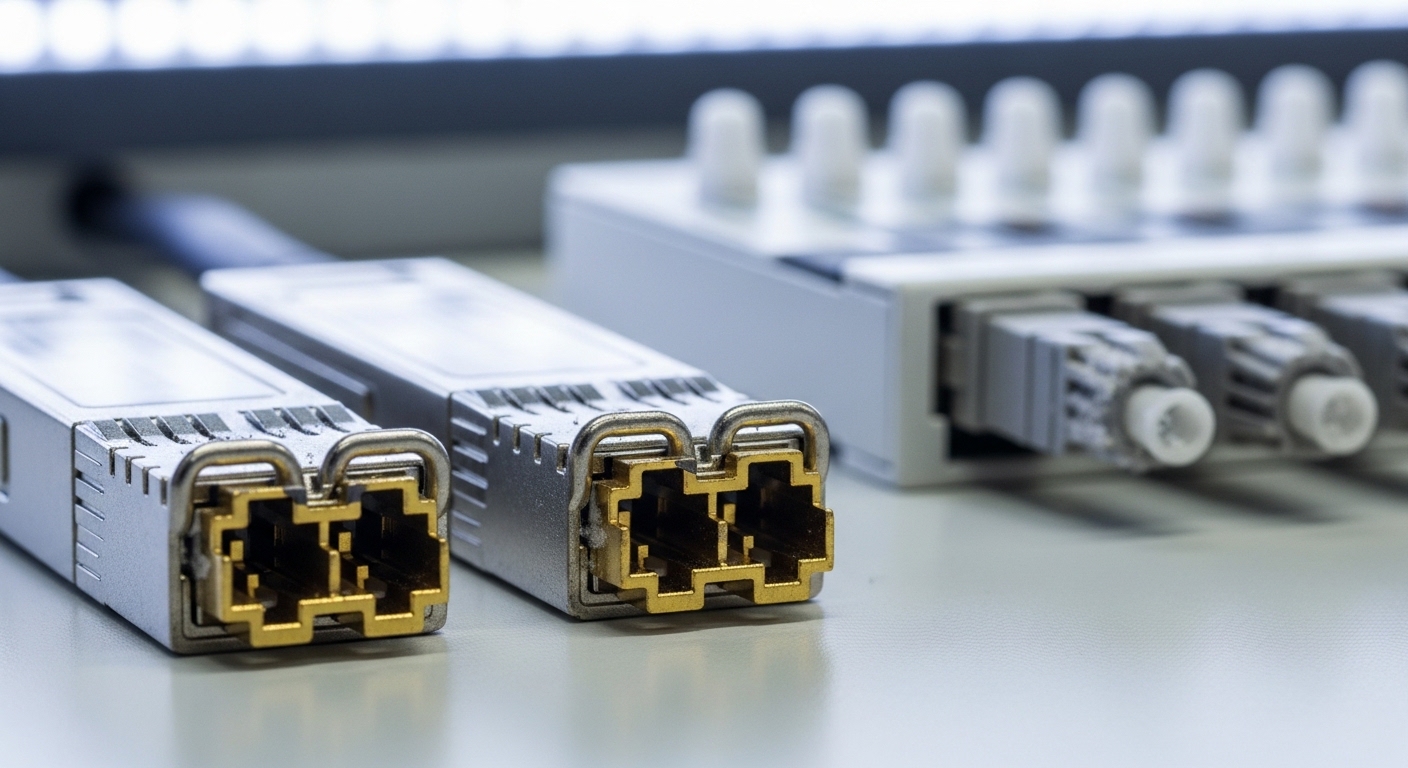
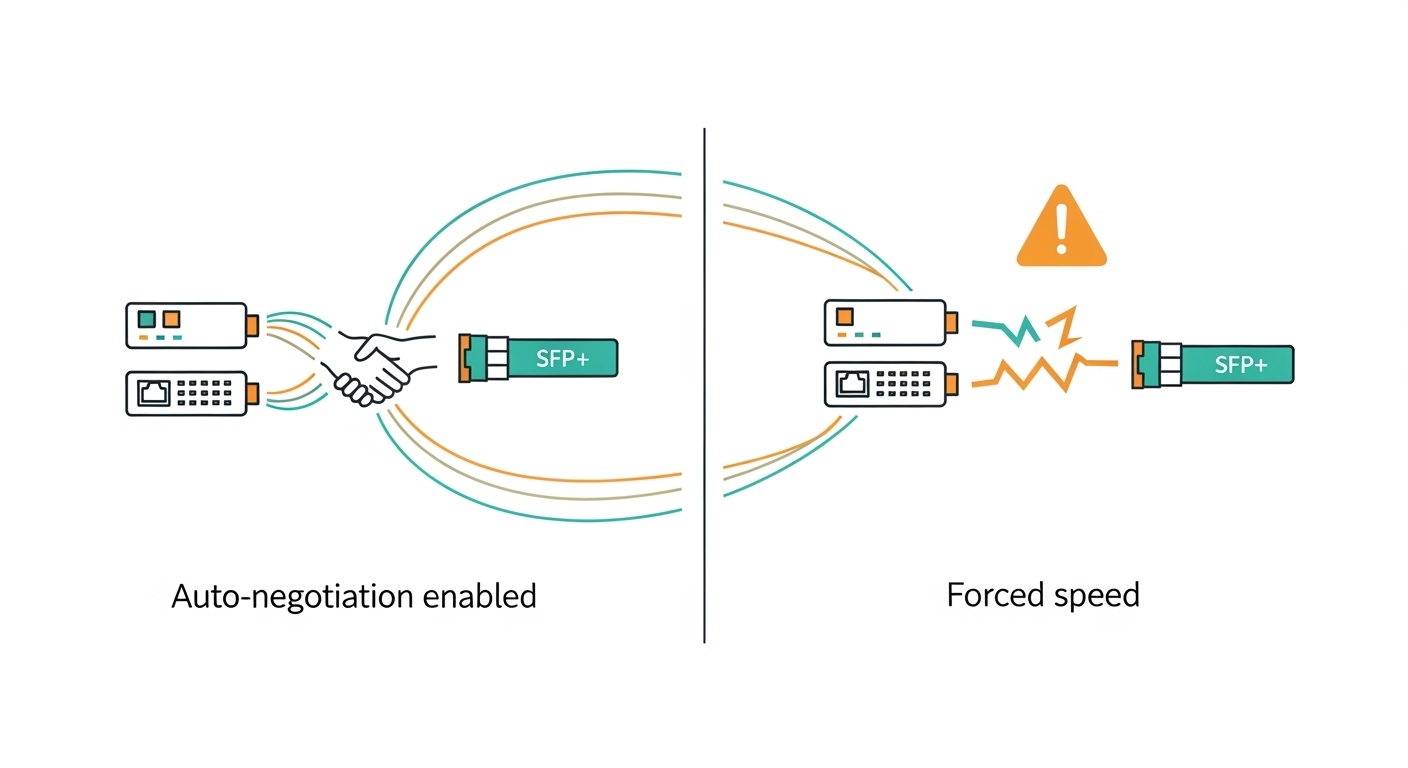
SFP+ is typically used for 10Gbps Ethernet interfaces such as 10GBASE-SR and 10GBASE-LR. For these links, “autonegotiation” often refers to the ability of the PHY layer to exchange capabilities and agree on parameters, while the actual 10G line rate is frequently fixed at the optical standard. In other words, autonegotiation may be less about choosing 1G/10G and more about completing initialization and confirming operational parameters across the link.
What to expect with auto-negotiation
- Link bring-up consistency: when both ends support the same negotiation and initialization expectations, the link typically comes up faster and more predictably after a reboot or hot swap.
- Fewer edge-case mismatches: auto-negotiation can reduce the chance that one side is configured for a different electrical interface mode or timing expectation.
- Better behavior during transceiver swaps: many platforms re-check module presence, LOS/Tx disable status, and PHY readiness when negotiation is enabled.
However, auto-negotiation is not a guarantee of universal compatibility. Vendors can differ in how they expose DOM data, how they handle low-power states, and how they implement link training. That is why you should still validate with your exact switch model and transceiver SKU.
Forced speed: when it helps, and when it silently hurts
Forced speed usually means the switch port is configured to operate at a specific line rate without negotiating capabilities with the far end. In many 10G fiber deployments, forced speed can appear to work because the optical standard already constrains the data rate. The risk is that forced mode can change how the switch initializes the PHY and how it reacts to transceiver readiness signals.
When forced speed is reasonable
- Homogeneous hardware: same switch platform, same port type, and optics validated for that platform.
- Controlled change windows: you can test a full reboot cycle and a hot-swap scenario.
- Vendor guidance: some switch vendors recommend disabling autonegotiation only for certain copper Ethernet scenarios; fiber 10G behavior must be validated per platform.
When forced speed becomes a risk
- Mixed vendor optics: third-party transceivers may implement different initialization timing and status reporting.
- Stacked or aggregated links: LACP and hashing are sensitive to link stability; even brief training failures cause MAC churn.
- Hot swap and field replacements: forced settings can amplify incompatibilities when a technician inserts a different SKU.
Specification comparison: what matters beyond speed
When deciding between auto-negotiation and forced speed, you must also ensure the transceiver meets optical and electrical requirements. Pay attention to wavelength, reach, receiver sensitivity, power class, connector type, and temperature range. These parameters determine whether the link remains stable enough for any negotiation mode to succeed.
| Parameter | 10GBASE-SR (Typical SFP+) | 10GBASE-LR (Typical SFP+) | Why it affects negotiation mode |
|---|---|---|---|
| Data rate | 10.3125 Gbps (Ethernet 10G) | 10.3125 Gbps | Line rate is fixed by optics; negotiation often impacts link training, not rate selection. |
| Wavelength | 850 nm | 1310 nm | Different link budgets change margin; marginal links may fail during training. |
| Reach (typical) | Up to 300 m over OM3/OM4 | Up to 10 km over single-mode | Distance and attenuation determine whether the receiver can sustain signal quality. |
| Connector | LC (common) | LC (common) | Connector cleanliness and polarity errors often masquerade as negotiation failures. |
| Optical power / receiver sensitivity | Vendor-specific; ensure adequate budget | Vendor-specific; ensure adequate budget | Low margin can cause intermittent LOS and failed initialization. |
| DOM support | Often available (I2C/MDIO-like management) | Often available | DOM behavior affects how switches classify optics and apply compatibility policies. |
| Operating temperature | Common ranges: 0 to 70 C or -40 to 85 C | Common ranges: 0 to 70 C or -40 to 85 C | Temperature drift can reduce optical output and increase bit errors. |
Use vendor datasheets for concrete numbers. For example, Finisar and Cisco transceiver datasheets specify optical power ranges, receiver sensitivity, and thermal limits for each SKU. [Source: Cisco transceiver datasheets and Finisar/FiOptics product manuals] Cisco FiOptics
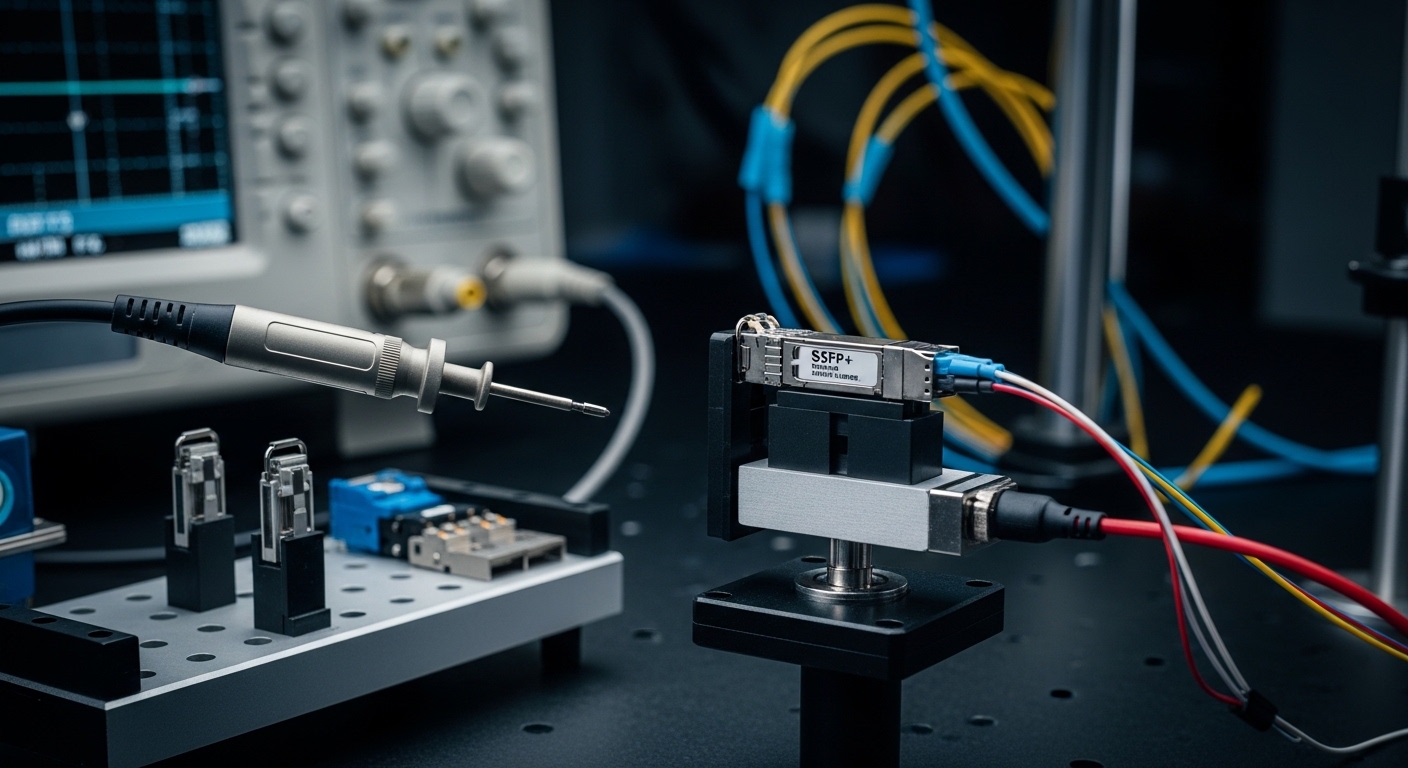
Decision checklist: choose auto-negotiation or forced speed safely
Use this ordered checklist during design and during port-by-port validation. It is written for enterprise environments where you have mixed optics, staged rollouts, and strict uptime requirements.
- Distance and link budget: confirm attenuation and connector losses keep you within the transceiver’s optical budget with margin.
- Switch compatibility matrix: verify your exact switch model and OS support the desired negotiation behavior for SFP+ fiber ports.
- Transceiver DOM and vendor classification: if the switch enforces compatibility, third-party modules may be flagged or treated differently.
- DOM monitoring requirements: confirm you can read temperature, bias current, and optical power. If DOM data is missing, some platforms reduce or disable features.
- Operating temperature: confirm airflow and ambient temperature stay within transceiver specs, especially in high-density ToR deployments.
- Vendor lock-in risk: if you must force settings, you may increase dependency on a narrow optics set that behaves correctly under forced mode.
- Change-control and rollback plan: pre-stage a known-good transceiver (same part number) and document commands for revert.
Implementation steps (numbered, operational)
Follow these steps for a controlled rollout and measurable outcomes.
Step 1: Baseline current behavior
- Record port operational state, link up time, error counters, and optics telemetry (DOM).
- Measure pre-change traffic: interface throughput and retransmits (if applicable).
Expected outcome: You have a stable baseline with no recurring link flaps and clean optics telemetry.
Step 2: Validate physical layer margin
- Clean and inspect connectors. Verify polarity and correct fiber mapping.
- Run OTDR or at least confirm attenuation to ensure you are not operating near the receiver sensitivity threshold.
Expected outcome: Link stability improves or remains stable, and DOM shows optical power within the vendor’s recommended ranges.
Step 3: Enable SFP+ auto-negotiation (or ensure it is the default)
- On platforms that allow it, set the fiber port to autonegotiation-enabled or “default negotiation.”
- Reboot the switch port or bounce the interface to force a full PHY retrain.
Expected outcome: The link comes up cleanly, counters remain low, and optical telemetry stays within limits.
Step 4: If policy requires forced speed, test forced mode on one port first
- Apply forced speed at the port and confirm the link trains and stays up through a hot-swap of the transceiver.
- Monitor for 30 to 60 minutes for micro-outages, CRC errors, and interface resets.
Expected outcome: Forced speed matches auto-negotiation stability, with no sustained error growth.
Step 5: Roll out based on measured stability, not assumptions
- If forced mode shows any instability, revert and standardize on auto-negotiation for that switch- and optics-pair.
- Document the final standard in your enterprise transceiver governance policy.
Expected outcome: You achieve repeatable link stability across comparable ports and sites.
Common mistakes and troubleshooting: root causes you can fix
Below are the most common failure modes engineers see when switching between SFP+ auto-negotiation and forced speed. Each includes a root cause and a practical fix.
Failure mode 1: Link flaps only under forced speed
- Root cause: Forced settings can bypass or alter host-side PHY initialization timing, which exposes marginal optics behavior or DOM/classification differences.
- Solution: Revert to auto-negotiation on that port group. Then validate optics with the same vendor SKU on a test port and retest hot swap.
Failure mode 2: Persistent CRC errors despite “Link up”
- Root cause: Optical margin is insufficient (high attenuation, dirty connectors, or damaged fiber) and the system only fails under the training conditions created by the selected mode.
- Solution: Clean connectors with proper fiber cleaning procedures, re-verify polarity, and re-run attenuation checks. Replace the patch cord if OTDR shows high events.
Failure mode 3: DOM shows abnormal temperatures or optical power drift
- Root cause: The transceiver is out of its thermal operating range or airflow is insufficient in the rack. Temperature drift increases bit error rates and can cause training failures.
- Solution: Improve airflow, verify fan module health, and confirm the transceiver’s temperature class (commercial vs extended). If needed, replace with a higher temperature-rated SKU.
Failure mode 4: Intermittent loss of signal during hot swap
- Root cause: Transceiver insertion sequence and switch port state timing differ; some optics take longer to come fully ready, especially in colder environments.
- Solution: Standardize on auto-negotiation where possible and enforce hot-swap handling procedures. Keep a known-good spare with the same part number.
Cost and ROI note: total cost depends on stability, not unit price
In most enterprises, the cost difference between OEM and third-party SFP+ modules can be meaningful, but ROI is driven by uptime and replacement labor. As a rough planning baseline, OEM 10G SFP+ optics often cost two to four times third-party pricing, while third-party modules can reduce CapEx but increase governance and compatibility validation effort.
TCO factors to include in your business case:
- Failure rate and RMA cycles: a higher marginal failure rate can erase savings through downtime and shipping delays.
- Validation labor: forced speed tests and port-by-port acceptance testing cost engineering hours.
- Power and cooling: stable links reduce retransmits and micro-outages that waste CPU and switch fabric cycles.
- Spare strategy: if forced speed requires a narrow optics set, your spare inventory becomes more expensive.
Operationally, teams often see the best ROI when they standardize on auto-negotiation for mixed deployments, then allow forced speed only in tightly controlled segments with validated optics and measured stability. This reduces change risk and aligns with enterprise governance expectations.
FAQ
Does SFP+ auto-negotiation change the 10G speed?
On typical 10GBASE-SR and 10GBASE-LR links, the line rate is constrained by the optical standard, so the negotiation is usually about training and link readiness rather than selecting 1G versus 10G. The practical effect is link bring-up reliability and compatibility across transceiver vendors.
When should I force speed on an SFP+ fiber port?
Only after validating on your exact switch model and optics pair. If forced speed is required for a specific policy or platform behavior, test hot swap and monitor CRC and interface resets for at least an hour before rolling out.
Will third-party SFP+ modules work with auto-negotiation?
Often they do, but compatibility depends on switch optics classification, DOM behavior, and initialization timing. Validate with your transceiver part numbers and record the module vendor, temperature class, and DOM support status in your acceptance checklist.
What telemetry should I check to confirm the link is healthy?
Use DOM to review temperature, transmit power, and receiver power, and compare them against the vendor’s recommended operational ranges. Also monitor interface counters for CRC errors, link resets, and any loss-of-signal events.
Why does a link show “up” but traffic still fails?
That pattern commonly indicates bit errors, congestion from retransmits, or a partial training issue. Start with optical margin checks and connector cleanliness, then confirm that both ends are using compatible settings and that the switch is not applying compatibility fallbacks.
How do I write a governance policy for negotiation settings?
Standardize on SFP+ auto-negotiation for mixed optics deployments unless forced speed has been validated with measurable stability. Require documented test results per switch model and transceiver SKU, including DOM verification and hot-swap behavior.
Choosing between SFP+ auto-negotiation and forced speed is less about theory and more about repeatable link training behavior under real optical margins and switch-specific PHY initialization. If you standardize using the checklist above and validate with DOM plus error counters, you can reduce outages and improve optics ROI. Next, review transceiver governance policy for enterprise networks to formalize your standard and acceptance testing workflow.
Author bio: I have led fiber and switching deployments across data center and campus networks, focusing on optics governance, PHY compatibility testing, and measurable uptime outcomes. My work blends