When Open RAN radios start acting like they forgot the schedule, the optical link is usually the first suspect. This article helps field teams and procurement-minded engineers run fast, repeatable network maintenance checks across fiber, optics, and timing so you can stop guessing and start restoring service. You will get a compact troubleshooting workflow, a spec comparison table for common optics, and a decision checklist you can use for spares and vendor selection.
Start with the symptom: map the failure to the optical layer
Before touching a wrench, classify what you see: link flaps, hard link down, high BER, or intermittent packet loss. In Open RAN deployments, the optical path often includes fronthaul transport (sometimes CPRI/eCPRI style), aggregation, and timing distribution; a single issue can look like “RF problems” while the root cause is optical. For network maintenance, your goal is to narrow to one of three buckets: (1) physical layer (fiber/connector/optics), (2) transceiver configuration (speed, DOM, vendor compatibility), or (3) timing/management misalignment that stresses the link.
Quick classification prompts
- Link down immediately: likely fiber break, wrong polarity, failed transceiver, or connector damage.
- Link comes up, then flaps: dirty optics, marginal budget, intermittent connector seating, or temperature drift.
- Link stays up, throughput drops: increasing BER, incorrect lane mapping, oversubscription plus retransmits, or FEC/PCS mismatch.
- Timing-related errors: check sync source and jitter tolerance before blaming optics.
Optics and standards sanity check: verify the “right light” for the job
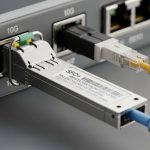
Open RAN optical links commonly use short-reach multimode (MMF) or long-reach single-mode (SMF), plus specific wavelength and connector types. If the wrong module type is installed, you might still get a “link up” while BER quietly climbs into failure territory. For troubleshooting, confirm that wavelength, reach, and interface are consistent with the equipment vendor’s transceiver requirements and IEEE-defined behavior where applicable.
Reference spec comparison (common fronthaul-style optics)
Use this table as a fast filter during network maintenance. It is not an exhaustive list; always cross-check the switch or O-RU/O-DU interface guidance.
| Optic model examples | Typical standard class | Wavelength | Reach target | Connector | Data rate | Power class (typ.) | Operating temp (typ.) |
|---|---|---|---|---|---|---|---|
| Cisco SFP-10G-SR, Finisar FTLX8571D3BCL, FS.com SFP-10GSR-85 | 10GBASE-SR | 850 nm | ~300 m (MMF) | LC | 10.3125 G | Low-moderate | -5 to +70 C (varies by vendor) |
| Finisar FTLX1471D3BCL, common 10G LR variants | 10GBASE-LR | 1310 nm | ~10 km (SMF) | LC | 10.3125 G | Moderate | -5 to +70 C (varies) |
| Common 25G SR / 25G LR modules (vendor-specific) | 25GBASE-SR/LR | ~850 nm (SR) or 1310/1550 nm (LR) | ~100 m (SR) or km-scale (LR) | LC | 25 G | Moderate | -5 to +70 C (varies) |
| QSFP28 / CFP2 style coherent/transceiver families (site dependent) | Vendor-defined | Varies | Varies | Varies | 40G/100G+ | Higher | Often wider ranges |
Field reality: many Open RAN failures are “optics mismatch plus bad housekeeping.” If you see DOM readings that swing wildly (laser bias, temperature, received power), treat that as evidence, not decoration. For standards context, consult IEEE 802.3 for Ethernet PHY behavior and FEC/PCS expectations where relevant. anchor-text: IEEE 802.3 overview [Source: IEEE 802.3]
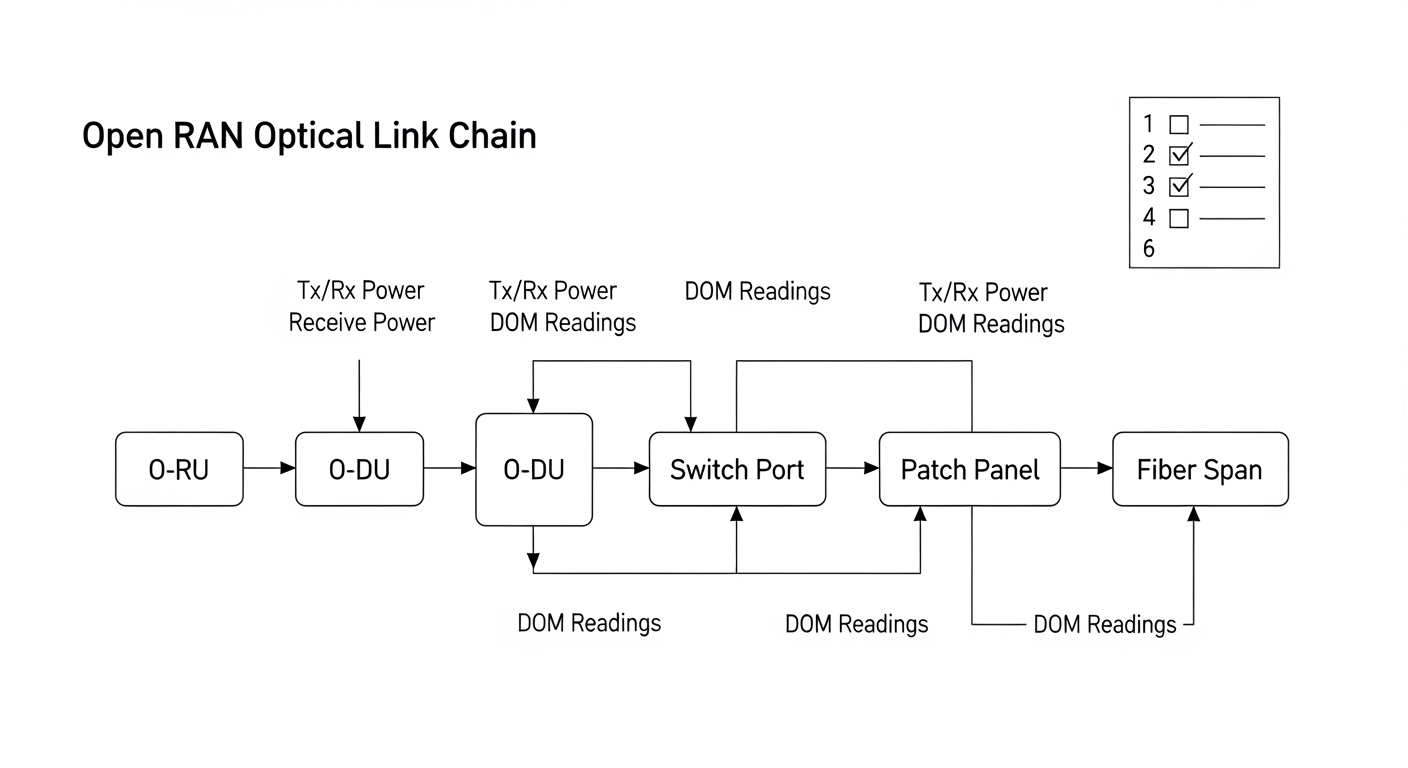
Pro Tip: In real outages, the fastest win is comparing both sides of the link: received power and laser bias from the local and remote transceivers. If one side’s DOM suggests a healthy transmit power but the other side shows low receive power, you likely have a budget/polish/connector issue rather than a transceiver failure.
Six essential checks: the field-ready order of operations
Run these in order. Each check is designed to reduce time-to-restoration while minimizing the chance you replace the wrong thing. This workflow supports network maintenance teams handling Open RAN optical links between O-RU, O-DU, and aggregation equipment.
Check 1: Verify fiber continuity and polarity at the patch/cassette level
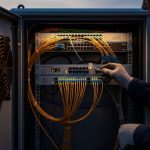
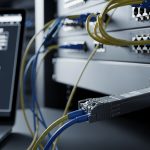
Use a continuity tester or OTDR depending on your toolset. Confirm polarity end-to-end: LC polarity swaps can cause “link down” or high error rates. Inspect for bent fibers, loose ferrules, and connector index mismatch on patch cords.
Check 2: Clean optics and connectors before you condemn hardware
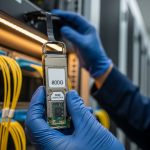
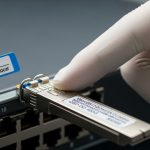
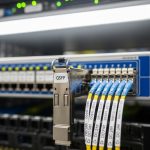
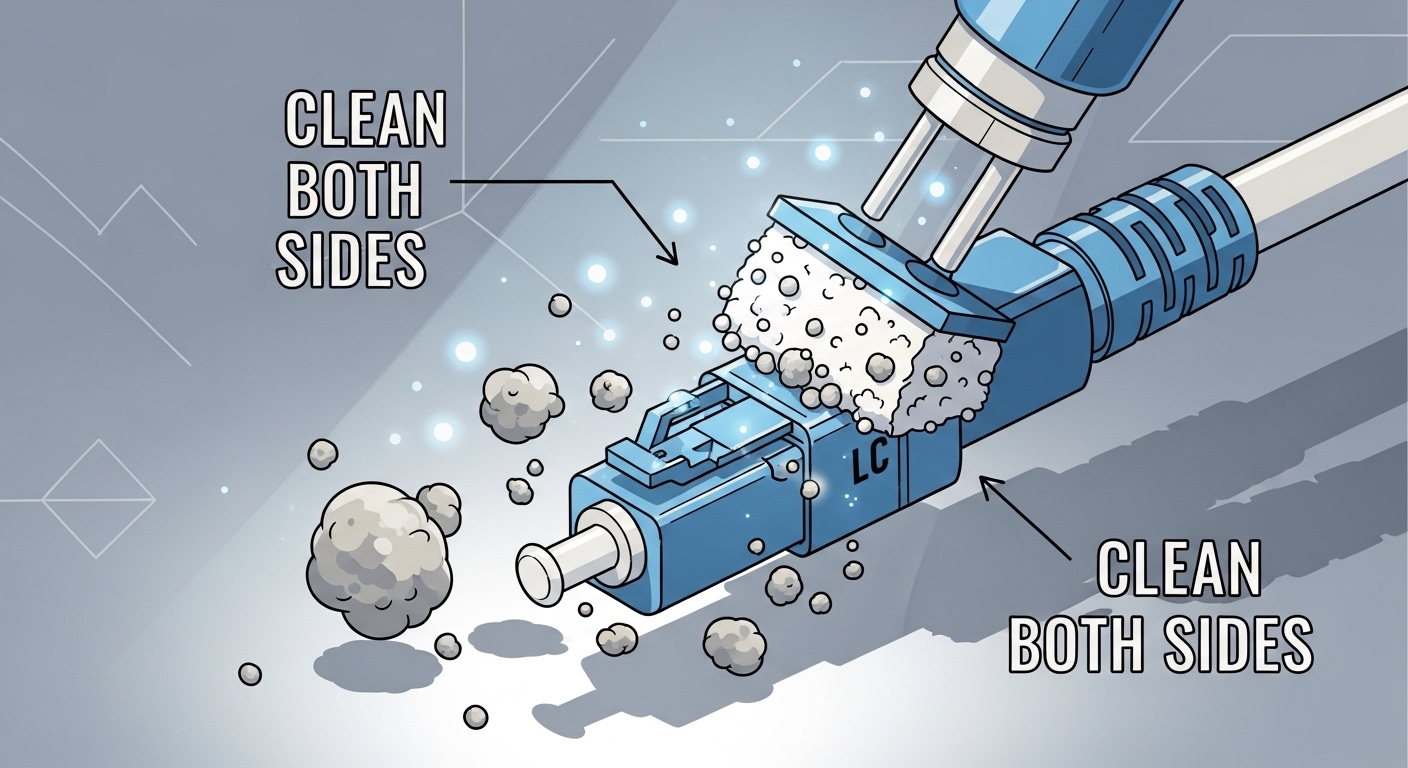
Dust is the stealth villain. Clean both ends of the link: transceiver receptacles and patch cord connectors. Re-seat modules after cleaning and ensure the latch fully engages; a partially seated connector can create intermittent BER that looks like RF instability.
Check 3: Compare optical power budget with DOM and expected thresholds
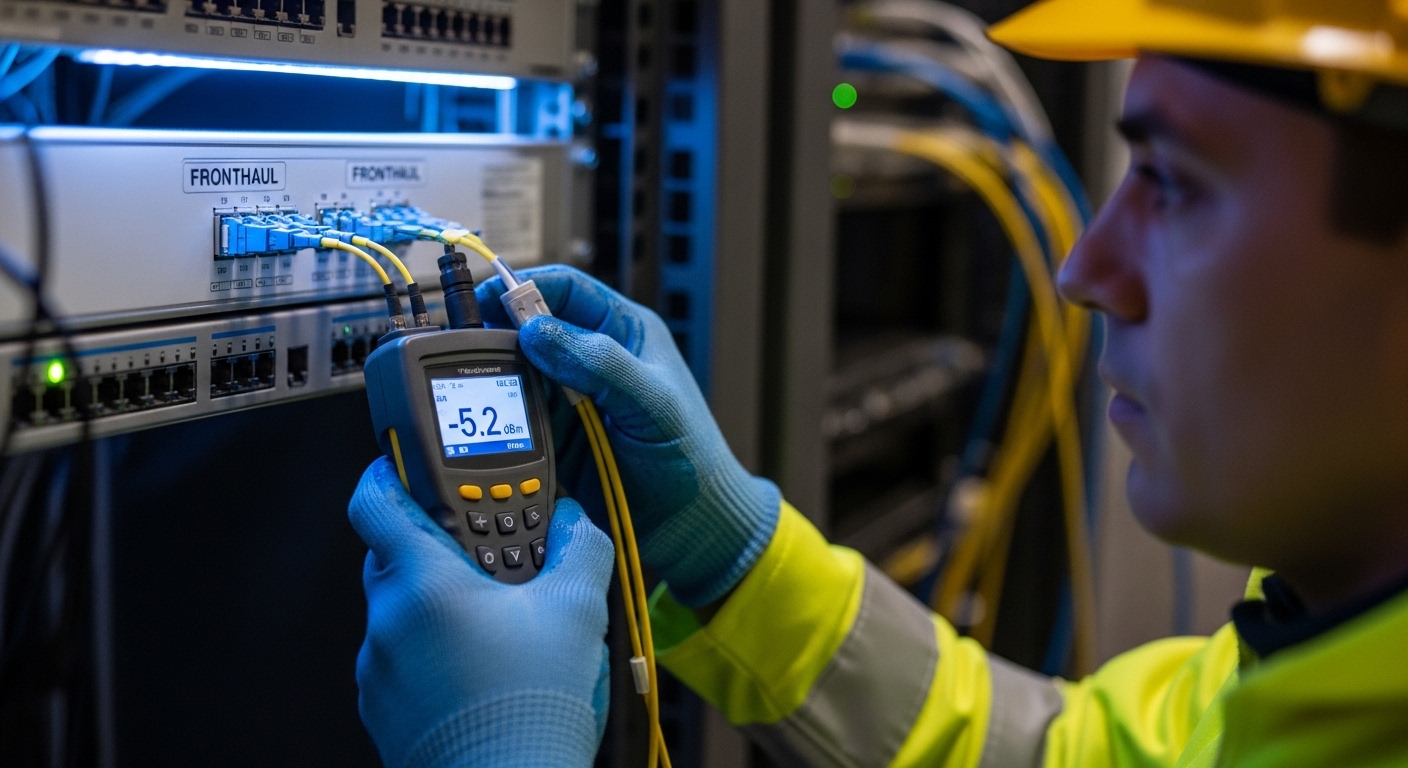
Read DOM values (Tx power, Rx power, laser bias current, and module temperature). Compare against the vendor’s expected operating envelope; if you lack an envelope, look for symptoms: Rx power near sensitivity limits or rapid changes during temperature swings. If you have an optical power meter, measure at the patch panel to validate the budget and identify where loss spikes.
Check 4: Confirm transceiver compatibility and negotiated link parameters
Some platforms enforce strict transceiver support policies. Even if “it lights up,” the platform may negotiate non-ideal settings or fall back to reduced capabilities. On switches/routers, verify interface speed, FEC mode, lane mapping, and whether the port is using the expected PCS/PHY profile. Keep an eye on alarms like “unsupported module,” “EEPROM mismatch,” or “FEC not locked.”
Check 5: Validate timing and jitter assumptions that stress the fronthaul
Open RAN often depends on precise synchronization. If timing is off (or jitter is high), you can see optical link errors that are actually system-level timing faults. Verify sync source configuration (e.g., grandmaster status, distribution quality), check for clock slips, and correlate error counters with timing changes.
Check 6: Use error counters and BER trends to decide “replace vs repair”
Don’t replace optics blindly. Pull counters: CRC errors, FEC corrected/uncorrected blocks, link flaps, and OTN/PCS errors if present. If errors increase gradually after a maintenance window, suspect connector contamination or fiber stress from re-cabling. If errors spike immediately after a module swap, suspect a bad module, wrong wavelength, or incorrect polarity.
Selection criteria for spares and vendor choices (procurement meets reality)
When you are buying optics for network maintenance, you are buying future troubleshooting time. The cheapest module that fails intermittently is the most expensive module when the outage clock is already running. Build your spares strategy around compatibility, diagnostics, and operating conditions.
- Distance and link budget: match wavelength (850/1310/1550), reach class, and connector type to the actual fiber plant.
- Switch and O-RU/O-DU compatibility: confirm supported optics lists and transceiver enforcement behavior.
- DOM support and monitoring granularity: verify EEPROM/DOM fields exposed by the platform for Tx/Rx power, temperature, and alarms.
- Operating temperature: check module spec versus rack ambient and airflow patterns; hot transceivers lie.
- FEC/feature alignment: for higher rates, confirm the module and platform support the same FEC/PHY expectations.
- Vendor lock-in risk: OEM optics may reduce compatibility surprises, but third-party with strong validation can lower TCO.
For standards and interoperability context, use the platform vendor’s transceiver documentation and IEEE PHY behavior references. Also review module vendor datasheets for DOM and optical power specs. [Source: vendor datasheets; Source: IEEE 802.3]
Common mistakes and troubleshooting tips that save weekends
Here are the classic failure modes I have seen in the field, including root cause and what to do next. If you only remember one thing: optics diagnostics are data, but only if you trust the measurements and the cleaning.
Mistake: swapping modules without re-cleaning after a failed link
Root cause: contaminated ferrules or dusty transceiver receptacles keep loss high, so the “new” module also fails. Solution: clean both ends, re-seat, then re-check Rx power and error counters.
Mistake: ignoring DOM trends and only checking “link up”
Root cause: BER can be elevated while the link still negotiates successfully, especially under marginal power budgets. Solution: monitor Tx/Rx power and FEC/CRC trends over time; compare against expected envelopes from datasheets.
Mistake: assuming MMF vs SMF is “just a type of cable”
Root cause: using the wrong fiber type can cause severe attenuation and mode coupling issues, leading to intermittent or complete failure. Solution: verify fiber type, wavelength, and expected reach before installing optics; trace the fiber ID back to the splice panel.
Mistake: polarity mismatch during patching
Root cause: LC polarity swaps can yield link down or high errors depending on the transceiver and platform behavior. Solution: verify polarity at both patch points; correct with a known-good polarity method and label it for future maintenance.
Mistake: chasing optics when timing is the real offender
Root cause: clock slips and jitter can produce optical-layer symptoms like retransmits and FEC issues. Solution: validate sync status, correlate event timestamps with clock changes, then re-check optics once timing is stable.
Cost and ROI note: what you actually pay for besides the module
Typical street pricing (varies by rate, reach, and lead time) often lands in these ranges for small-form modules: 10G SR modules can be roughly $30 to $150 each; OEM-branded optics may be higher, while third-party validated modules can be lower. Higher-rate optics (25G, 40G, 100G) and coherent-style modules often cost hundreds to thousands per unit.
TCO reality: include truck rolls, mean time to repair, and failure rates. A third-party optic that is stable during lab validation but unreliable under your rack temperature profile can increase downtime and spares inventory. ROI improves when you choose modules with strong DOM support, documented compatibility, and a tested track record in your specific Open RAN topology.
FAQ: Open RAN optical link checks for network maintenance
Which optical checks should I do first during network maintenance?
Start with fiber polarity/continuity and connector cleaning. Then validate DOM readings (Tx/Rx power, temperature) and compare them to expected thresholds. Only after that should you replace optics, and even then use error counters to confirm the fault.
How do I tell if it is a dirty connector versus a bad transceiver?
If cleaning and re-seating restores stable Rx power and reduces CRC/FEC errors, it was likely contamination or mechanical seating. If DOM alarms persist across cleaning and you see abnormal Tx power or laser bias behavior, suspect the module. Always verify both ends of the link.
Do I need an OTDR for Open RAN troubleshooting?
Not always. If you have clear fiber IDs and patch panels, continuity testing plus optical power measurements may be enough. OTDR is valuable when you suspect a splice fault, macro-bend damage, or an unknown fiber segment with high attenuation.
Can I use third-party optics in Open RAN?
Sometimes, but compatibility is platform-specific. Validate that the transceiver is supported by your O-DU/switch and that DOM and FEC/PHY expectations align. Procurement should require datasheets and, ideally, a pilot test in your rack environment.
What error counters matter most for deciding whether to replace optics?
Look for CRC errors, FEC corrected versus uncorrected blocks, link flaps, and PCS/PHY-related alarms. A stable link with rising corrected errors suggests marginal optics or budget. Sudden uncorrected spikes point to physical issues like contamination or fiber damage.
How does timing affect what looks like an optical problem?
Timing faults can cause system-level packet loss and retransmits that resemble optical instability. If errors correlate with sync events or clock slips, fix timing first, then reassess optics. Otherwise you risk replacing perfectly fine modules while the real issue stays unsolved.
If you want faster recovery, use this ordered six-check workflow and pair it with smart spares selection based on compatibility and DOM visibility. Next, review optics spare strategy to build a spares plan that reduces outage time and procurement drama.
Author bio: I have deployed and maintained Open RAN fronthaul and Ethernet transport in live datacenters, chasing optical and timing faults with DOM, power meters, and error counters. I write from the field perspective so your network maintenance runbooks actually survive contact with reality.