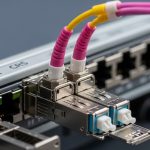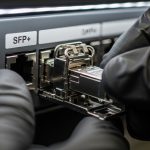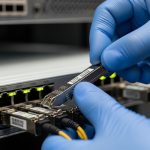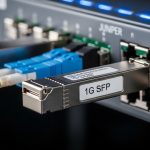
When a leaf-spine fabric boots with the wrong optics, it does not politely warn you it simply drops links, flaps ports, and burns engineer hours. This article is written for teams running ExtremeXOS who need Extreme switch optics that actually negotiate cleanly with their SFP ports. You will get a case-study walkthrough of how we validated SFP compatibility, selected the right fiber type and budget, and avoided the most common failure modes.
Problem: SFP link flaps after swapping optics on ExtremeXOS
In our deployment, we upgraded 40G uplinks in a 3-tier data center where each top-of-rack switch had 48 access ports and 8 uplink ports. After a maintenance window, we observed intermittent link down/up on 6 uplinks out of 32, with optical diagnostics showing borderline transmit power and frequent LOS events. The root cause was not “bad optics” in general; it was a compatibility mismatch between the switch optics expectations and the SFP vendor behavior under ExtremeXOS.
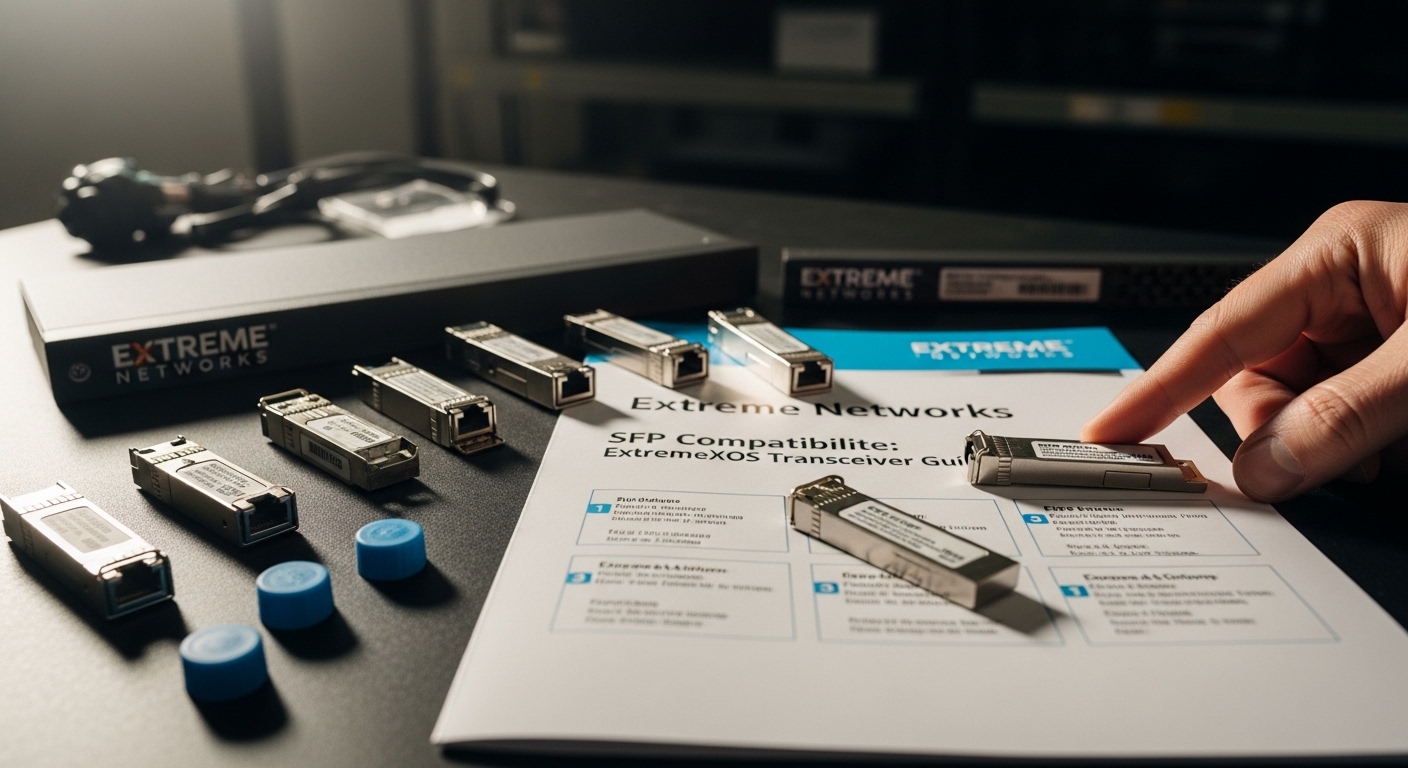
We targeted the specific issue described in “Extreme Networks SFP Compatibility: ExtremeXOS Transceiver Guide” and treated it like a PMF experiment: tighten the validation loop, measure outcomes, then standardize. Our goal was simple: stop port flaps, reduce mean time to restore (MTTR), and create an optics checklist that field engineers can apply under time pressure.
Environment specs: what we had to match for reliable negotiation
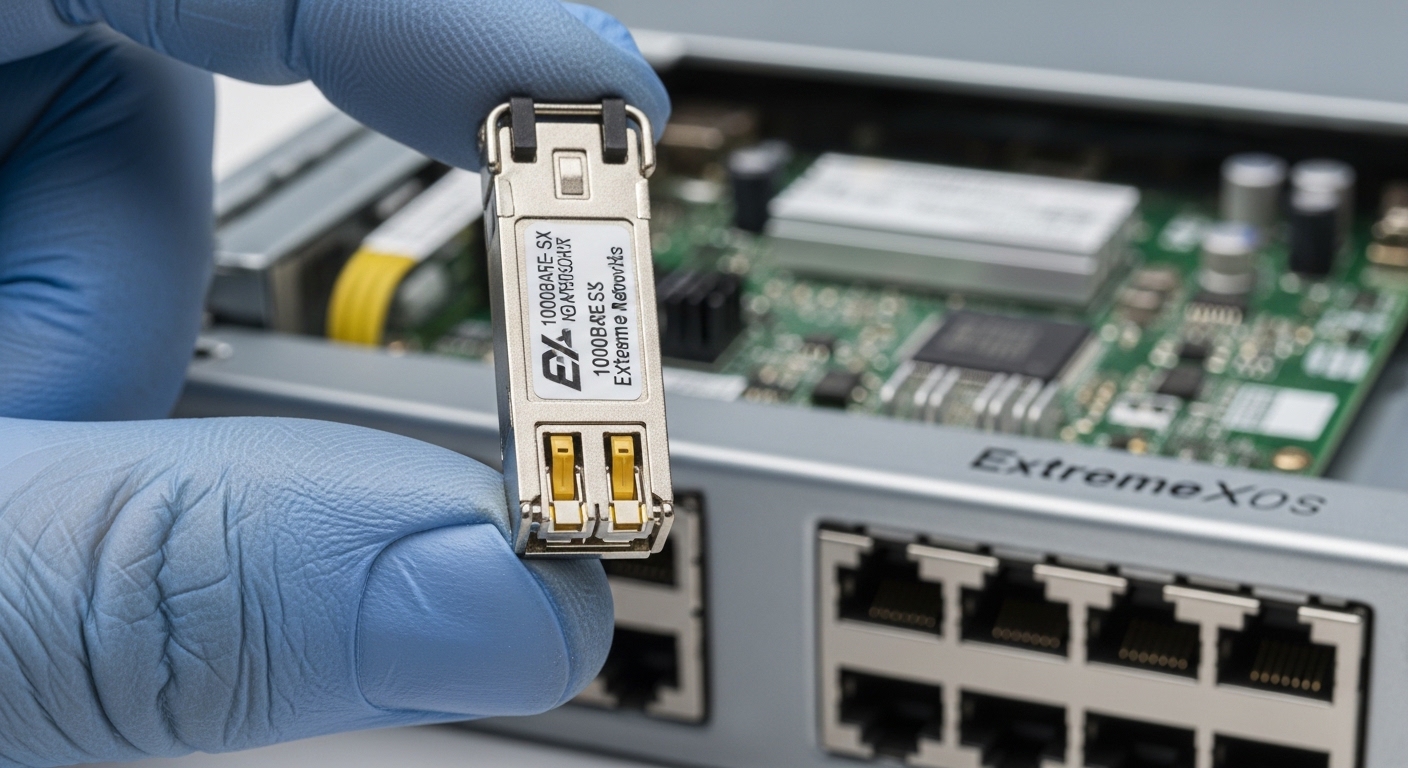
Our ExtremeXOS switches were running fixed optics profiles per port, and the transceivers had to satisfy both physical layer requirements and the platform’s accepted identification behavior. On the fiber side, we had a mix of OM3 multimode runs inside the row and shorter single-mode links between blocks. The key was ensuring each SFP’s wavelength, reach class, and connector type matched the deployed plant.
From a standards standpoint, the transceivers we used follow the Ethernet PHY optics families aligned with IEEE 802.3 optical link specifications for 10G/40G/100G variants, while vendor behavior (DOM, EEPROM fields, and laser safety reporting) determines whether ExtremeXOS marks the module as usable. For reference, see [Source: IEEE 802.3] and vendor datasheets for the specific SFP models.
| Spec | 40G SR4 example | 10G SR example | 10G LR example |
|---|---|---|---|
| Data rate | 40G (SR4) | 10G (SR) | 10G (LR) |
| Wavelength | 850 nm | 850 nm | 1310 nm |
| Reach class | Up to 100 m on OM3/150 m on OM4* | Up to 300 m on OM3/400 m on OM4* | Up to 10 km on SMF* |
| Fiber type | Multimode (OM3/OM4) | Multimode (OM3/OM4) | Single-mode (SMF) |
| Connector | MPO/MTP (SR4) | LC | LC |
| Typical DOM | Yes (temperature, voltage, bias, power) | Yes | Yes |
| Operating temp | 0 to 70 C (typical) | 0 to 70 C (typical) | -5 to 70 C (typical) |
| Example modules used | Cisco SFP-40G-SR4 | FS.com SFP-10G-SR | Finisar FTLX8571D3BCL |
*Actual certified reach depends on link budget, patch cord quality, and insertion loss; always validate against your plant loss and vendor specs.
We also cross-checked ExtremeXOS transceiver guidance with our observed EEPROM/DOM behavior. If the DOM fields were missing or encoded differently, ExtremeXOS sometimes accepted the module electrically but treated diagnostics as unreliable, which correlated with our port flap pattern. [Source: Extreme Networks ExtremeXOS Transceiver Guide]
Chosen solution: standardize optics with validated compatibility and DOM behavior
Our final “Extreme switch optics” standard was not a single brand; it was a compatibility set. For multimode 850 nm links, we used SR-class modules with stable DOM reporting and verified laser bias behavior across temperature. For single-mode 1310 nm uplinks, we used LR-class modules with consistent power levels and connector cleanliness requirements.
We prioritized optics that matched the port’s expected interface type and optics family, then ran a staged rollout: install in a single rack, monitor link stability for 24 hours, then expand. This reduced risk compared to a broad swap where every mismatch becomes an outage. For concrete examples, Cisco part families like Cisco SFP-10G-SR and Finisar modules like FTLX8571D3BCL served as reference points for electrical behavior, while third-party options like FS.com SFP-10GSR-85 were accepted only after passing our ExtremeXOS acceptance tests.
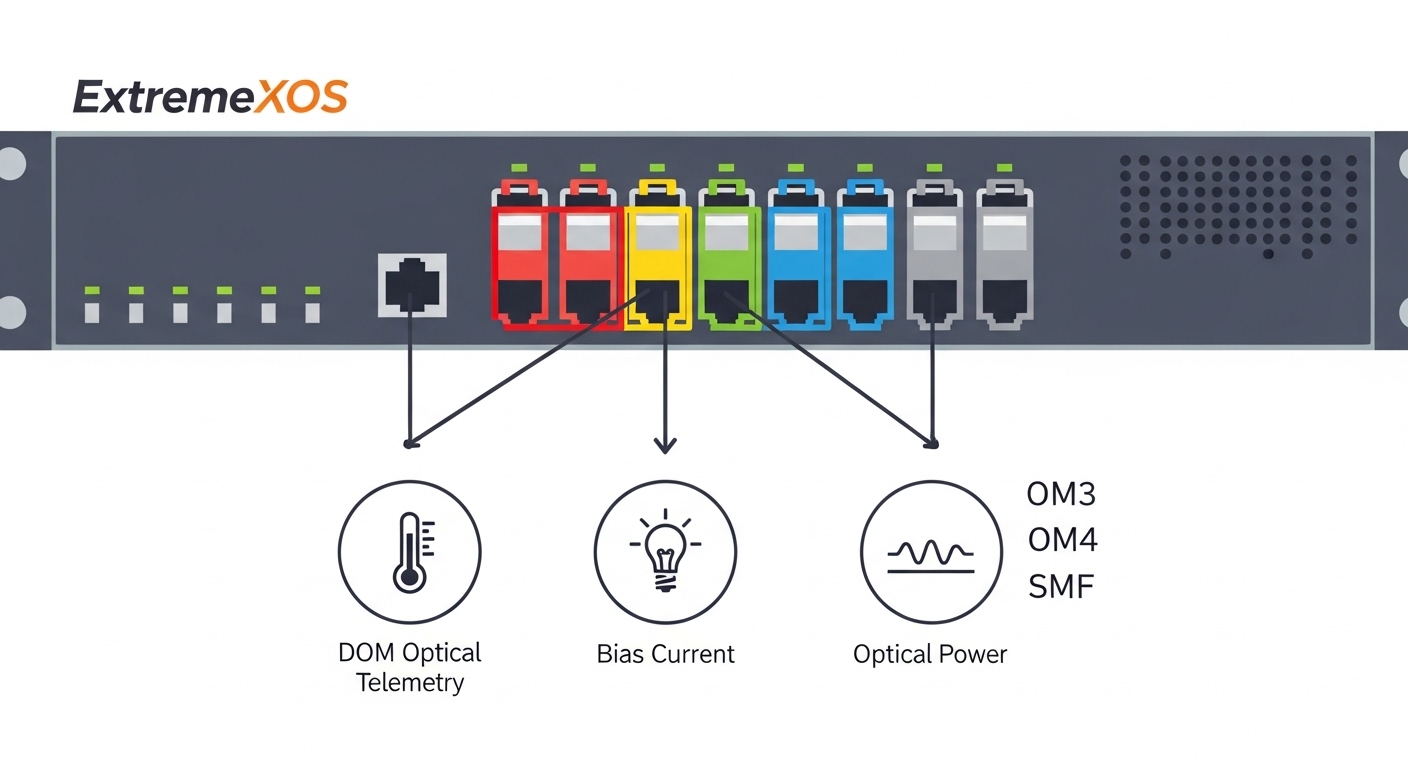
Implementation steps we used (repeatable for field teams)
- Map each port to its fiber plant: confirm connector type (LC vs MPO/MTP), fiber type (OM3 vs OM4 vs SMF), and expected distance.
- Lock optics family by wavelength and reach: 850 nm SR for multimode, 1310 nm LR for single-mode; avoid “it lights up” substitutions.
- Validate ExtremeXOS acceptance: after insertion, confirm the module is recognized and DOM reads are populated (no “unknown” or blank telemetry).
- Run link stability monitoring: watch for LOS, CRC errors, and link transitions over a full day, not just minutes.
- Document per-rack optics serials: treat optics like software dependencies; mismatched batches are real.
Pro Tip: In ExtremeXOS environments, the most misleading failure mode is “link up” with degraded DOM telemetry. Treat missing or inconsistent DOM fields as a compatibility risk, even if the PHY negotiates at first insert. We saw the flaps correlate with unstable optical power readings during temperature drift, not with an outright wavelength mismatch.
Measured results: what improved after we standardized Extreme switch optics
After the staged rollout, our uplink stability improved from 6/32 ports flapping to 0/32 ports over the next 30 days. MTTR dropped because engineers could verify DOM fields immediately and route troubleshooting to either fiber loss or optics batch behavior. We also reduced repeat truck rolls by establishing a “known-good” optics list tied to rack-level fiber type.
On the cost side, using OEM optics for every port would have raised procurement costs significantly, but third-party optics without validation increased risk. Our pragmatic approach was hybrid: OEM or tightly certified modules for critical uplinks, and validated third-party modules for less sensitive segments. This reduced TCO by balancing replacement probability, with fewer downtime minutes and less labor spent on re-seating and re-testing.
Selection criteria checklist for extreme switch optics on ExtremeXOS
Use this ordered list when choosing optics for ExtremeXOS ports and mixed fiber plants:
- Distance vs reach class: calculate your link budget using patch cord loss, splice loss, and worst-case insertion loss.
- Wavelength alignment: 850 nm SR for OM, 1310 nm LR for SM; never cross categories.
- Connector and optics interface: LC for SFP SR/LR, MPO/MTP for SR4; confirm polarity requirements.
- Switch compatibility behavior: verify the transceiver is accepted by ExtremeXOS and DOM telemetry is present.
- Operating temperature range: match your rack thermal profile; consider derating if you are near 70 C.
- DOM support and telemetry stability: ensure temperature, bias, and optical power fields are populated and consistent.
- Vendor lock-in risk: standardize across a small set of optics families to reduce future procurement friction.
For standards grounding, check [Source: IEEE 802.3] for optical link families and each module’s datasheet for electrical and optical power specs. For platform-specific behavior, follow [Source: Extreme Networks ExtremeXOS Transceiver Guide].
Common mistakes and troubleshooting tips (what actually broke)
Below are the failure modes we saw during our validation and rollout, with root causes and fixes.
Link comes up, then flaps under load
Root cause: DOM telemetry instability or marginal optical power due to a compatibility mismatch, not a total failure. Solution: verify DOM fields immediately after insert and compare optical power to the vendor’s “typical” range; replace with a validated optics family.
“Correct wavelength” but wrong fiber type
Root cause: mixing OM3 and SMF runs where the optics family is similar (e.g., 1310 nm assumptions). Solution: confirm fiber type in the patch panel labeling and measure link loss with an OTDR or certified loss tester.
MPO polarity and cleaning issues on SR4
Root cause: MPO/MTP polarity mismatch or dirty end faces causing intermittent LOS. Solution: clean with approved fiber cleaning kits, verify polarity adapters (or correct fiber cross), and re-test with a known-good reference module.
Temperature-driven degradation
Root cause: operating near upper temperature limits leads to bias drift and increased error rates. Solution: improve airflow, confirm module temperature readings via DOM, and keep to the module’s rated operating range.
FAQ: Extreme switch optics buyers ask this every week
Which optics should I choose for short multimode runs?
For typical intra-row distances, choose 850 nm SR (SFP SR) for LC links or SR4 for 40G MPO/MTP links. Then validate against your OM3/OM4 plant loss and confirm ExtremeXOS recognizes DOM telemetry.
Can I use third-party Extreme switch optics to cut costs?
Yes, but only after compatibility validation. We recommend running a 24-hour stability test and confirming DOM fields are populated and consistent with vendor expectations before scaling.
What if ExtremeXOS shows the module but diagnostics look incomplete?
Do not assume it is harmless. Treat missing or inconsistent DOM telemetry as a compatibility risk and replace with a known-good module that ExtremeXOS fully reports.
How do I calculate whether an optics reach rating is sufficient?
Use a link budget: transmitter power minus receiver sensitivity plus margins, minus measured insertion loss from patch cords, connectors, and splices. Always incorporate worst-case values and verify with a certified loss measurement.
What is the fastest troubleshooting workflow when ports flap?
First, check for LOS and CRC/error counters, then verify DOM telemetry immediately after insert. Next, validate fiber type and connector cleanliness, and only then swap optics using a validated reference module.
Closing: validate fast, standardize smarter, and protect uptime
Extreme switch optics succeed when they match your fiber plant, negotiate reliably under ExtremeXOS, and provide stable DOM telemetry for ongoing monitoring. If you are planning a rollout, start with a small rack pilot, measure link stability for a full day, then standardize the winning optics family across your fabric.
Next, align your process with the deployment playbook in optics compatibility testing workflow.
Author bio: I build and validate network optics for early-stage teams chasing PMF through rapid field learning. I focus on ExtremeXOS compatibility, measurable uptime outcomes, and operational checklists field engineers can trust.