
When your switches and storage arrays start demanding enterprise data speeds, the choice of interconnect becomes a quiet make-or-break lever. This article helps network and data center engineers select the best Active Optical Cable (AOC) for high-speed transfers, balancing signal integrity, switch compatibility, and total cost of ownership. You will get field-tested selection criteria, a spec comparison table, and troubleshooting steps drawn from common real failures in production fiber runs.
Why AOC matters for enterprise data speeds in real networks
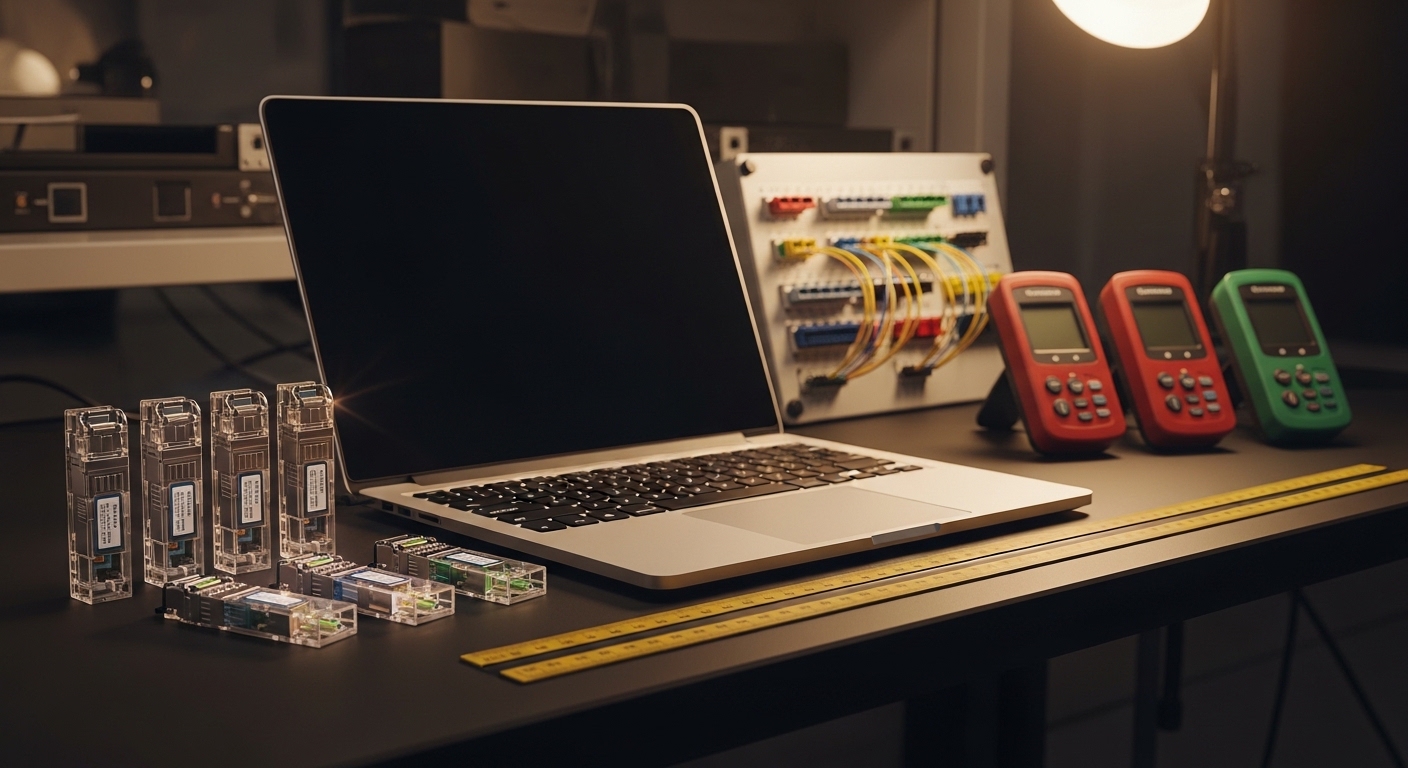
AOC modules bundle an optical transceiver and linear fiber in a single cable assembly, typically using SFP-DD, QSFP-DD, or OSFP form factors for short-reach links. In practice, AOCs reduce installation friction: you avoid separate transceiver handling and reduce the number of optical mating cycles. That matters when you are upgrading a live leaf-spine fabric and need predictable link bring-up across many ports.
From a signal standpoint, AOC designs compensate for channel loss and dispersion within the electrical-to-optical conversion and the integrated equalization. The target reach is usually short—often 10 m to 100 m depending on rate and wavelength—so AOCs are a pragmatic bridge between “copper everywhere” and “fully populated optics plus patch panels.” IEEE 802.3 Ethernet PHY requirements still govern link behavior, while vendor datasheets define optical power, receiver sensitivity, and operating temperature envelopes. For standards context, see [Source: IEEE 802.3].
Pro Tip: In high-density racks, the most frequent AOC “mystery failures” are not optical power issues; they are mechanical stress and connector seating. AOC internal fiber is more sensitive to repeated bend cycles than many expect, so treat cable routing like you would treat patch cords—strain relief first, bend radius second.
Core specs that decide whether an AOC will actually link
Before you compare product pages, map your network’s required Ethernet rate and physical interface to the AOC’s electrical and optical parameters. Engineers typically start with the switch port type (QSFP28, QSFP56, SFP28, OSFP, etc.), then match the AOC’s data rate and wavelength to the transceiver expectations. Finally, check reach and temperature—especially for rooms with airflow restrictions behind high-density line cards.
What to verify in the datasheet
- Data rate and lane mapping: For example, 10G uses 10.3125 Gb/s NRZ per lane in common implementations; 25G and 50G follow different lane and encoding patterns. Ensure the AOC is built for the exact Ethernet PHY mode your switch uses.
- Wavelength and fiber type: Many enterprise AOCs use 850 nm multimode optics for short reach, but verify multimode profile compatibility (OM3 vs OM4) and any vendor-specific constraints.
- Reach: Confirm the guaranteed reach for your rate at the specified temperature range. “Typ” reach often collapses under worst-case link budgets.
- Optical power and receiver sensitivity: These define whether the link budget survives real patching losses and aging.
- DOM support: Digital Optical Monitoring (DOM) affects monitoring workflows and fault isolation. If your operations team expects temperature, bias, and RX power alarms, select an AOC that exposes them.
- Operating temperature: AOC assemblies can be sensitive to high ambient conditions. Verify the full range, not just a headline “commercial” rating.
Key AOC vs traditional optics specs (example comparison)
Below is a practical comparison using representative enterprise short-reach modules and AOC assemblies. Exact values vary by vendor and generation; always confirm against the specific part number you will deploy.
| Category | Typical interface | Wavelength | Reach target | Connector style | Data rate | DOM | Operating temp range |
|---|---|---|---|---|---|---|---|
| 850 nm AOC (short reach) | QSFP28 / QSFP-DD | 850 nm | 10 m to 100 m | MPO/MTP | 25G or 100G-class | Common (varies) | 0 C to 70 C typical |
| Traditional MMF optics (separate transceiver + patch) | SFP+ / QSFP+ | 850 nm | Up to 300 m on OM3/OM4 (rate dependent) | LC or MPO/MTP | 10G to 40G | Often yes | 0 C to 70 C typical |
| Vendor-specific example part numbers | 10G SR / 25G SR families | 850 nm | Rate dependent | LC or MPO | 10G to 25G | Varies | Check datasheet |
For concrete transceiver behavior references, consult vendor datasheets for known SR families such as Cisco SFP-10G-SR and Finisar/FS.com SR optics (examples include [Source: Cisco] and [Source: Finisar], [Source: FS.com]). While these are not AOCs, the optical power, sensitivity, and DOM conventions help calibrate expectations for what your switch will accept.
Deployment scenario: AOC in a leaf-spine upgrade for enterprise data speeds
Consider a 3-tier data center leaf-spine topology with 48-port 10G ToR switches and dual 100G uplinks per leaf. The team upgrades to support higher east-west traffic for analytics replicas, moving from 10G to 25G on the leaf access tier and keeping spine uplinks at 100G. They replace patch-heavy runs between ToR and aggregation with AOCs rated for 25G over OM4 at 70 m to avoid re-terminating fiber during a phased construction window.
Operationally, they deploy AOCs in bundles of 24 per ToR during each maintenance window. Each AOC is labeled and installed with the same bend radius and strain relief procedure used for patch cords. After activation, the NOC confirms link stability using interface counters and optics telemetry; typical success metrics include stable link up/down events, no CRC spike beyond baseline, and receiver power within the DOM thresholds. When a single link fails, the team checks connector seating and cable routing before assuming an optical budget problem.
Selection criteria checklist for choosing the best AOC
Engineers rarely fail from choosing “the wrong brand” alone; failures come from mismatched assumptions. Use the checklist below to make the decision repeatable across vendors and rack locations.
- Distance and link budget reality: Measure your actual fiber path and patch loss, then validate AOC reach for your rate and wavelength. Do not rely on “up to” marketing reach.
- Switch compatibility: Confirm the switch model supports the AOC’s form factor and speed mode. Some platforms require firmware support or specific optics profiles.
- Connector and polarity handling: Verify MPO/MTP polarity requirements (common in 100G-class links). An incorrect polarity map can look like a “bad optic” but is actually a fiber routing issue.
- DOM and monitoring expectations: Decide whether your operations stack needs temperature, bias current, and RX power alarms. Ensure the AOC exposes DOM in a way your platform ingests.
- Operating temperature and airflow: Check the AOC’s full rated range, then compare it to measured ambient near the ports. High-density line cards can create localized hot spots.
- Vendor lock-in risk: OEM optics can be predictable but costly. Third-party AOCs can reduce price, yet may have compatibility quirks or different alarm thresholds. Plan a staged rollout and validate telemetry.
- Mechanical life and routing constraints: If cables will be moved during operations, ensure the assembly tolerates the handling frequency. Treat bend radius compliance as a requirement, not advice.
Common mistakes and troubleshooting tips
High-speed links punish small mistakes. Below are real failure modes and how to isolate them without wasting a maintenance window.
Link never comes up after installation
Root cause: Connector mis-seating (MPO/MTP) or incorrect polarity mapping. AOC assemblies can look “fully inserted” while still not meeting the connector depth spec.
Solution: Re-seat both ends, verify polarity with the correct polarity method for your patching scheme, and confirm the switch port status (link training logs if available). If possible, swap the AOC with a known-good spare before touching fiber.
Links flap under load, with CRC or error counters rising
Root cause: Excessive bend radius or cable stress that degrades optical coupling. This often appears only when traffic increases because the receiver operates closer to its margin.
Solution: Reroute the AOC to remove tight bends, confirm strain relief, and compare DOM-reported RX power across time. If DOM shows RX power drifting toward the low threshold, replace the assembly.
Monitoring shows “DOM absent” or alarms don’t match thresholds
Root cause: AOC without DOM support, or DOM implemented differently than your switch expects. Some vendor ecosystems map DOM fields to alarm thresholds differently.
Solution: Confirm DOM capability in the datasheet and test telemetry on a single rack first. If your platform requires specific DOM behavior, align vendor selection with your monitoring tooling.
Works in one rack, fails in another with higher ambient
Root cause: Operating temperature limits exceeded due to blocked airflow or side-by-side heat stacking.
Solution: Measure ambient temperature at the port face, compare to the AOC temperature rating, and improve airflow. If you see repeated errors after thermal peaks, treat it as a thermal compliance issue.
Cost and ROI: where savings are real, and where they hide
Pricing depends on speed, reach, and form factor. In many enterprise procurement cycles, you can see AOCs land in a middle band: often cheaper than buying OEM transceivers plus patch hardware, but sometimes more than “transceiver-only” third-party optics depending on your installed fiber conditions. For example, 25G-class short-reach AOCs can be priced meaningfully below OEM optics bundles, but the exact spread varies by contract and volume.
ROI is not only purchase price; it is also labor and downtime. AOCs can reduce installation time because you avoid separate transceiver handling and reduce the number of optical mating events, which lowers the probability of field failures during migrations. However, AOCs also concentrate risk: if one assembly fails, you replace the whole cable rather than just a transceiver. A sensible TCO model accounts for failure rates and mean time to repair, then compares the cost of spares and swap logistics.
FAQ: enterprise buyers and engineers ask about AOCs
What wavelength do I need for enterprise data speeds with AOCs?
Most short-reach enterprise AOCs use 850 nm over multimode fiber. Your choice should match your existing fiber plant (often OM3 or OM4) and the AOC datasheet’s guaranteed reach at your target rate.
Will an AOC work with any switch port that matches the connector?
No. Even when the connector and data rate match, the switch may require specific optics profiles, firmware support, or DOM behavior. Always validate compatibility with your switch model and software release, ideally in a staging rack.
Do I need DOM for operations and fault isolation?
If your NOC relies on telemetry for proactive maintenance, yes. DOM can expose temperature and receive power trends, letting you detect margin erosion before link drops. If your monitoring stack ignores DOM, you may save cost, but you lose early warning signals.
How do I compare reach between AOC and traditional transceivers?
Use the datasheet’s guaranteed reach at the specific data rate and temperature range. Also include your real path losses: patch cords, splices, and any intermediate connectors. AOC reach claims are not automatically interchangeable with standalone optics reach.
What is the most common cause of AOC link flaps?
Mechanical stress is a frequent culprit: tight bends, poor strain relief, or repeated handling during moves. If flaps correlate with traffic peaks and DOM RX power trends downward, treat routing and stress as the first suspect.
Are third-party AOCs safe for enterprise data speeds deployments?
They can be, but do not assume equivalence. Run a pilot with full telemetry validation, confirm alarm thresholds and DOM mapping, and keep a short rollback window. OEM parts reduce uncertainty, while third-party parts can reduce cost if validated carefully.
Enterprise data speeds are won not only in silicon, but in the links you choose between racks: AOC assemblies can deliver clean upgrades when you respect compatibility, temperature, and mechanical constraints. If you are planning a broader optics refresh, review Selecting fiber optic transceivers for high-density data centers next.
Author bio: I have deployed AOC and SR optics in multi-rack leaf-spine upgrades, troubleshooting link margin, DOM telemetry, and connector failures under maintenance-window pressure. I write from the field with an ROI lens, translating datasheet parameters into operational checklists that reduce downtime.
Last updated: 2026-04-30
