If you have ever watched an audio over IP fiber stream stutter during a rehearsal, you already know the risk: the transport layer matters as much as the codec. This article helps AV engineers, broadcast techs, and IT network owners choose SFP optics that behave reliably under stage, rack, and data center conditions. You will get practical selection criteria, real deployment numbers, common failure modes, and a ranked checklist you can use the same day.
Match wavelength and fiber type to your existing plant
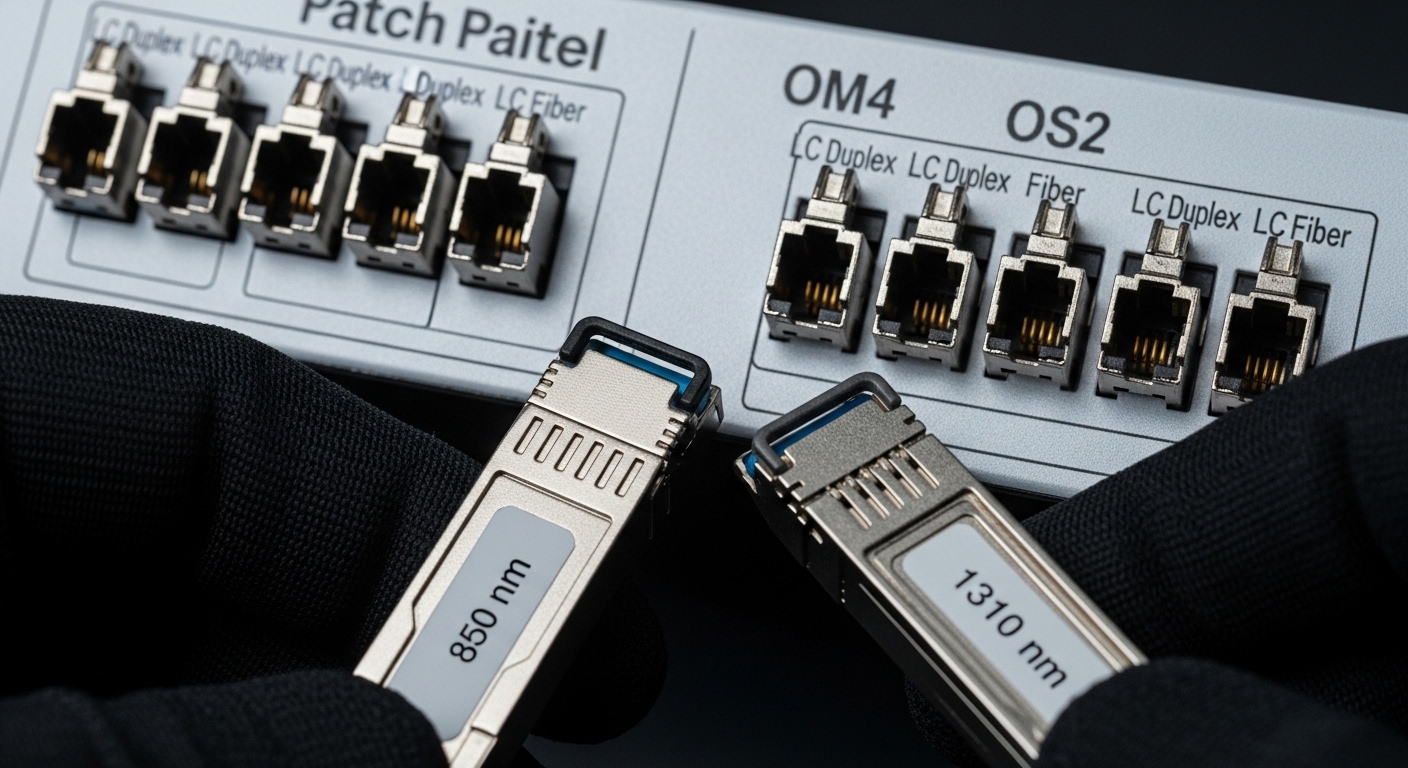
Audio over IP fiber typically rides on Ethernet, so your SFP must align with the wavelength plan and the fiber type already installed. Most pro AV deployments use multimode OM3 or OM4 for short runs and single-mode OS2 for longer backbone segments. If you mix optics (for example, a 850 nm multimode SFP on a single-mode run), the link may fail completely or negotiate incorrectly.
What to look for on the SFP datasheet
- Wavelength: Common values are 850 nm for MMF and 1310 nm / 1550 nm for SMF.
- Fiber type: OM3/OM4 (MMF) vs OS2 (SMF).
- Connector: LC is typical for SFP cages in enterprise gear.
Pros: Avoids outright link failures and reduces commissioning time. Cons: Requires you to verify fiber labeling and patch panel history.
Use the right reach class for rehearsal-to-rack distances
SFP reach is not just a marketing number; it is constrained by fiber attenuation, splice loss, and connector cleanliness. In audio over IP fiber, a marginal optical budget can still pass link-up but cause intermittent CRC errors that you hear as dropouts. For multimode, OM4 typically supports shorter distances reliably than OM3 when patching is imperfect.
Practical reach targets
- Short stage-to-rack runs: choose 850 nm MMF SFP sized for your measured loss.
- Backbone or inter-room routing: choose 1310 nm SMF SFP or 1550 nm if your plant supports it.
- Always budget for patch cords, re-terminated connectors, and recent changes.
Pros: Fewer field surprises during live events. Cons: Overbuying reach can cost more than needed.
Confirm DOM support and interpret it like an engineer
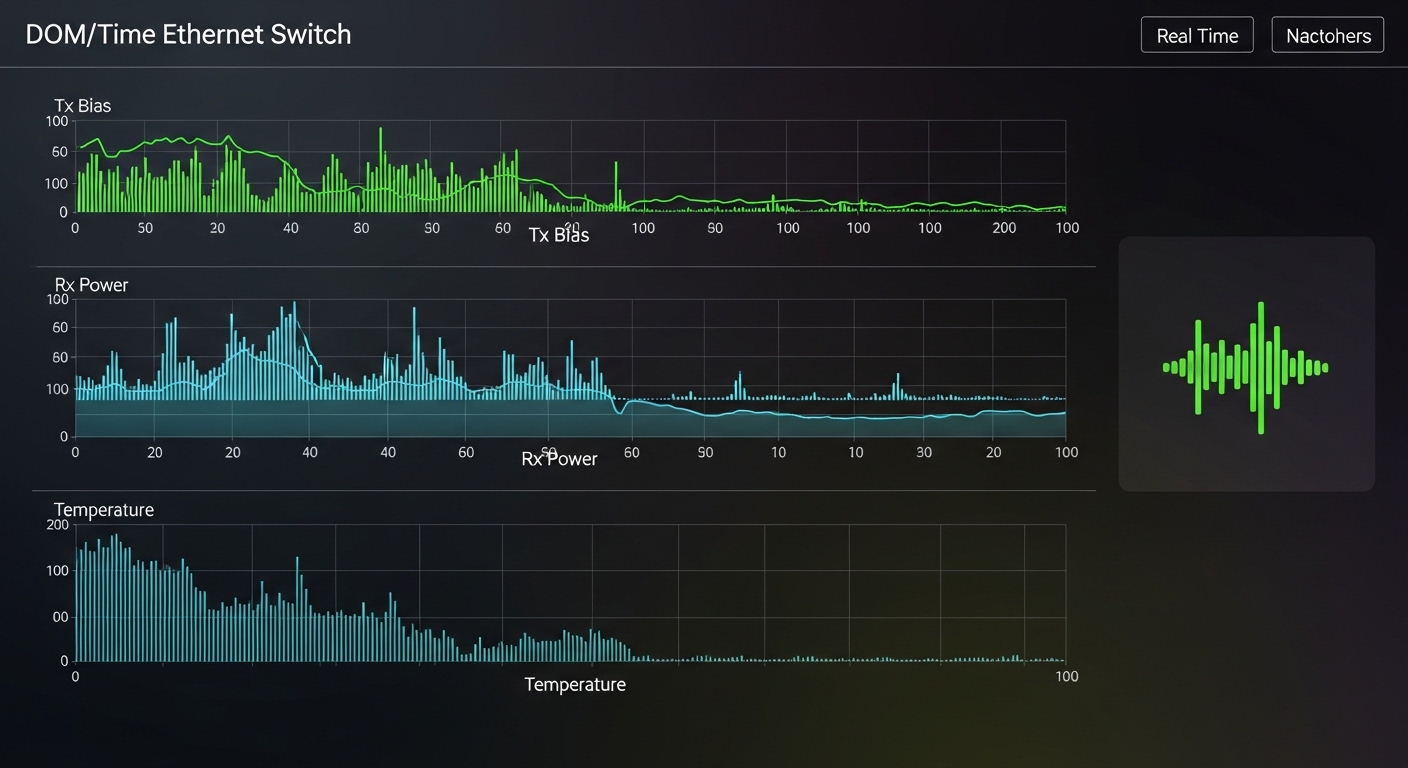
Digital optical monitoring (DOM) helps you detect aging optics, dirty connectors, and marginal power levels before they become audible problems. For audio over IP fiber networks, DOM data is especially valuable because the transport errors may be subtle until the show goes live. Most managed switches and media converters can read DOM parameters over the SFP management interface.
DOM parameters that matter
- Tx bias current: Rising bias can indicate degradation or temperature stress.
- Rx optical power: Low Rx power often points to fiber loss, dirty connectors, or a wrong wavelength.
- Optical temperature: High temperatures can accelerate failure and drift.
Pros: Early warning reduces downtime. Cons: DOM thresholds vary by vendor; you need a baseline for your environment.
Pro Tip: In the field, the fastest way to differentiate “bad fiber” from “bad optics” is to compare DOM Rx power against the vendor’s typical receive sensitivity and your known-good SFP in the same cage. If DOM looks healthy but audio still glitches, the root cause is often QoS, buffer sizing, or clocking elsewhere in the AV-over-Ethernet chain.
Choose power class and operating temperature for real racks
Audio over IP fiber SFPs often live in equipment rooms with variable airflow, fan cycles, and sometimes direct exposure to warm air from neighboring gear. You should select transceivers with an operating temperature range that matches your switch environment, especially if you mount in shallow racks or near power distribution.
Datasheet checks
- Operating temperature: Many enterprise SFPs are 0 to 70 C, while extended variants may be broader.
- Supply voltage: Commonly 3.3 V for SFP.
- Max power: Impacts thermal headroom and sometimes airflow planning.
Pros: Better thermal stability and longer service life. Cons: Extended-temp optics can cost more and may be less stocked by distributors.
Ensure electrical compatibility: data rate, coding, and cage type
Even when the fiber is correct, the SFP must be electrically compatible with the switch port. Audio over IP fiber uses Ethernet framing, but your SFP must still match the port’s expected speed and transceiver type. In practice, engineers see failures when a port expects 10G but someone installs a 1G SFP, or when the cage supports SFP+ but the device is SFP-only.
Compatibility checklist
- Data rate: 1G, 10G, 25G, or higher as required by your audio-over-IP design.
- Form factor: SFP vs SFP+ vs SFP28 are not interchangeable.
- Standards expectations: Ethernet links follow IEEE 802.3 behavior for link negotiation and error handling. Consult the switch vendor’s transceiver matrix for confirmed support.
Pros: Prevents “link up but unusable” scenarios. Cons: Requires careful port inventory.
Compare common SFP optic types for audio over IP fiber
Below is a practical comparison of widely used optic classes you will encounter in pro audio networks. Example part numbers are included so you can map specs to what is available from OEM and third-party channels. Always verify that the switch vendor supports the exact module for your firmware and port type.
| Optic type (example) | Wavelength | Reach (typical) | Data rate | Connector | DOM | Operating temperature |
|---|---|---|---|---|---|---|
| Cisco SFP-10G-SR | 850 nm | Up to 300 m (OM3) | 10G | LC | Yes (where supported) | 0 to 70 C |
| Finisar FTLX8571D3BCL | 850 nm | Up to 300 m (OM3) / 400 m (OM4) | 10G | LC | Yes | 0 to 70 C |
| FS.com SFP-10GSR-85 (example class) | 850 nm | Up to 300 m (OM3) / 400 m (OM4) | 10G | LC | Varies by SKU | Typically 0 to 70 C |
| Generic 10GBASE-LR SFP (1310 nm) | 1310 nm | Up to 10 km (OS2) | 10G | LC | Usually yes | 0 to 70 C (common) |
Pros: Fast comparison for stocking decisions. Cons: Reach depends on patch loss and the exact fiber spec (OM3 vs OM4) and connector quality.

Selection criteria for audio over IP fiber SFPs (field checklist)
Use this ordered list when you are selecting SFPs for an audio over IP fiber rollout, whether you are replacing failed optics or standardizing a spares kit.
- Distance and optical budget: Measure or estimate total loss including patch cords, splices, and connectors.
- Fiber type and wavelength: OM3/OM4 for 850 nm; OS2 for 1310/1550 nm.
- Switch compatibility: Confirm the transceiver in the vendor compatibility matrix for your switch model and firmware.
- DOM support and monitoring plan: Ensure your switch can read DOM and you have a baseline Rx power value.
- Operating temperature: Match the SFP range to your rack airflow and ambient conditions.
- DOM thresholds and alarms: Decide whether you will alert on Rx power drift or temperature excursions.
- Vendor lock-in risk: OEM modules may be supported more reliably, but third-party can work if the switch accepts them consistently.
Pros: Reduces returns and speeds commissioning. Cons: Requires discipline in documentation and optical labeling.
Common mistakes and troubleshooting for audio over IP fiber links
Here are field-proven failure modes that show up in audio over IP fiber deployments, along with root causes and solutions. If you address these quickly, you often restore service before the next cue.
Mistake 1: Correct connector type, wrong fiber mode
Root cause: A user installs an 850 nm multimode SFP into a path labeled as single-mode, or uses the wrong fiber grade (OM3 vs OM4) with a tight optical budget. The link may come up intermittently or show elevated CRC errors.
Solution: Verify fiber mode labeling, then confirm with an optical loss test (end-to-end) and DOM Rx power after swapping in a known-good module.
Mistake 2: Dirty connectors after hot patching
Root cause: Hot swapping fiber patch cords without cleaning end faces introduces micro-dust, causing Rx power to drop and triggering retransmissions that can sound like audio dropouts.
Solution: Clean with approved methods (inspect with a fiber scope), re-terminate if needed, then re-check DOM Rx power and interface counters.
Mistake 3: Ignoring switch transceiver compatibility
Root cause: The SFP is electrically compatible in theory, but the switch rejects it or runs it in a reduced/unstable mode. Some platforms may show link flaps under load.
Solution: Use the switch vendor’s transceiver matrix, update switch firmware if allowed, and validate stability by running traffic for at least 30 minutes while monitoring error counters.
Mistake 4: Overlooking thermal stress in crowded racks
Root cause: The SFP operates above comfortable airflow conditions, pushing DOM temperature up and increasing optical drift. You may see errors increase over time rather than immediately.
Solution: Improve airflow, confirm rack ambient temperature, and compare DOM temperature over a full rehearsal cycle.
Cost and ROI: OEM vs third-party optics for pro audio spares
Cost decisions should include both purchase price and downtime risk. In many markets, a 10GBASE-SR SFP commonly ranges from roughly $60 to $200 depending on OEM vs third-party and warranty terms; higher-reach SMF optics can cost more. OEM modules often have smoother compatibility with enterprise switches, while third-party modules can be cost-effective if your switch consistently accepts them and DOM behaves within expected ranges.
TCO note: If you factor in a single cancelled performance due to optical instability, the ROI often favors predictable compatibility. Keep a small spares kit and log DOM baselines so replacements are validated quickly rather than guessed.
Ranked summary table: best-fit SFP picks by audio over IP fiber use case
Use the ranking below to choose quickly. This is not a substitute for optical measurement, but it reflects typical engineering outcomes in real installations.
| Use case | Recommended SFP class | Why it fits | Rank |
|---|---|---|---|
| Stage to rack, short runs | 850 nm 10GBASE-SR on OM3 or OM4 | Cost-effective, widely supported, easy patching | 1 |
| Inter-room audio plant | 1310 nm 10GBASE-LR on OS2 | Better for longer distances with fewer constraints | 2 |
| Backbone with higher reach | 1550 nm LR or ER variants on OS2 (if supported) | Long-distance transport without replacing fiber | 3 |
| Strict monitoring requirement | SFP with full DOM visibility | Enables proactive Rx power and temperature checks | 4 |
| Budget spares kit | Third-party accepted by switch matrix, same spec | Lower cost while maintaining compatibility | 5 |
FAQ
What does audio over IP fiber change about SFP selection?
It does not change Ethernet fundamentals, but it changes how you evaluate reliability. In audio over IP fiber, you care about low error rates during sustained traffic, so DOM monitoring, temperature stability, and connector cleanliness become as important as reach.
Can I use third-party SFPs for audio over IP fiber?
Often yes, but only if your switch model and firmware accept them reliably. Check the vendor transceiver compatibility list, then validate DOM readings and interface error counters during a traffic test.
How do I calculate whether a multimode 850 nm SFP will work?
Start with the vendor’s reach guidance, then subtract measured loss from your end-to-end fiber test results, including patch cords and splice points. If you cannot measure, assume conservative loss and consider using OM4-rated paths for margin.
What are the most common symptoms of a failing SFP in an AV network?
You may see link flaps, rising CRC or FCS errors, or DOM Rx power drifting downward. Sometimes the link seems “up”