When your Azure ExpressRoute circuit needs a stable fiber handoff, the transceiver choice can make or break link uptime. This article helps network engineers and field teams pick an Azure connectivity transceiver that matches SFP requirements for ExpressRoute fiber. You will learn practical selection criteria, real deployment numbers, and troubleshooting steps grounded in common vendor behavior and Ethernet optics standards.
What an Azure ExpressRoute fiber handoff expects from SFP optics
ExpressRoute deployments typically terminate on a customer edge router or switch port configured for a specific Ethernet rate and optical reach. In SFP form factor, you must align three things: the data rate (for example 1G vs 10G), the fiber type and wavelength (for example 850 nm multimode vs 1310 nm single-mode), and the electrical/optical compliance with the host port. While vendors vary, most problems come from mismatched optics class, incorrect reach assumptions, or missing DOM compatibility.
From an engineering perspective, the underlying physics is straightforward: the transmitter wavelength and modulation must match the receiver sensitivity and the fiber attenuation budget. Ethernet over fiber is standardized in IEEE 802.3 for physical layer behavior, and optics vendors follow those link budgets and safety constraints. For reference, see [Source: IEEE 802.3] [[EXT:https://standards.ieee.org/standard/]] and vendor datasheets for exact SFP operating parameters.
Key specifications to verify before you buy
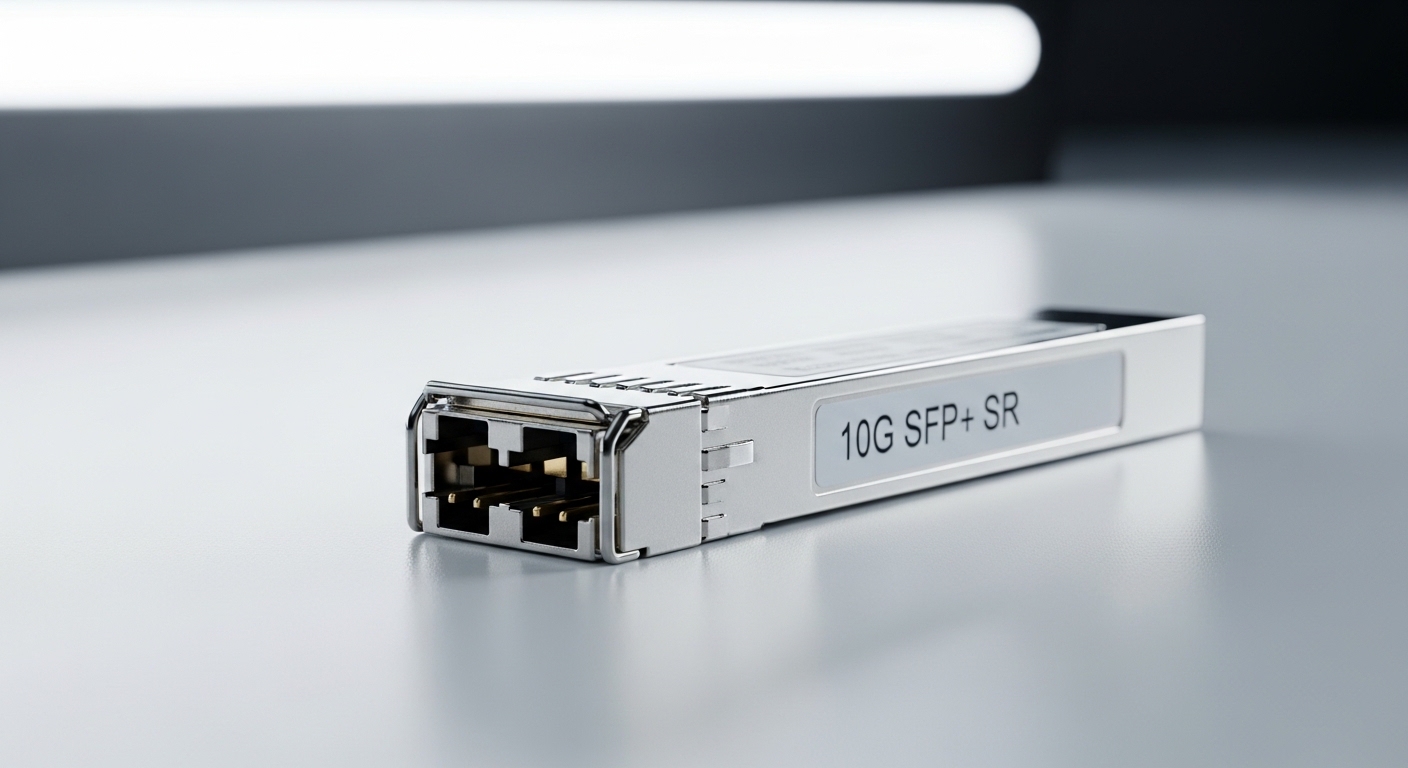
Engineers often start by checking “does it say 10G?” but the host port will fail links for subtler reasons like temperature range, DOM signaling format, and connector type. For ExpressRoute fiber handoff, confirm the wavelength and reach against your actual fiber plant, including patch cords and splices.
| Spec | Typical Example | Why it matters for Azure ExpressRoute |
|---|---|---|
| Data rate | 10G (10GBASE-SR) or 1G (1000BASE-SX) | Host port must match line rate and encoding |
| Wavelength | 850 nm (SR/SX, multimode) or 1310 nm (LR, single-mode) | Determines attenuation and receiver sensitivity |
| Reach (example) | SR often rated around 300 m on OM3/OM4; LR can be 10 km | Your fiber budget must include every connector and splice |
| Connector | LC (common), sometimes SC on breakouts | Wrong connector causes installation delays and adapter errors |
| DOM | Digital Optical Monitoring, commonly supported in modern SFP+ and SFP | Enables alarms and helps validate optics health |
| Operating temperature | Common ranges: 0 to 70 C (commercial) or -40 to 85 C (industrial) | Edge closets can exceed commercial limits |
| Tx power / Rx sensitivity | Vendor-specific; must fit link budget | Protects against marginal links during temperature drift |
In practical terms, you will see modules such as Cisco SFP-10G-SR, Finisar FTLX8571D3BCL, or FS.com SFP-10GSR-85 used for 10G over multimode. Always validate against the specific host switch/router optics compatibility list and the exact rate configured on the port.
Real-world deployment scenario: leaf-spine edge to ExpressRoute
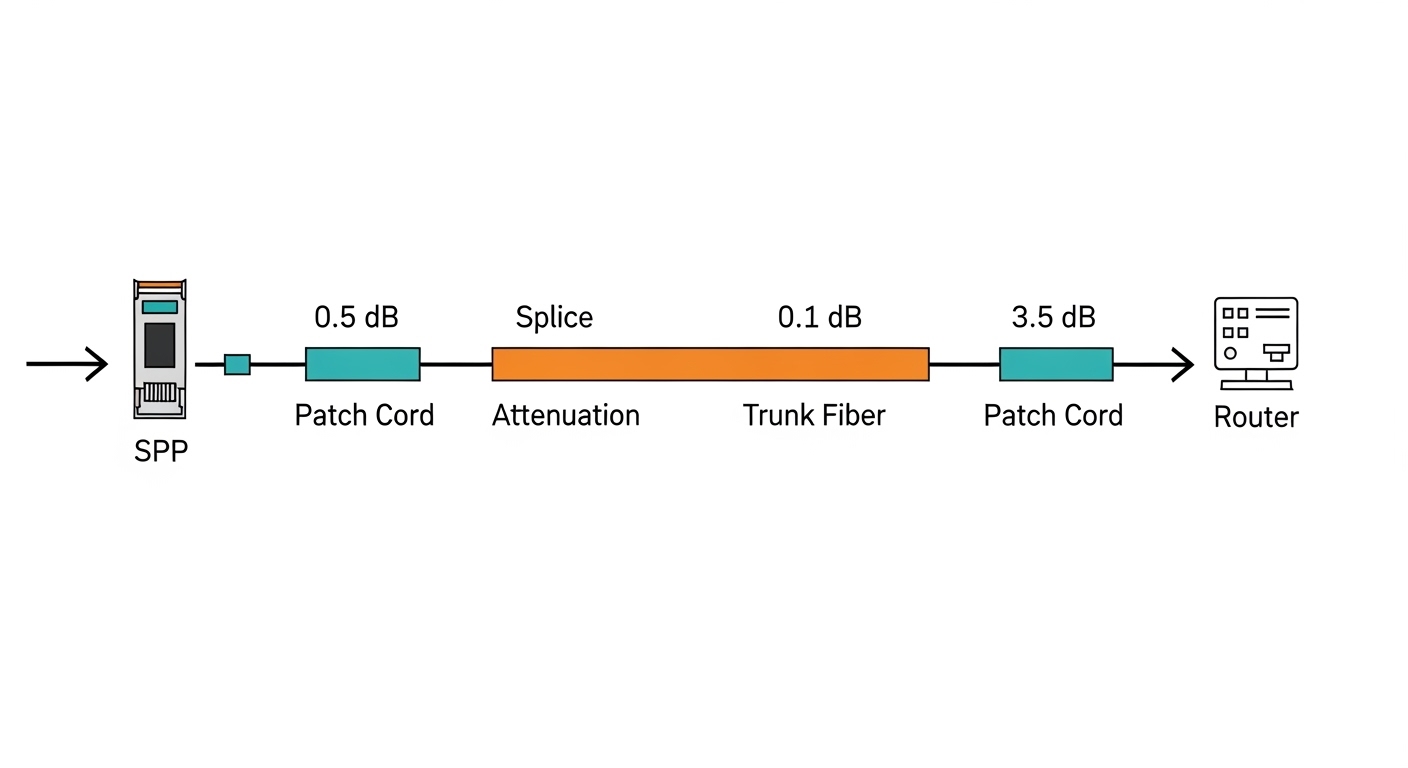
Consider a 3-tier data center leaf-spine topology where two ToR leaf switches provide the customer edge for an ExpressRoute circuit. Each leaf uses 10G ports to an edge router, and the fiber plant includes 1.8 km of single-mode trunk plus 3 patch cords and 12 splices. Engineers budget 0.5 dB per patch cord pair, 0.2 dB per splice, and 1.0 dB connector margin, then compare the total to the module’s vendor link budget. In this setup, selecting an SFP designed for the correct wavelength and reach prevents intermittent CRC errors and avoids a “works at room temperature but fails in the rack” scenario.
If the plant is multimode, you must also ensure the module is rated for the specific fiber grade (OM3 vs OM4) and that patch cords are matched. A common failure mode is assuming “300 m SR” without counting patch cords and then seeing link flaps when traffic patterns increase dispersion-related penalties.
Selection criteria checklist engineers actually use
Use this ordered checklist when choosing an Azure connectivity transceiver for ExpressRoute fiber handoff:
- Distance and fiber type: measure end-to-end fiber length and confirm OS2 vs OM3/OM4 grade.
- Required Ethernet rate: match the port configuration (for example 10G vs 1G) and ensure the transceiver supports that line coding.
- Wavelength and reach alignment: verify the module wavelength (850 nm, 1310 nm, etc.) and compare vendor reach to your measured link budget.
- Switch compatibility: check the host vendor’s SFP/SFP+ compatibility list and any known firmware quirks.
- DOM support: confirm the host reads DOM; mismatched DOM implementations can trigger “unsupported optics” alarms.
- Operating temperature: confirm the module temperature rating fits the enclosure airflow and hot-spot conditions.
- Vendor lock-in risk: decide whether to standardize on OEM modules or third-party optics with documented compatibility.
Pro Tip: In the field, the fastest way to avoid “mystery link flaps” is to validate with live optics telemetry: check Tx power and Rx power via DOM before and after link bring-up. Marginal links often reveal themselves as low Rx power headroom long before errors spike.
Common mistakes and troubleshooting tips
1) Wrong wavelength for the fiber type. Root cause: installing an 850 nm multimode SR module into a single-mode (OS2) path or vice versa. Solution: confirm fiber type at the patch panel and match wavelength to the plant; label both ends and verify with OTDR when possible.
2) Overlooking the full link loss budget. Root cause: counting only trunk length and ignoring patch cords and splices. Solution: compute total loss in dB using measured insertion loss or conservative estimates, then compare to the module vendor budget with an added margin for aging.
3) DOM incompatibility leading to optics shutdown. Root cause: certain third-party optics may not fully satisfy the host’s DOM expectations, causing “unsupported module” events. Solution: test with the exact vendor/model pair in a staging rack; if needed, switch to an OEM or a third-party module explicitly listed as compatible.
4) Connector cleanliness issues. Root cause: dirty LC endfaces create high reflectance and elevated error rates even when power levels look acceptable initially. Solution: use fiber inspection tools, clean with approved lint-free wipes and solvent, and re-test. This often fixes intermittent CRC bursts.

Cost, ROI, and total cost of ownership
OEM SFP modules often cost more upfront, while third-party options can reduce purchase price but may increase validation time and compatibility risk. Typical street pricing varies widely by rate and reach; for many 10G short-reach modules, you may see a range from roughly $30 to $100 per module depending on brand and temperature grade, plus shipping and spares. Over a multi-year horizon, TCO includes failure rates, truck-rolls, and downtime impact; keeping a small pool of tested spares usually beats “buy cheap, deploy slowly.” For ROI calculations, include labor hours for DOM validation and the cost of failed link turn-ups during maintenance windows.
When you standardize on a known compatible SKU, you reduce time spent on troubleshooting and shorten outage windows, which often outweighs the initial price difference. For compliance and safety, rely on vendor datasheets and host switch documentation rather than generic spec claims.
FAQ
What does an Azure connectivity transceiver need to support for ExpressRoute?
It must match the port’s Ethernet line rate and the fiber plant’s wavelength and connector type. In practice, engineers also verify DOM compatibility so the host can monitor optics health and alarms.