
If your MikroTik switch or router ports drop link, flap under load, or never come up after installing an SFP, the cause is usually compatibility: optics type, wavelength, DOM signaling, and power budget. This article helps network admins choose the right MikroTik SFP optics for stable RouterOS fiber links, with field-tested selection rules and troubleshooting steps.
Top 8 MikroTik SFP picks that usually work on RouterOS
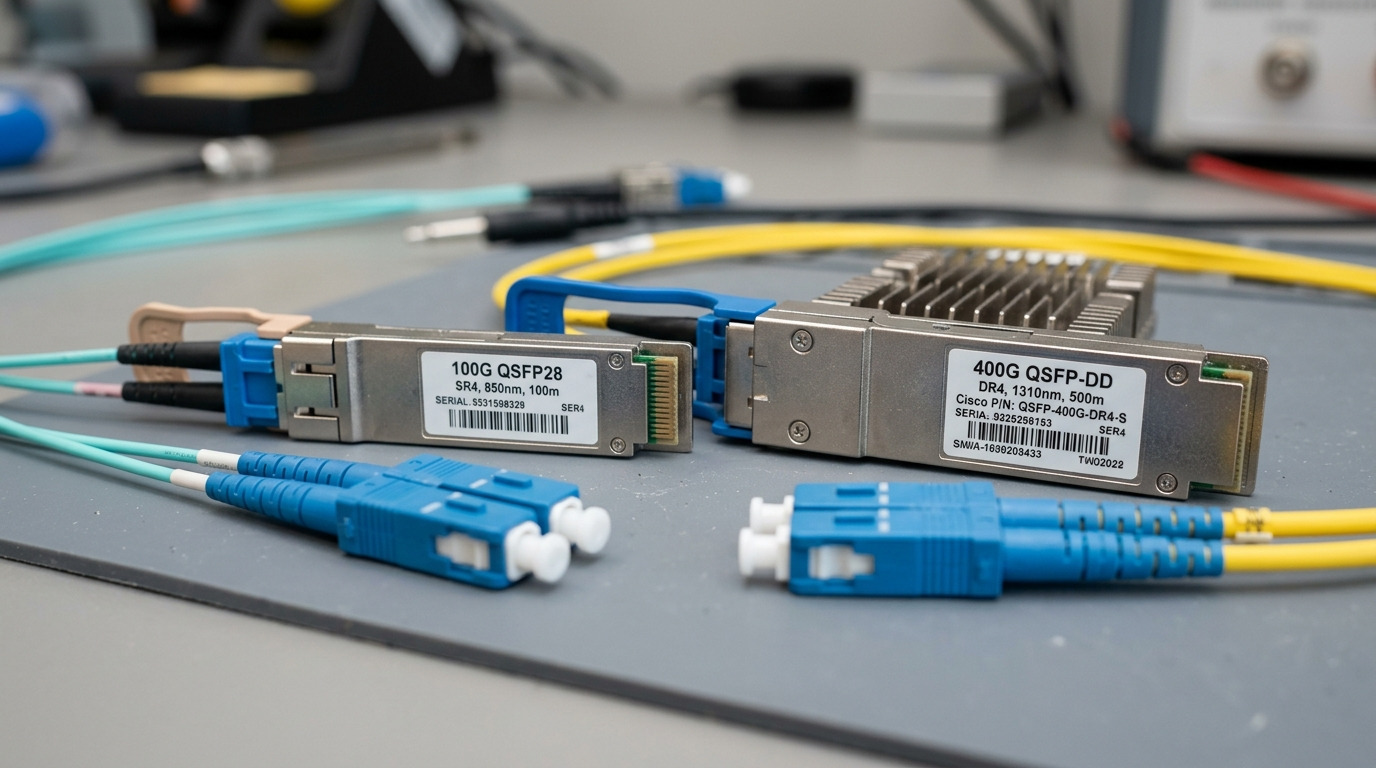
In practice, MikroTik SFP compatibility is less about “brand” and more about meeting electrical and optical expectations: data rate match, fiber type match, and TX power/RX sensitivity within the module and link budget. Below are the most common categories you will deploy, with best-fit scenarios and pros/cons.
1G SX (850 nm, multimode) for short data hall runs
Key specs to target: 1000BASE-SX class, 850 nm, typical reach 300 m over OM3 (and less on OM2). Expect LC duplex connectors and a transceiver that negotiates 1G with the MikroTik port.
Best-fit scenario: A small office or edge site connecting a MikroTik CRS/CCR access switch to a nearby MDF/IDF over OM3 50/125 multimode. Keep runs under a few hundred meters to avoid margin loss from patch cords.
- Pros: Cheapest per port, widely available
- Cons: Range depends heavily on OM grade and patch cord quality
1G LX (1310 nm, single-mode) for longer building links
Key specs to target: 1000BASE-LX class, 1310 nm, reach commonly 10 km on SMF (check module datasheet). Use LC duplex and ensure single-mode fiber is truly SMF, not “multimode with good marketing.”
Best-fit scenario: Two racks across a campus corridor using OS2 9/125 single-mode fiber with a few splice points.
- Pros: Better reach, tolerant to distance than SX
- Cons: More expensive than SX; mismatch fiber type causes total link failure
10G SR (850 nm, multimode) for leaf-spine short-haul
Key specs to target: 10GBASE-SR class, 850 nm, typical reach 300 m on OM3, 400-500 m on OM4 depending on module. Verify the optics are truly 10G SR and not a 1G SFP.
Best-fit scenario: A 3-tier data center leaf-spine design where ToR-to-spine is kept within a few hundred meters using OM4. I often see this when MikroTik is used as an edge aggregation layer feeding a larger fabric.
- Pros: High bandwidth without paying for long-haul optics
- Cons: Multimode system compliance matters (fiber plant and connector cleanliness)
10G LR (1310 nm, single-mode) for spare-distance links
Key specs to target: 10GBASE-LR class, 1310 nm, typical reach 10 km. LR modules generally require proper link budget: fiber attenuation, splice loss, and patch cord loss.
Best-fit scenario: A MikroTik router connecting a remote site where you need more than SR reach but still want optics cost far below 40G/100G long-haul.
- Pros: Reliable reach for WAN-lite links
- Cons: Requires correct OS2 fiber and clean, seated LC connectors
10G ER (1550 nm, single-mode) for difficult spans
Key specs to target: 10GBASE-ER class, 1550 nm, commonly 40 km on compliant links. This is where careful budget math prevents intermittent errors.
Best-fit scenario: A rural fiber run with higher splice counts or older infrastructure. I have used ER to avoid replacing fiber when attenuation was within spec but margins were tight.
- Pros: Extends reach when fiber plant is messy
- Cons: Higher module cost; chromatic dispersion and budget still matter
Copper SFP (where fiber is not possible)
Key specs to target: 1000BASE-T (RJ-45) for short copper links, or 10GBASE-CU variants if your MikroTik model supports 10G copper SFP+. Verify length (often 30 m class for passive copper; active can vary).
Best-fit scenario: Lab-to-switch patching or temporary builds. Copper avoids fiber cleaning issues but introduces RJ-45 port quality risks.
- Pros: Fast install, no fiber cleaning
- Cons: Distance and cable category limits; higher failure risk from bad patch leads
DOM-capable optics with verified vendor behavior
Key specs to target: Digital Optical Monitoring (DOM) support, typically via I2C. Many MikroTik deployments benefit when DOM is functional, especially for monitoring temperature, bias current, and received power.
Best-fit scenario: A network with SNMP/telemetry where you want alerts before a transceiver dies. DOM helps you correlate errors with optical degradation.
- Pros: Better observability; earlier failure detection
- Cons: Some third-party DOM implementations can be quirky; test in staging
SFP+ 10G modules only when the port is truly 10G
Key specs to target: SFP+ form factor, 10GBASE-SR/LR/ER depending on fiber. Do not assume “physical fit” equals “electrical support” on all MikroTik models; some ports are SFP (1G) and some are SFP+ (10G).
Best-fit scenario: Upgrades from 1G to 10G where you must confirm port speed in RouterOS before ordering optics.
- Pros: Proper throughput and link stability at 10G
- Cons: Wrong speed class leads to link down or no negotiation
RouterOS compatibility: what actually matters beyond “SFP type”
MikroTik SFP compatibility is governed by standard optics behavior and what the router expects from the module. The big four are data rate, wavelength, connector and fiber type, and DOM electrical interface.
Check data rate and optical standard alignment
- Match 1G optics to SFP ports that support 1G; match 10G optics to SFP+ ports that support 10G.
- Use IEEE-defined classes such as 1000BASE-SX/LX and 10GBASE-SR/LR/ER [Source: IEEE 802.3].
Verify fiber plant and connector cleanliness
- Multimode optics expect OM3/OM4 with correct launch conditions; use proper patch cords.
- Single-mode optics require OS2 9/125 and clean LC ends; inspect with a fiber scope.
Pro Tip: If link is unstable, measure received power with DOM (when available) and compare to the module datasheet thresholds. I have seen “it works on day one” failures caused by patch cord damage that only shows up after thermal cycling and repeated moves.
Specs comparison table: pick by wavelength, reach, and optical budget
Use this as a quick filter before you read the exact module datasheet and your fiber link budget. Specs vary by vendor, so treat the numbers as typical targets.
| Module category | Data rate | Wavelength | Typical reach | Fiber type | Connector | DOM | Operating temp (typ.) |
|---|---|---|---|---|---|---|---|
| 1G SX | 1.25G | 850 nm | 300 m (OM3) | MMF | LC duplex | Common | -5 to 70 C |
| 1G LX | 1.25G | 1310 nm | 10 km | SMF | LC duplex | Common | -5 to 70 C |
| 10G SR | 10.3125G | 850 nm | 300-500 m | MMF (OM3/OM4) | LC duplex | Common | -5 to 70 C |
| 10G LR | 10.3125G | 1310 nm | 10 km | SMF | LC duplex | Common | -5 to 70 C |
| 10G ER | 10.3125G | 1550 nm | 40 km | SMF | LC duplex | Common | -5 to 70 C |
Reference optics standards: IEEE 802.3. For module behavior, always use the specific vendor datasheet for TX power and RX sensitivity [Source: vendor transceiver datasheets].
Decision checklist: selecting the right MikroTik SFP for your link
Use this ordered list like a field checklist. It prevents the two most expensive mistakes: buying the wrong wavelength/fiber type and discovering the port is not the speed class you assumed.
- Confirm port type and speed on the MikroTik model (SFP vs SFP+; 1G vs 10G).
- Measure or estimate distance including patch cords, splices, and expected aging.
- Match fiber type (OM3/OM4 for SR, OS2 for LR/ER).
- Match connector standard (LC duplex is common; avoid surprise adapters).
- Check DOM support and confirm RouterOS reports meaningful values in your environment.
- Review TX power and RX sensitivity from the module datasheet and run a link budget.
- Verify operating temperature for the cabinet airflow profile.
- Control vendor lock-in risk by testing 1-2 third-party models in staging before scaling.
Common mistakes and troubleshooting that saves hours
When MikroTik SFP links fail, the fix is usually mechanical, optical, or a speed mismatch. Here are the most common failure modes I see on live deployments.
Wrong speed class: SFP+ module in an SFP-only port
Root cause: Electrical capability mismatch. The cage may accept the module physically, but the port cannot drive or detect the correct signaling.
Solution: Verify the MikroTik
