
When an SFP link comes up “up/up” but still drops frames, the root cause is often optical power budget drift, bad fiber polarity, or a marginal transceiver. This article helps network and field teams use a light source tester mindset alongside an optical power meter to validate transmit power, receiver sensitivity margin, and link loss before you blame the switch. You will get practical selection criteria, a spec comparison table, and troubleshooting patterns that match real deployments.
Why SFP optics need transmit validation, not just “link up”
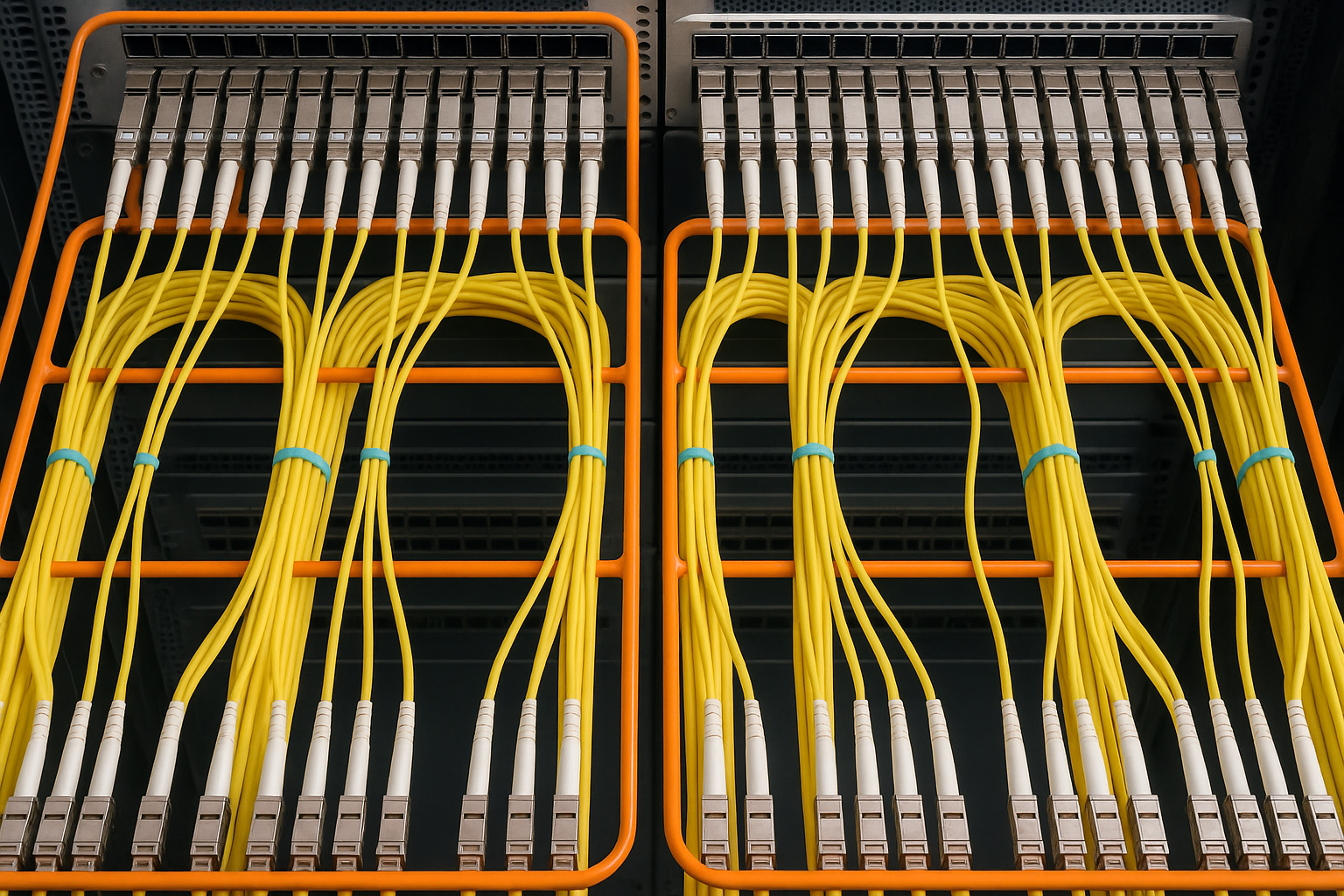
In IEEE 802.3 Ethernet PHY deployments, SFP optics are specified by a transmit power range, receiver sensitivity, and a required optical budget. Many teams only check receive power at the far end, but a light source tester approach verifies what the transceiver is actually emitting at the expected wavelength. That matters for SFP variants like 10GBASE-SR and 10GBASE-LR, where small changes in launch power can push the margin over the edge during repairs, patch panel reworks, or fiber aging. [Source: IEEE 802.3-2022]
Transmit power vs. link loss: the operational gap
An optical power meter measures received optical power, but it does not directly tell you whether the SFP’s light output is within spec. In the field, you often inherit a mixed patching environment: different breakouts, different patch lengths, and sometimes legacy jumpers with unknown insertion loss. A light source tester workflow typically includes checking launch power at the module and then validating end-to-end loss using known references. This provides faster root cause isolation between “bad fiber path” and “weak or aging transmitter.”
Pro Tip: If you have to choose one first measurement when a link is intermittent, measure transmit power at the SFP and compare it to the module’s DOM-reported bias/current and temperature. DOM trends often reveal a degrading laser before the link fails consistently.
Core components: light source tester, optical power meter, and adapters
A practical light source tester setup for SFP validation combines three elements: a reference light source or test mode on the SFP, an optical power meter, and correct fiber/connector adapters. The goal is to maintain wavelength accuracy and minimize connector and insertion loss variance between measurements. In clean-room terms, you want consistent mating geometry and low-reflection interfaces; in the field, that means using the right ferrule type and keeping dust caps on until the moment of contact.
Common SFP test wavelengths and speed classes
Most SFP Ethernet optics follow standardized wavelengths by application: multi-mode SR typically uses 850 nm, while LR/ER variants use 1310 nm or 1550 nm depending on the coding and reach. Your tester and meter must support the wavelength under test; otherwise you can read misleading values due to spectral mismatch. For 10GBASE-SR, you also need to ensure your test approach is aligned with multi-mode optics and that your launch conditions reflect the real link behavior.
Connector and adapter reality (LC, APC vs UPC)
Many SFP modules use an LC connector. Your adapters should match LC geometry and fiber type (single-mode vs multi-mode). For APC vs UPC, the key is repeatability: APC reduces back-reflection, but mixing APC and UPC in a measurement chain can shift readings by a few tenths of a dB. When you are using a light source tester to verify budgets, those tenths accumulate into incorrect pass/fail decisions.
Spec comparison table: what to look for in a light source tester
Below is a field-oriented comparison of typical capabilities you should expect when selecting a light source tester and meter pairing for SFP validation. Exact models vary, but these parameters drive whether your measurements are trustworthy across transceiver types and temperature ranges.
| Parameter | Typical Requirement for SFP Testing | Why It Matters |
|---|---|---|
| Data rate support | 10G-class validation (and optionally 25G/40G for future) | Ensures your test workflow matches current optics and DOM expectations |
| Wavelength options | 850 nm, 1310 nm, optionally 1550 nm | Prevents spectral mismatch readings |
| Reach class | Short-reach multi-mode and long-reach single-mode | Aligns with 10GBASE-SR and LR optics |
| Power measurement range | At least from about -20 dBm to +5 dBm (practical field range) | Handles both weak and strong launch conditions |
| Accuracy (typical) | ±0.2 to ±0.5 dB depending on grade | Directly affects pass/fail thresholds |
| Temperature range | Operational down to about 0 C and up to 40 C for most handheld use | Laser and meter drift can bias values during outages |
| Connector type | LC adapters, correct fiber type | Prevents repeatability failures due to mating loss |
| DOM support (if testing modules) | DOM readout via switch or test harness | Correlates optical output with bias and temperature |
Concrete transceiver examples you will encounter
In customer environments, you will see both OEM and third-party SFPs. For reference, OEM-style 10GBASE-SR modules may include parts like Cisco SFP-10G-SR, while compatible optics may include Finisar FTLX8571D3BCL or FS.com SFP-10GSR-85 (examples vary by revision). The key governance point is that your light source tester workflow should not assume identical calibration curves across vendor brands. Always validate using your organization’s measurement acceptance thresholds and document the deviation window.
[Source: Cisco SFP-10G-SR datasheet], [Source: Finisar optical module datasheet], [Source: FS.com SFP-10GSR-85 product page]
Deployment scenario: validating SFP launch power in a leaf-spine data center
In a 3-tier data center leaf-spine topology with 48-port 10G ToR switches, the team planned a patch panel refresh during a maintenance window. Each leaf had 24 server-facing SFP+ links at 10GBASE-SR over multi-mode fiber, plus uplinks to spines. After the refresh, five servers showed intermittent retransmits and rising CRC errors, even though the switch reported optical receive power within “typical” ranges. The field engineer used a light source tester workflow: first, they measured transmit launch power at the server-side SFP using a controlled adapter chain, then compared it to DOM-reported bias current and module temperature. They found that three SFPs were launching roughly 1.2 to 1.6 dB lower than expected for their temperature band, correlating with elevated module temperature and abnormal bias drift. Replacing those modules restored stable error rates without further fiber changes.
Selection criteria and decision checklist for engineers
Use this ordered checklist to choose a light source tester approach that will stand up during audits and outage triage.
- Distance and fiber type: confirm whether you must test 850 nm multi-mode only, or also 1310/1550 nm single-mode links.
- Budget and measurement grade: decide whether you need handheld accuracy within about ±0.2 to ±0.5 dB for acceptance testing, or broader ranges for coarse troubleshooting.
- Switch and module compatibility: ensure you can read DOM values (via switch CLI or harness) to correlate optical output with bias and temperature.
- Connector and adapter discipline: standardize on LC adapters, clean procedures, and consistent APC/UPC usage where relevant.
- DOM support and governance: define which vendors are allowed, and how you will document deviations for third-party optics to reduce vendor lock-in risk.
- Operating temperature and drift: test equipment and optics behave differently under cold starts and hot aisles; choose gear that is rated for your environment.
- Calibration and traceability: verify calibration intervals and whether traceable calibration certificates are available for the measurement chain.
Common mistakes and troubleshooting tips
Even experienced teams make predictable errors when using a light source tester workflow. Here are failure modes with root causes and practical fixes.
Measuring at the wrong wavelength (spectral mismatch)
Root cause: selecting the wrong wavelength setting on the light source tester or power meter, or using a meter probe intended for a different band. Symptom: readings appear “reasonable” but do not align with DOM trends or expected budgets. Fix: verify wavelength settings before mating adapters, and re-check that the SFP is the expected type (SR vs LR vs ER).
Dirty connectors or inconsistent adapter chain
Root cause: fiber endfaces not cleaned, or reusing scratched adapters after patch panel work. Symptom: sudden loss jumps after “successful” remating, with repeatability failures across measurements. Fix: implement a field cleaning standard, inspect with a scope, and standardize adapter order so connector loss is consistent.
Confusing APC and UPC during acceptance thresholds
Root cause: mixing APC and UPC connectors in the measurement chain, or using the wrong mating type for a reference connector. Symptom: consistent offset from expected dB values, causing false rejects or false passes. Fix: document connector types and include them in your measurement SOP; if you must mix, adjust thresholds using a validated reference.
Treating “receive power good” as proof the transmitter is healthy
Root cause: assuming the far-end reading implies the near-end launch is correct, ignoring patch changes and connector variability. Symptom: intermittent errors persist even though the receive power looks acceptable at one moment. Fix: measure both transmit and receive when you can, and correlate with DOM bias and temperature.
Cost and ROI: what you actually save with a light source tester workflow
Handheld optical meters and light source testers range widely. A basic handheld power meter plus a simple light source can start around USD 800 to USD 2,000 for entry-level kits, while higher-accuracy, multi-wavelength testers with traceability and robust calibration records can reach USD 3,000 to USD 10,000+ depending on brand and included accessories. The ROI comes from reduced dispatch time, fewer rework cycles on patch panels, and lower failure rates from early identification of weak transmitters. In typical data center operations, saving even one half-day outage and preventing a second technician return can pay for a tester in a single incident.
For optics, third-party SFPs can reduce unit cost, but governance matters: measurement-based acceptance and DOM trend monitoring reduce the risk of “cheap optics” that fail early. OEM modules may cost more upfront, but they often come with tighter supply chain documentation and consistent DOM behavior. [Source: vendor datasheets and typical market pricing from reputable industry retailers]
FAQ
What does a light source tester measure that an optical power meter does not?
An optical power meter measures received optical power at a connector. A light source tester workflow focuses on validating what the transmit side is emitting at the correct wavelength and then comparing it to expectations, often alongside DOM bias and temperature trends.
Can I test SFP modules without removing them from the switch?
Often yes, if your environment supports DOM readout and you can access the fiber path with proper patching. For controlled transmit validation, you may still need a test harness or temporary loopback, especially when measuring launch power reproducibly.
How accurate do my readings need to be for acceptance decisions?
Many teams target uncertainty within about ±0.5 dB for practical acceptance thresholds. If your budgets are tight, invest in higher accuracy and ensure traceable calibration intervals so your pass/fail decisions remain defensible.
Which SFP types are most likely to show transmit drift?
Modules under high temperature, repeated hot-swaps, or those with degraded laser bias can show drift first. Multi-mode SR optics can also be sensitive to connector cleanliness and patch panel rework, so transmit validation plus cleaning discipline is often the fastest path.
Do third-party SFPs complicate testing and governance?
They can, mainly because calibration and DOM behavior may vary. If you use a measurement-based acceptance process and document deviation windows by vendor and batch, you can reduce risk while still benefiting from lower acquisition costs.
What is the fastest troubleshooting sequence when a link is unstable?
Start with cleaning and connector inspection, then confirm wavelength and connector type, then measure transmit and receive power and correlate with DOM bias and temperature. If transmit power is low or trending down, replace the module before reworking fiber.
With a disciplined light source tester workflow, you can validate SFP optics using measurable transmit power, receiver margin, and DOM correlation rather than relying on vague “link up” indicators. Next, align your processes by reviewing optical power meter for standardized measurement chains and acceptance thresholds.
Author bio: I have deployed optical test workflows in operational data centers, including DOM correlation for intermittent 10G links and adapter-chain repeatability improvements across patch panel refreshes. I focus on governance-ready measurement SOPs that reduce outage time and make vendor decisions auditable.
