
If your leaf-spine design calls for high port density and predictable latency, the choice between 100G QSFP28 and 4x25G breakout can make or break your cabling plan. This breakout cable guide helps network and data-center engineers decide quickly, covering optics compatibility, reach limits, power, and operational gotchas. It is written for teams rolling out 10G/25G/100G fabrics and validating optics against switch vendor requirements.
Leaf-spine reality check: what changes when you pick 100G vs 4x25G
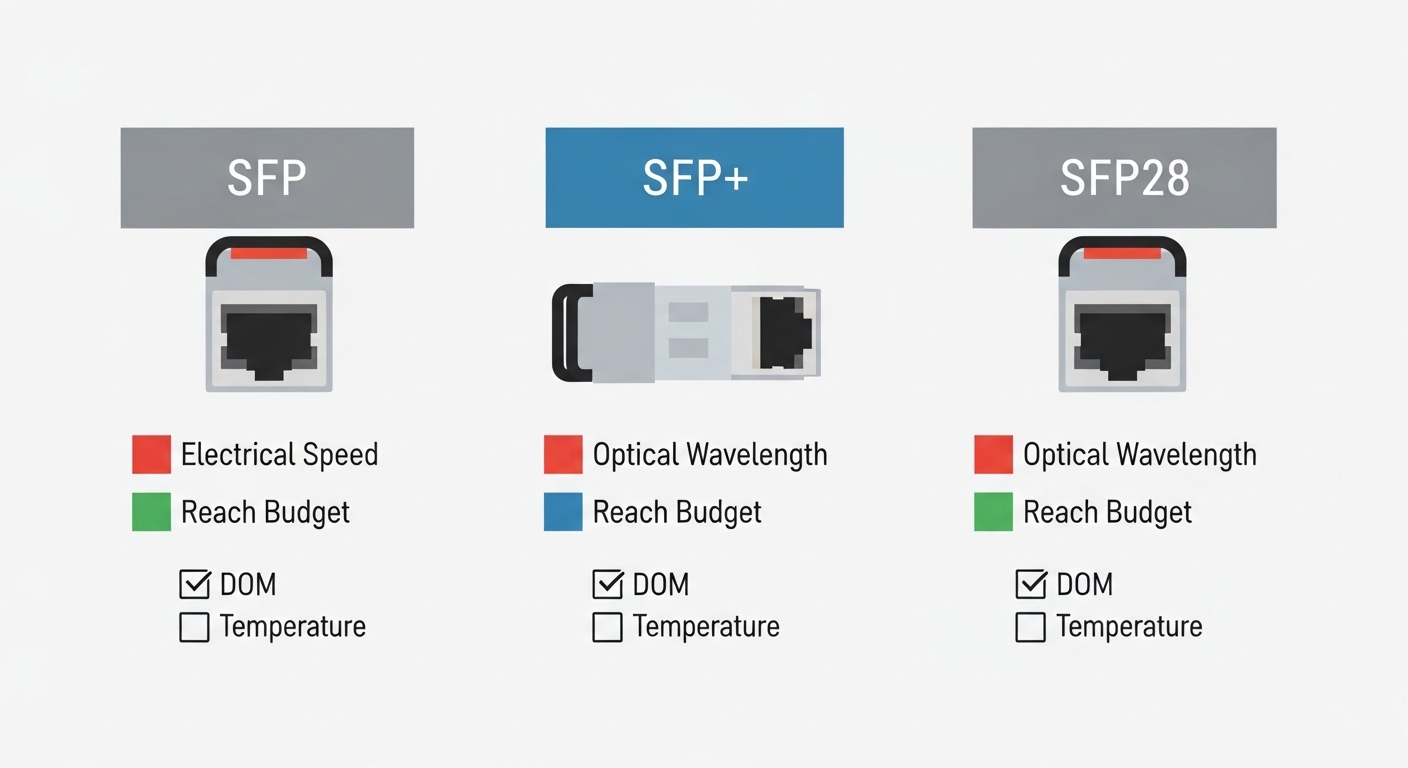
In a leaf-spine topology, you typically oversubscribe at the edge and keep spine links full for north-south traffic. With 100G QSFP28, you consume one physical port per high-speed uplink, while 4x25G breakout uses one high-speed port but fans into four 25G lanes that land on four physical downstream ports. Practically, that changes your patch-panel footprint, optics inventory, and how you map VLANs and ECMP hashing across interfaces.
Operationally, many switch platforms treat breakout as a fixed lane map; you often need to set an explicit breakout mode in the CLI before the ports come up. In the field, I have seen teams lose an entire day because the optics were fine, but the switch still had the port configured for non-breakout operation, leaving the transceiver in a “link not established” state.
[[IMAGE:Close-up photography of a 100G QSFP28 transceiver seated in a switch port, beside a fiber patch panel with four labeled LC connectors; shallow depth of field, cool studio lighting, realistic cables and labels.]
QSFP28 100G vs 4x25G breakout: key specs that matter
Both options can use similar fiber types, but the optics and cabling geometry differ. For short-reach deployments, the common pattern is QSFP28 100G SR4 (four-lane parallel) versus QSFP28-to-4xSFP28 SR breakout using 25G optics per lane. Always confirm that your switch supports the exact breakout profile and that the transceiver type is allowed by the vendor.
| Category | 100G QSFP28 (SR4 example) | 4x25G breakout (QSFP28 breakout) |
|---|---|---|
| Typical data rate | 100G over one QSFP28 | 4 x 25G over four lanes / four ports |
| Fiber type | OM4 multimode (most common) | OM4 multimode (most common) |
| Wavelength | ~850 nm (SR4) | ~850 nm per 25G lane (SR) |
| Reach (typical) | Up to ~70 m OM4 (varies by vendor) | Up to ~100 m OM4 for many 25G SR optics (varies) |
| Connector | QSFP28 uses a breakout adapter to LC (SR4 uses multiple lanes) | Breakout uses an adapter/cable to 4x LC into SFP28-style ports |
| Power (ballpark) | Often ~3.5–5 W per module | Often ~1–2 W per 25G optics; total depends on how you count lanes |
| Operating temp | Commonly 0 to 70 C (check datasheet) | Commonly 0 to 70 C (check datasheet) |
Pro Tip: Before you buy cables, verify the switch’s breakout mode documentation and confirm the exact optics family it authorizes. Many failures are not cabling problems at all, but “lane mapping” mismatches caused by unsupported breakout profiles or DOM parsing differences.
Breakout cable guide: how to choose the right cabling path
When people say “breakout cable,” they usually mean a QSFP28-to-4x SFP28 breakout cable assembly with a deterministic mapping of the four lanes to four downstream optics or ports. The safest approach is to match the cable type to the switch vendor’s supported list, because some platforms require a specific adapter topology for lane alignment.
Decision criteria checklist (engineers use this order)
- Distance and fiber budget: measure patch-panel to transceiver length, include connector loss and patch cords; validate against OM4 reach for your exact module.
- Switch compatibility: confirm breakout mode support for the port speed and lane mapping profile.
- DOM and monitoring: ensure the transceiver and/or breakout cable supports Digital Optical Monitoring as expected by the switch.
- Budget and port economics: compare cost per usable uplink considering additional ports, patch panels, and optics inventory.
- Operating temperature: confirm the module class for your environment; hot aisles can push optics near limits.
- Vendor lock-in risk: check whether third-party optics work reliably with your specific switch model and firmware.
- Maintenance overhead: estimate how often you will swap optics and how quickly you can isolate a failing lane.
[[IMAGE:Illustration style diagram showing a top-down leaf-spine switch front panel; one QSFP28 port labeled “100G SR4” compared to one QSFP28 port labeled “breakout to 4x25G,” with four colored fiber paths to a patch panel and four LC labels.]
Concrete deployment scenario: leaf-spine rollout with real numbers
In a 3-tier data center leaf-spine fabric, one team planned 48-port 100G-capable ToR switches uplinking to two spine tiers. Their leaf-to-spine distances were 35 to 45 m using OM4 with patch-panel fanouts. They initially chose 100G QSFP28 SR4 everywhere, but during staging they hit an optics budget issue: they needed more uplink granularity for incremental growth.
They switched to 4x25G breakout on selected uplinks where they could reclaim downstream port capacity for additional services. In practice, they configured breakout mode on the ToR, validated link up for each lane, and standardized on a single breakout cable assembly for consistent mapping. After the change, they reduced the number of separate optics SKUs they carried by using the same wavelength family and by keeping patch-panel labeling consistent across both strategies.
Common pitfalls and troubleshooting tips
Most breakout cable guide failures fall into a few repeatable categories. Here are field-tested issues with root causes and solutions.
- Pitfall 1: Ports never come up after inserting optics — Root cause: switch port is still configured for non-breakout speed; lane map does not match. Solution: set breakout mode in the switch CLI, then re-seat optics and confirm interface state.
- Pitfall 2: One or two lanes stay down — Root cause: a bad LC connection, a polarity or adapter mismatch, or a degraded fiber patch cord. Solution: verify connector cleanliness, re-terminate or swap patch cords lane-by-lane, and check transceiver diagnostics for each lane.
- Pitfall 3: Link flaps during traffic bursts — Root cause: marginal optical power budget or excessive end-to-end attenuation from dirty connectors and too many patch panels. Solution: clean connectors with approved methods, measure with an optical power meter where possible, and reduce the number of intermediate jumpers.
- Pitfall 4: DOM alarms or “unsupported optics” warnings — Root cause: third-party module behavior differs from what the switch expects, including DOM implementation quirks. Solution: validate with vendor compatibility guidance and test in a staging rack before scaling.
Cost and ROI note: what you actually pay for
Street pricing varies by region and volume, but a realistic range for short-reach optics is often $80–$250 per 100G QSFP28 SR4 module and $30–$120 per 25G SR optic equivalent, with breakout cables typically adding another $60–$200 depending on brand and build quality. Total cost of ownership (TCO) includes optics inventory complexity, time spent troubleshooting lane-level issues, and the cost of additional patch-panel capacity.
ROI usually favors 100G when you want fewer physical ports and simpler cabling, while 4x25G breakout can win when you need flexibility for incremental growth or when you can reuse existing 25G-focused infrastructure. Be conservative: breakout introduces more connection points, so your operational hygiene and labeling discipline matter.
FAQ
Q: Do I need a special breakout cable, or can I use standard patch cords?
A: If your switch expects a defined lane mapping, you typically need a supported QSFP28-to-4xSFP28 breakout cable assembly or the vendor-approved adapter/cable combination. Standard patch cords alone do not solve the lane mapping and connector aggregation requirements.
Q: Which reach should I plan for with OM4?
A: Use the datasheet for your exact optics model and vendor, then subtract margin for connectors and patch cords. In many deployments, engineers plan for conservative budgets rather than the marketing maximum.
Q: Can I mix 100G QSFP28 and breakout optics on the same switch?
A: Often yes, but only if the platform supports the mix and you configure breakout modes per port group correctly. Always check the switch’s port grouping and firmware notes for constraints.
Q: Will third-party optics work reliably?
A: Sometimes, but it is not guaranteed. Compatibility depends on DOM behavior and the switch’s optics whitelist or validation logic; test in staging and track link stability over a traffic window.
Q: How do I troubleshoot a single-lane failure fast?
A: Confirm breakout mode, then isolate by swapping patch cords and inspecting LC cleanliness. Use transceiver diagnostics to identify which lane reports higher error counts or low received power.
Q: What is the biggest operational advantage of 100G vs 4x25G?
A: 100G generally reduces connection points and simplifies interface management, which lowers maintenance overhead. Breakout can improve growth flexibility but increases cabling complexity and troubleshooting granularity.
If you are designing the next rack rollout, start by validating your switch’s breakout mode support and then align optics and cabling to a measured fiber budget. For related planning, see [[LINK:How to plan
