
If your all-flash vSAN cluster is dropping links or showing intermittent I/O latency, the optics are often the fastest place to look. This quick reference helps storage, network, and field engineers choose fiber transceivers for VMware vSAN all-flash deployments with the right reach, power budget, and monitoring support. It also covers how to validate compatibility, avoid common transceiver failures, and plan a realistic cost and TCO model.
Why all-flash vSAN optics fail in real VMware deployments
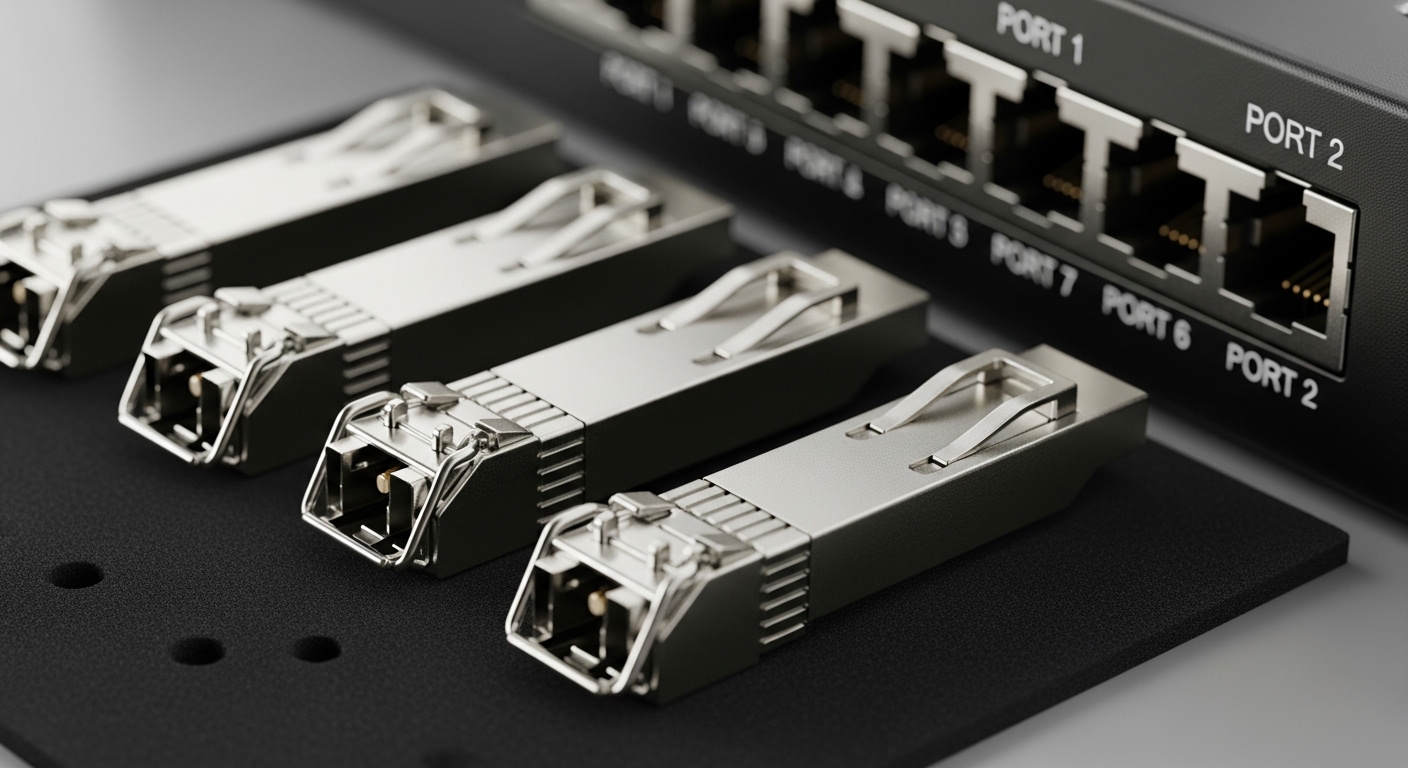
In an all-flash vSAN design, storage traffic rides on the same top-of-rack and leaf-spine fabric that carries VM east-west and management flows. When optics mismatch on wavelength, vendor speed grade, or DOM expectations, the symptom is frequently link flaps, CRC/FCS errors, or microbursts that surface as vSAN latency spikes. VMware guidance generally expects stable lossless-ish behavior at the storage layer; the optics must therefore maintain consistent signal quality under temperature and dust conditions. From a field perspective, the most common root causes are incorrect transceiver spec for the switch port profile, marginal fiber attenuation, and insufficient DOM or optics authentication support.
Field reality: what “stable” looks like
During acceptance testing, engineers typically watch interface counters and optical diagnostics for at least 30 to 60 minutes while running storage workload bursts (for example, rebuilds or resync). You want zero link down events, no sustained receive power excursions, and no repeating FEC/BER alarms beyond the vendor’s normal operating envelope. If you see a pattern only after warm-up, suspect thermal drift or a marginal module in a high-airflow boundary zone.
Core specs to match: data rate, reach, wavelength, and DOM
Start with the switch and NIC interface requirements, then map them to the transceiver family. For all-flash vSAN optics, the most frequent choices are 10G SR, 25G SR, and 100G SR4 over multimode fiber, plus 10G/25G LR over single-mode when you must cross longer distances. Ensure the module is compatible with the exact port type (SFP+ vs SFP28 vs QSFP28 vs QSFP) and that the switch supports DOM readings and any optics vendor constraints.
Technical specifications comparison table (common vSAN-friendly options)
| Module example | Data rate | Wavelength | Target reach | Fiber type | Connector | Operating temp | DOM |
|---|---|---|---|---|---|---|---|
| Cisco SFP-10G-SR | 10G | 850 nm | Up to 300 m (OM3), up to 400 m (OM4) | MMF | LC | 0 to 70 C (typical) | Supported |
| Finisar FTLX8571D3BCL | 10G | 850 nm | Up to 300 m class (model-specific) | MMF | LC | Supported | |
| FS.com SFP-10GSR-85 | 10G | 850 nm | Up to 300 m class (model-specific) | MMF | LC | Supported | |
| Typical 25G SR module (SFP28) | 25G | 850 nm | Up to 100 m typical (check OM4) | MMF | LC | Supported | |
| Typical 10G LR module (SFP+) | 10G | 1310 nm | Up to 10 km typical | SMF | LC | Supported |
Notes: exact reach depends on fiber type (OM3 vs OM4), link budget, and patch-cord loss. Always verify the vendor datasheet for the specific part number used in the BOM. For authoritative baseline requirements, review IEEE 802.3 for the relevant Ethernet PHY and the vendor datasheet for optical power and receiver sensitivity. [Source: IEEE 802.3 standard] [Source: transceiver manufacturer datasheets]
Selection checklist for all-flash vSAN optics (what to verify before you buy)
Use this ordered list. It is optimized for the decisions that prevent rework after installation. If you can answer each item, you are usually safe from the highest-risk failure modes.
- Distance and fiber grade: confirm OM3 vs OM4 for SR, and confirm SMF type and bend radius for LR. Validate with an OTDR or certified link test results.
- Exact port and transceiver form factor: SFP+ cannot be treated as SFP28, and QSFP28 is not a drop-in substitute for QSFP+. Match the switch model and port speed profile.
- Wavelength and lane mapping: SR vs LR is not interchangeable. For 100G SR4, confirm lane ordering and that the switch expects SR4.
- DOM support and telemetry requirements: confirm the switch reads DOM reliably and that alerts can be integrated with your monitoring stack. DOM mismatch can hide early degradation.
- Operating temperature and airflow: check the switch transceiver cage and airflow path. Prefer modules rated for your expected ambient and inlet conditions.
- Switch compatibility and optics policy: some platforms restrict third-party optics or require vendor-approved part numbers. Confirm before ordering.
- Vendor lock-in risk: compare OEM modules vs third-party modules on warranty terms and return logistics. Price is not the only TCO lever.
Pro Tip: In many vSAN environments, the first “bad link” appears after a patch panel move or a rebuild window, not at initial install. Re-run fiber certification after any physical change, and compare measured receive power against the module’s DOM thresholds during a normal workload, not just at idle.
Common mistakes and troubleshooting tips (with root cause and fix)
Below are field-proven pitfalls that commonly affect all-flash vSAN optics. Each includes the usual root cause and the practical remedy.
Link flaps due to speed or transceiver profile mismatch
Root cause: the module is electrically compatible but the switch port negotiates a different speed/encoding profile than expected, or the transceiver is out of spec for the port’s supported optics class. This can show up as brief link drops under load. Solution: confirm the port type (SFP+ vs SFP28 vs QSFP28), ensure the module is rated for that exact Ethernet PHY, and verify the switch configuration for speed/auto-negotiation behavior.
High CRC/FCS errors from marginal fiber attenuation or dirty connectors
Root cause: connector contamination, poor polish, or a fiber link that barely meets the link budget. Under sustained IO, the BER rises, and the interface counters climb. Solution: clean LC connectors with a lint-free, approved method and re-test with certification results; replace patch cords if the measured loss exceeds the vendor link budget. Validate receive power in DOM during workload bursts.
DOM alarms ignored until performance collapses
Root cause: the switch reads DOM but your monitoring does not alert on low receive power, high laser bias current, or temperature drift. The system continues operating while the optical margin shrinks. Solution: enable threshold-based alerts using your NMS/telemetry pipeline, log DOM trends, and set action thresholds that trigger maintenance before vSAN latency spikes.
Thermal instability from airflow dead zones in dense racks
Root cause: modules installed at the edge of a hot aisle or under obstructed airflow experience higher inlet temperature than expected. Some optics degrade faster and may intermittently fail to meet receiver sensitivity. Solution: verify inlet temperatures at the switch and transceiver cage, adjust airflow baffles, and consider higher-temperature-rated modules where the datasheet supports it.
Cost and ROI note: OEM vs third-party optics for vSAN
In practice, OEM optics often cost more but can reduce operational friction: faster RMA processing, known compatibility, and fewer “it works in lab but not in production” surprises. Third-party modules can be cheaper, but TCO depends on warranty length, return shipping, and whether your switch enforces optics policies. Typical street pricing ranges vary by data rate and reach; a reasonable planning range for budgeting is often tens of dollars per 10G SR module and hundreds per higher-rate modules depending on brand and DOM features. For ROI, include: (1) reduced downtime from predictable compatibility, (2) labor time for swaps and revalidation, and (3) failure rate during the first 90 days, which often reveals packaging or thermal issues.
Deployment scenario: leaf-spine fabric feeding an all-flash vSAN cluster
Consider a 3-tier data center leaf-spine topology where each leaf ToR has 48 x 10G downlinks to hypervisor nodes and 4 x 100G uplinks to spines. The all-flash vSAN cluster uses dual fabrics, so each node has redundant uplinks and vSAN traffic traverses the same leaf optics path. For ToR-to-node connections within 60 to 120 m, engineers commonly select 10G SR over OM4 with LC connectors, and they validate with certified link tests before cutover. During a rebuild window, the team watches interface error counters, DOM receive power, and fan/thermal telemetry for at least 45 minutes to catch optical margin shrink before it affects vSAN latency.
FAQ: all-flash vSAN optics buying and validation
What optics are most common for all-flash vSAN?
Most clusters start with 10G SR (850 nm) or 25G SR (850 nm) on multimode fiber for short reach, and LR (1310 nm) on single-mode when you must extend beyond typical OM4 limits. The best choice depends on rack layout, certified fiber distance, and switch/NIC port type. Verify with vendor datasheets and your switch compatibility list.
Can I mix OEM and third-party all-flash vSAN optics?
Often you can, but it is not guaranteed. Some switches restrict optics by part number or enforce optics validation behavior; mixed optics can also behave differently under DOM monitoring and threshold defaults. Test a small subset first and validate link stability under load.
How do I confirm reach is sufficient before installation?
Use certified fiber test results (including end-to-end loss) and compare against the transceiver’s link budget and receiver sensitivity figures in the datasheet. Then validate with DOM during a workload burst, not just at idle. If you changed any patch cords or moved panels, re-certify.
What DOM metrics should I alert on for vSAN optics?
Track receive power, laser bias current, transmitter temperature, and any vendor-specific warning flags. The goal is to detect margin reduction early, before errors accumulate. Configure alerts with thresholds aligned to the module’s DOM specification and your switch’s supported telemetry.
Why do errors spike only during rebuild or resync?
Rebuilds increase sustained throughput and burstiness, which exposes marginal optical links that look fine at idle. If CRC/FCS errors rise concurrently with receive power drift or high temperature, suspect fiber cleanliness, link budget headroom, or thermal conditions. Clean, replace questionable patch cords, and confirm airflow.
Do I need FEC considerations for all-flash vSAN optics?
It depends on the Ethernet PHY and module type. Some higher-rate optics and modes use FEC and may still pass traffic with corrected errors, but you should still monitor error counters and optical warnings. Follow the IEEE 802.3 requirements and the vendor’s FEC/BER guidance for the specific transceiver class.
If you match reach and wavelength to certified fiber, confirm switch port compatibility and DOM support, and validate under real vSAN load, you can avoid most optics-related incidents. Next step: review fiber link budget checklist for data centers to translate certification numbers into a safe optical margin for your specific design.
Author bio: I have deployed and troubleshot optical transceivers in VMware all-flash clusters, including DOM telemetry validation and rebuild-time link stability testing. I also review vendor datasheets and IEEE Ethernet requirements to ensure optics selections meet operational limits in production.
