
Hyperscale data centers are pushing 400G per lane groups into leaf-spine fabrics, but optics selection can stall deployments when reach, power, and switch compatibility do not line up. This article helps network architects and field engineers evaluate 400G QSFP-DD transceivers across the trade space of SR8 versus DR4/FR4 style optics, vendor DOM behavior, and operating temperature. You will get a head-to-head comparison, a practical selection checklist, and troubleshooting patterns seen in production.
Reach and performance: which 400G QSFP-DD distances actually work?
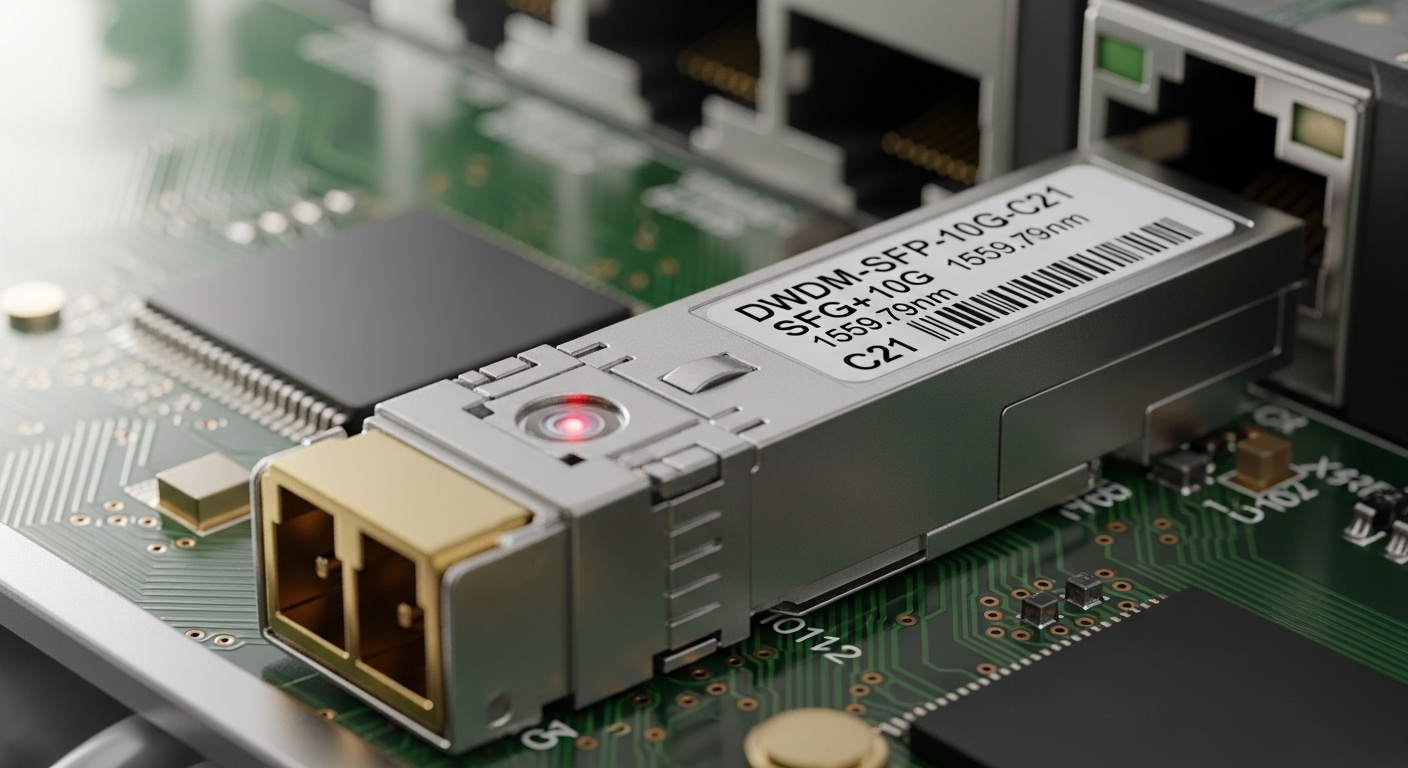
In practice, “400G” is only half the story; the other half is the physical link budget for the specific fiber plant and connector cleanliness. Most hyperscale deployments choose short-reach multimode (commonly SR8 over OM4/OM5) to reduce cost and simplify installation, while single-mode options (DR4/FR4-style profiles depending on vendor) target longer spans without multimode reach anxiety. Verify the transceiver’s supported fiber type, nominal wavelength, and rated reach in the datasheet, then cross-check against your measured link attenuation and connector loss.
For consistent operation, also account for host-side requirements: QSFP-DD cages must meet mechanical tolerances, and the transceiver must support the host’s electrical interface (typically based on 400G Ethernet line rates and FEC expectations). The IEEE 802.3 400GBASE specifications and vendor implementation details govern how much margin you truly have at temperature extremes. See [Source: IEEE 802.3].
| Spec | QSFP-DD SR8 (Multimode) | QSFP-DD DR4/FR4 (Single-mode) |
|---|---|---|
| Typical fiber | OM4 or OM5 | OS2 single-mode |
| Nominal wavelength | ~850 nm band | ~1310 nm (DR4) or ~1550 nm (FR4) |
| Typical reach class | Up to a few hundred meters (vendor-rated) | Several km class (vendor-rated) |
| Connector types | LC (duplex fiber, multi-lane mapping) | LC (duplex fiber, lane mapping) |
| Power (typical) | Often ~6–12 W class | Often ~6–14 W class |
| Operating temperature | Commercial or industrial variants | Commercial or industrial variants |
| DOM support | Usually real-time temp/voltage/tx power | Usually real-time temp/voltage/tx power |
Power, thermals, and optics density: SR8 vs single-mode in racks
Thermal budgets in hyperscale racks are unforgiving: airflow patterns and port loading determine whether optics run inside spec or drift into alarm thresholds. In field deployments, engineers often notice that SR8 modules can be sensitive to dust and connector contamination because multimode launch conditions are less forgiving when optics are swapped frequently during burn-in. Single-mode optics can tolerate longer spans with different dispersion behavior, but they still require clean endfaces and stable link margin.
When qualifying 400G QSFP-DD optics, measure switch inlet temperature and transceiver case temperature where available (DOM via I2C/SFF-8472 style interfaces). Many vendors provide temperature and optical power thresholds; treat those as hard limits rather than “warnings.” For DOM behavior and management interfaces, consult both the switch vendor optics compatibility matrix and the transceiver datasheet. As a baseline reference, see [Source: SFF and related optical module interface guidance].
Compatibility and interoperability: what breaks at scale?
Compatibility is where pilots succeed or fail. Hyperscale networks often mix switch generations, line cards, and vendor-validated optics lists, so the same 400G QSFP-DD part number may behave differently across hosts. Some platforms lock down optics via EEPROM identification or vendor-specific thresholds; others allow broader compatibility but still enforce FEC and link training constraints during initialization.
To reduce risk, plan an optics qualification matrix: test each optics SKU against each switch model and software release you intend to run. For example, you may evaluate Finisar/II-VI optics such as FTLX857x series (vendor naming varies by rate and reach) and compare to Cisco-branded or OEM modules like Cisco SFP-10G-SR style equivalents at higher speeds, plus third-party options from FS.com and other suppliers. Always validate with your switch’s “optics supported” list and confirm DOM alarm thresholds match operational practices. For general optics interface concepts, see [Source: IEEE 802.3].
Cost and ROI: when third-party QSFP-DD makes sense (and when it does not)
Cost differences are real, but TCO depends on failure rate, lead time, and operational friction. In many procurement cycles, OEM optics cost more per module than third-party, yet OEMs may reduce truck rolls by aligning DOM thresholds with your NMS and by being explicitly validated for your switch model and software. Third-party optics can be economically attractive for commodity spares, but only if your organization has a mature optics testing pipeline and a clear RMA workflow.
As a practical planning range, hyperscale buyers often see 400G QSFP-DD optics priced anywhere from roughly a few hundred to over a thousand USD per module depending on reach (SR8 multimode typically lower than long-haul single-mode) and vendor validation. Compute TCO using: module cost + installation labor + downtime risk + expected replacement interval. If your failure analytics show early-life infant mortality (high DOA rate), you may burn budget faster than the savings suggest.
Selection criteria checklist for 400G QSFP-DD in hyperscale
- Distance and fiber type: confirm OM4/OM5 vs OS2, then verify vendor-rated reach against your measured link attenuation and connector loss.
- Switch compatibility: use the exact switch model and software release compatibility matrix; test at least one warm spare per SKU.
- DOM and telemetry requirements: ensure your NMS can parse DOM fields and that alarm thresholds match your operational policies.
- Operating temperature: choose industrial-grade optics where inlet temperatures or rear-door heat loads exceed commercial assumptions.
- FEC and link training behavior: confirm the host expects the same coding/PHY behavior; validate during acceptance testing.
- Vendor lock-in risk: assess whether you can swap optics without manual port-by-port recalibration or extended change windows.
Pro Tip: In live fabrics, optics “link up” is not the same as optics “healthy.” During commissioning, pull DOM readings for temperature and optical transmit power under steady traffic, then compare against the vendor’s typical operating bands; marginal modules often pass initial training but degrade faster due to connector contamination or thermal micro-hotspots.
Common mistakes and troubleshooting in production
1) Reaching for the wrong fiber class. Root cause: installing SR8 multimode optics on an OS2 single-mode trunk (or using the wrong OM grade) because patch labels look similar. Solution: enforce fiber-type tagging, verify with OTDR or certified loss testing, and add pre-acceptance checks before cutover.
2) Ignoring connector cleanliness and polishing standards. Root cause: frequent swaps during burn-in create micro-scratches or dust films on LC endfaces, increasing insertion loss and causing intermittent errors. Solution: use inspection scopes, adopt standardized cleaning kits, and require post-cleaning verification before blaming the transceiver.
3) Assuming all QSFP-DD modules behave identically across switch models. Root cause: EEPROM identification differences or host-specific thresholds change link training behavior. Solution: build a per-switch optics validation list, pin software versions during rollout, and run a staged deployment with rollback optics pre-positioned.
4) Underestimating thermal gradients in high-density ports. Root cause: uneven airflow creates case-temperature excursions that push transmit power into alarm states. Solution: rebalance airflow, confirm fan tray profiles, and prefer industrial-grade optics in warm aisles; monitor DOM case temperature continuously.
