
When an SDN controller pushes new routes, your optics become part of the control loop. This guide helps data center engineers choose the right software defined networking SFP transceivers for leaf-spine and top-of-rack links, with practical compatibility and cooling/power considerations. You will get a selection checklist, a real deployment scenario, and troubleshooting patterns I have seen during cutovers. Updated: 2026-04-29.
SDN optics reality: what changes when you add software defined networking SFP
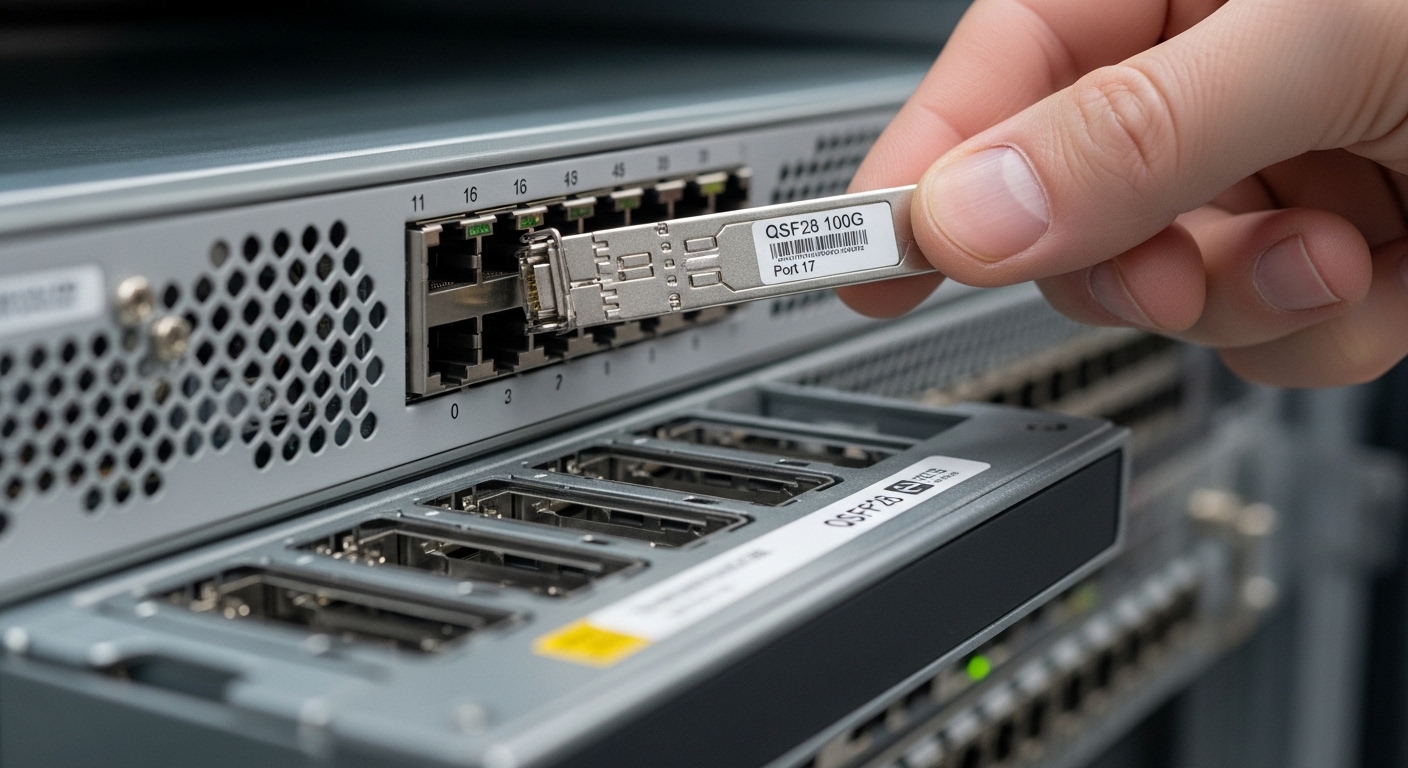
In SDN fabrics, optics are not just “plug and light.” The SDN stack often relies on deterministic link bring-up, consistent link monitoring, and predictable optical power levels for fast path convergence. That means your SFP choice impacts link stability, telemetry quality, and operational temperature margin. Most production teams standardize on IEEE 802.3 compliant optics with Digital Optical Monitoring (DOM) so the controller can correlate alarms to optics events.
On the power side, SFP modules draw both module power and port-side budget through the switch. In dense ToR deployments, a few watts per port can shift rack cooling headroom during peak load, especially when you mix vendors or exceed thermal design limits. Field takeaway: pick optics that match your switch vendor’s supported matrix and verify DOM behavior under your management plane.
Key specifications that decide compatibility and reach
Engineers typically start with data rate and fiber type, then validate distance versus optical budget. For SDN fabrics, also check DOM support, operating temperature range, and connector cleanliness requirements. The table below compares common 10G SFP options you will see in SDN-ready leaf-spine designs.
| Transceiver / Data rate | Wavelength | Typical reach (MM/SM) | Connector | DOM | Operating temp (typ.) | Example part numbers |
|---|---|---|---|---|---|---|
| 10G SFP SR | 850 nm | ~300 m (OM3) / ~400 m (OM4) | LC | Yes (common) | 0 to 70 C | Cisco SFP-10G-SR, Finisar FTLX8571D3BCL, FS.com SFP-10GSR-85 |
| 10G SFP LR | 1310 nm | ~10 km (SM) | LC | Yes (common) | -5 to 70 C | Finisar / vendor equivalent 10G SFP LR |
| 25G SFP28 SR | 850 nm | ~100 m (OM3) / ~150 m (OM4) | LC | Yes (common) | 0 to 70 C | 25G SFP28 SR variants from major vendors |
What to verify before ordering
- Switch port type: ensure the port supports SFP vs SFP+ vs SFP28; some switches require specific transceiver families.
- DOM behavior: confirm the switch reads temperature, Tx bias, Rx power, and alarm thresholds without “unsupported module” events.
- Link margin: compute optical budget including fiber attenuation, patch cord loss, splitter loss (if any), and aging headroom.
- Thermal design: validate module temperature range against your aisle containment, fan curves, and measured inlet air temperatures.
Pro Tip: In SDN rollouts, treat DOM telemetry as a first-class signal. I have seen “mystery flaps” where the SDN controller blamed routing, but the root cause was a marginal Rx power threshold that only appeared after a firmware change altered alarm mapping.
Deployment scenario: leaf-spine SDN with controlled optics bring-up
In a 3-tier data center leaf-spine topology with 48-port 10G ToR switches, we ran an SDN controller for path orchestration and used DOM alerts to gate endpoint readiness. Each ToR had 36 active 10G server links (SR over OM4, LC) and 12 uplinks to the spine, also SR within the same row. During a cutover, we swapped 120 optics across two racks and monitored link flaps, DOM Rx power minima, and switch event logs for unsupported module warnings.
We measured inlet air at the rack’s cold aisle and kept module operating headroom by ensuring cabinet inlet stayed under 25 C during peak. The biggest operational win was standardizing on one DOM-capable vendor family that matched the switch’s compatibility list, which reduced noisy alarms and accelerated SDN convergence diagnostics. The SDN layer remained stable because optical failures were detected and isolated quickly at the physical layer.
Selection criteria checklist for software defined networking SFP
- Distance and fiber plant: choose SR vs LR vs ER based on measured link length and patch cord loss; do not rely on nominal reach.
- Budget and power: confirm switch port power budget and module power class; validate rack cooling margin for high-density cages.
- Switch compatibility matrix: match the exact transceiver type supported by your switch firmware and hardware revision.
- DOM/telemetry support: ensure DOM is functional and alarm thresholds integrate cleanly with your monitoring tooling.
- Operating temperature range: align with your measured inlet air and any hot-spot risk from blocked airflow.
- Vendor lock-in risk: if using third-party optics, require that replacements pass qualification tests and DOM validation.
- Connector and cleaning workflow: LC cleanliness and correct polarity are mandatory; plan for inspection and lint-free procedures.
Common pitfalls and troubleshooting patterns
Below are field-proven failure modes when deploying software defined networking SFP in SDN-controlled environments.
-
Pitfall 1: “Link up, then oscillates” after a firmware or SDN change
Root cause: DOM alarm threshold mapping changed, or monitoring tooling interprets “low Rx” as a hard fault.
Fix: compare pre/post switch logs, validate Rx power telemetry ranges, and set alarm thresholds based on measured baseline. -
Pitfall 2: Unsupported module warnings with third-party SFPs
Root cause: transceiver vendor EEPROM/ID fields differ, or switch expects a specific revision profile.
Fix: use optics explicitly validated for the switch model and firmware; qualify in a test rack before bulk deployment. -
Pitfall 3: “Working in lab, fails in row” due to thermal margin
Root cause: cold aisle containment leaks or fan curve mismatch raises module temperature beyond spec.
Fix: measure inlet air at the rack, confirm airflow direction, and re-check module temperature telemetry under load. -
Pitfall 4: Intermittent errors from dirty connectors
Root cause: LC endface contamination or wrong polarity patching.
Fix: inspect with a fiber scope, clean with validated procedures, and verify polarity using a continuity test.
Cost and ROI: OEM vs third-party optics in SDN fabrics
OEM SFPs typically cost more but often reduce integration risk. As a realistic planning range, many teams budget roughly $60 to $150 per 10G SR module depending on vendor and volume, while 25G SFP28 SR can be higher. Third-party optics may cut purchase price, but you should include TCO for qualification testing, spares strategy, and potential increased troubleshooting time when DOM telemetry differs.
ROI improves when you standardize optics across racks and automate telemetry-driven health checks. If your SDN program already depends on accurate DOM alarms, the “cheapest module” can become the most expensive when it increases mean time to recovery during link incidents.
FAQ
What does “DOM supported” mean for software defined networking SFP?
DOM means the transceiver exposes telemetry like temperature, Tx bias/current, and Rx power through the switch interface. For SDN operations, this enables faster detection and correlation of physical-layer degradation with routing events. Always confirm your switch reads DOM fields without “unsupported module” messages.
Can I mix OEM and third-party SFPs in the same SDN fabric?
You can, but compatibility and telemetry behavior can vary by vendor and firmware. If the switch enforces strict transceiver identification, mixed optics can trigger warnings or reduced alarm fidelity. Best practice is to qualify the full set in a staging rack and standardize per switch model.
