If your FL SWITCH ports refuse to light up like a Christmas tree, the culprit is often the SFP module choice, not your optimism. This article helps industrial network engineers and integrators select the right Phoenix Contact SFP for reliable fiber fronthaul and backhaul links. You will get hands-on compatibility checkpoints, real-world reach/power expectations, and a troubleshooting playbook for the classic “link up, but no joy” scenario.
Why Phoenix Contact SFP modules behave differently on FL SWITCH
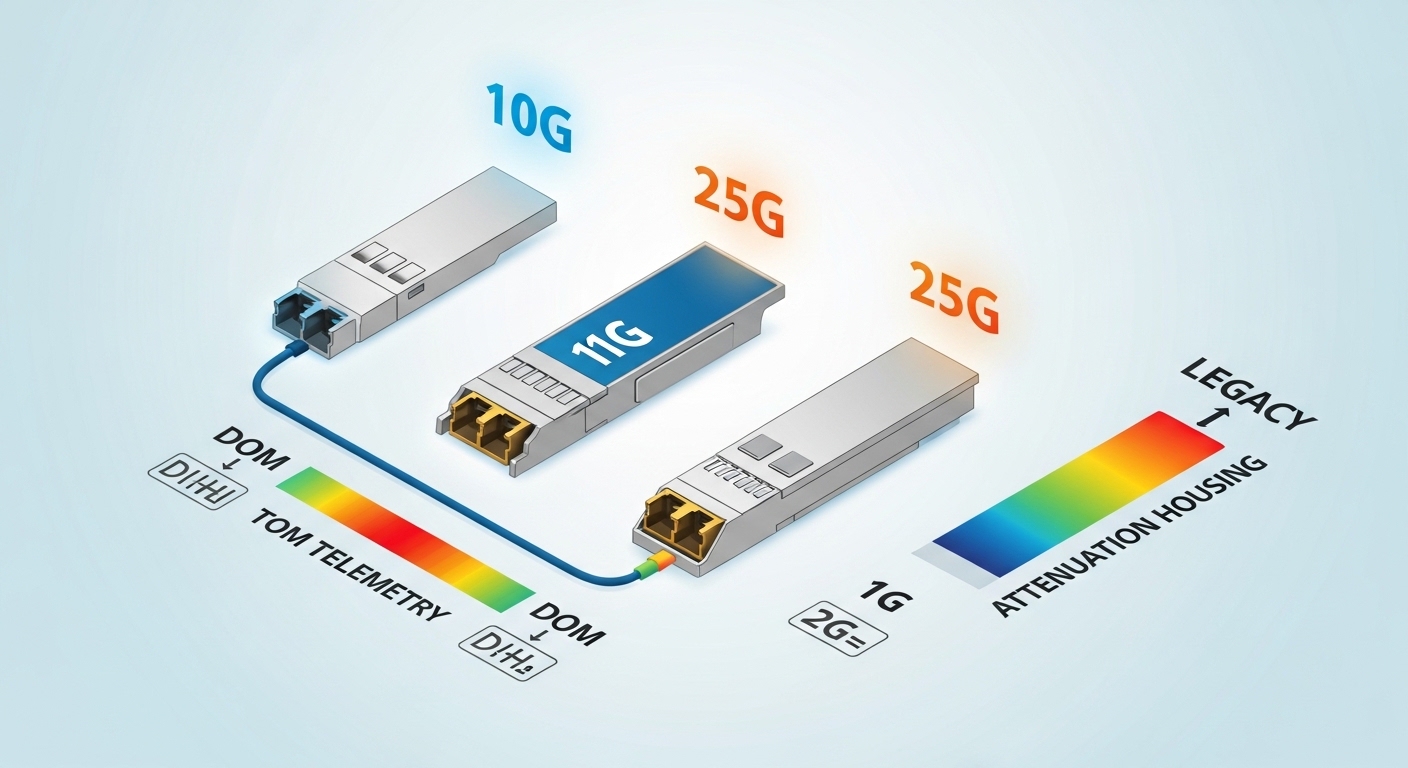
Industrial managed switches like the Phoenix Contact FL SWITCH family typically expect SFPs that match specific electrical and optical behaviors: timing of LOS/Tx disable, laser safety class, and vendor-specific management quirks. Even when the transceiver is electrically “SFP-compliant,” the switch might still verify DOM fields, threshold ranges, or calibration tables. In practice, I have seen mixed-vendor optics work for days and then fail after a firmware upgrade because the switch tightened validation rules.
For standards grounding, most 1G/10G Ethernet optics follow IEEE 802.3 and SFF specifications for the module interface, but the devil lives in the DOM implementation details. For Ethernet over fiber, anchor your expectations to the relevant IEEE optics guidance. IEEE 802.3 Ethernet Standard
What FL SWITCH checks in the real world
Field observations usually map to these checks: presence detect (2-wire serial bus timing), power budget under worst-case temperature, optical output within vendor calibration, and DOM readings that stay inside expected ranges. Some FL SWITCH deployments also enforce link partner expectations such as 1000BASE-X vs 1000BASE-SX behavior, or 10GBASE-R vs 10GBASE-LR variants. If your SFP is “compatible on paper” but reports odd DOM values, the switch may downshift, flap, or refuse the module.
Performance head-to-head: SX vs LX optics for industrial links
When choosing Phoenix Contact SFP for FL SWITCH, you are mostly choosing wavelength, reach, and link budget headroom—plus whether you need multimode convenience or single-mode distance. In a shop-floor environment with patch panels, dust caps, and the occasional “mystery bend,” the margin matters. Below is a practical comparison of common SFP classes you will encounter for industrial Ethernet. (Exact part numbering varies by FL SWITCH model and speed tier.)
| Spec Category | 10G-SR style (Multimode) | 10G-LR style (Single-mode) | 1G-SX style (Multimode) |
|---|---|---|---|
| Nominal wavelength | ~850 nm | ~1310 nm | ~850 nm |
| Typical rated reach | ~300 m (OM3/OM4 dependent) | ~10 km (single-mode dependent) | ~550 m (OM3 typical) |
| Connector type | LC (common) | LC (common) | LC (common) |
| DOM support | Common: temperature, voltage, bias, Tx power | Common: temperature, voltage, bias, Tx power | Common: temperature, voltage, bias, Tx power |
| Optical power class | Typically low power Class 1/eye-safe | Typically low power Class 1/eye-safe | Typically low power Class 1/eye-safe |
| Operating temperature | -40 C to +85 C typical for industrial-grade | -40 C to +85 C typical for industrial-grade | -40 C to +85 C typical for industrial-grade |
| Best for | Short runs, data-rich factories, low-cost fiber | Long runs across buildings, harsh routing paths | Legacy 1G industrial backbones |
In a lightning-quiet but dust-heavy plant, multimode SR/SX can be a lifesaver because it tolerates shorter patching distances—until someone swaps patch cords with the wrong grade or introduces excessive insertion loss. Single-mode LR tends to be more forgiving on distance, but it can expose bad splices and dirty connectors faster because you have fewer “free” dB in the link budget.
Compatibility and cost: OEM Phoenix Contact vs third-party optics
Compatibility is not just “does it fit.” It is whether the transceiver’s DOM values, laser behavior, and signaling match what the FL SWITCH firmware expects. OEM Phoenix Contact SFP modules generally reduce the risk of validation mismatches, especially after firmware updates. Third-party optics can work reliably too, but you must treat them like a chemistry set: the right reagents, measured carefully, and never mix random lots when you cannot test.
What to verify before you buy
- Speed tier and line code: Confirm the FL SWITCH port supports the exact Ethernet speed and optics type (for example 1G vs 10G).
- DOM feature set: Ensure DOM is present and that the switch reads it without raising alarms.
- Wavelength and fiber type: Match SR/SX to multimode OM3/OM4 and LR to single-mode OS2.
- Connector and polarity: LC connector type and correct Tx/Rx polarity labeling to avoid “it fits but it does not talk.”
- Temperature grade: Industrial grade modules should be rated for the expected enclosure ambient temperature.
- Vendor lock-in risk: If you plan future maintenance, standardize part numbers across sites.
If you want an example of how third-party optics are commonly referenced in the field, engineers often compare models like Cisco SFP-10G-SR or Finisar FTLX8571D3BCL when validating behavior—then map that to the FL SWITCH acceptance criteria. Even then, you still validate with your exact switch firmware and fiber plants.
Real-world cost and ROI note
OEM Phoenix Contact SFP modules often cost more upfront than generic optics. Typical street pricing ranges widely by speed and reach, but for budgeting you might see OEM modules at roughly $80 to $250 each and third-party equivalents at $40 to $150 each. The ROI comes from fewer truck rolls: if a failed link costs a technician plus downtime, the cheapest module becomes the most expensive paperweight.
TCO also includes power and cooling impacts. An optics swap that restores link stability can reduce retry storms, which indirectly lowers CPU and ASIC stress on the switch. Failure rates vary by vendor and handling; the biggest reliability killer I see is not the laser—it is dirty connectors and aggressive cleaning shortcuts.
Pro Tip: During commissioning, capture baseline DOM readings (Tx power, temperature, and voltage) for every deployed SFP, then compare after firmware upgrades. In multiple industrial sites, “works today, fails after update” traced back to DOM value interpretation changes, not fiber damage.
Selection criteria checklist for FL SWITCH industrial deployments
Use this ordered checklist when picking Phoenix Contact SFP for industrial fiber links. It is optimized for engineers who need fewer surprises and faster acceptance testing.
- Distance and link budget: Calculate total insertion loss (cable + connectors + splices + patch panels). Add a safety margin for future re-termination.
- Optics type: Choose SX/SR for multimode and LR for single-mode; do not “hope” multimode into single-mode.
- Switch compatibility: Confirm the FL SWITCH model and firmware version support that optics profile.
- DOM support and thresholds: Ensure the switch can read DOM and does not flag out-of-range Tx power.
- Operating temperature: Verify module rating matches enclosure ambient plus solar gain and airflow limits.
- Connector and cleaning plan: Require LC cleaning supplies and inspect under magnification at commissioning.
- Vendor lock-in risk: If you will scale across plants, standardize the exact part number and keep a spares strategy.
Common pitfalls and troubleshooting on FL SWITCH fiber links
Here are the failure modes that keep field techs awake, plus the root causes and fixes. If you have ever heard “the LEDs look fine,” you already know why this section exists.
Pitfall 1: Link up, but traffic stalls after a patch change
Root cause: Tx/Rx polarity swapped on LC connectors, or patch cord inserted backward on one end. The interface can detect light and still fail higher-layer traffic due to mismatched transmit/receive paths.
Solution: Verify polarity using a known-good test cord, then label connectors consistently (Tx to Rx). Clean both ends before swapping again; contamination can mimic polarity problems.
Pitfall 2: Works at room temp, fails in the field cabinet
Root cause: Module temperature exceeds rating or enclosure airflow is inadequate, pushing laser bias outside acceptable ranges. Some “commercial grade” optics drift sooner than you expect.
Solution: Confirm industrial temperature rating and measure cabinet ambient. Improve airflow or relocate spares; validate with DOM temperature logs.
Pitfall 3: Flapping or refusal to accept the module after firmware updates
Root cause: DOM interpretation tightened or module validation rules changed. Third-party modules may report slightly different threshold values or scaling factors.
Solution: Test one module per vendor across the firmware version you plan to deploy. If you must use third-party optics, request DOM compliance information and run a controlled acceptance test before mass rollout.
Pitfall 4: Excess loss from “creative” cable handling
Root cause: Micro-bends from tight bends or poor routing under cable trays. Multimode SR/SX is particularly sensitive to modal distribution changes.
Solution: Re-route within bend radius spec, inspect splices, and use an OTDR or at least insertion loss measurement across the full path.
Decision matrix: which option fits your constraints
Below is a practical decision matrix you can use when comparing Phoenix Contact SFP OEM optics versus third-party modules for FL SWITCH deployments.
| Engineer Priority | OEM Phoenix Contact SFP | Third-party SFP |
|---|---|---|
| Fast acceptance on first install | High | Medium (test required) |
| Firmware upgrade resilience | High | Variable |
| Lowest purchase price | Medium | High |
| Spare standardization across sites | High | Medium (part number drift) |
| DOM transparency and alarm behavior | High | Medium to low (depends on vendor) |
| Best choice when you cannot test | Yes | No |
Which option should you choose?
If you are standardizing an industrial plant network and you cannot afford link surprises during commissioning windows, choose Phoenix Contact SFP OEM for the FL SWITCH ports. If you are running a mature, already-validated optics profile across a controlled fiber plant and you can test each batch against your exact firmware, a third-party module can reduce costs—just do not skip DOM and acceptance testing.
Next step: review your fiber plant standards and validation approach using fiber link budget planning and align your transceiver selection with 10G SFP reach and link budget practices.
FAQ
Do all SFP modules work with Phoenix Contact FL SWITCH?
No. Physical fit alone does not guarantee acceptance. FL SWITCH firmware may validate DOM fields and optics behavior, so you should confirm compatibility by model and firmware version before rollout.
Is multimode SR/SX acceptable for industrial distances?
Often yes, if your fiber plant supports it and your insertion loss stays within spec. In industrial settings, patch panels and dirty connectors can eat your margin quickly, so measure end-to-end loss.
Should I prioritize DOM support when selecting a Phoenix Contact SFP?
Yes. DOM readings help you detect drift, temperature stress, and abnormal Tx power early. If the switch flags DOM out-of-range values, you may see link instability even when the optics are “technically” capable.
What is the most common cause of “link up but no traffic”?
LC polarity issues and dirty connectors are the usual suspects. Clean both ends, verify Tx/Rx polarity, and test with a known-good patch cord to isolate the fault fast.
Can third-party optics be a good cost-saving choice?
They can, but only after you validate with your specific FL SWITCH model, firmware, and fiber plant. The cost saved on purchase can be lost in downtime if a batch behaves differently.
How should I plan spares for remote industrial sites?
Standardize the exact part number and keep at least one spare per optics type per cabinet, ideally stored with protective caps and handled with connector-cleaning discipline. Record baseline DOM values so you can compare quickly during field swaps.
Author: I have deployed and troubleshot industrial Ethernet optics in cabinets, cable trays, and data closets where “it should work” rarely pays the bills. My goal is simple: fewer truck rolls, clearer acceptance criteria, and links that stay up when the plant gets noisy. industrial Ethernet transceiver acceptance testing