Industrial uptime depends on the right ha-VIS transceiver
If your HARTING industrial IP switches are deployed on factory floors, ports see vibration, EMI, and rapid link cycles. The wrong ha-VIS transceiver can still “link up” today, then fail during heat soak, cold starts, or long fiber runs. This article helps network engineers and field technicians choose compatible SFP optics for HARTING ha-VIS style industrial switching, validate reach and optics safely, and avoid the most common commissioning mistakes. You will also get a practical checklist and troubleshooting playbook you can use on the next shutdown window.
How ha-VIS transceivers fit HARTING industrial IP switching
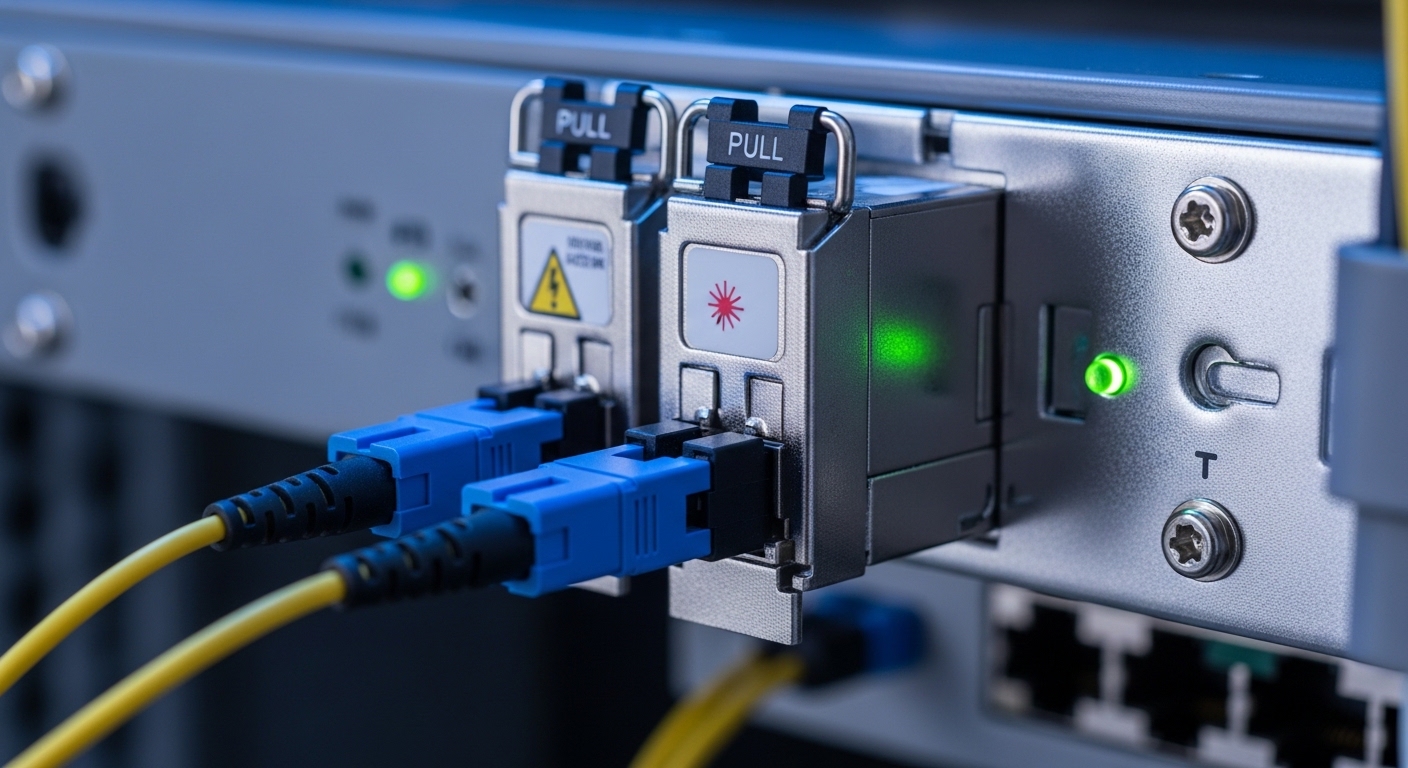
In industrial IP switch deployments, SFP optics are the workhorse that connects cabinets to field networks, machine cells, or redundant rings. For HARTING industrial platforms that use ha-VIS transceiver concepts, the key variables are data rate, optical wavelength, fiber type, reach, and whether the switch expects a certain DDM/DOM reporting behavior. Ethernet signaling follows IEEE 802.3 physical layer rules, but transceiver implementation details vary by vendor and temperature grade.
From the field, I typically see ha-VIS transceivers used in two patterns: cabinet-to-cabinet links using multimode OM3/OM4, and cabinet-to-controller links using single-mode OS2 where distances exceed campus segments. In both cases, engineers must confirm that the switch supports the transceiver’s electrical interface and that the optic’s transmitter power stays within the receiver budget across aging and temperature. For reference on Ethernet PHY requirements, see IEEE 802.3 Ethernet Standard.
What to confirm before you order
- Speed match: e.g., 1G SFP vs 10G SFP+ vs 25G SFP28 (do not assume “SFP” means identical performance).
- Wavelength: 850 nm (common for multimode) versus 1310 nm or 1550 nm (typical for single-mode).
- Fiber type: OM3/OM4 versus OS2; the wrong fiber can look fine on a short patch but collapse on real runs.
- Connector: LC is most common; confirm polarity and endface cleanliness.
- DOM support: switch may read temperature, bias current, and optical power for alarms.
Key specs that determine reach, reliability, and alarms
When you pick a ha-VIS transceiver for HARTING industrial IP switches, treat optics like a component in a safety-critical system: budgets, temperature, and diagnostics matter. In commissioning, I measure link stability after thermal cycling and verify DOM thresholds align with your maintenance model. A 1 dB margin loss caused by dirty connectors or a harsh bend radius can become a link flap after months.
The table below compares typical SFP optic categories you will encounter when selecting ha-VIS transceivers for industrial switches. Exact part numbers vary by vendor, but the reach and wavelength behaviors are consistent with Ethernet optical interfaces. For optical standards background, consult ITU-T G.652 optical fiber characteristics.
| Spec | 850 nm MM SFP | 1310 nm SM SFP | 1550 nm SM SFP |
|---|---|---|---|
| Typical use | Short-to-mid cabinet links | Campus or longer runs | Long-haul or low-loss segments |
| Wavelength | 850 nm | 1310 nm | 1550 nm |
| Fiber type | OM3/OM4 | OS2 | OS2 |
| Typical reach | 300 m to 400 m (MM, depends on spec) | 10 km (common for SFP) | 20 km to 40 km (depends on optic class) |
| Connector | LC (most common) | LC | LC |
| DOM/diagnostics | Often available (vendor dependent) | Often available | Often available |
| Operating temperature | Commercial or industrial grade | Industrial grade preferred | Industrial grade preferred |
| Power budget sensitivity | Moderate; MM losses vary with patching | Low loss; depends on splice/connector quality | Lowest loss; watch for higher end-to-end dispersion needs |
How to interpret optical budgets in real installs
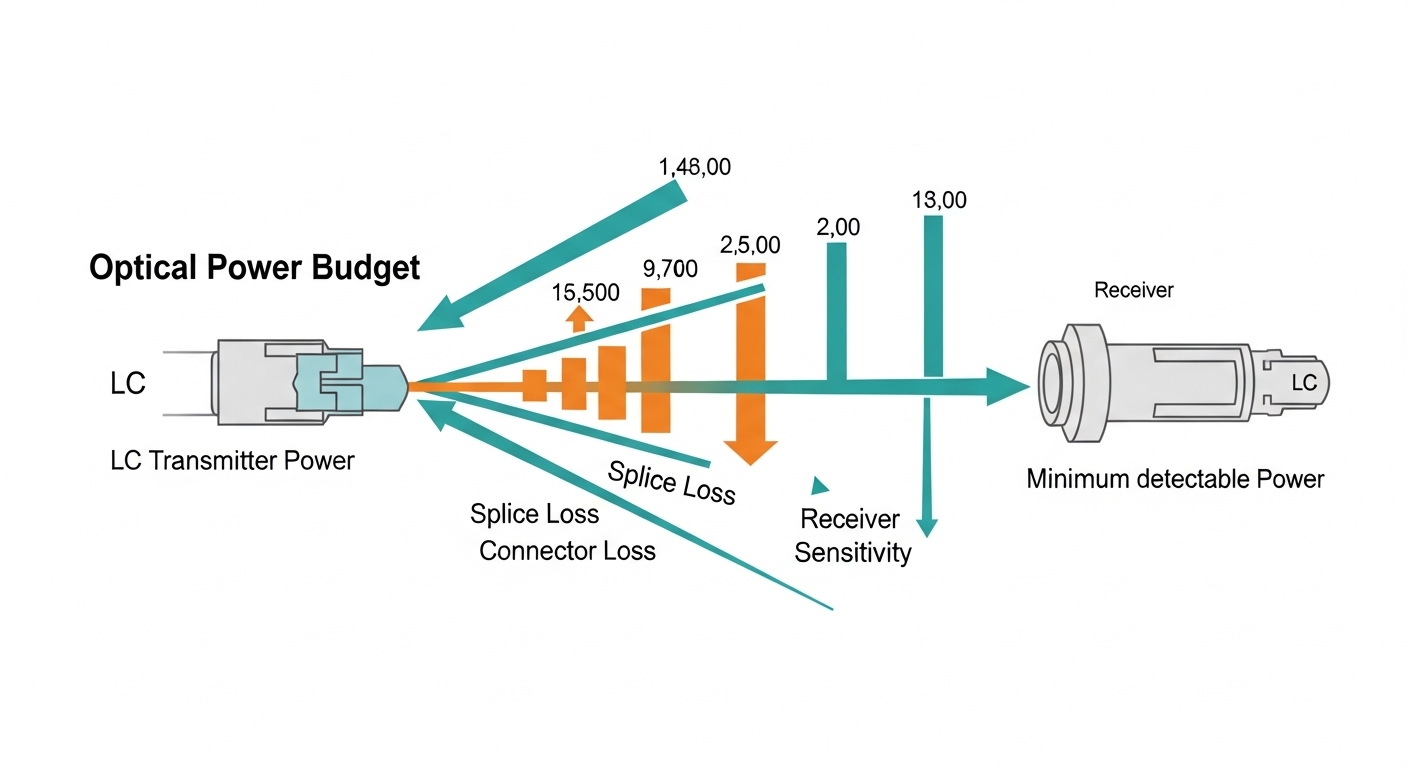
Specifications like “reach” are shorthand for an optical power budget plus dispersion considerations. Your actual link budget includes fiber attenuation, splice loss, connector loss, and margin for aging. In industrial cabinets, I often find extra loss from repeated maintenance unplugging, so I treat DOM optical power readings as a trending tool, not just a pass/fail indicator.
Selection criteria checklist for HARTING ha-VIS deployments
Choosing the right ha-VIS transceiver is faster when you follow a repeatable decision flow. Below is the checklist I use during pre-approval and procurement, tuned for industrial IP switch environments and the realities of field commissioning.
- Match the switch port capability: confirm whether the HARTING industrial IP switch port expects SFP (1G), SFP+ (10G), or other speed variants.
- Lock the wavelength and fiber type: 850 nm requires multimode OM3/OM4; 1310/1550 require OS2 single-mode.
- Confirm DOM/compatibility behavior: verify the switch can read DOM alarms and that thresholds do not trigger nuisance maintenance events.
- Validate temperature grade: prefer industrial range optics for cabinets near heaters, panels in sun exposure, or cold-start environments.
- Check connector and polarity: LC connector cleanliness and correct transmit/receive mapping prevent “it links but fails intermittently” scenarios.
- Assess vendor lock-in risk: OEM optics can be reliable but may cost more; third-party optics can work if DOM and optical parameters match.
- Plan optical margin: include at least a practical safety margin for splices, patch cords, and future rework.
Compatibility caveats you should not ignore
Even when a transceiver is “standard,” some industrial switches implement stricter DOM or vendor ID checks. If you use a third-party ha-VIS transceiver, confirm the switch accepts it without port disable, and validate alarms in a controlled test before mass rollout. For practical guidance on optical testing and best practices, see Fiber Optic Association.
Pro Tip: In industrial rings, I have seen “it passed power-on” failures caused by connector contamination that only becomes visible after thermal expansion. Always clean LC connectors with approved wipes and inspect with a fiber scope before blaming the ha-VIS transceiver or the switch.

Common mistakes and troubleshooting tips
Below are failure modes I have personally encountered when deploying SFP optics like ha-VIS transceivers with industrial IP switches. Each includes a likely root cause and a field-tested solution.
Link comes up but is unstable under load
Root cause: marginal optical power due to dirty connectors, excessive patch cord loss, or a bend radius that stresses the fiber. In multimode links, modal noise can also appear with certain patching conditions.
Solution: clean both ends, verify polarity with a continuity test, and measure received optical power via DOM if available. Replace suspect patch cords and check bend radius at cabinet entry points.
Works in the lab, fails in the cabinet after temperature changes
Root cause: using a commercial-temperature transceiver where laser bias and receiver sensitivity drift outside spec in industrial environments.
Solution: switch to an industrial temperature grade optic and confirm the switch’s operational temperature range. During acceptance, run a thermal cycle test and watch DOM temperature and optical power trends.
“Wrong fiber type” problem masked by short jumpers
Root cause: installing an 850 nm multimode transceiver into a link that is actually OS2 single-mode or using OM1/OM2 where OM3/OM4 is expected, leading to severe attenuation beyond the test patch.
Solution: verify fiber type markings, measure end-to-end loss, and standardize patch cord types. If documentation is unclear, use a certified OTDR and review splice and connector locations.
DOM alarms trigger frequent maintenance tickets
Root cause: DOM threshold mismatch between transceiver vendor and switch interpretation, or transceiver reporting format differences.
Solution: confirm DOM support expectations with the switch documentation, then tune alarm thresholds in the monitoring system. Log DOM values during normal operations to establish a baseline.
Cost and ROI: OEM optics vs third-party ha-VIS transceivers
Pricing varies by speed and reach, but for typical SFP optics used in industrial cabinets, you will often see OEM transceivers priced at a premium due to validation and warranty terms. Third-party options can reduce upfront cost, but the total cost of ownership depends on acceptance testing time, failure rates, and whether DOM and compatibility are reliable.
As a rule of thumb from procurement cycles: OEM SFP optics may cost roughly 1.5x to 2.5x more than equivalent third-party units, while the ROI comes from reduced commissioning risk and fewer port-level troubleshooting events. For a mid-size site with dozens of links, I recommend budgeting time for a pilot deployment: test a small batch, validate DOM alarms, and confirm stable link behavior across real fiber runs. When you include downtime costs, the “cheapest” optic can become the most expensive after repeated truck rolls.
FAQ for ha-VIS transceiver buyers supporting HARTING industrial IP switches
Which ha-VIS transceiver speed will match my HARTING port?
Check the switch port labeling and the transceiver form factor requirements. SFP, SFP+, and higher-speed pluggables are not interchangeable at the electrical layer, even if they look similar.
Can I use a third-party ha-VIS transceiver with DOM support?
Often yes, but you must validate compatibility with your specific HARTING industrial IP switch model and firmware. Confirm that DOM data is readable and that alarm thresholds do not cause nuisance events.
What fiber type should I use for 850 nm ha-VIS transceivers?
Typically use multimode OM3 or OM4 with the correct LC patching. If your fiber plant is OS2 single-mode, choose a 1310 nm or 1550 nm single-mode optic instead.
How do I prevent link flaps after installation?
Clean connectors, inspect with a fiber scope, and verify polarity and bend radius. Then monitor DOM optical power and temperature for the first weeks to catch drift before it becomes downtime.
What operating temperature grade is recommended for industrial cabinets?
Prefer industrial temperature range optics when the cabinet sees heat near power equipment or cold starts during winter. Commercial-grade optics may pass short tests but fail over time under sustained extremes.
How can I estimate total optical margin for a real link?
Use the vendor’s optical budget guidance, then add measured splice and connector losses from documentation or OTDR results. Keep a practical safety margin for future maintenance and re-patching.
Picking the right ha-VIS transceiver for HARTING industrial IP switches is about more than wavelength and reach; it is compatibility, DOM behavior, and temperature reliability under real cabinet conditions. If you are planning your next spares strategy, review industrial SFP transceiver and fiber optic link budget to standardize optics, testing, and monitoring across the site.
Author bio: I am a data center and industrial networking engineer who designs fiber-based link plans, validates optics with DOM telemetry, and supports commissioning in vibration and temperature-stressed cabinets. My work blends rack power discipline, port-level compatibility testing, and field troubleshooting so deployments stay stable through maintenance cycles.