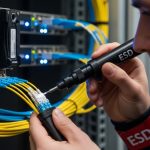
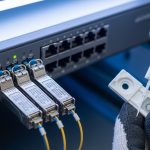
If you are deploying edge servers, industrial gateways, or retail PoPs, the hard part is rarely “finding optics.” It is matching optical modules to fiber type, link distance, switch expectations, and harsh temperature swings without guessing. This purchasing guide helps field engineers and small network teams choose transceivers that actually come up on the first install.
In practice, you are balancing several constraints at once: the optics must meet IEEE 802.3 electrical/optical requirements, the switch must accept the module’s identification, and your fiber plant must support the wavelength and reach. I will walk through selection criteria, a real edge deployment scenario with numbers, and troubleshooting patterns I have seen in the field.
What “right” means for edge computing optical modules
Edge sites are different from a central data center. You often have longer last-mile runs, mixed fiber types, tighter power budgets, and more frequent maintenance windows. That means your optical modules must be compatible with the host switch or NIC, stable across temperature and aging, and tolerant of fiber loss and connectors that were installed by someone rushing a project.
Most modern deployments use pluggable optics aligned to IEEE Ethernet link standards. For example, 10GBASE-SR and 10GBASE-LR are defined by IEEE 802.3, and the transceiver behavior (electrical interface, optical power, and safety) is governed by vendor datasheets and the standard’s physical layer requirements. If you want the baseline Ethernet definitions, start with IEEE 802.3 Ethernet Standard.
On the physical side, you will see module families like SFP+, SFP28, QSFP+, QSFP28, and QSFP-DD, each with a specific electrical lane rate and connector footprint. In edge computing, SFP+ and SFP28 are very common because many edge switches, routers, and media-converters still support them. For fiber, the two common worlds are multimode (OM3/OM4) for short reaches and single-mode (OS2) for longer runs.
Technical specs you must map before you buy
Before selecting a transceiver, write down the host interface type and the fiber plant facts. Then match wavelength, reach, optical power budget, and connector type. For optical modules, the most important “numbers” are wavelength band, nominal reach, transmit power range, receiver sensitivity, and whether the module supports Digital Optical Monitoring (DOM) for diagnostics.
Here is a practical comparison of commonly purchased module types for edge deployments. Note that exact power and sensitivity values vary by vendor and revision, so treat this as a guide for planning, not a substitute for the datasheet.
| Module family | Typical data rate | Wavelength | Reach (typical) | Fiber type | Connector | DOM | Operating temp (typ.) |
|---|---|---|---|---|---|---|---|
| SFP+ SR | 10G | 850 nm | 300 m (OM3) / 400 m (OM4) | MMF | LC | Often yes | -20 to 70 C |
| SFP+ LR | 10G | 1310 nm | 10 km (typ.) | SMF | LC | Often yes | -20 to 70 C |
| SFP28 SR | 25G | 850 nm | 100 m (OM3) / 150 m (OM4) | MMF | LC | Often yes | -20 to 70 C |
| QSFP28 SR | 100G | 850 nm | 100 m (OM4 typical) | MMF | MPO/MTP | Often yes | -5 to 70 C |
| QSFP28 LR4 | 100G | ~1310 nm (4 lanes) | 10 km (typ.) | SMF | LC (per lane grouping depends) | Often yes | -5 to 70 C |
In edge scenarios, you usually care about temperature class. Many “enterprise” optics are rated for industrial-ish environments but not for unconditioned outdoor cabinets. If you are installing near HVAC failures or in outdoor huts, you may need industrial temperature optics and better cable management to avoid connector stress.
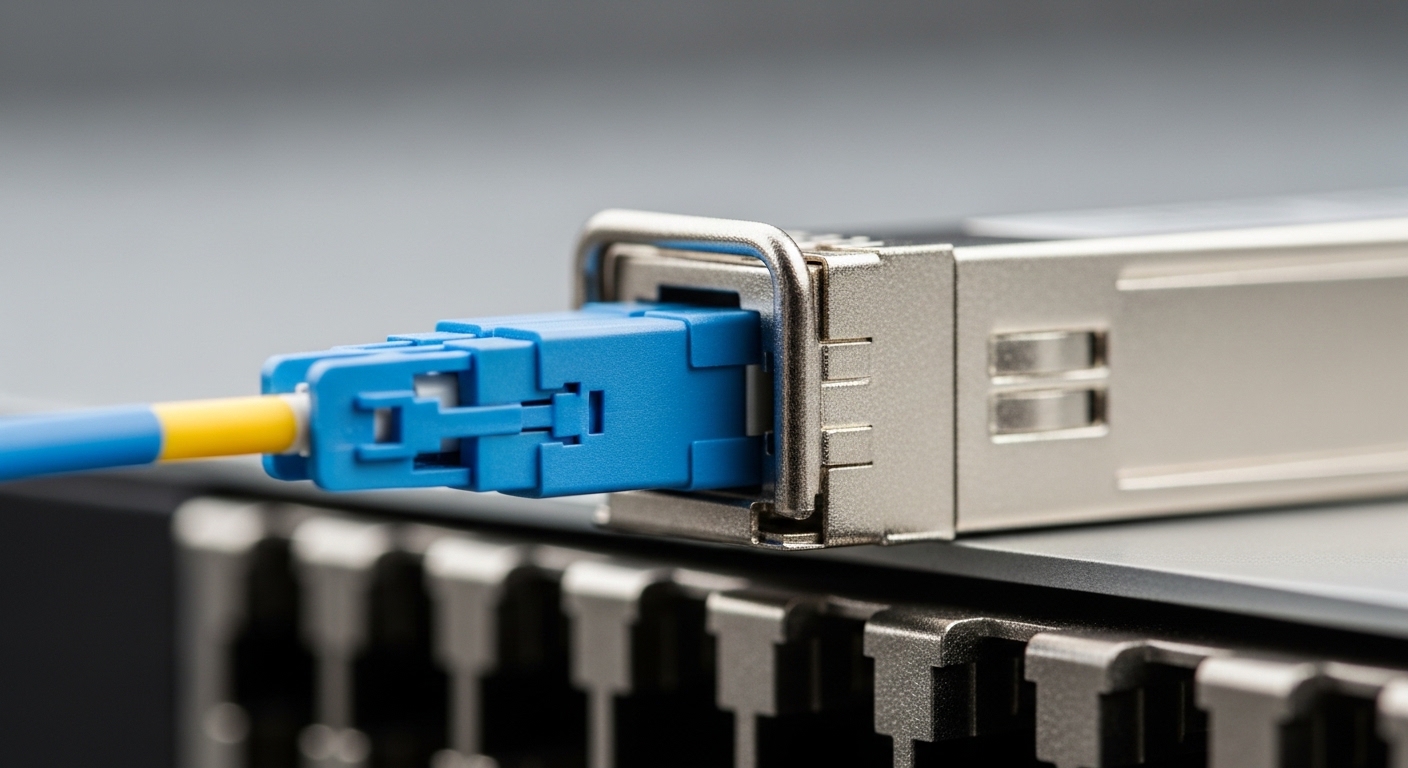
Match distance, budget, and fiber plant reality
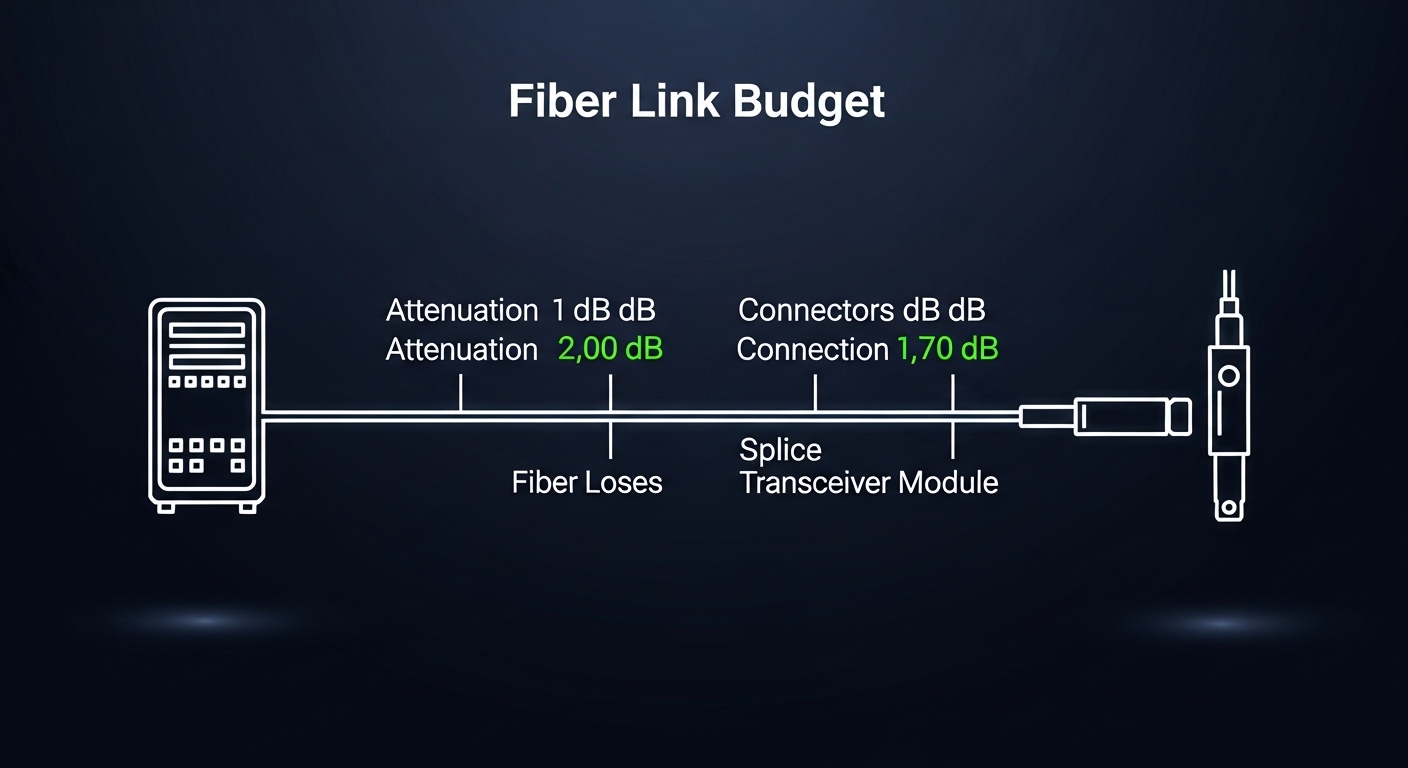
Edge computing pushes you into “budget math” earlier than you expect. Your link margin comes from the module’s transmitter power minus fiber attenuation minus connector and splice loss minus additional penalties like patch cord quality and aging. Most teams underestimate how quickly connector loss accumulates when multiple technicians touch a patch panel.
How to compute a usable link budget
Start with the transceiver datasheet’s launch power and receiver sensitivity, then compute available power margin. Add estimated losses: fiber attenuation (dB/km), plus connector loss (often ~0.2 to 0.5 dB per connection depending on polish and cleanliness), plus splice loss if applicable, plus an engineering margin for future rework.
For reference on optical safety and general fiber standards, the ITU provides useful baseline material on optical transmission concepts and safety considerations via ITU website. For the Ethernet physical layer specifics, rely on IEEE definitions and the vendor datasheets that implement them.
Concrete edge deployment scenario with numbers
In one deployment I supported, we had a 3-tier edge network: 48-port 10G ToR switches in two small data rooms, uplinking to a regional aggregation router over single-mode fiber. Each edge site ran 10 km OS2 links using 10GBASE-LR optics, and the remaining access layer used 10GBASE-SR within 50 to 150 m across patch panels. We targeted DOM-capable transceivers so the operations team could monitor receive power and detect degradation early.
Operationally, we set a conservative plan: assume worst-case connector loss and include an extra 2 dB margin beyond the datasheet budget. After installation, we validated with link bring-up logs and confirmed that received optical power stayed within the vendor’s recommended range for the first 30 days. That approach prevented a slow “it seems fine” failure mode where a single bad splice would have only shown up during a seasonal temperature shift.
Pro Tip:
In edge sites, the biggest hidden variable is not the fiber spec on paper; it is the patching behavior. If you can, measure with an OTDR at install time and record the event map. Later, when links flap after a maintenance visit, you will know whether you have a connector contamination event or an actual fiber shift.
Selection checklist engineers use under time pressure
When procurement is moving fast, you still want a repeatable decision flow. Here is the checklist I use for edge computing optical modules, ordered by what typically causes the most bring-up failures.
- Distance and fiber type: confirm OM3 vs OM4 vs OS2, and the real installed length including patch cords.
- Link rate and interface form factor: SFP+ vs SFP28 vs QSFP28 must match the host’s physical interface. Do not assume “10G is 10G.”
- Connector and polarity: LC vs MPO/MTP matters, and MPO polarity rules can kill 100G links if misunderstood.
- Switch compatibility: some platforms enforce vendor ID checks. Validate with the switch’s transceiver compatibility list or by testing a sample batch.
- DOM and monitoring: if you need remote alarms, pick optics with DOM and confirm the host supports the telemetry interface.
- Operating temperature: edge cabinets can run hot; verify industrial temperature ratings for the install location.
- Budget and total cost of ownership: include expected failure rates, warranty terms, and whether third-party optics reduce downtime costs.
- Vendor lock-in risk: plan for multiple approved vendors if the host enforces strict identification.
If you are trying to align optics to the physical layer requirements and keep interoperability realistic, it helps to reference how Ethernet standards define transceiver behavior. IEEE and vendor datasheets are the authoritative sources; treat marketing “compatibility claims” as secondary until you test.
Common pitfalls and troubleshooting patterns
Most optical module problems are not “bad modules.” They are mismatches: wrong reach type, wrong polarity, dirty connectors, or host-side compatibility quirks. Below are failure modes I have seen repeatedly, with root causes and fixes.
Pitfall 1: Link won’t come up after install
Root cause: wrong module family for the host interface (for example, SFP28 placed in an SFP+ only slot, or a QSFP28 type mismatch). Sometimes the module physically fits but the electrical interface fails negotiation.
Solution: verify the host’s supported transceiver types in the datasheet or compatibility guide, then test with one known-good module from the approved list. If you have multiple lanes (QSFP28), verify the exact optics family and lane mapping.
Pitfall 2: Link flaps under temperature changes
Root cause: marginal link margin plus environmental stress. Dirty connectors, slightly higher-than-expected attenuation, or poor patch cord quality can push you over the edge when temperature shifts change laser output characteristics.
Solution: clean connectors with proper fiber cleaning tools, re-seat modules, and re-check optical power. If you have DOM, pull the receive power trend during the next temperature cycle and compare against the vendor’s operating range.
Pitfall 3: Receiver errors only on one direction
Root cause: polarity or mapping issues, especially with MPO/MTP for 40G/100G. With SR optics, lane alignment and polarity can swap transmit and receive paths.
Solution: validate polarity using the manufacturer’s MPO polarity guide and confirm the patching method (for example, whether you need polarity adapters or specific cassette configurations). Then retest with a known-good patch lead.
Pitfall 4: DOM shows alarms but traffic still passes
Root cause: DOM thresholds can be conservative, or you may have slowly degrading connectors/splices. Some systems also report “low” receive power without immediate link loss.
Solution: use DOM to trend over time, not just event logs. If receive power trends toward the lower limit, schedule cleaning or re-termination before a hard outage happens.

Cost, ROI, and the real TCO decision
Optical modules pricing varies wildly by data rate, reach, and whether the host enforces strict compatibility. Typical street price ranges (ballpark, not a quote) often look like: 10G SFP+ SR in the tens of dollars, 10G LR a bit higher, and 25G/100G optics significantly more, especially for single-mode long reach and QSFP28 formats.
For ROI, the “cheapest module” can be the most expensive if it increases downtime. OEM optics may cost more upfront but can reduce compatibility surprises and speed warranty replacement. Third-party optics can be cost-effective, but you must verify: DOM behavior, transmitter power compliance, and host acceptance. In edge deployments, where travel time is a major cost, a module that fails early can dominate TCO through truck rolls and extended maintenance windows.
Also consider spare strategy. If you are rolling out to 20 edge sites, it is usually smarter to stock a small, curated spare set of the most common optics (for example, SR for access and LR for aggregation) rather than buying many types that rarely get used.
FAQ for buying optical modules for edge sites
What optical modules work best for short edge runs?
For short distances within a rack or nearby patch panels, 850 nm SR optics (SFP+ SR or SFP28 SR) are common because multimode fiber is easy to deploy. Just confirm OM3 vs OM4 and keep an eye on the effective reach after connector and patch cord losses.
How do I know if my switch will accept third-party optical modules?
Check the switch vendor’s transceiver compatibility list or documentation, then test with a small batch in a controlled environment. If you cannot test, ask for a written warranty and confirm DOM support, since some hosts behave differently across firmware versions.
Do I need DOM for edge computing?
If you have operations monitoring and want early warning, DOM is valuable. Receive power trends can reveal fiber degradation before the link fails, which is especially helpful when edge sites are staffed lightly.
What temperature rating should I plan for?
If your edge cabinet is climate controlled, standard commercial ranges may work. If you have unconditioned enclosures, choose optics with an appropriate industrial temperature rating and verify the module’s maximum case temperature in the datasheet.
Can I mix module types or wavelengths on the same uplink?
No. The link must have matching transmit and receive characteristics at the same nominal wavelength and data rate. Mixing wavelength bands or reach families typically prevents negotiation or causes immediate link errors.
Where should I start if I am unsure about fiber polarity?
Start with the patch panel design and the MPO polarity method used by your cabling standard. Then follow the optics manufacturer’s polarity guidance and validate with a known-good patch lead before scaling to all edge ports.
If you want to go one step deeper, build your plan around how to validate optics with measurement and monitoring: DOM support and fiber cleaning and connector inspection are usually the fastest wins. For interface planning, also review SFP28 vs QSFP28 to avoid slot-type surprises.
Author bio: I have deployed fiber and optical modules across edge and small data center environments, troubleshooting bring-up issues with real power budgets and DOM telemetry. I write field notes based on what consistently works in the rack, the cabinet, and during the inevitable “it was fine yesterday” outage.