In industrial automation, a single mis-matched fiber transceiver can halt commissioning, trigger link flaps, or silently degrade throughput under vibration and temperature swings. This article helps field engineers and OT network owners choose and deploy automation controller optics for SFP ports on common ABB and Siemens automation controllers, using practical compatibility checks, measurable operating limits, and a troubleshooting workflow. You will walk away with a step-by-step selection and installation process, plus an engineering checklist you can reuse during site surveys. industrial networking
Prerequisites and scope: what “SFP for ABB and Siemens controllers” really means
Before selecting optics, confirm the exact controller model and the physical interface type (dedicated copper vs fiber SFP cage). ABB and Siemens automation ecosystems vary by generation, and even when a controller uses an SFP, the firmware may apply stricter requirements on DOM reporting, link training behavior, or supported optical power ranges. This guide targets SFP (not SFP+) used on typical industrial controller Ethernet ports, and it assumes you are building or extending an OT network that may include managed switches, media converters, and patch panels.
Methodologically, treat this like an interop test: you are validating electrical/optical layer parameters, not just “it lights up.” IEEE 802.3 defines Ethernet physical layer behavior for fiber links, including optical signaling for 1000BASE-X style interfaces commonly used with SFP optics. For reference on Ethernet PHY concepts and fiber link behavior, see IEEE 802 Ethernet Standard.
What you should gather on-site (minimum dataset)
- Controller part numbers: ABB controller model and Siemens controller model, plus the SFP port label or module SKU if applicable.
- Switch or upstream device model: vendor and port type (managed switch, industrial switch, or media converter).
- Fiber plant data: link distance, cable type (OM2/OM3/OM4 or OS2), fiber grading, and connector type (LC/SC).
- Environmental limits: cabinet temperature range and any expected condensation or dust conditions.
- Operational constraints: desired link speed (commonly 1G on SFP), redundancy design, and maintenance window length.
Expected outcome: a concrete baseline that you can map to an SFP optical budget and compatibility matrix, rather than relying on generic “SFP is SFP” assumptions.
Step-by-step selection: mapping controller SFP needs to optics specs
Selection fails when teams only compare wavelength and “reach.” For automation controller optics, you also need to validate optical power budget margins, connector cleanliness assumptions, DOM behavior, and temperature derating. The safest approach is to start from the controller’s intended Ethernet PHY profile, then pick an SFP that is explicitly specified for that profile and connector type.
Identify the Ethernet PHY and speed profile for the SFP port
Check controller documentation for whether the SFP port is configured for 1000BASE-SX (multimode), 1000BASE-LX (single-mode), or an industrial variant. Many plant retrofits use 1G fiber to isolate noise and extend reach. If the controller requires specific link negotiation behavior, capture it from the controller web UI or CLI logs during a test bench.
Expected outcome: you know whether you are buying SX (typically 850 nm multimode) or LX (typically 1310 nm single-mode) optics, and whether autonegotiation is enabled.
Choose the fiber type and connector format before selecting wavelength
Decide on multimode vs single-mode based on your link distance and fiber grading already installed. Multimode (OM3/OM4) often supports shorter distances at 850 nm, while single-mode (OS2) typically supports longer distances at 1310 nm. Ensure connector type matches your patch cords and bulkheads—most SFP fiber modules use LC, so verify LC-to-LC or LC-to-SC adapters if needed.
Validate optical budget with real margins, not headline reach
Vendor “reach” claims assume ideal conditions. In the field, budget is consumed by splice loss, patch panel losses, dirty connectors, and aging. Use the optical budget provided in the SFP datasheet and compare it against your measured or estimated link loss. If you cannot measure, at least count connectors and splices: a typical installation may have multiple LC connectors and patch cords, and each additional interface can reduce margin by several tenths of a dB.
Confirm DOM support and operational temperature requirements
Some industrial controller firmware uses DOM values to decide whether to allow the port to come up, alarm on high/low laser bias, or log diagnostic events. Prefer modules with documented DOM compatibility and accurate calibration for TX/RX power thresholds. Also match the module temperature range to your cabinet: many industrial deployments require -40 C to +85 C or better, especially near drives, transformers, or outdoor enclosures.
Pick a known-good vendor family and test interop with the exact controller
When possible, standardize on a small set of module families across ABB and Siemens sites to reduce troubleshooting variability. In practice, teams that mix OEM and third-party optics often see intermittent issues related to DOM threshold interpretation, link training timing, or non-standard optical power reporting. Where third-party optics are necessary, validate them in a staging rack with the same firmware version used in production.
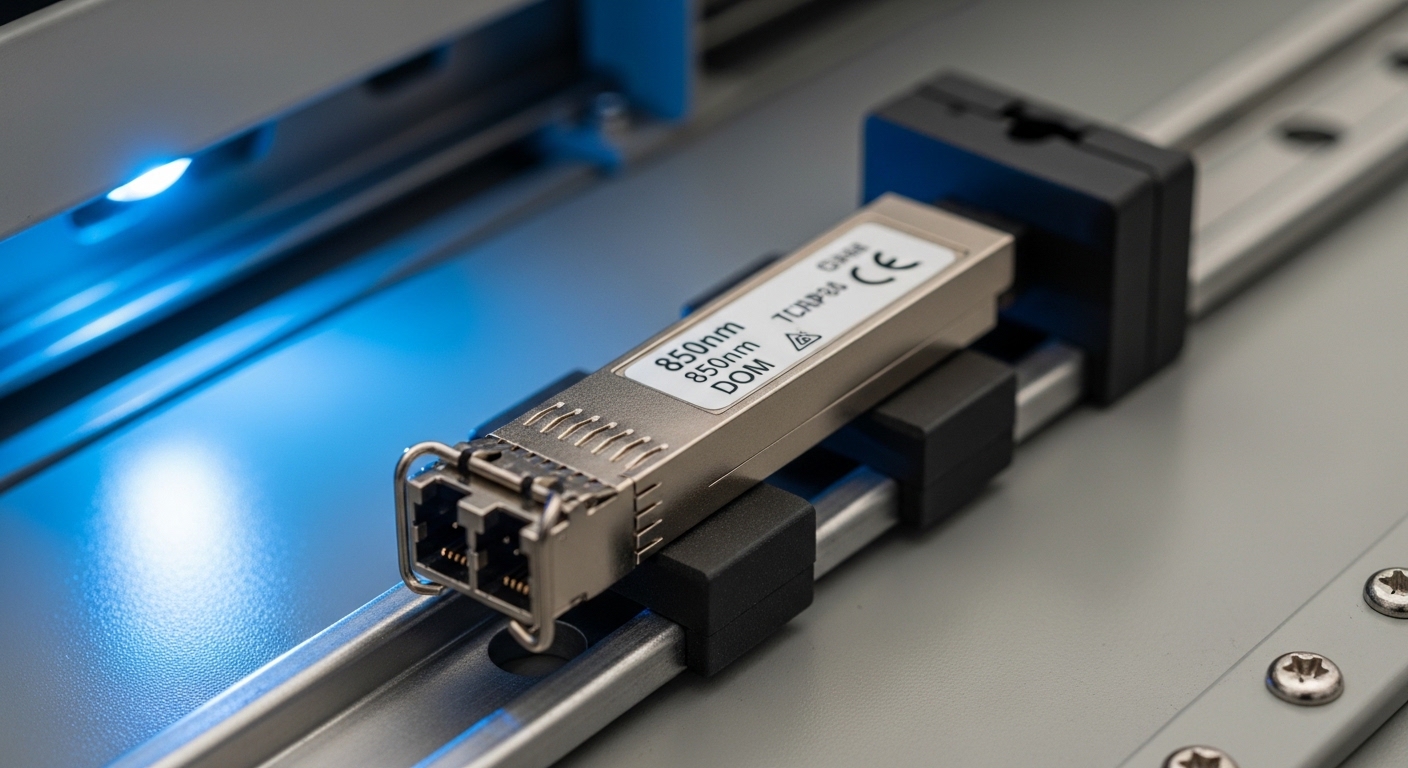
Automation controller optics spec comparison for common 1G SFP use
Below is a practical comparison table you can use when selecting optics for automation controller SFP ports. Use it as a starting point, then confirm the exact datasheet values for your controller’s intended Ethernet PHY profile and your fiber type.
| Optics profile | Typical wavelength | Target fiber | Connector | Example module models | Nominal reach (vendor claim) | Operating temperature | Key compatibility checks |
|---|---|---|---|---|---|---|---|
| 1000BASE-SX | 850 nm | OM2/OM3/OM4 multimode | LC | Cisco SFP-10GSR (10G-class example), Finisar FTLX8571D3BCL (1G-class example), FS.com SFP-10GSR-85 (10G-class example) | Typically 300 m on OM3; varies by vendor and grading | Often -40 C to +85 C for industrial variants | Check DOM thresholds, laser class, and controller PHY mode |
| 1000BASE-LX | 1310 nm | OS2 single-mode | LC | Finisar/FS.com single-mode LX variants (model-specific) | Typically 10 km; depends on datasheet optical budget | Often -40 C to +85 C | Confirm single-mode fiber type, end-face cleanliness, and power budget margin |
| Industrial “-40 to +85” SFP | Varies | Varies | LC/SC (model-specific) | Any vendor with explicit industrial rating and DOM documentation | Varies | Must match enclosure worst-case | Confirm whether controller expects DOM presence |
Expected outcome: you can quickly filter candidate optics by wavelength, fiber type, connector, and industrial temperature rating, then proceed to budget and interop validation.
For standards context around fiber Ethernet performance and link behavior, the ITU-T framework covers optical transport and fiber characteristics relevant to budgeting and attenuation assumptions. See ITU-T Publications Portal.
Decision checklist engineers actually use during commissioning
Use the following ordered checklist during site surveys and pre-commissioning staging. It is designed to prevent the three most expensive failures: buying the wrong wavelength profile, underestimating fiber loss, and discovering DOM or temperature mismatches late in the schedule.
- Distance vs fiber grading: confirm OM3/OM4 vs OS2 and estimate total loss including patch cords and connectors.
- Controller port PHY compatibility: verify SX vs LX requirements and whether autonegotiation is expected.
- Connector and polarity constraints: LC vs SC, and ensure correct transmit/receive mapping (A-to-B style where applicable).
- DOM support and alarm behavior: confirm that DOM is present and that the controller will not treat missing/unknown DOM as a fault.
- Operating temperature and derating: match the module rating to measured cabinet temperature and airflow conditions.
- Vendor lock-in risk: standardize on one vendor family where possible, and pre-test third-party optics with the same controller firmware.
Pro Tip: In many industrial controller deployments, the optical link may “come up” visually, yet the controller logs intermittent CRC or FCS errors due to marginal receive power. During commissioning, poll interface error counters at a 60-second interval for at least 30 minutes after thermal stabilization; this catches borderline optics that a quick link-status check misses.
Real-world deployment scenario: ABB and Siemens controllers in a leaf-spine OT network
Consider a manufacturing site deploying a 3-tier architecture: access layer industrial switches at each cell, aggregation at the middle row, and a leaf-spine core for data services. In one common topology, 48-port ToR industrial switches uplink using 1G fiber SFPs to aggregation switches, while ABB and Siemens automation controllers connect as edge devices. A typical commissioning target is 1 Gbps per controller link with a 2 km fiber run from controller cabinets to the nearest aggregation patch panel over OS2 with roughly 1.5 dB estimated total loss excluding safety margin. Engineers install LC patch cords with APC-style considerations where required by the fiber plant, then verify link counters after 30 minutes of idle traffic.
In this scenario, the choice of automation controller optics matters because the controller cabinets may sit near heat sources, raising internal temperatures by 15 C above ambient. If a module is only rated to 0 C to +70 C, it can pass initial validation but later degrade under sustained load. Teams therefore standardize on industrial-rated optics and validate DOM presence so the controller can report laser bias and receive power, enabling proactive maintenance before link failures.

Common mistakes and troubleshooting workflow for controller SFP optics
Below are the most frequent failure modes when deploying automation controller optics for ABB and Siemens SFP ports, along with root causes and concrete solutions.
Failure mode 1: Link never comes up (no light) after swapping optics
Root cause: TX/RX polarity reversal or wrong connector mapping (transmit connected to transmit). This is common when technicians re-terminate patch panels or use adapter jumpers without labeling. Another cause is using the correct wavelength profile but incorrect fiber type (multimode optic on single-mode fiber, or vice versa).
Solution: verify patch panel labeling, then perform a polarity test: use a known-good fiber polarity mapping tool or temporarily swap the LC jumpers at the patch panel. Confirm fiber type by checking the cable jacket marking and splice records. If available, use a fiber power meter and verify receive power within the SFP datasheet range.
Failure mode 2: Link flaps or CRC/FCS errors under load
Root cause: insufficient optical budget margin due to dirty connectors, excessive patch cord length, or underestimated splice/adapter loss. Laser power may be within range at cold start but margins shrink at elevated temperature and aging. Third-party modules with non-standard DOM calibration may also trigger controller-specific threshold behavior.
Solution: clean connectors with lint-free wipes and appropriate isopropyl alcohol or connector cleaning tools; then re-test. Replace suspect patch cords with known-good ones. During troubleshooting, monitor interface error counters and link state transitions for at least 30 minutes after thermal stabilization.
Failure mode 3: Port appears “up” but automation controller performance degrades
Root cause: mis-negotiated link mode or suboptimal flow control settings, causing retransmissions and latency spikes. Some deployments also suffer from duplex mismatch on copper fallback paths; while fiber SFP ports usually avoid classic duplex mismatch, the upstream switch configuration can still apply incompatible policies.
Solution: force the expected speed and disable features that conflict with the controller’s PHY behavior if the controller supports only fixed mode. Validate upstream switch port settings: ensure the port is configured for the correct media type, and confirm no unexpected VLAN tagging or QoS policy is causing drops. Capture switch port statistics and controller logs around the time latency increases.
Cost and ROI note: OEM vs third-party optics in industrial spares
In practice, OEM industrial SFP optics typically cost more per unit than third-party equivalents, but they reduce commissioning time and interoperability risk. For many sites, a realistic street range for industrial-rated 1G optics can be roughly $40 to $150 depending on wavelength, reach class, and temperature rating; third-party modules may be lower but should be treated as “validated-only” spares. The total cost of ownership includes not just purchase price, but labor, downtime during replacement, and the risk of intermittent field failures that are expensive to reproduce.
If your plant uses strict change-control, consider standardizing a small bill-of-materials for automation controller optics and buying a tested spares kit. A practical ROI model: if one avoided failed commissioning event saves even a single day of technician time and prevents a production interruption, the savings from cheaper optics are often negative. Also account for power and cooling impacts: while SFP power draw differences are usually small (often around a few hundred milliwatts), avoiding rework and truck rolls dominates TCO.
FAQ: automation controller optics for ABB and Siemens SFP ports
What wavelength should I choose for ABB or Siemens controller SFP ports?
Use the controller documentation to determine whether the SFP port expects SX (commonly 850 nm for multimode) or LX (commonly 1310 nm for single-mode). Then match wavelength to your installed fiber type and connector plan. If you are unsure, do a bench test with the exact controller firmware and a known-good switch port.
Can I use third-party SFP modules instead of OEM?
Yes, but treat third-party optics as “validated spares.” Interoperability issues often come from DOM interpretation differences, optical power reporting, or temperature behavior. The safest method is staging validation: test the module with the same controller model and firmware revision and monitor error counters for at least 30 minutes.
How do I confirm the link is healthy beyond “link up” status?
Check interface counters for CRC/FCS errors, frame drops, and link state transitions. In OT networks, you should also correlate controller application logs with network counters during normal traffic patterns. A link that is marginal may appear stable for minutes but show errors after thermal equilibrium.
What temperature rating matters for industrial cabinets?
Match the SFP module operating range to your cabinet worst-case temperature, including sun load, convection limits, and airflow reduction. Many industrial deployments target -40 C to +85 C modules, because sustained high internal temperatures can push marginal optics out of safe power margins over time.
What are the most common connector-related causes of SFP failures?
Dirty connector end-faces and incorrect polarity mapping are the top causes. Even small contamination can increase insertion loss enough to reduce receiver power below thresholds under load. Always clean connectors before swapping optics and verify patch panel labeling.
Next step
If you want to reduce commissioning risk, standardize your automation controller optics bill-of-materials, validate DOM and temperature behavior in a staging rack, and enforce a connector cleaning and polarity verification procedure. For the broader OT architecture context, review industrial networking and align your optics choices with your switch and VLAN/QoS policies.
Updated: 2026-05-04
Author bio: I have deployed and troubleshot fiber SFP interconnects in industrial control networks, including cabinet thermal validation and error-counter driven acceptance testing. I write from field experience, focusing on measurable link budgets, interoperability constraints, and operational maintenance practices.