
In modern telecommunications networks, optical modules are often treated like plug-and-play components—until a wavelength mismatch, DOM failure, or thermal problem triggers downtime. This article connects real deployment patterns with the engineering checks that field teams use to keep links stable. You will learn how to select, validate, and troubleshoot optical transceivers using concrete reach, power, and compatibility criteria.
Why optical modules decide link stability in telecommunications
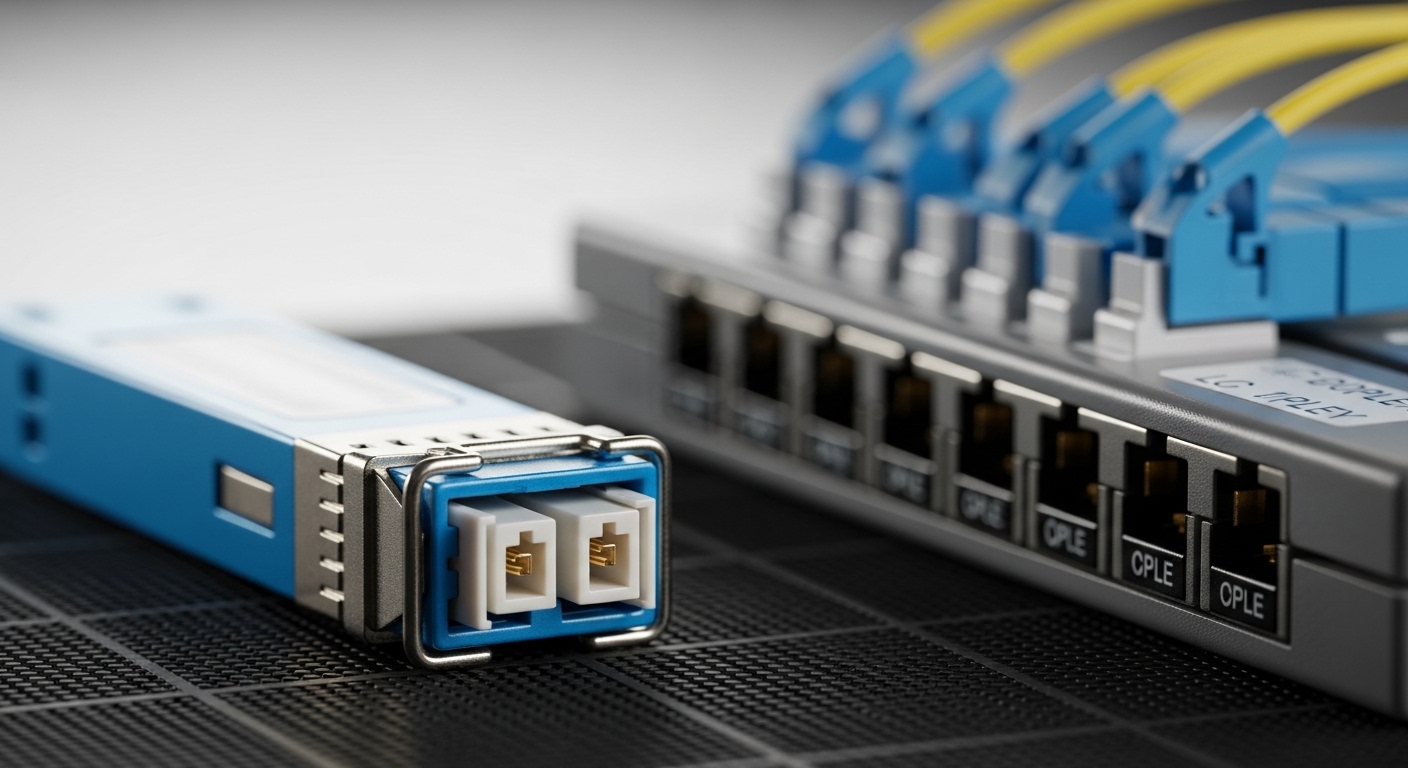
Optical modules translate electrical signals from routers, switches, and line cards into optical wavelengths that travel over fiber. In telecommunications, link stability depends on more than reach: it also depends on transmitter power, receiver sensitivity, optical budget margin, and the transceiver’s compliance to IEEE 802.3 optical specifications. In practice, teams validate that the module supports the switch vendor’s optics compatibility lists and that digital diagnostics (DOM) are readable for monitoring and alarms. [Source: IEEE 802.3 standard]
What field engineers measure during acceptance
During install and turn-up, engineers typically confirm DOM readings (laser bias current, received optical power, temperature) and verify that the link negotiates at the expected data rate. A common acceptance workflow includes checking optical receive power against the transceiver datasheet limits, then comparing it with the installed fiber’s measured attenuation. When modules support DOM, monitoring can correlate early drift (temperature rise or power decrease) with impending link errors. [Source: Vendor transceiver datasheets]
Case study: 10G SR optics in a leaf-spine data center for telecommunications
Consider a 3-tier data center leaf-spine fabric supporting a telecommunications customer. The operator used 48-port 10G ToR switches (48 x SFP+ uplinks) connected to a spine layer with 10G multimode links using 10G SR optics. Each rack had two uplinks for redundancy, giving 96 active links per row; total deployment was about 1,500 optics over 18 months. Operationally, the team targeted a conservative optical budget margin to reduce field returns during hot-summer airflow changes.
Observed success factors
The team standardized on modules with documented DOM support and verified that the switch firmware recognized vendor IDs without forcing fallback modes. They also required operating temperature headroom, because airflow in the spine row ran hotter than the top-of-rack area. By keeping measured received power within datasheet ranges and monitoring DOM trends, they reduced “intermittent link flap” events and shortened mean time to repair (MTTR). [Source: Cisco and Finisar optics documentation]
| Optical module example | Data rate | Wavelength | Typical reach | Connector | DOM support | Operating temperature |
|---|---|---|---|---|---|---|
| Cisco SFP-10G-SR | 10G | 850 nm | Up to 300 m over OM3 | LC | Yes (digital diagnostics) | 0 to 70 C (typical) |
| Finisar FTLX8571D3BCL | 10G | 850 nm | Up to 300 m over OM3 | LC | Yes | -5 to 70 C (typical) |
| FS.com SFP-10GSR-85 | 10G | 850 nm | Up to 300 m over OM3 | LC | Varies by SKU (check) | -5 to 70 C (typical) |
How to choose optical modules for long-haul and metro telecommunications
When telecommunications networks move beyond short reach, the selection process becomes stricter. Teams must match the optical type (for example LR, ER, ZR), wavelength, and fiber type, and ensure the transceiver aligns with the platform’s lane mapping and modulation expectations. For coherent systems, the module category differs from pluggable direct-detect optics, and the acceptance tests include bit error rate (BER) under realistic traffic loads. [Source: ITU-T and IEEE related optical guidance, plus vendor coherent module notes]
Selection checklist used in the field
- Distance and fiber plant: confirm OM3/OM4 multimode or single-mode attenuation and connector losses; use measured OTDR results when possible.
- Data rate and optics type: match IEEE 802.3 requirements for the specific interface speed (10G, 25G, 40G, 100G).
- Switch compatibility: verify vendor compatibility lists and avoid modules that trigger unsupported optics modes.
- DOM support and telemetry: ensure DOM is enabled so monitoring systems can alarm on temperature and laser bias drift.
- Operating temperature and airflow: validate the module temperature range against real cabinet conditions.
- Vendor lock-in risk: assess whether the network management stack expects specific vendor OIDs or DOM formats.
- Optical budget margin: compare worst-case transmitter power and receiver sensitivity with installed loss; include aging margin.
Pro Tip: Many “it works on the bench” optics failures come from cabinet airflow differences, not fiber attenuation. During rollout, log DOM temperature and received power for the first 72 hours after installation, then set thresholds tied to your transceiver datasheet limits rather than default switch alarms.
Common mistakes and troubleshooting tips in telecommunications optics
Even strong procurement practices can’t eliminate all failures. Here are frequent pitfalls engineers encounter, with root causes and practical fixes.
Link up, then flaps under load
Root cause: marginal optical power due to connector contamination or an unaccounted loss budget component (patch panel, splitter, or aging). Solution: clean LC connectors using lint-free procedures, then re-measure received power and confirm it stays within datasheet sensitivity across temperature.
Switch reports “unsupported optics” or disables the port
Root cause: optics compatibility mismatch, often tied to DOM vendor identifiers or firmware expectations. Solution: confirm the module is the correct form factor and standard (for example SFP+ vs SFP28), then deploy a module from the approved compatibility list for that switch model and firmware version.
High BER or intermittent errors despite correct link status
Root cause: wavelength or channel mismatch in metro/coherent environments, or an incorrect fiber type assumption during planning. Solution: verify the wavelength label, confirm single-mode vs multimode expectations, and run traffic tests while monitoring DOM and counters for error-rate trends.
Cost and ROI note: balancing OEM and third-party optical modules
In telecommunications, optics spend is meaningful but rarely the only cost driver. OEM transceivers often cost more upfront (commonly several times the price of third-party options depending on speed and reach), but they may reduce compatibility incidents and shorten qualification cycles. Third-party modules can lower unit cost, yet total cost of ownership depends on return rates, compatibility testing time, and how your monitoring stack handles DOM telemetry consistently. Field teams often model ROI by tracking failure rates per thousand ports and MTTR impact, not only purchase price.
FAQ
What does DOM support change for telecommunications operations?
DOM (digital optical monitoring) enables telemetry like laser bias current, temperature, and received optical power. In practice, it improves proactive maintenance by letting you detect drift before errors occur. It also helps correlate alarms with specific optics rather than treating the port as a black box.
Can I mix third-party optical modules with OEM switches?
Sometimes, but you must validate compatibility with your exact switch model and firmware. Even when the physical form factor matches, DOM format and identification behavior can differ. Use the switch’s optics compatibility guidance and run a staged rollout before scaling.
How do I calculate optical budget for multimode links in telecommunications?
Start with measured fiber attenuation and add connector and patch panel losses, then compare against the transceiver’s specified transmitter power and receiver sensitivity. Include margin for aging and cleaning variability. If you have OTDR traces, use them to avoid assumptions about installed fiber quality.
What temperature issues most often cause optics failures?
Overheating from restricted airflow is a common trigger, especially in dense cabinets. When temperature rises, laser bias and output power can drift, and receiver margins shrink. Monitoring DOM trends during the first days after installation is a practical way to catch this early.
When should we consider upgrading from 10G SR to higher speeds?
Upgrade when uplink demand, server density, or oversubscription patterns create sustained congestion. You also consider cabling reuse: multimode links may support new speeds depending on optics and standards. Plan a staged migration where both speed and optics compatibility are validated.
Do coherent and direct-detect pluggable modules follow the same selection process?
No. Coherent optics introduce additional parameters like modulation format, dispersion tolerance, and often more complex acceptance testing. Direct-detect selection focuses heavily on wavelength, reach, and optical budget. Always follow the platform and vendor documentation for the specific coherent system.
If you want fewer surprises in production, treat optical module selection as a telecom engineering workflow: validate distance, compatibility, DOM telemetry, and thermal conditions. Next, explore fiber optic transceivers for high density data centers to connect these lessons to cabling and rack design decisions.
Author bio: I have deployed and troubleshot optical modules in multi-vendor telecommunications environments, validating DOM telemetry and optical budgets during cutovers. I write with field-tested acceptance checklists so teams can reduce outages and accelerate commissioning.
References & Further Reading: IEEE 802.3 Ethernet Standard | Fiber Optic Association – Fiber Basics | SNIA Technical Standards
