
Upgrading leaf-spine or spine core links to 800G upgrades often fails not because the optics are wrong, but because the integration details are. This guide helps data center and network field engineers plan the physical layer, validate optics, and troubleshoot bring-up issues fast. It focuses on repeatable triage steps that reduce downtime during cutovers of high-speed Ethernet.
Prerequisites before any 800G upgrades cutover
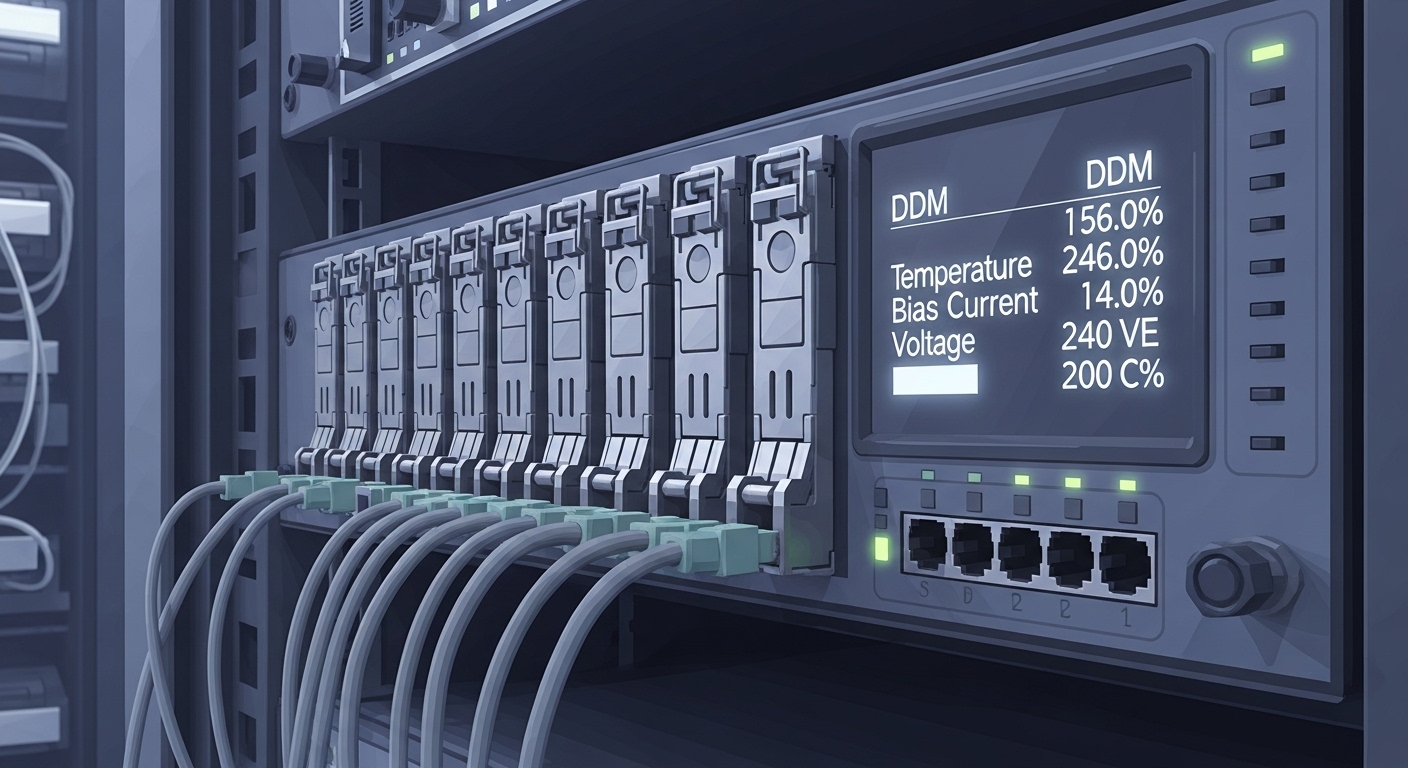
Before you touch transceivers, confirm both electrical compatibility and operational constraints. Your goal is to prevent a “swap-and-pray” cycle when the switch expects a specific lane mapping, FEC mode, and DOM policy. Also ensure your cabling plant and patch panel loss budget are documented and current.
Gather these artifacts (per site and per switch model)
- Switch vendor transceiver compatibility matrix for your exact chassis and line card (model number and revision).
- Link budget worksheet: fiber type (OS2 vs OM4/OM5), connector type, patch cord grade, and estimated insertion loss per m.
- Optics vendor datasheet: wavelength, reach, and operating temperature range.
- DOM expectations: whether your operations tooling requires vendor-specific DOM thresholds or supports standardized readings.
- Spare inventory: at least one known-good pair per optics type (for example, a short-reach SR module and a long-reach LR module).
Expected outcome: You can predict whether the link should train and carry traffic under worst-case temperature and aging, instead of discovering constraints during the maintenance window.
Step-by-step implementation: streamline 800G upgrades safely
Implement the upgrade like a controlled lab bring-up, even in a live data center. For 800G upgrades, the most time-consuming failures are usually optics/DOM mismatch, lane mapping issues, or marginal optical power. The steps below reflect what works during real cutovers on high-density ToR and spine ports.
Validate port mode, FEC, and breakout constraints
On the switch, confirm the port is in the correct speed mode and that no incompatible breakout profile is active. Many platforms require explicit configuration for 800G optics and will reject training if the line card is set for a different interface mode.
Expected outcome: The port reports the intended interface state (not “unsupported optics” or “misconfigured lane map”).
Verify transceiver identity and DOM policy
Insert the transceiver and check that the switch recognizes the module vendor, part number, and capabilities. Then confirm DOM readings populate correctly (temperature, laser bias/current, and optical power). If you use a monitoring system, verify it ingests the readings before traffic is enabled.
Expected outcome: DOM telemetry is visible and within expected thresholds for the installed optics.
Confirm optical budget with real measurements
Even if the theoretical reach matches, patch cords and dust/contamination can reduce link margin. Use an optical power meter on the installed fiber pair to validate that receive power is within the module’s supported range. Clean connectors before insertion, and re-check after any reconnection.
Expected outcome: Measured receive power supports stable link training under current conditions.
Bring up link training and FEC negotiation
Enable the port and monitor link state transitions, CRC/errored frames, and FEC counters. If your platform supports it, compare negotiated FEC mode to your baseline. For Ethernet links, this should align with IEEE 802.3 requirements for high-speed PHY behavior; vendors may expose details via operational counters.
Expected outcome: The interface transitions to “up” with stable error counters during a short traffic validation.
Run a short traffic soak and validate QoS/ECN behavior
Before declaring success, send representative traffic patterns (for example, bidirectional TCP flows and short bursts) and watch for microbursts, retransmits, and queue drops. Verify that ECN marking and congestion control policies behave as expected after the PHY speed change.
Expected outcome: No sustained drops, retransmits stay within your historical baseline, and counters remain stable.
800G optics choices that actually affect troubleshooting
Not all 800G optics fail the same way. SR modules are sensitive to patch loss and connector cleanliness, while LR/ER variants are more forgiving on short links but depend on correct fiber type and dispersion constraints. Your troubleshooting speed improves when you know what symptoms map to which optical parameter.
| Optics type (examples) | Nominal wavelength | Typical reach | Connector | Power/DOM behavior | Operating temperature |
|---|---|---|---|---|---|
| 800G SR (QSFP-DD, 850 nm class; examples include Cisco SFP/SR variants and compatible third-party SR modules) | ~850 nm | ~70 m (varies by module and fiber) | Dual MPO (common) | DOM reports Tx/Rx power and bias; thresholds matter for margin | Typically industrial or commercial ranges; verify datasheet for your part |
| 800G LR (QSFP-DD, 1310 nm class; vendor-specific) | ~1310 nm | ~10 km class (varies) | LC/duplex (often) | DOM often shows higher received power sensitivity to connector loss | Verify datasheet; many are broader than SR |
| 800G ER (QSFP-DD, 1550 nm class; vendor-specific) | ~1550 nm | ~40 km class (varies) | LC/duplex (often) | DOM may flag aging-related bias shifts earlier | Verify datasheet; check for temperature derating |
Field reality: SR failures often present as link training flaps immediately after insertion, while LR/ER misconfigurations can present as stable training but high error counters due to fiber plant issues. Use vendor datasheets and your switch compatibility matrix as the source of truth. [Source: IEEE 802.3 Ethernet physical layer guidance] [Source: Vendor QSFP-DD transceiver datasheets]
Pro Tip: When 800G upgrades fail intermittently, treat the optics like a measurement device: re-seat the module once after cleaning, then capture DOM Tx bias and Rx power before and after. If only Rx power shifts while bias stays steady, the root cause is usually fiber cleanliness or patch panel loss, not a bad transceiver.
Selection criteria checklist for 800G upgrades
Use this ordered checklist during planning and pre-staging. It is designed to minimize last-minute surprises when the maintenance window starts.
- Distance and fiber type: confirm OS2 vs OM4/OM5 and measure end-to-end loss.
- Switch compatibility: verify the exact line card and firmware supports the optics part number.
- DOM support and monitoring policy: ensure your NMS expects the same DOM fields and thresholds.
- Operating temperature and airflow: check transceiver temperature rating against your rack inlet conditions.
- Budget and procurement constraints: price differences can be large between OEM and third-party; plan spares accordingly.
- Vendor lock-in risk: weigh long-term supportability, RMA policies, and firmware release cadence.
Expected outcome: You choose optics that will train reliably on day one and remain stable under expected thermal and fiber conditions.
Common mistakes and troubleshooting for 800G upgrades
Below are the top failure modes I see during real deployments, with root cause and the fastest corrective action.
Trouble point 1: “Link up then flaps” right after insertion
Root cause: Excess patch loss or contaminated MPO/connector surfaces causing marginal Rx power during training. Bend radius issues can also increase loss.
Solution: Clean connectors using proper cleaning tools, verify polarity/orientation for duplex paths, and re-measure receive power at the rack. If using MPO, confirm correct polarity type and that dust caps were removed only at insertion time.
Trouble point 2: Switch rejects optics or shows “unsupported module”
Root cause: Incompatible transceiver vendor part number, missing required identification, or unsupported firmware/line card mode. Some platforms enforce strict vendor ID checks.
Solution: Confirm you selected optics from the compatibility matrix for your exact chassis and firmware. Upgrade switch firmware if the vendor requires a specific release for that optics family.
Trouble point 3: High CRC/FEC errors despite link being “up”
Root cause: Fiber plant issues (wrong fiber type, incorrect patch cord grade), insufficient optical margin, or degraded connectors after repeated handling.
Solution: Validate the fiber type end-to-end, inspect connectors, and compare measured Rx power to the module’s recommended range. Run a longer traffic test while monitoring error counters and queue drops.
Cost and ROI note for 800G upgrades
Typical street pricing varies by vendor, but in many enterprise and colocation environments, third-party compatible optics can be 20% to 40% cheaper than OEM. The total cost depends less on purchase price and more on operational risk: failed training during cutover, higher labor hours, and the cost of downtime. For ROI, prioritize optics that match the compatibility matrix and provide reliable DOM telemetry; it reduces troubleshooting time and improves mean time to recovery.
Expected outcome: You control both capex and operational risk, lowering the cost per successful port bring-up.
FAQ about streamlining 800G upgrades
What fiber type should I assume for 800G SR optics?
For SR-class optics, assume OM4 or OM5 in most modern data centers, but verify your specific module datasheet reach and your patch cord and connector loss. Measure insertion loss
